Older Intel MacBook Pro: Bargain or Bad Idea?
Older Intel MacBook Pros can be tempting. They look premium and cost far less than current Macs. But they come with real limitations, and it pays to understand them before you spend your money.
macOS support
Apple's Intel Macs are near the end of their software lives. Older models may no longer run the current version of macOS, which affects security updates and compatibility with newer apps. A MacBook Pro from 2013 or 2014 is well past official support for the latest macOS. The 2018 model has a longer history of support, but it is also limited. Apple has said macOS 26 Tahoe is the last release to support Intel Macs, and only certain models are eligible.
Before buying, check the installed macOS version and confirm that the apps you need will run on it.
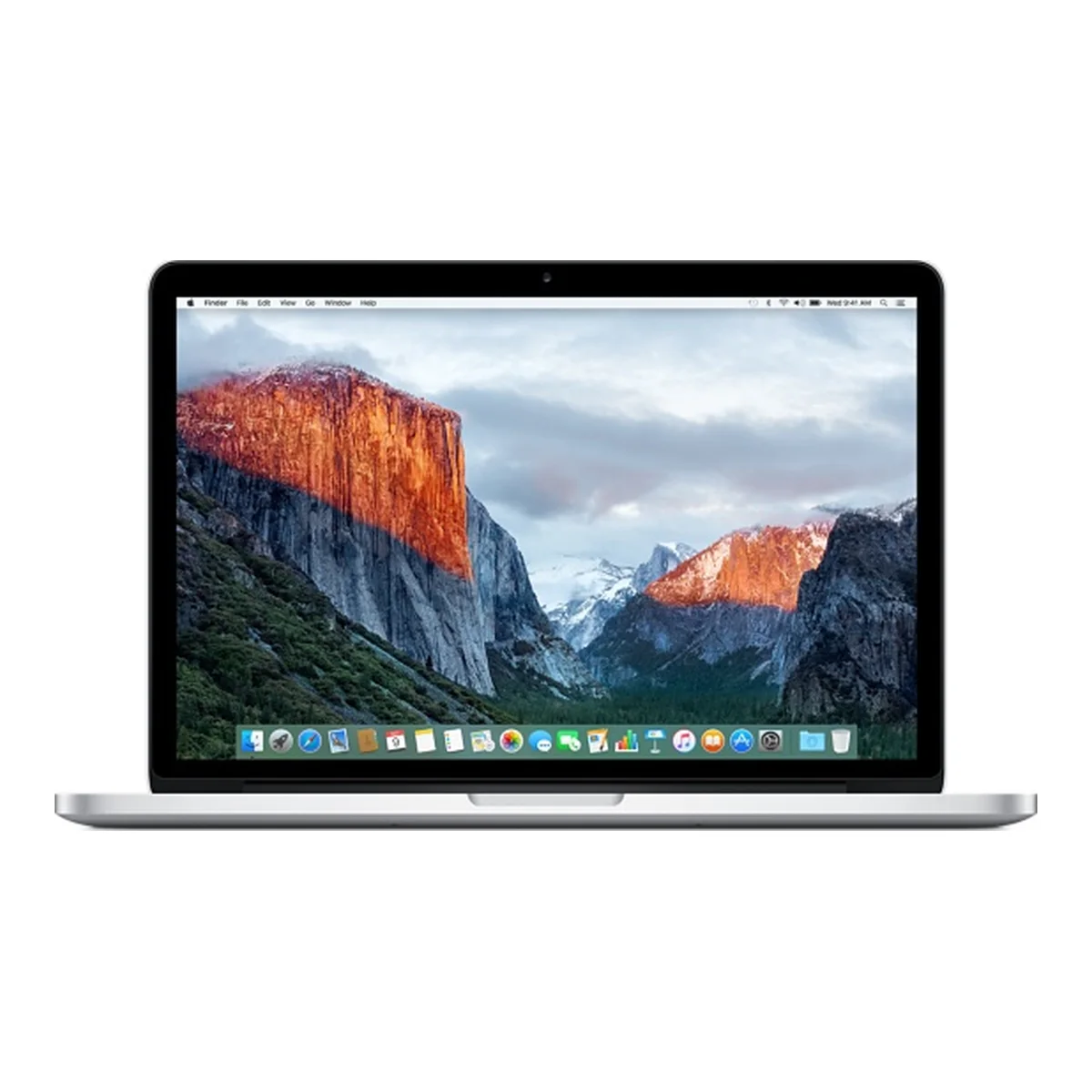
MacBook Pro 13-inch 2013 and 2014
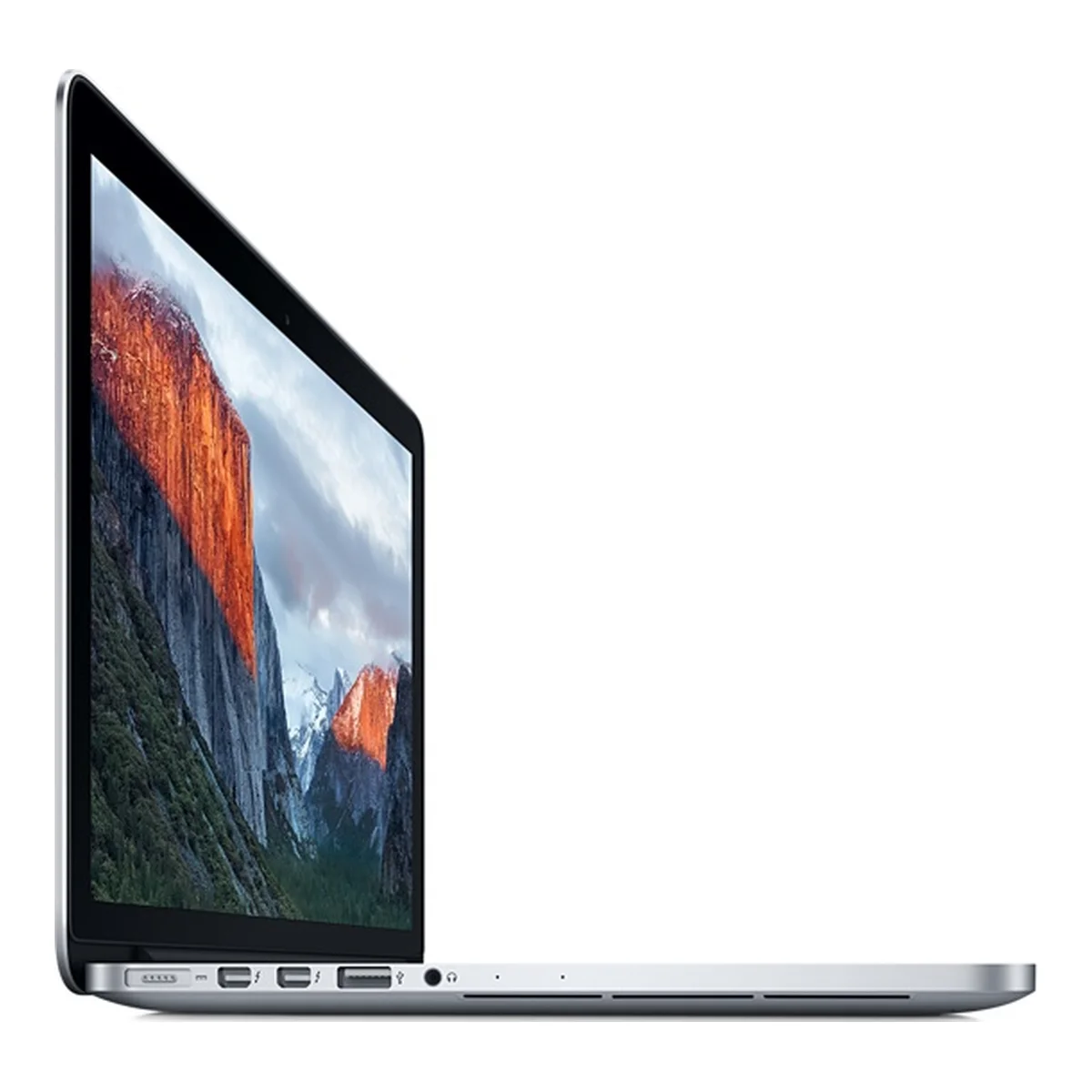
These Retina models have useful ports, including HDMI, and many people loved their keyboards. They are also old. With a Core i5 and 8GB of RAM, they can handle light tasks, but they are not comparable to modern laptops. Battery wear is almost certain, so check it carefully.
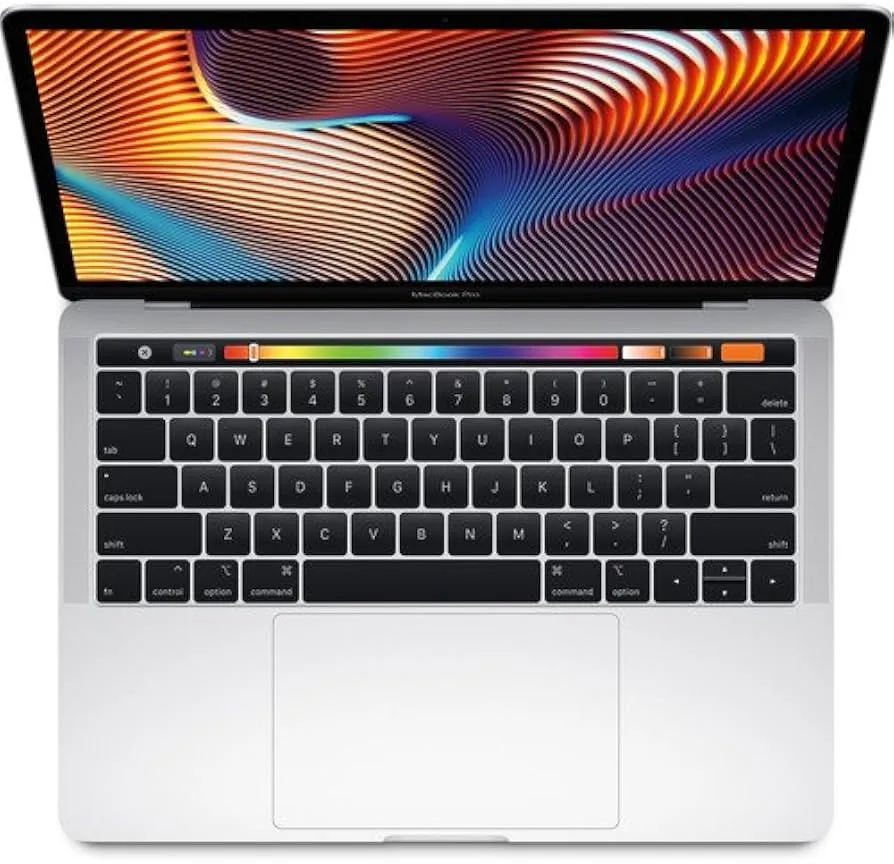
MacBook Pro 13-inch 2018 with Touch Bar
This model has a stronger Core i7 processor, 16GB of RAM in our listing, and Thunderbolt 3 ports. It uses the butterfly keyboard design, which became known for key failures from dust. Test every key thoroughly. Kenyan dust can be a problem for these keyboards, so take care of it.
Heat is also a known issue with Intel MacBook Pros under sustained use, and you may hear the fans often.
Things to check
- Activation Lock: make sure you can sign in and that the laptop is not linked to another owner's Apple Account.
- Device management: make sure it is not locked by a company's management profile.
- Battery cycle count and condition: see System Information under Power.
- Keyboard: test each key, including the Touch Bar on 2018 models.
- Screen coating: older Retina screens can show wear in their anti-reflective layer.
- Charger: confirm it is included and is the right wattage.
When is it a good buy?
An older MacBook Pro can make sense if you need macOS at the lowest possible cost and know your software will run. It can be a practical second computer for writing, browsing or learning.
It is less sensible if you need a laptop that will last many years. An Apple silicon MacBook Air M1 usually offers much better speed, battery life and longer software support for a higher price. Compare the two before you decide.
If you only need Windows applications, an Ex-UK EliteBook or ThinkPad may provide better value and newer support.
Read our Ex-UK laptop checklist before paying, and budget for a USB-C hub on models with few ports.
In the shop now
Current prices and stock from our catalogue.
Buying from FancyTech
Visit us at Rehema House, Standard Street, Nairobi, or order online for delivery in 1–3 hours in Nairobi and next day countrywide. Delivery is KSh 300 in Nairobi and KSh 600 to other counties, and free on orders above KSh 150,000. Each listing states its condition and warranty. See our returns policy or contact us with any question.
Keep reading
MacBook Air M1, M2 and M3: Which to Buy in Kenya
How Apple's M1, M2 and M3 MacBook Air laptops compare on screen, performance and battery, and which is best value.
Ex-UK Laptop Checklist: What to Test Before You Pay
A practical inspection guide for used Ex-UK laptops covering battery reports, screens, BIOS locks, keyboards and ports.
USB-C Hubs and Docks: Connect More to Your Laptop
How to choose a USB-C hub for HDMI, Ethernet and USB ports, including power delivery and MacBook compatibility.
Best Laptop Specs for Students in Kenya, by Course
How much laptop a Kenyan university or college student really needs, with minimum specs by course and tips on stretching a budget.
iMac M3 Guide: Is an All-in-One Mac Right for You?
What the 24-inch M3 iMac offers for homes, offices and creative work, and what to consider about power and ports in Kenya.
Lenovo IdeaPad, Yoga and ThinkBook: Consumer Laptop Guide
How Lenovo's consumer laptops differ from ThinkPads, and how to pick an IdeaPad, Flex, Yoga or ThinkBook in Kenya.