USB-C Hubs and Docks: Connect More to Your Laptop
Thin laptops often have few ports. A USB-C hub adds the connections you need, but not all hubs are equal.
Common ports
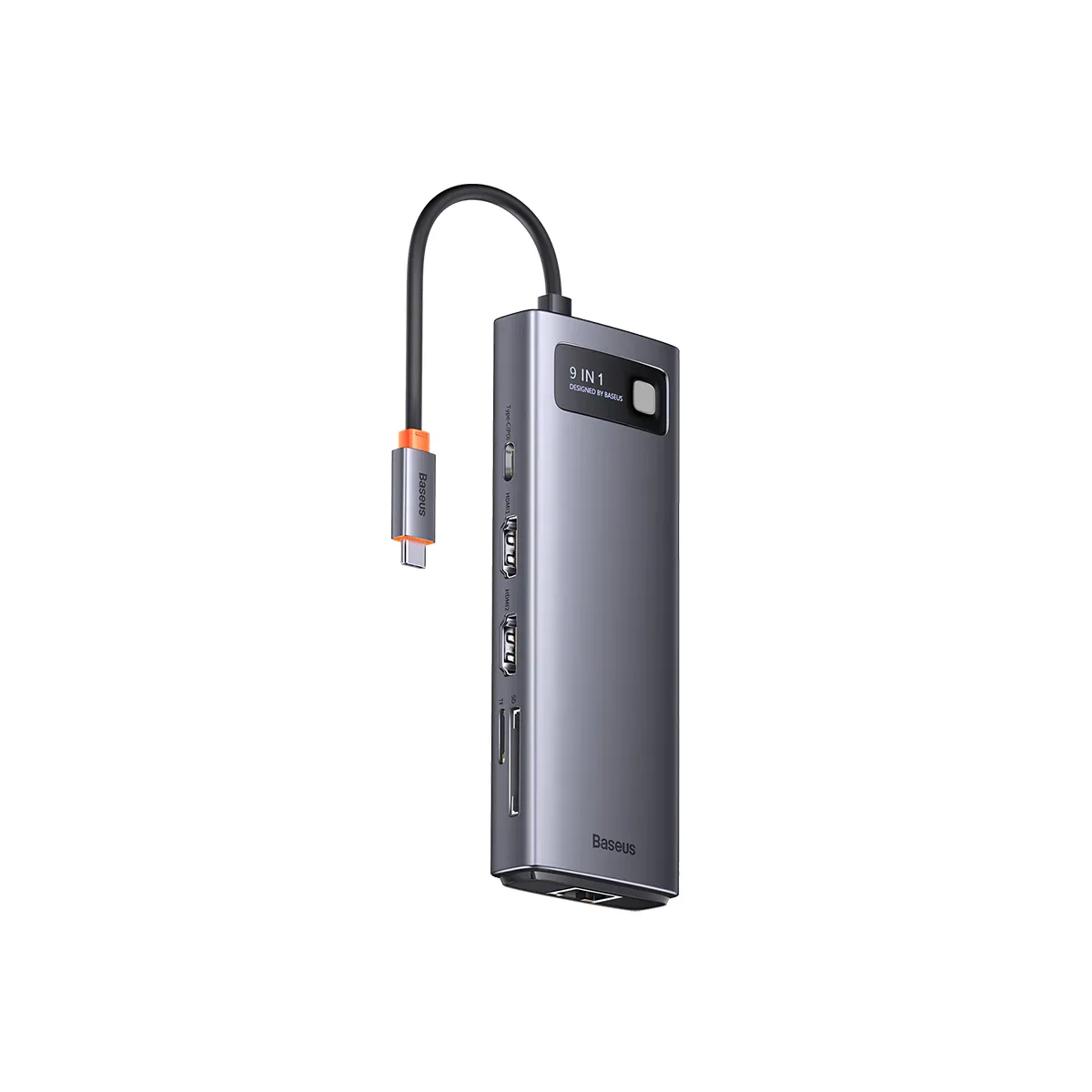
- HDMI: for monitors, TVs and projectors.
- USB-A: for older accessories such as mouse dongles and flash drives.
- Ethernet: for reliable wired internet.
- SD/microSD: for photographers.
- USB-C Power Delivery: lets you charge your laptop through the hub.
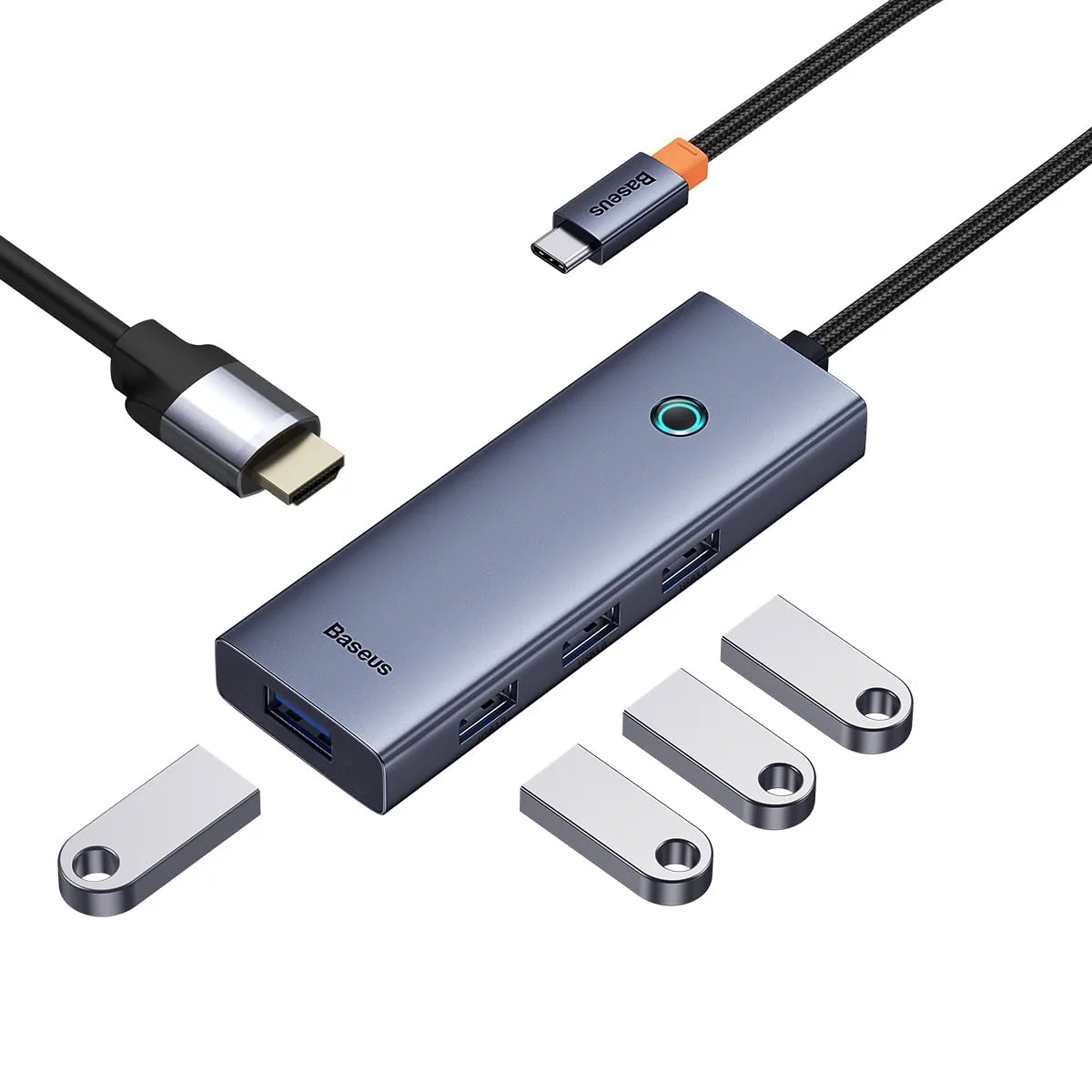
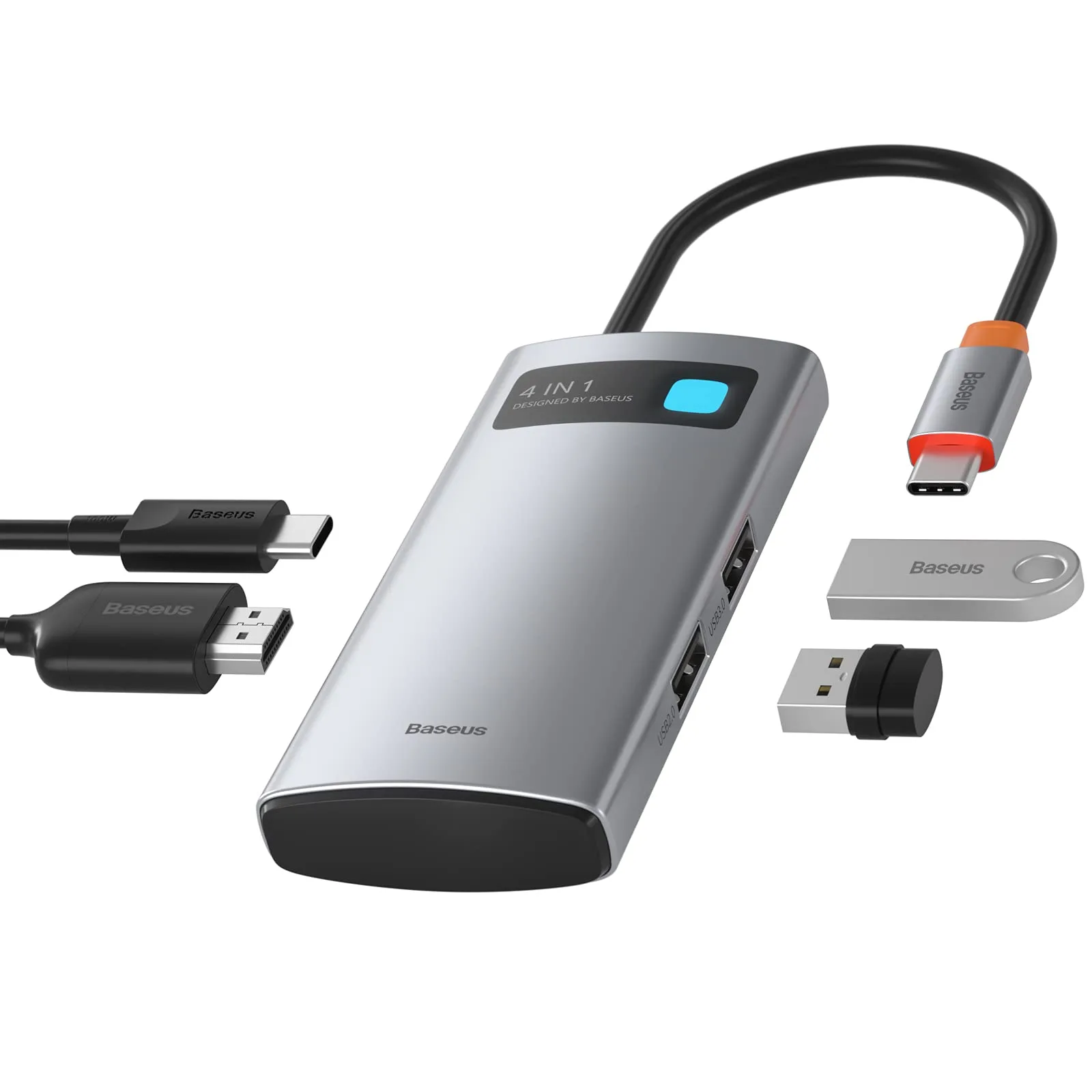
Our range includes the Baseus 4-in-1, Ultra Joy 5-in-1 and Joystar 9-in-1 hubs, plus the UGREEN 7-in-1 and Uno 7-in-1 hubs.
4K at what refresh rate?
A hub advertising 4K HDMI may only output 30Hz, which feels sluggish for desktop work. 60Hz is smoother. Your laptop's USB-C port must support video output as well. Some USB-C ports only provide data and charging.
Power delivery
Pass-through charging usually loses a little power because the hub uses some for itself. If your laptop needs 65W, use a charger strong enough to provide this after the hub's share is taken.
Check our GaN charger guide for what wattage to choose.
MacBooks
Base-model MacBook Airs with M1 and M2 chips natively support only one external display. A hub will not generally change that unless special software or DisplayLink hardware is used. The MacBook Air M3 supports two external displays with the lid closed.
Other things to check
- Data speed: USB 3.0 or higher is better for external drives.
- Heat: hubs can get warm, especially with heavy use.
- Build: a reinforced cable matters if you travel often.
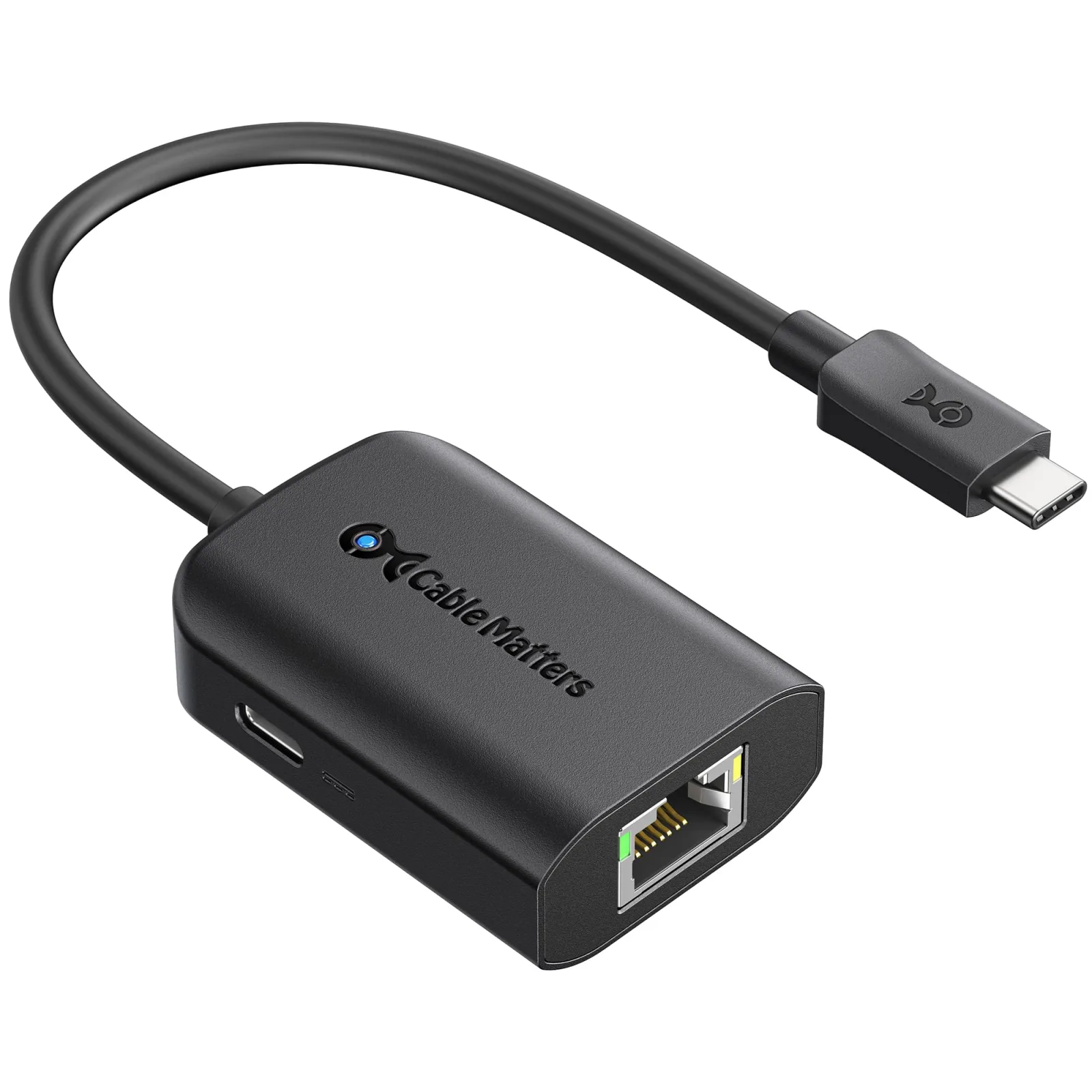
Ethernet for stable calls
Wi-Fi can be unreliable in some buildings. A hub with Ethernet can give more stable connections for video calls or large uploads.
Hubs vs docks
Docks generally provide more ports and stronger power, and they stay on your desk. Hubs are smaller and portable. Choose based on whether you need to work at a fixed desk or on the move.
Desk comfort
A laptop stand, such as our foldable aluminium stand, raises the screen closer to eye level. Pair it with an external keyboard and mouse for better posture.
External storage
Some hubs provide enough speed for a portable SSD, but direct connection to the laptop is often faster.
In the shop now
Current prices and stock from our catalogue.
Baseus Joystar 9 in 1 USB-C Hub
KSh 10,999 + VATWas KSh 12,500
Baseus Ultra Joy 5-in-1 USB-C hub
KSh 7,300 + VATWas KSh 7,500
Baseus USB C Hub 4 in 1 Docking Station Adapter
KSh 5,799 + VATWas KSh 5,999
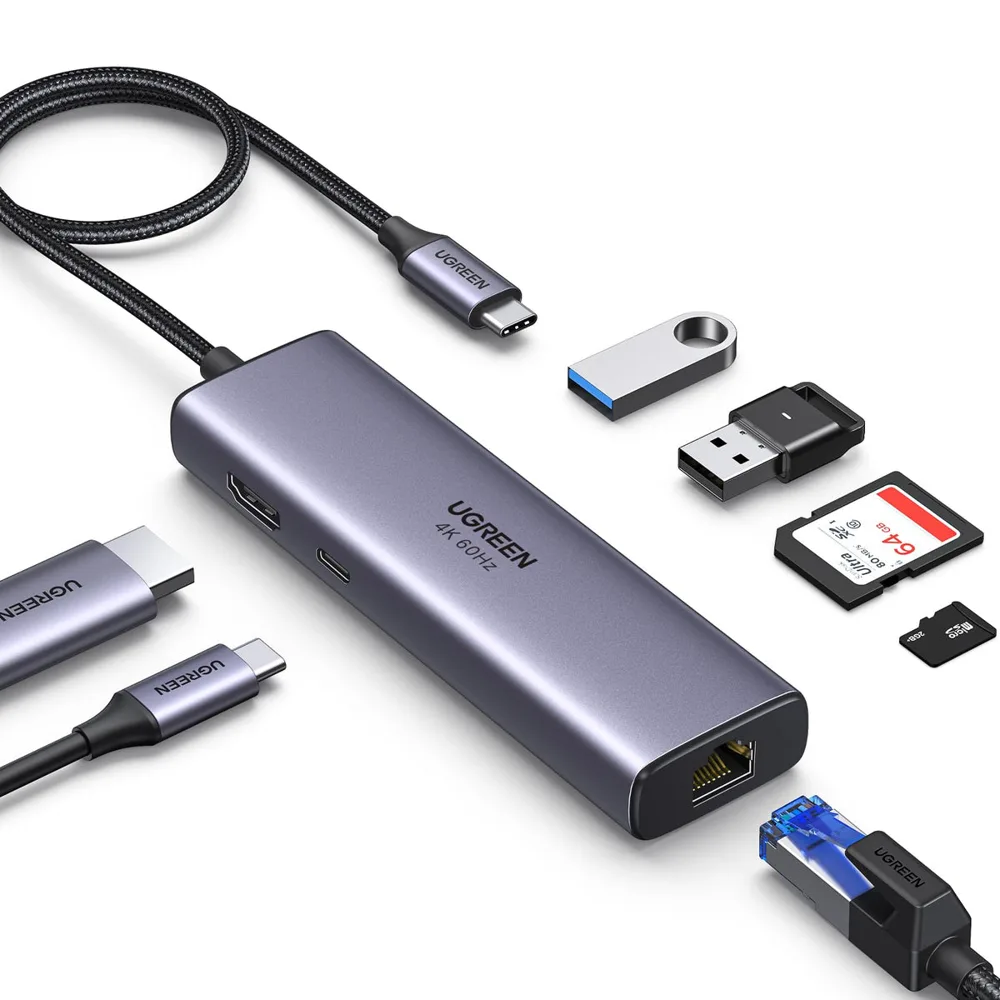
UGREEN 7-in-1 USB-C Hub with 4K HDMI, Ethernet and 100W PD
KSh 4,200 + VAT

UGREEN Uno 7-in-1 USB-C Hub with 4K HDMI and Ethernet
KSh 4,200 + VAT
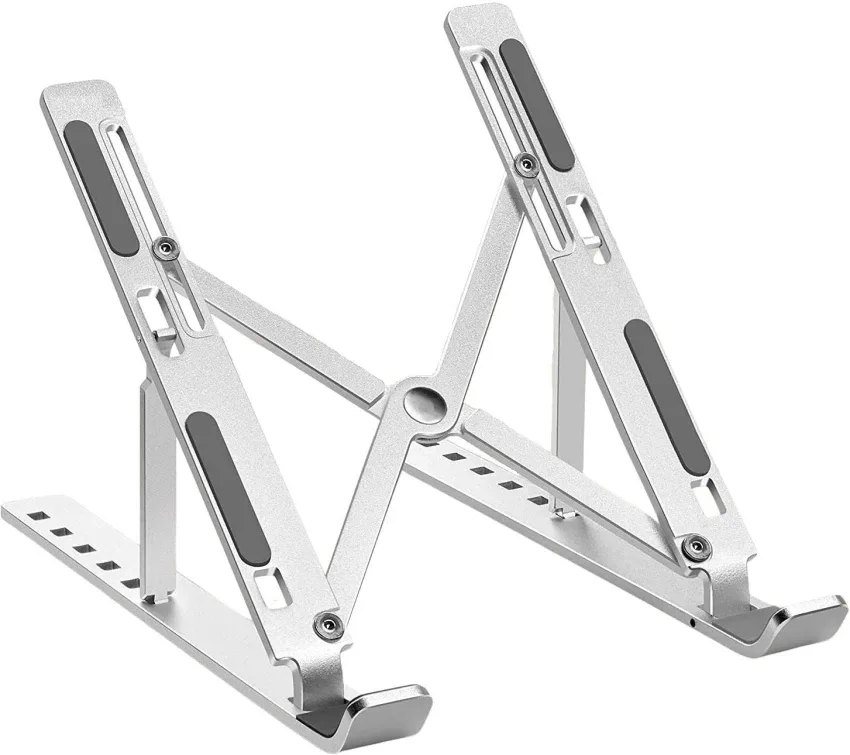
Foldable Aluminum Laptop Stand
KSh 1,999 + VAT
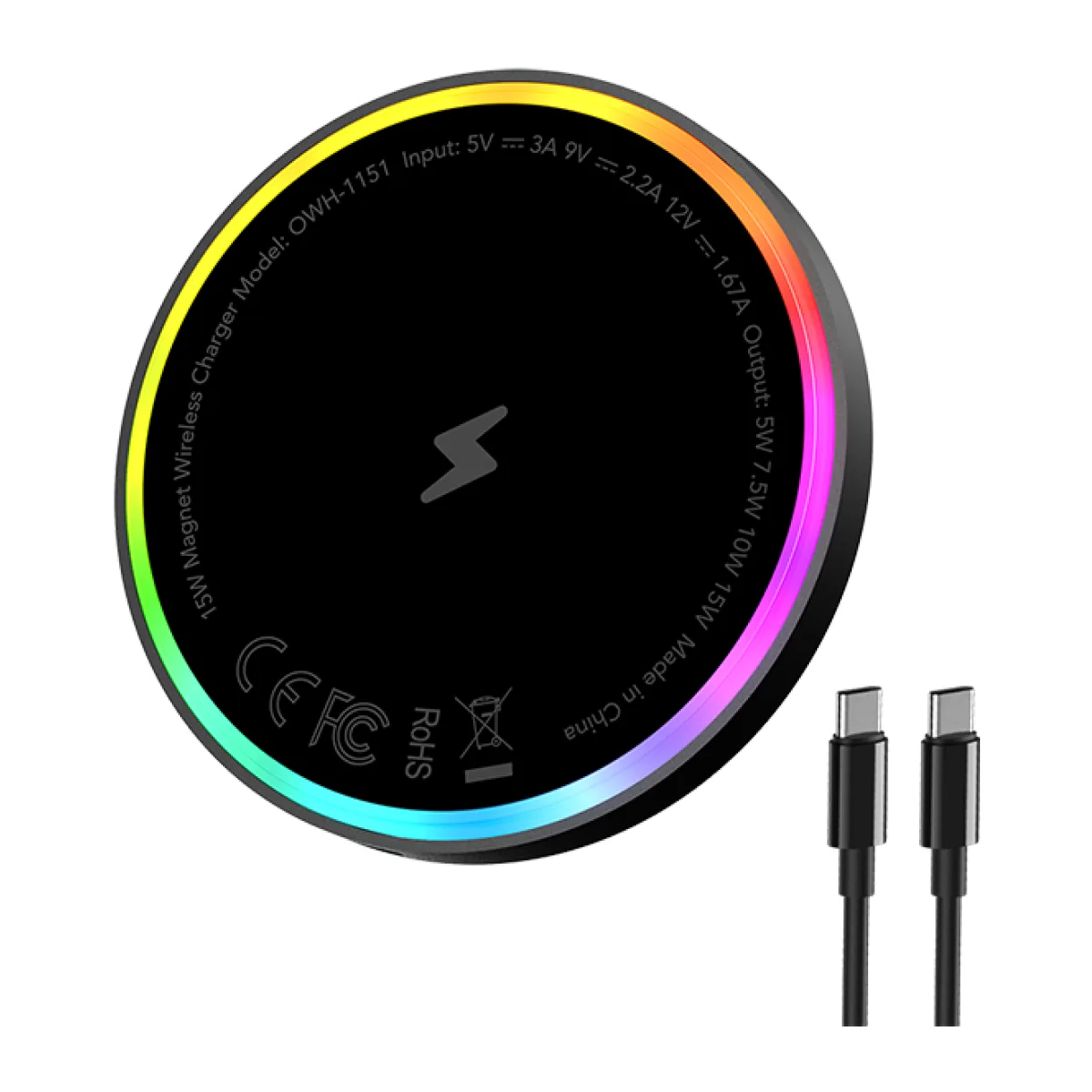
Oraimo PowerDock 15W Magnetic Wireless Charging Pad
KSh 1,700 + VAT
Buying from FancyTech
Visit us at Rehema House, Standard Street, Nairobi, or order online for delivery in 1–3 hours in Nairobi and next day countrywide. Delivery is KSh 300 in Nairobi and KSh 600 to other counties, and free on orders above KSh 150,000. Each listing states its condition and warranty. See our returns policy or contact us with any question.
Keep reading
MacBook Air M1, M2 and M3: Which to Buy in Kenya
How Apple's M1, M2 and M3 MacBook Air laptops compare on screen, performance and battery, and which is best value.
GaN Chargers and Fast Charging, Explained Without the Jargon
What GaN means, how USB-C PD and PPS work, how many watts you need, and how to choose Oraimo, UGREEN or Baseus chargers.
Portable SSDs and Flash Drives: Keep Your Files Safe
How to choose SanDisk portable SSDs and USB drives for work and backup, and how to protect files from loss.
Keyboards and Mice for Work: A Logitech and UGREEN Guide
How to pick a wireless mouse or keyboard for home and office, from basic combos to MX Master and ergonomic models.
Car Chargers and Phone Holders for Kenyan Drivers
How to choose a fast car charger and a safe phone mount, including Oraimo, UGREEN, Baseus, Xiaomi and FM modulators.
iPhone Accessories Worth Buying: Cases, MagSafe, AirTag and More
Which iPhone accessories are worth the money, from silicone cases and MagSafe to AirTag, adapters and Mac peripherals.