Buy now, pay weekly
Lipa Mdogo Mdogo phones in Kenya.
Take your iPhone home with a deposit of 40% or more and pay the rest weekly over 12 or 24 weeks, or monthly over 3 or 6 months. The bigger your deposit, the less you pay overall. Also known as Lipa Pole Pole phones. Apply online in minutes — nothing to pay until you’re approved.
Calculator
What would you pay?
Type the phone you want, pick it from the list, choose your deposit, and see your weekly or monthly payments.
Showing: Apple iPhone Duo — 256GB
Only the balance is marked up, so every extra KSh 1,000 you put down takes KSh 1,500–KSh 1,800 off your payments.
Put down 50% or more and get a free Apple 20-watt USB-C power adapter.
Free Apple 20-watt USB-C power adapter included
12 weeks · balance × 1.5
KSh 25,500 / week
Total KSh 442,000
24 weeks · balance × 1.8
KSh 15,300 / week
Total KSh 503,200
3 months · balance × 1.5
KSh 102,000 / month
Total KSh 442,000
6 months · balance × 1.8
KSh 61,200 / month
Total KSh 503,200
iPhone Lipa Mdogo Mdogo prices
Deposit and weekly payments for every iPhone you can get on Lipa Mdogo Mdogo today. Prices updated 7 Nov 2026.
| Phone | Cash price | Deposit (40%) | 12 weeks | 24 weeks | |
|---|---|---|---|---|---|
| Apple iPhone Duo — 256GB | KSh 340,000 | KSh 136,000 | KSh 25,500/wk | KSh 15,300/wk | Apply |
| Apple iPhone Duo — 512GB | KSh 370,000 | KSh 148,000 | KSh 27,750/wk | KSh 16,650/wk | Apply |
| Apple iPhone Duo — 1TB | KSh 540,000 | KSh 216,000 | KSh 40,500/wk | KSh 24,300/wk | Apply |
| Apple iPhone 18 Pro Max — 256GB Esim | KSh 215,000 | KSh 86,000 | KSh 16,125/wk | KSh 9,675/wk | Apply |
| Apple iPhone 18 Pro Max — 256GB SIM | KSh 220,000 | KSh 88,000 | KSh 16,500/wk | KSh 9,900/wk | Apply |
| Apple iPhone 18 Pro Max — 512GB Esim | KSh 240,000 | KSh 96,000 | KSh 18,000/wk | KSh 10,800/wk | Apply |
| Apple iPhone 18 Pro Max — 512GB SIM | KSh 249,000 | KSh 99,600 | KSh 18,675/wk | KSh 11,205/wk | Apply |
| Apple iPhone 18 Pro Max — 1TB Esim | KSh 320,000 | KSh 128,000 | KSh 24,000/wk | KSh 14,400/wk | Apply |
| Apple iPhone 18 Pro Max — 1TB SIM | KSh 325,000 | KSh 130,000 | KSh 24,375/wk | KSh 14,625/wk | Apply |
| Apple iPhone 18 pro — 256GB Esim | KSh 186,000 | KSh 74,400 | KSh 13,950/wk | KSh 8,370/wk | Apply |
| Apple iPhone 18 pro — 256GB SIM | KSh 199,000 | KSh 79,600 | KSh 14,925/wk | KSh 8,955/wk | Apply |
| Apple iPhone 18 pro — 512GB Esim | KSh 230,000 | KSh 92,000 | KSh 17,250/wk | KSh 10,350/wk | Apply |
| Apple iPhone 18 pro — 512GB SIM | KSh 235,000 | KSh 94,000 | KSh 17,625/wk | KSh 10,575/wk | Apply |
| Apple iPhone 17 Pro Max — 256GB Esim | KSh 166,500 | KSh 66,600 | KSh 12,488/wk | KSh 7,493/wk | Apply |
| Apple iPhone 17 Pro Max — 256GB SIM | KSh 175,000 | KSh 70,000 | KSh 13,125/wk | KSh 7,875/wk | Apply |
| Apple iPhone 17 Pro Max — 512GB Esim | KSh 199,999 | KSh 80,000 | KSh 15,000/wk | KSh 9,000/wk | Apply |
| Apple iPhone 17 Pro Max — 512GB SIM | KSh 210,000 | KSh 84,000 | KSh 15,750/wk | KSh 9,450/wk | Apply |
| Apple iPhone 17 Pro Max — 1TB Esim | KSh 225,000 | KSh 90,000 | KSh 16,875/wk | KSh 10,125/wk | Apply |
| Apple iPhone 17 Pro Max — 1TB SIM | KSh 245,000 | KSh 98,000 | KSh 18,375/wk | KSh 11,025/wk | Apply |
| Apple iPhone 17 Pro — 256GB Esim | KSh 159,000 | KSh 63,600 | KSh 11,925/wk | KSh 7,155/wk | Apply |
| Apple iPhone 17 Pro — 256GB SIM | KSh 169,000 | KSh 67,600 | KSh 12,675/wk | KSh 7,605/wk | Apply |
| Apple iPhone 17 Pro — 512GB Esim | KSh 179,000 | KSh 71,600 | KSh 13,425/wk | KSh 8,055/wk | Apply |
| Apple iPhone 17 Pro — 512GB SIM | KSh 195,000 | KSh 78,000 | KSh 14,625/wk | KSh 8,775/wk | Apply |
| Ex-UK iPhone 17 Pro Max — 256GB Esim | KSh 145,000 | KSh 58,000 | KSh 10,875/wk | KSh 6,525/wk | Apply |
| Ex-UK iPhone 17 Pro Max — 256GB SIM | KSh 148,000 | KSh 59,200 | KSh 11,100/wk | KSh 6,660/wk | Apply |
| Ex-UK iPhone 17 Pro Max — 512GB Esim | KSh 156,000 | KSh 62,400 | KSh 11,700/wk | KSh 7,020/wk | Apply |
| Ex-UK iPhone 17 Pro Max — 512GB SIM | KSh 159,000 | KSh 63,600 | KSh 11,925/wk | KSh 7,155/wk | Apply |
| Ex-UK iPhone 16 Pro Max — 256GB eSIM | KSh 120,000 | KSh 48,000 | KSh 9,000/wk | KSh 5,400/wk | Apply |
| Ex-UK iPhone 16 Pro Max — 256GB Physical SIM | KSh 125,000 | KSh 50,000 | KSh 9,375/wk | KSh 5,625/wk | Apply |
| Apple iPhone 15 Pro Max — 1TB | KSh 125,000 | KSh 50,000 | KSh 9,375/wk | KSh 5,625/wk | Apply |
| Apple iPhone 15 Pro Max — 256GB | KSh 95,000 | KSh 38,000 | KSh 7,125/wk | KSh 4,275/wk | Apply |
| Apple iPhone 15 Pro Max — 512GB | KSh 105,000 | KSh 42,000 | KSh 7,875/wk | KSh 4,725/wk | Apply |
| Apple iPhone 15 Plus — 128GB / Dubai | KSh 95,000 | KSh 38,000 | KSh 7,125/wk | KSh 4,275/wk | Apply |
| Apple iPhone 15 Plus — 256GB / Dubai | KSh 109,000 | KSh 43,600 | KSh 8,175/wk | KSh 4,905/wk | Apply |
| Ex-UK iPhone 15 Pro Max — 256GB eSIM | KSh 95,000 | KSh 38,000 | KSh 7,125/wk | KSh 4,275/wk | Apply |
| Ex-UK iPhone 15 Pro Max — 512GB | KSh 105,000 | KSh 42,000 | KSh 7,875/wk | KSh 4,725/wk | Apply |
| Ex-UK iPhone 15 Pro Max — 1TB | KSh 105,000 | KSh 42,000 | KSh 7,875/wk | KSh 4,725/wk | Apply |
| Ex-UK iPhone 15 Pro Max — 256GB Physical SIM | KSh 97,000 | KSh 38,800 | KSh 7,275/wk | KSh 4,365/wk | Apply |
| Apple iPhone 15 Pro | KSh 85,000 | KSh 34,000 | KSh 6,375/wk | KSh 3,825/wk | Apply |
| Apple iPhone 15 — 128GB | KSh 79,000 | KSh 31,600 | KSh 5,925/wk | KSh 3,555/wk | Apply |
| Apple iPhone 15 — 256GB | KSh 93,000 | KSh 37,200 | KSh 6,975/wk | KSh 4,185/wk | Apply |
| Ex-UK iPhone 15 Pro — 256GB eSIM | KSh 79,000 | KSh 31,600 | KSh 5,925/wk | KSh 3,555/wk | Apply |
| Ex-UK iPhone 15 Pro — 512GB eSIM | KSh 86,000 | KSh 34,400 | KSh 6,450/wk | KSh 3,870/wk | Apply |
| Ex-UK iPhone 15 Pro — 1TB eSIM | KSh 89,000 | KSh 35,600 | KSh 6,675/wk | KSh 4,005/wk | Apply |
| Ex-UK iPhone 14 Pro Max — 256GB eSIM | KSh 78,000 | KSh 31,200 | KSh 5,850/wk | KSh 3,510/wk | Apply |
| Ex-UK iPhone 14 Pro Max — 512GB eSIM | KSh 85,000 | KSh 34,000 | KSh 6,375/wk | KSh 3,825/wk | Apply |
| Ex-UK iPhone 16 — 128GB eSIM | KSh 78,000 | KSh 31,200 | KSh 5,850/wk | KSh 3,510/wk | Apply |
| Ex-UK iPhone 16 — 128GB Physical SIM | KSh 78,000 | KSh 31,200 | KSh 5,850/wk | KSh 3,510/wk | Apply |
| Apple iPhone 14 Pro Max — 128GB | KSh 72,000 | KSh 28,800 | KSh 5,400/wk | KSh 3,240/wk | Apply |
| Apple iPhone 14 Pro Max — 256GB | KSh 78,000 | KSh 31,200 | KSh 5,850/wk | KSh 3,510/wk | Apply |
| Apple iPhone 14 Pro Max — 512GB | KSh 88,000 | KSh 35,200 | KSh 6,600/wk | KSh 3,960/wk | Apply |
| Ex-UK iPhone 14 Pro — 256GB eSIM | KSh 69,000 | KSh 27,600 | KSh 5,175/wk | KSh 3,105/wk | Apply |
| Ex-UK iPhone 14 Pro — 512GB eSIM | KSh 75,000 | KSh 30,000 | KSh 5,625/wk | KSh 3,375/wk | Apply |
| Ex-UK iPhone 15 Plus — 128GB eSIM | KSh 67,000 | KSh 26,800 | KSh 5,025/wk | KSh 3,015/wk | Apply |
| Ex-UK iPhone 15 Plus — 256GB eSIM | KSh 70,000 | KSh 28,000 | KSh 5,250/wk | KSh 3,150/wk | Apply |
| Apple iPhone 13 Pro Max — 128GB | KSh 64,000 | KSh 25,600 | KSh 4,800/wk | KSh 2,880/wk | Apply |
| Apple iPhone 13 Pro Max — 256GB | KSh 69,000 | KSh 27,600 | KSh 5,175/wk | KSh 3,105/wk | Apply |
| Apple iPhone 13 Pro Max — 512GB | KSh 75,000 | KSh 30,000 | KSh 5,625/wk | KSh 3,375/wk | Apply |
| Ex-UK iPhone 15 — 128GB(E-sim) | KSh 64,000 | KSh 25,600 | KSh 4,800/wk | KSh 2,880/wk | Apply |
| Ex-UK iPhone 15 — 256GB(E-sim) | KSh 69,000 | KSh 27,600 | KSh 5,175/wk | KSh 3,105/wk | Apply |
| EX-UK iPhone 13 Pro Max — 128GB | KSh 63,000 | KSh 25,200 | KSh 4,725/wk | KSh 2,835/wk | Apply |
| EX-UK iPhone 13 Pro Max — 256GB | KSh 68,000 | KSh 27,200 | KSh 5,100/wk | KSh 3,060/wk | Apply |
| Apple iPhone 13 Pro — 128GB | KSh 55,000 | KSh 22,000 | KSh 4,125/wk | KSh 2,475/wk | Apply |
| Apple iPhone 13 Pro — 256GB | KSh 59,000 | KSh 23,600 | KSh 4,425/wk | KSh 2,655/wk | Apply |
| Apple iPhone 14 — 128GB | KSh 55,000 | KSh 22,000 | KSh 4,125/wk | KSh 2,475/wk | Apply |
| Apple iPhone 14 — 256GB | KSh 60,000 | KSh 24,000 | KSh 4,500/wk | KSh 2,700/wk | Apply |
| EX-UK iPhone 13 Pro — 128GB | KSh 52,000 | KSh 20,800 | KSh 3,900/wk | KSh 2,340/wk | Apply |
| EX-UK iPhone 13 Pro — 256GB | KSh 55,000 | KSh 22,000 | KSh 4,125/wk | KSh 2,475/wk | Apply |
| Ex-UK iPhone 14 — 128GB eSIM | KSh 49,000 | KSh 19,600 | KSh 3,675/wk | KSh 2,205/wk | Apply |
| Ex-UK iPhone 14 — 256GB eSIM | KSh 50,000 | KSh 20,000 | KSh 3,750/wk | KSh 2,250/wk | Apply |
| Apple iPhone 13 — 128GB | KSh 48,000 | KSh 19,200 | KSh 3,600/wk | KSh 2,160/wk | Apply |
| Apple iPhone 13 — 256GB | KSh 56,000 | KSh 22,400 | KSh 4,200/wk | KSh 2,520/wk | Apply |
| iPhone 12 Pro Max (Ex-UK) — 128GB | KSh 45,000 | KSh 18,000 | KSh 3,375/wk | KSh 2,025/wk | Apply |
| iPhone 12 Pro Max (Ex-UK) — 256GB | KSh 53,000 | KSh 21,200 | KSh 3,975/wk | KSh 2,385/wk | Apply |
| iPhone 12 Pro Max (Ex-UK) — 512GB | KSh 57,000 | KSh 22,800 | KSh 4,275/wk | KSh 2,565/wk | Apply |
| Ex-UK iPhone 13 — 128GB | KSh 45,000 | KSh 18,000 | KSh 3,375/wk | KSh 2,025/wk | Apply |
| Ex-UK iPhone 13 mini — 128GB | KSh 42,000 | KSh 16,800 | KSh 3,150/wk | KSh 1,890/wk | Apply |
| Apple iPhone 11 Pro Max (256GB) | KSh 39,999 | KSh 16,000 | KSh 3,000/wk | KSh 1,800/wk | Apply |
| Apple iPhone 12 Pro (Ex-UK) — 128GB | KSh 39,500 | KSh 15,800 | KSh 2,963/wk | KSh 1,778/wk | Apply |
| Apple iPhone 12 Pro (Ex-UK) — 256GB | KSh 44,000 | KSh 17,600 | KSh 3,300/wk | KSh 1,980/wk | Apply |
| Apple iPhone 11 Pro (256GB) | KSh 36,000 | KSh 14,400 | KSh 2,700/wk | KSh 1,620/wk | Apply |
| Apple iPhone 12 — 128GB | KSh 36,000 | KSh 14,400 | KSh 2,700/wk | KSh 1,620/wk | Apply |
| Apple iPhone 12 — 256GB | KSh 40,000 | KSh 16,000 | KSh 3,000/wk | KSh 1,800/wk | Apply |
| Apple iPhone 12 Pro — 128GB | KSh 36,000 | KSh 14,400 | KSh 2,700/wk | KSh 1,620/wk | Apply |
| Apple iPhone 12 Pro — 256GB | KSh 39,000 | KSh 15,600 | KSh 2,925/wk | KSh 1,755/wk | Apply |
| Ex-UK iPhone 11 Pro 256GB | KSh 36,000 | KSh 14,400 | KSh 2,700/wk | KSh 1,620/wk | Apply |
| Ex-UK iPhone 12 — 128GB | KSh 34,000 | KSh 13,600 | KSh 2,550/wk | KSh 1,530/wk | Apply |
| Apple iPhone 11 | KSh 31,999 | KSh 12,800 | KSh 2,400/wk | KSh 1,440/wk | Apply |
| iPhone 11 Ex-UK — 128GB | KSh 28,500 | KSh 11,400 | KSh 2,138/wk | KSh 1,283/wk | Apply |
| iPhone 11 Ex-UK — 64GB | KSh 25,000 | KSh 10,000 | KSh 1,875/wk | KSh 1,125/wk | Apply |
Apple iPhone Duo From KSh 15,300/wk · KSh 136,000 deposit
Apple iPhone 18 Pro Max From KSh 9,675/wk · KSh 86,000 deposit
Apple iPhone 18 pro From KSh 8,370/wk · KSh 74,400 deposit
Apple iPhone 17 Pro Max From KSh 7,493/wk · KSh 66,600 deposit
Apple iPhone 17 Pro From KSh 7,155/wk · KSh 63,600 deposit
Ex-UK iPhone 17 Pro Max From KSh 6,525/wk · KSh 58,000 deposit
Ex-UK iPhone 16 Pro Max From KSh 5,400/wk · KSh 48,000 deposit
Apple iPhone 15 Pro Max From KSh 4,275/wk · KSh 38,000 deposit
Apple iPhone 15 Plus From KSh 4,275/wk · KSh 38,000 deposit
Ex-UK iPhone 15 Pro Max From KSh 4,275/wk · KSh 38,000 deposit
Apple iPhone 15 Pro From KSh 3,825/wk · KSh 34,000 deposit
Apple iPhone 15 From KSh 3,555/wk · KSh 31,600 deposit
Ex-UK iPhone 15 Pro From KSh 3,555/wk · KSh 31,600 deposit
Ex-UK iPhone 14 Pro Max From KSh 3,510/wk · KSh 31,200 deposit
Ex-UK iPhone 16 From KSh 3,510/wk · KSh 31,200 deposit
Apple iPhone 14 Pro Max From KSh 3,240/wk · KSh 28,800 deposit
Ex-UK iPhone 14 Pro From KSh 3,105/wk · KSh 27,600 deposit
Ex-UK iPhone 15 Plus From KSh 3,015/wk · KSh 26,800 deposit
Apple iPhone 13 Pro Max From KSh 2,880/wk · KSh 25,600 deposit
Ex-UK iPhone 15 From KSh 2,880/wk · KSh 25,600 deposit
EX-UK iPhone 13 Pro Max From KSh 2,835/wk · KSh 25,200 deposit
Apple iPhone 13 Pro From KSh 2,475/wk · KSh 22,000 deposit
Apple iPhone 14 From KSh 2,475/wk · KSh 22,000 deposit
EX-UK iPhone 13 Pro From KSh 2,340/wk · KSh 20,800 deposit
Ex-UK iPhone 14 From KSh 2,205/wk · KSh 19,600 deposit
Apple iPhone 13 From KSh 2,160/wk · KSh 19,200 deposit
iPhone 12 Pro Max (Ex-UK) From KSh 2,025/wk · KSh 18,000 deposit
Ex-UK iPhone 13 From KSh 2,025/wk · KSh 18,000 deposit
Ex-UK iPhone 13 mini From KSh 1,890/wk · KSh 16,800 deposit
Apple iPhone 11 Pro Max (256GB) From KSh 1,800/wk · KSh 16,000 deposit
Apple iPhone 12 Pro (Ex-UK) From KSh 1,778/wk · KSh 15,800 deposit
Apple iPhone 11 Pro (256GB) From KSh 1,620/wk · KSh 14,400 deposit
Apple iPhone 12 From KSh 1,620/wk · KSh 14,400 deposit
Apple iPhone 12 Pro From KSh 1,620/wk · KSh 14,400 deposit
Ex-UK iPhone 11 Pro 256GB From KSh 1,620/wk · KSh 14,400 deposit
Ex-UK iPhone 12 From KSh 1,530/wk · KSh 13,600 deposit
Apple iPhone 11 From KSh 1,440/wk · KSh 12,800 deposit
iPhone 11 Ex-UK From KSh 1,125/wk · KSh 10,000 deposit
Lipa Mdogo Mdogo by model
How Lipa Mdogo Mdogo is worked out
You pay a deposit of 40% or more — the more you put down, the smaller the balance and the less you pay overall. The balance is multiplied by 1.5 for 12 weeks or 1.8 for 24 weeks, then split into equal weekly payments (monthly plans use the same factors over 3 or 6 months). Here’s the maths on a KSh 100,000 phone with the minimum deposit:
| 12 weeks | 24 weeks | |
|---|---|---|
| Deposit (40%) | KSh 40,000 | KSh 40,000 |
| Balance | KSh 60,000 | KSh 60,000 |
| Balance × factor | KSh 90,000 (× 1.5) | KSh 108,000 (× 1.8) |
| Weekly payment | KSh 7,500 | KSh 4,500 |
| Total paid | KSh 130,000 | KSh 148,000 |
Eligible phones
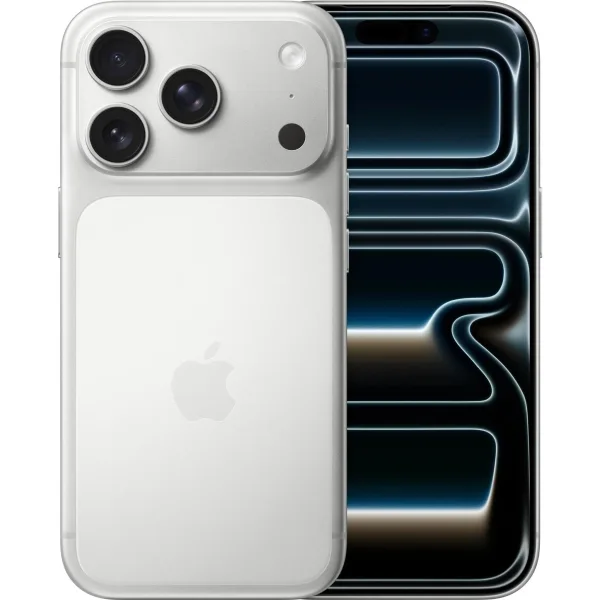
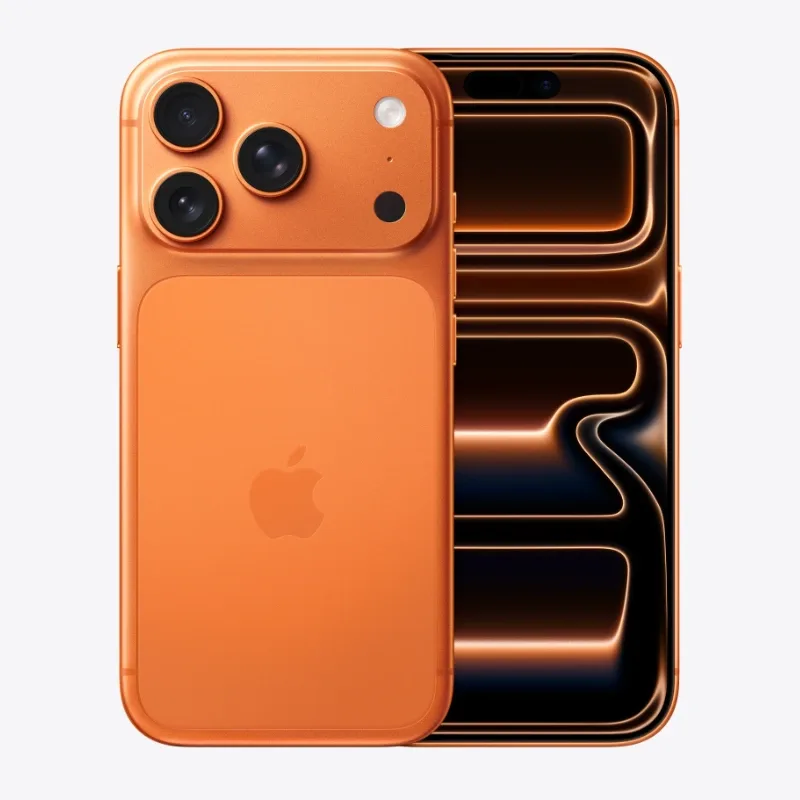
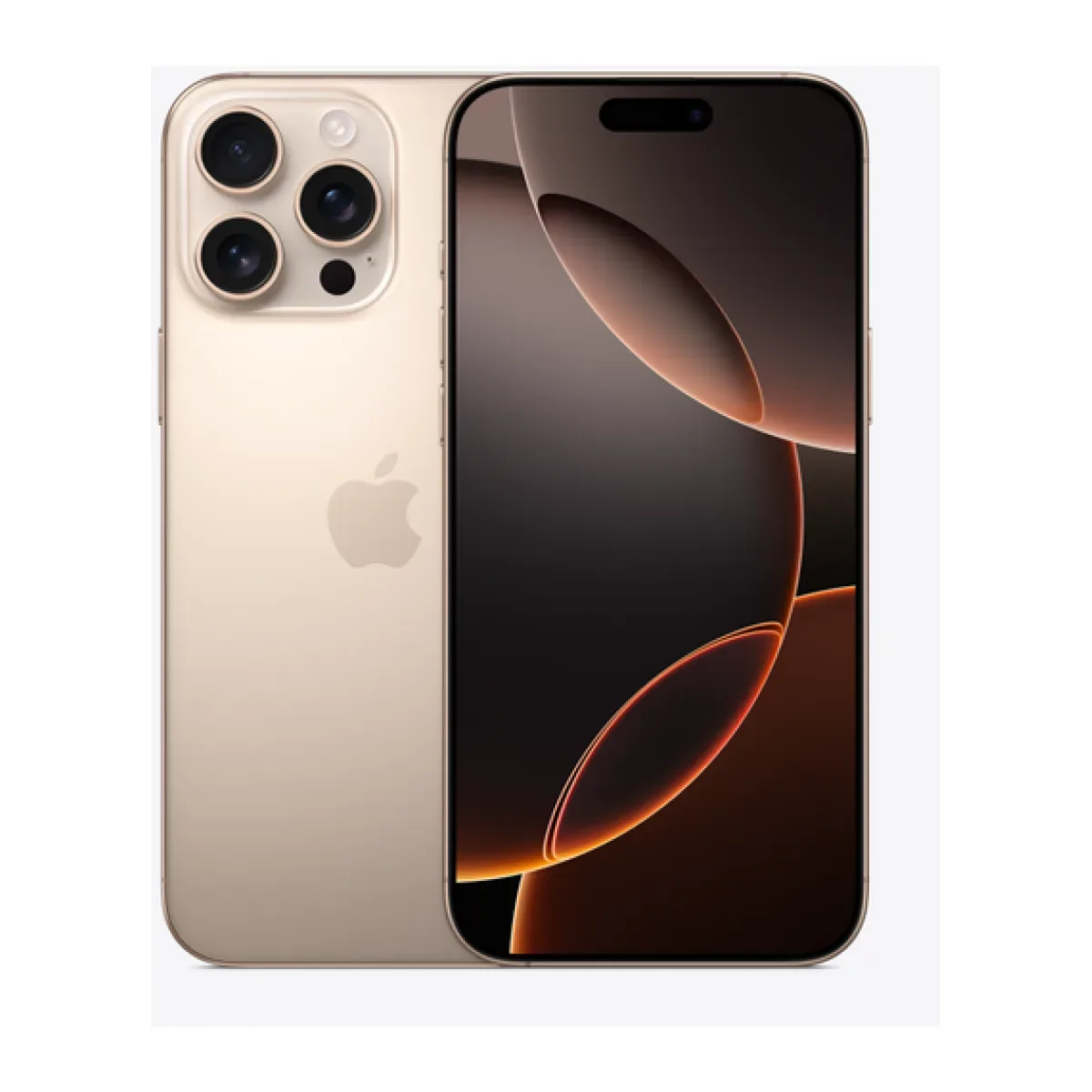
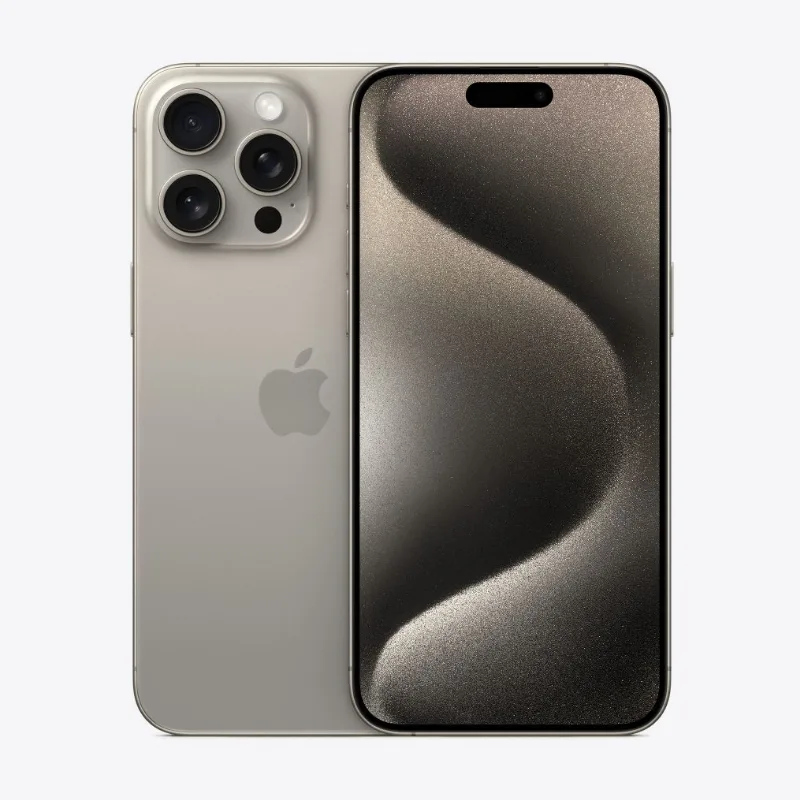
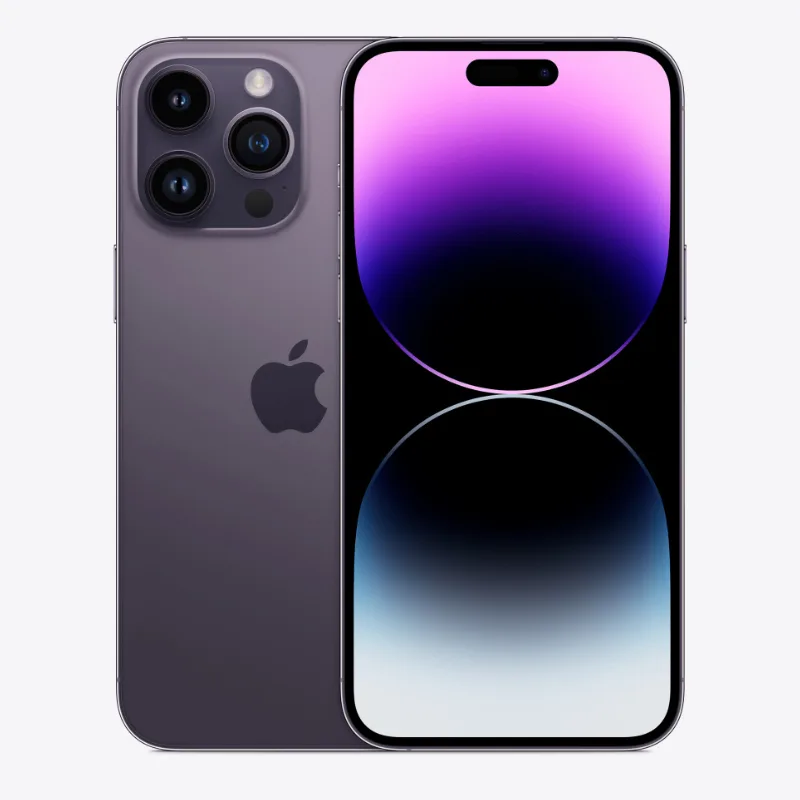
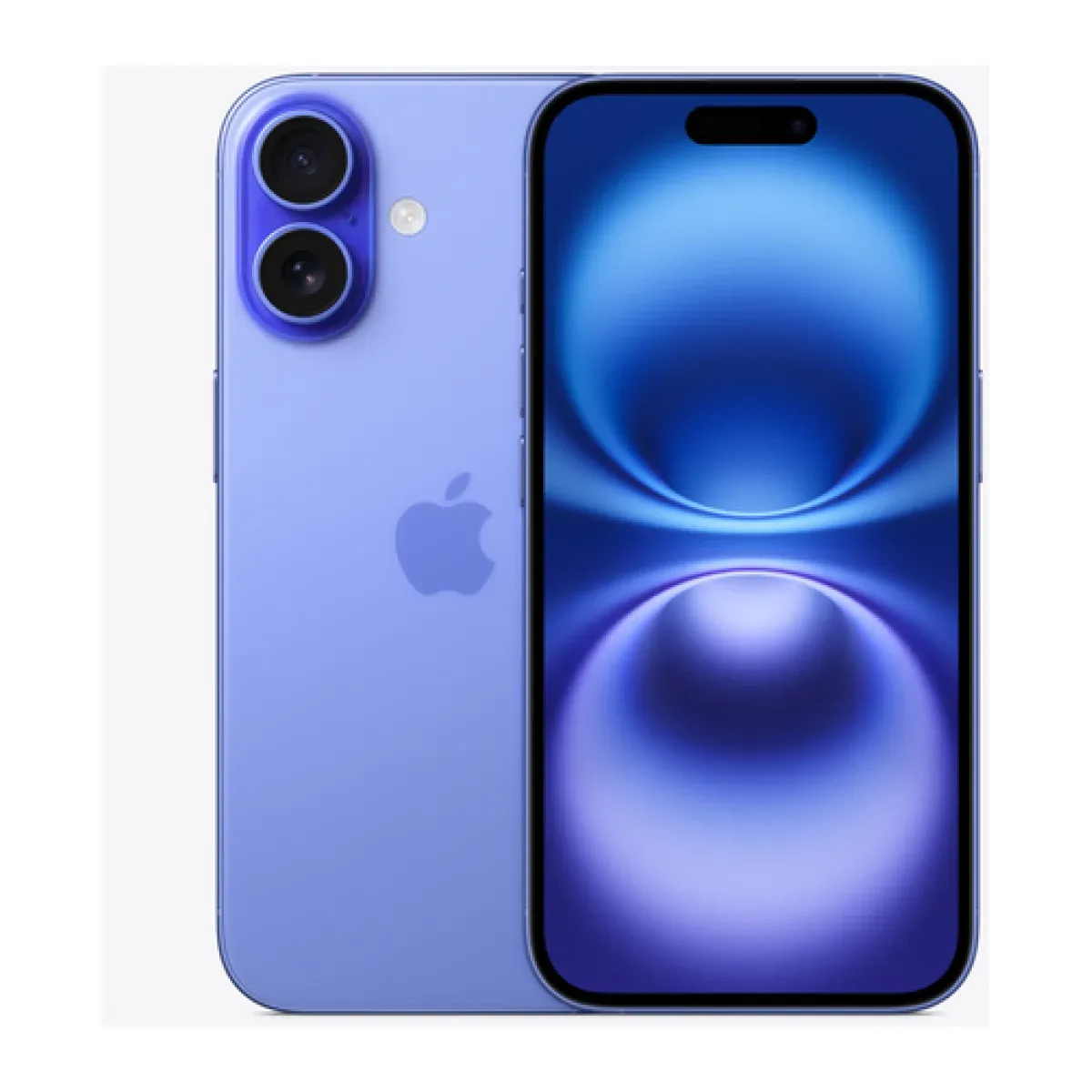
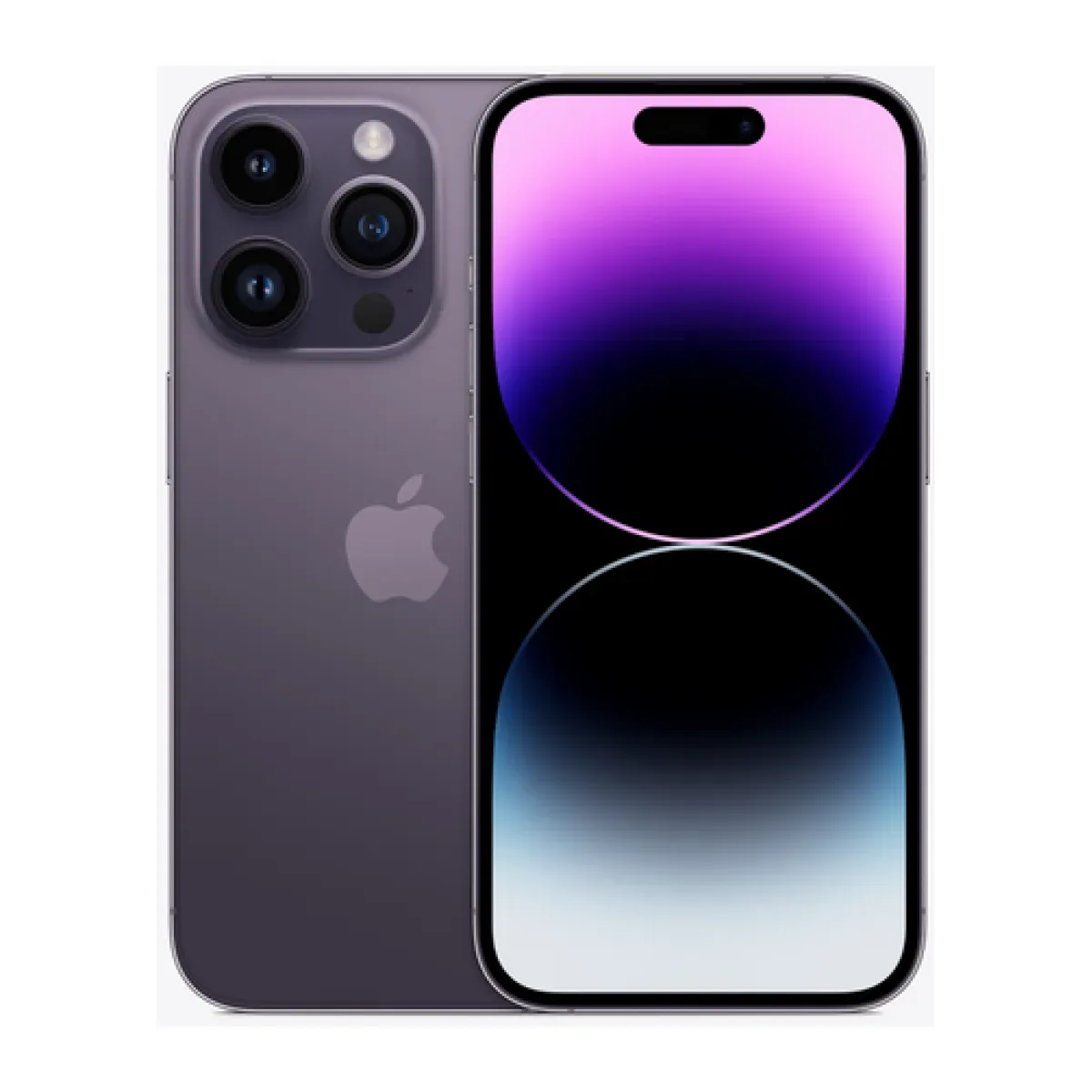
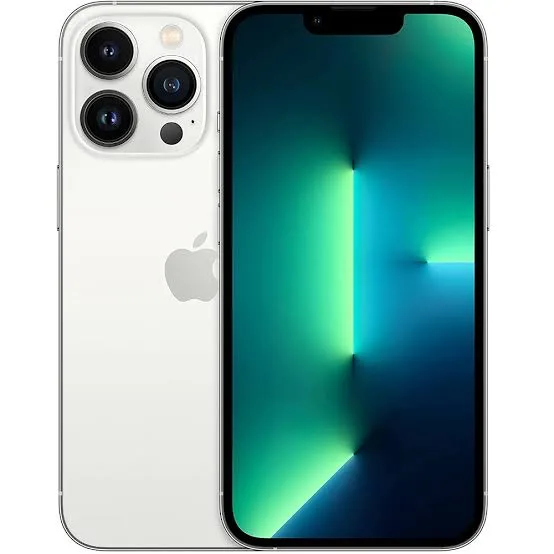
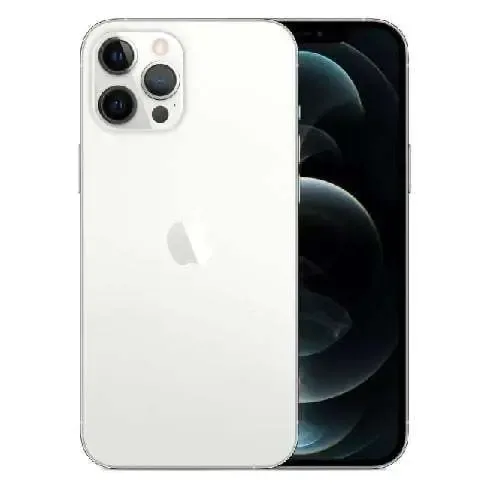
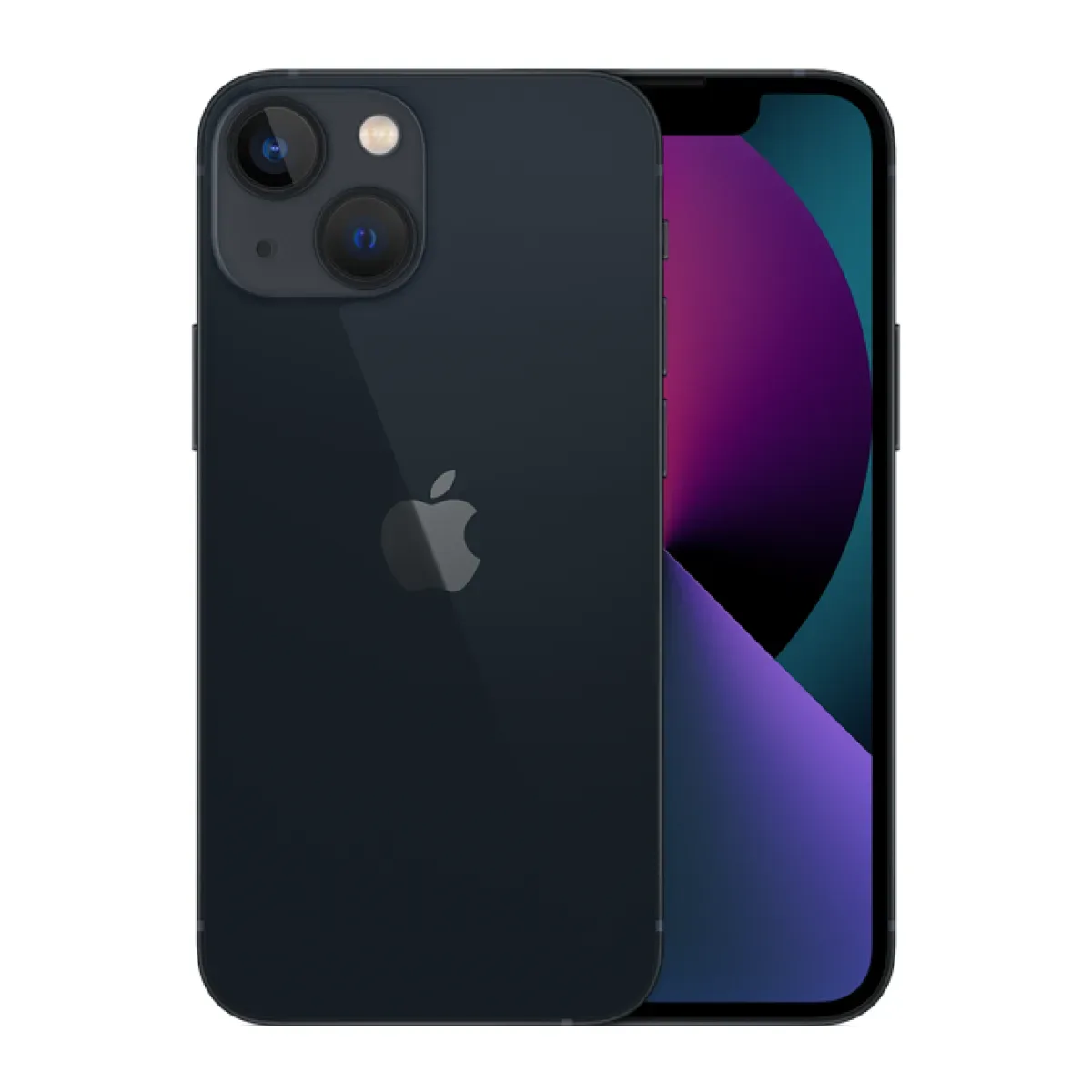
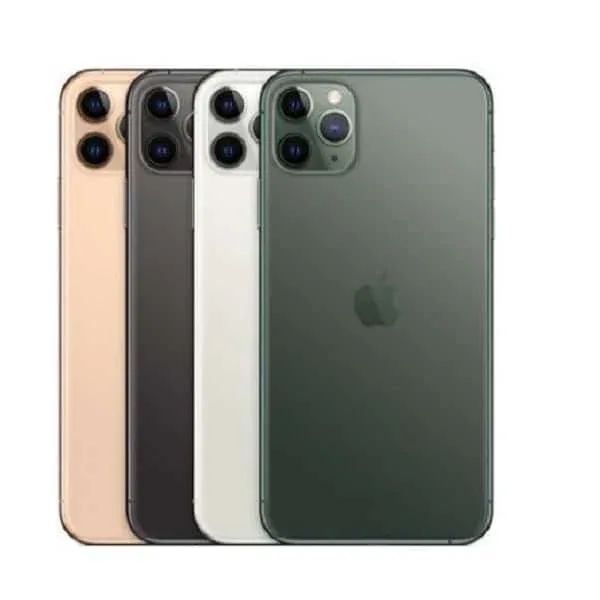
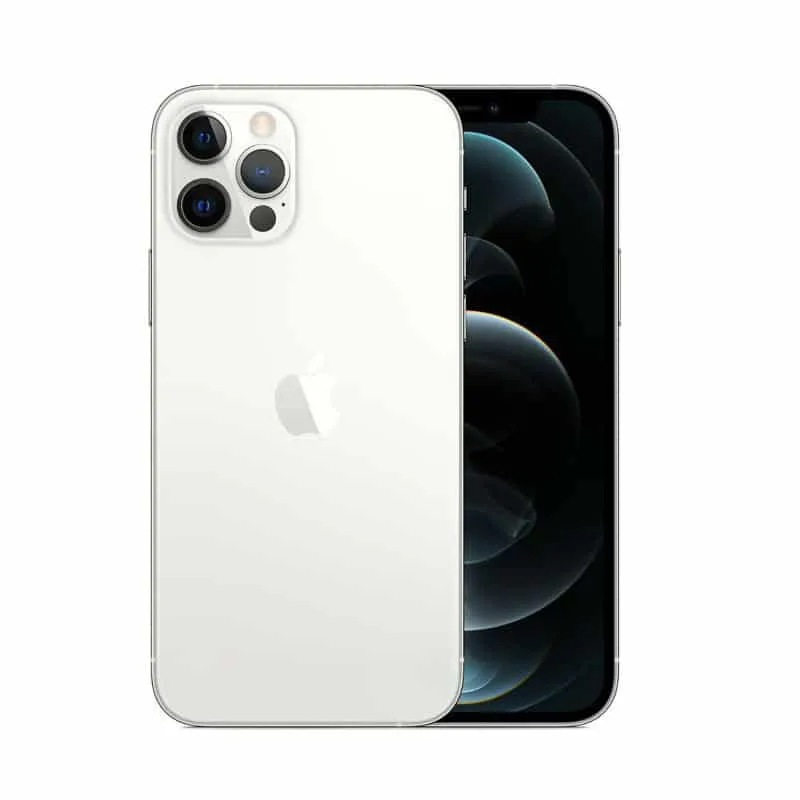
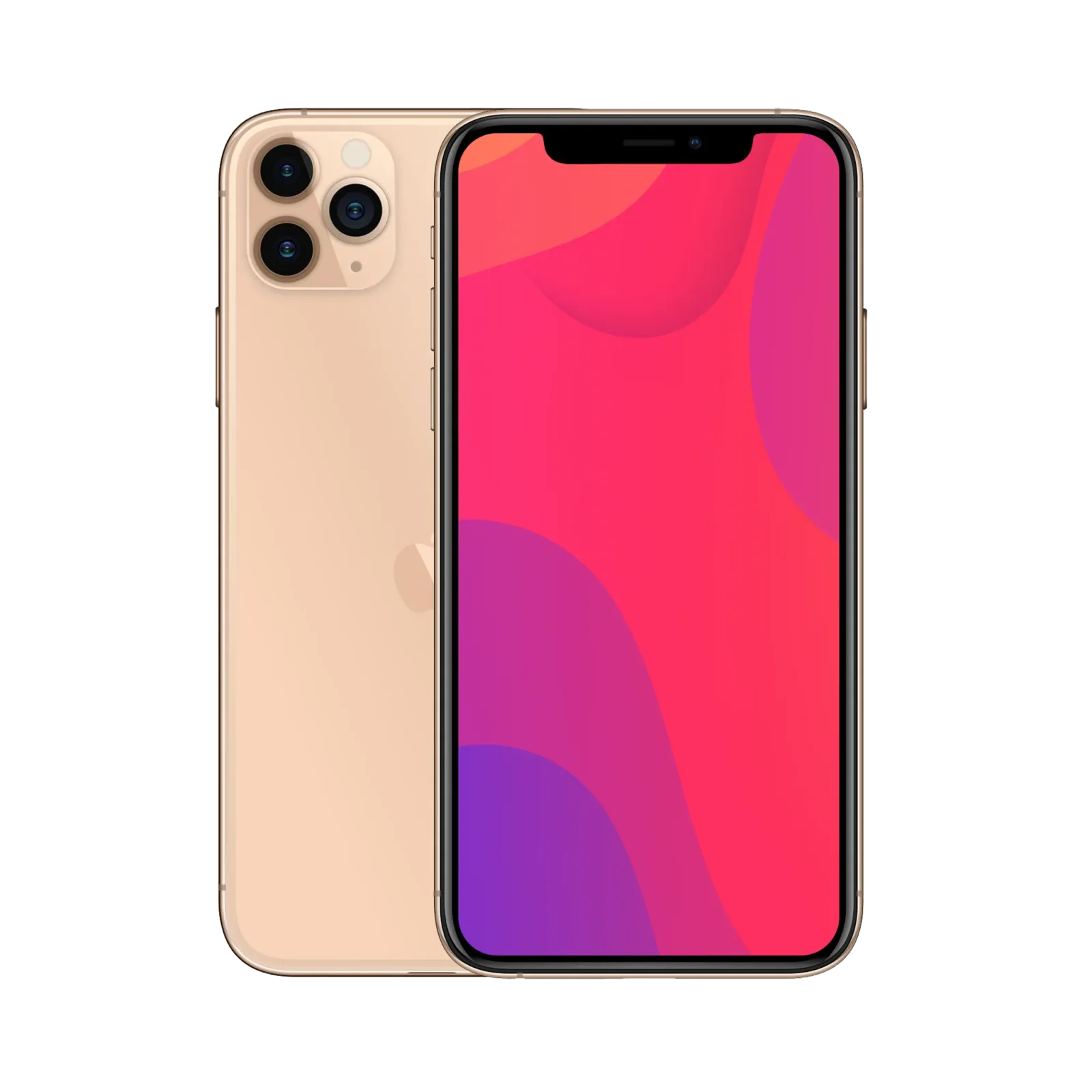
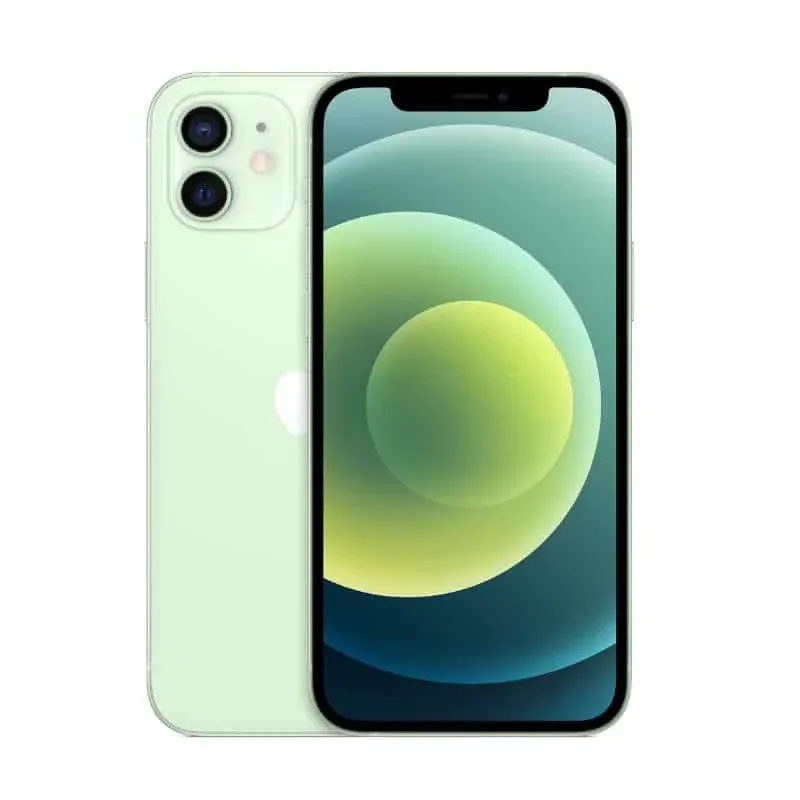
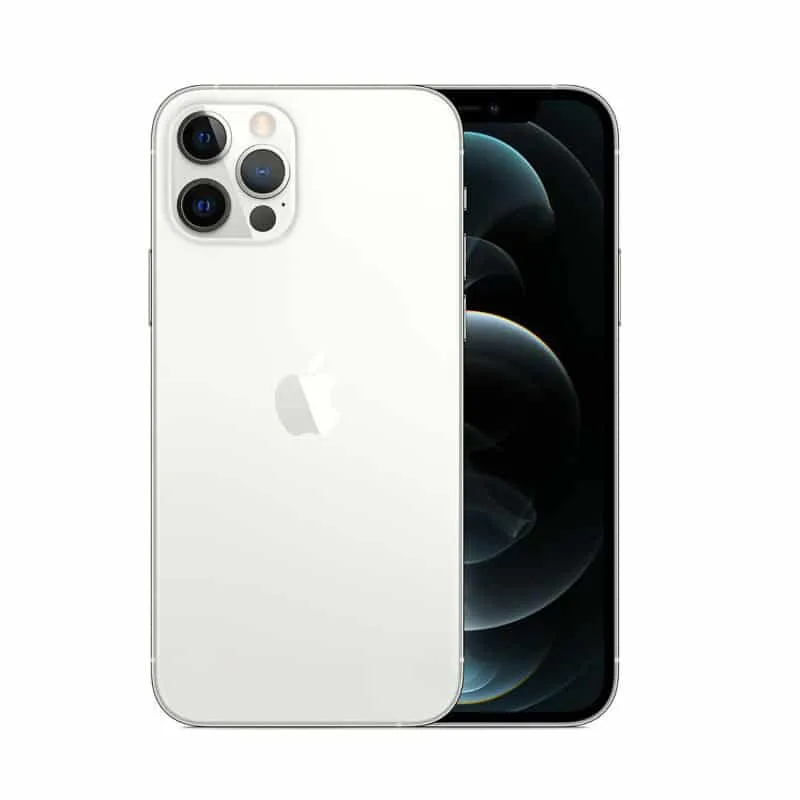
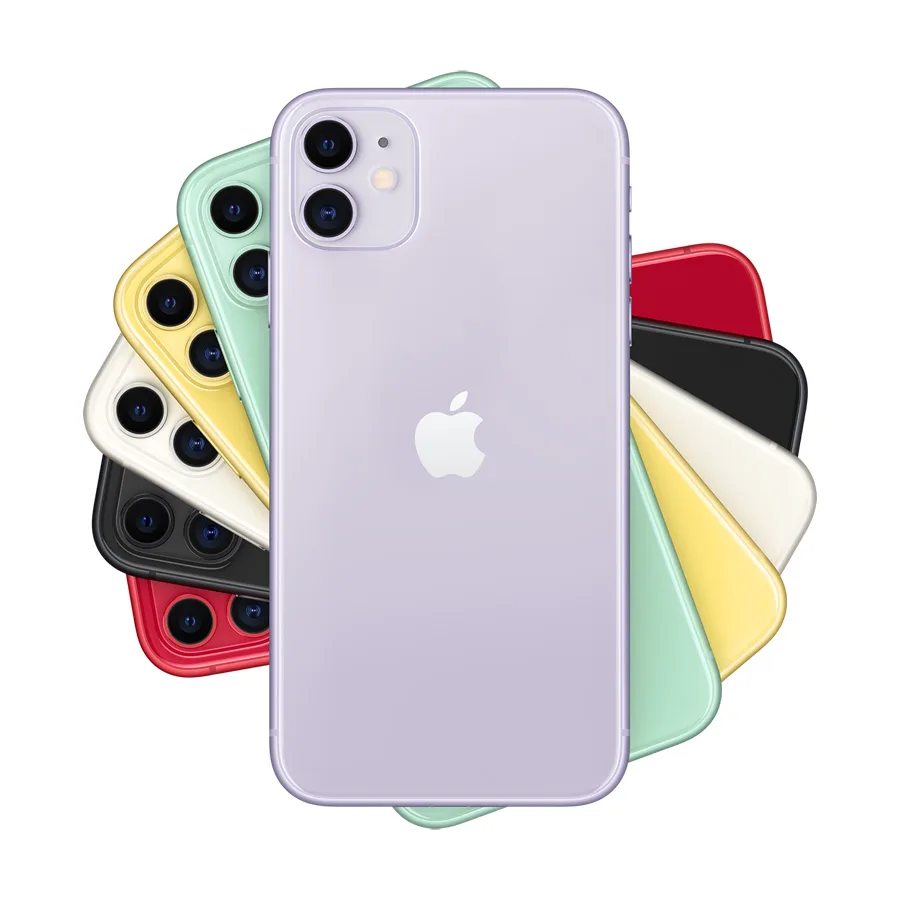
iPhones on Lipa Mdogo Mdogo.
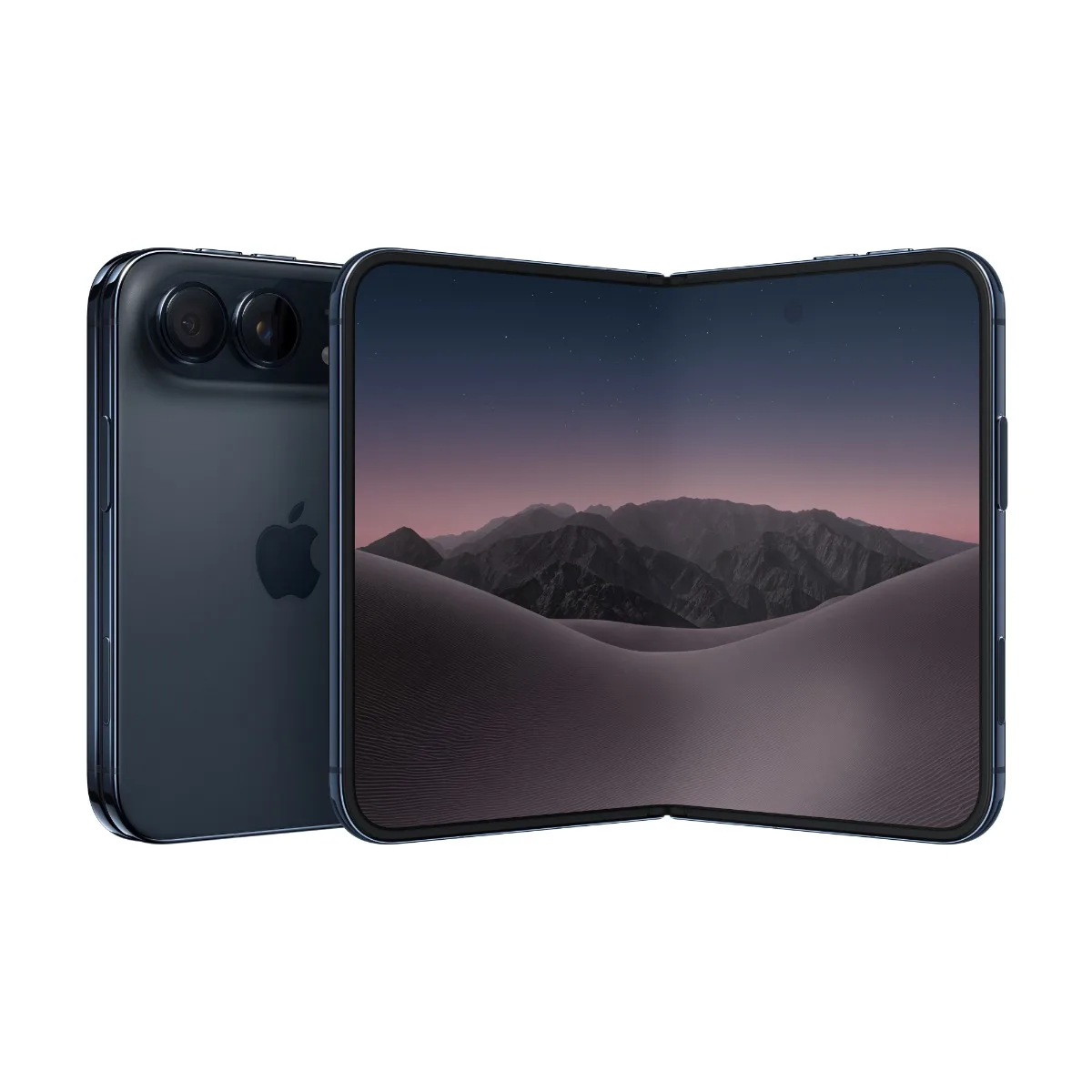
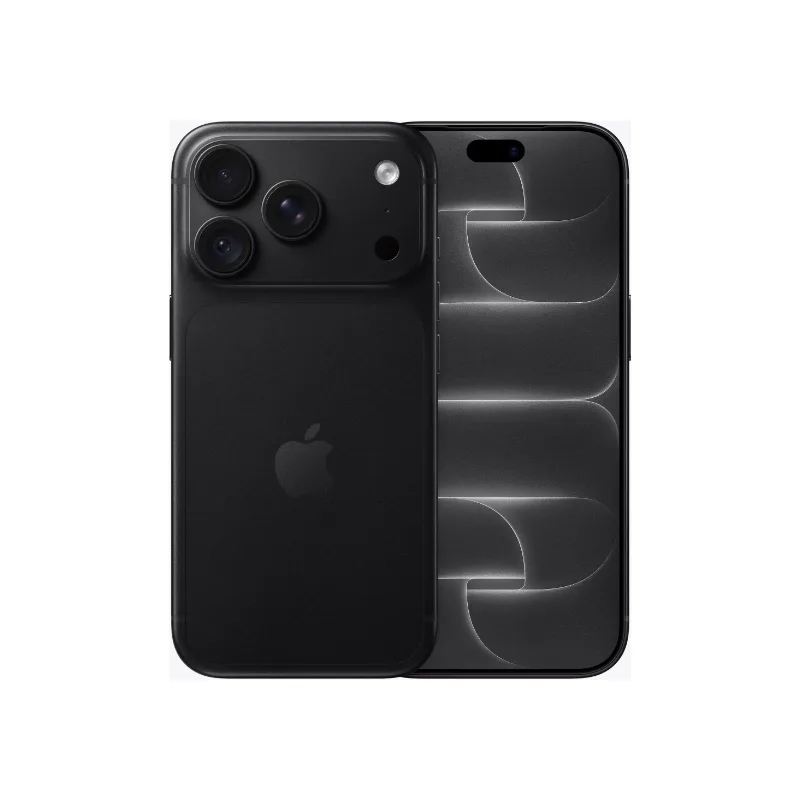
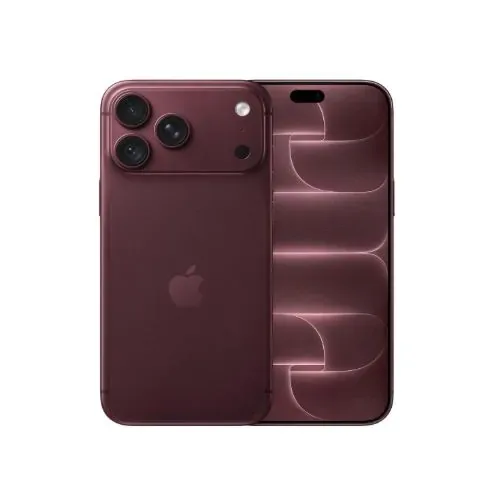
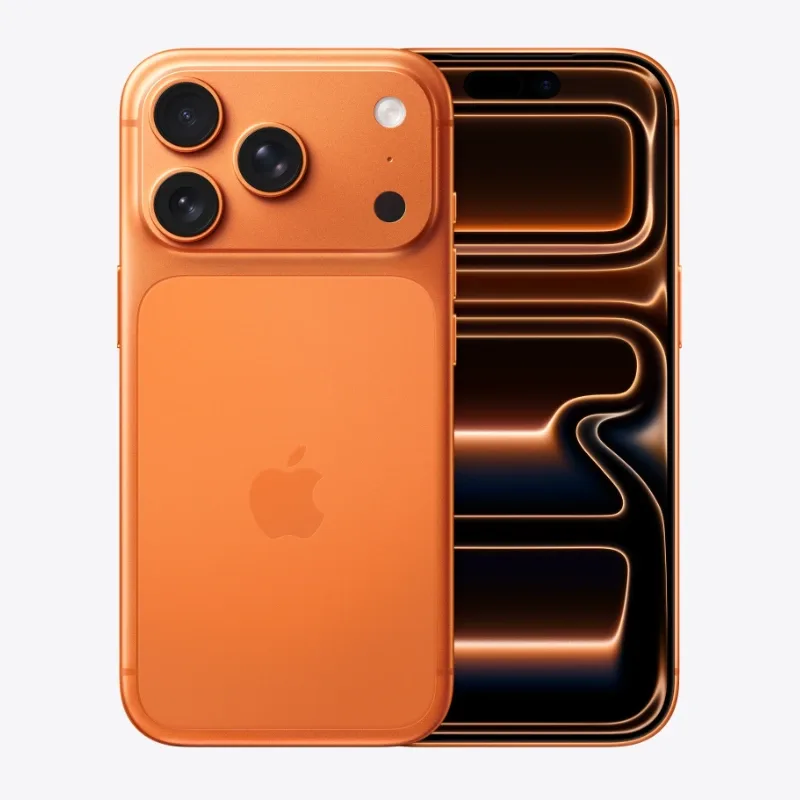
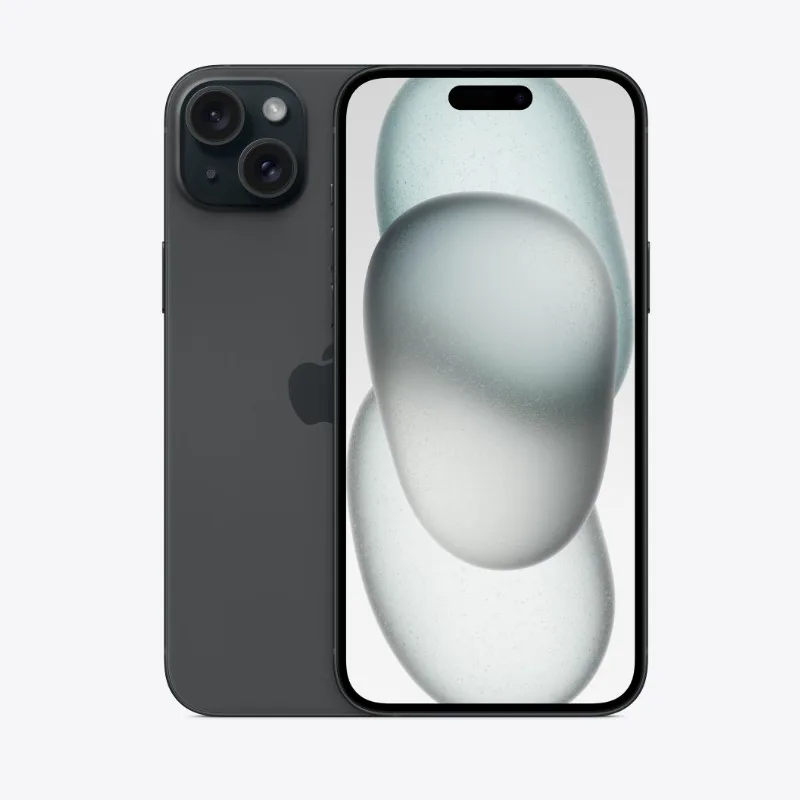
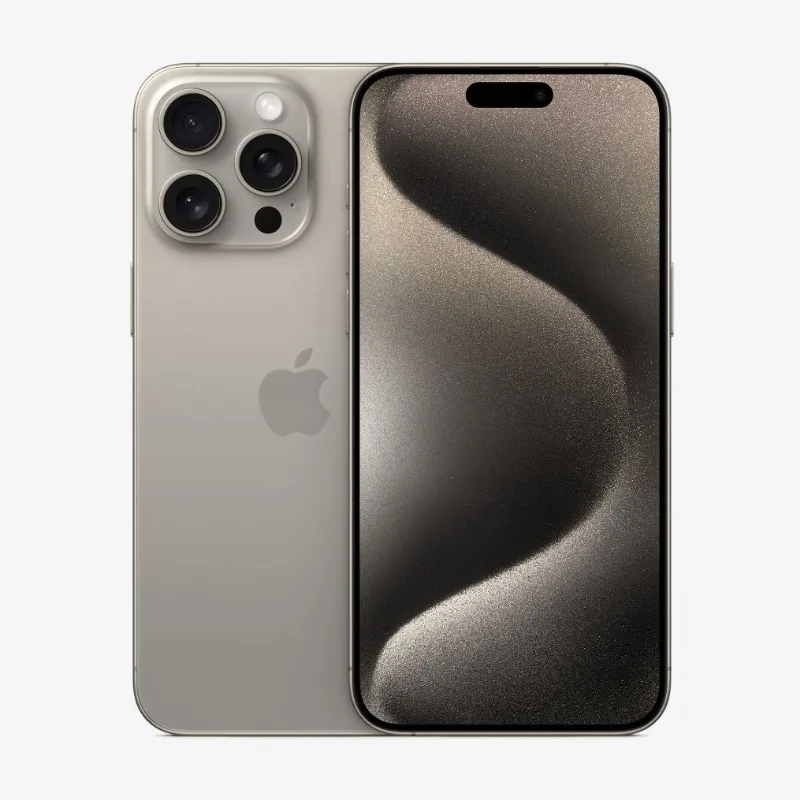
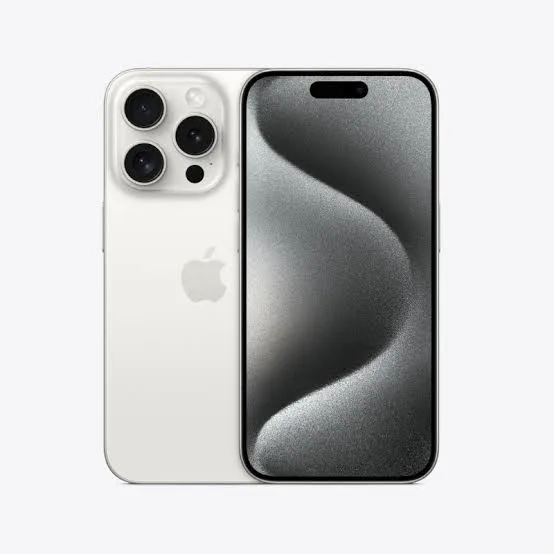
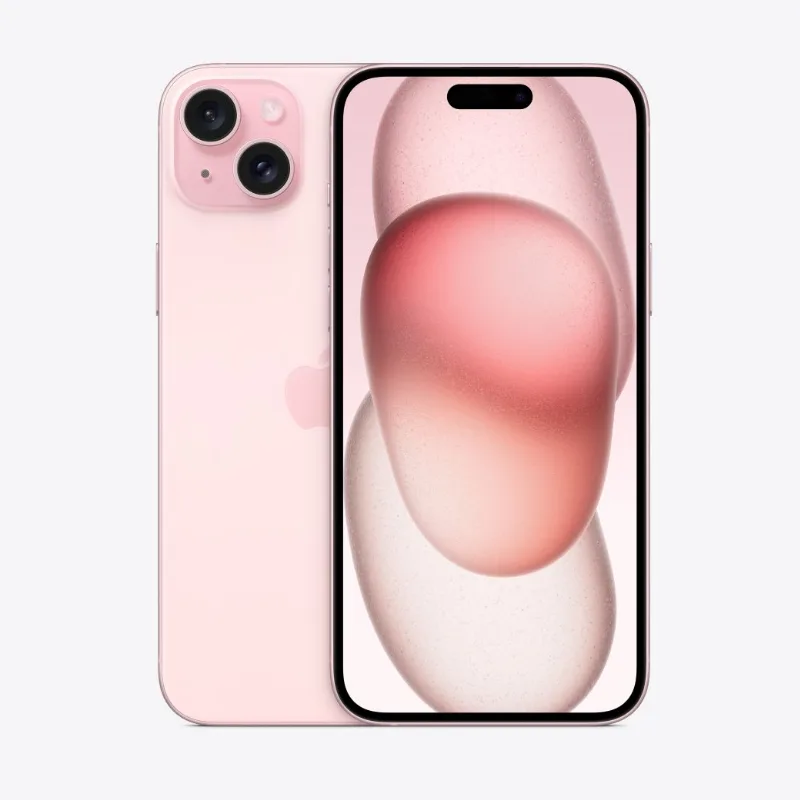
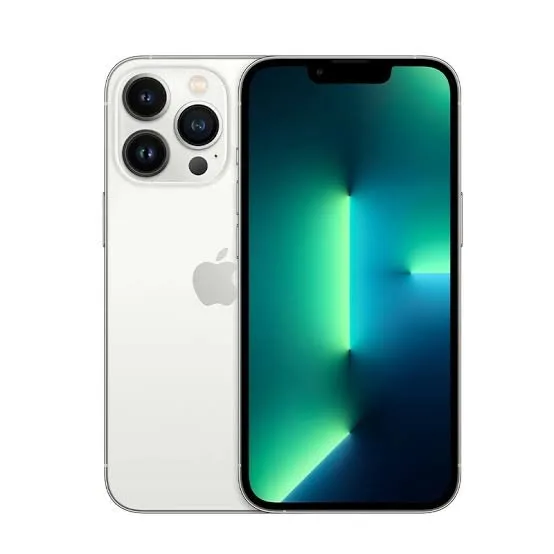
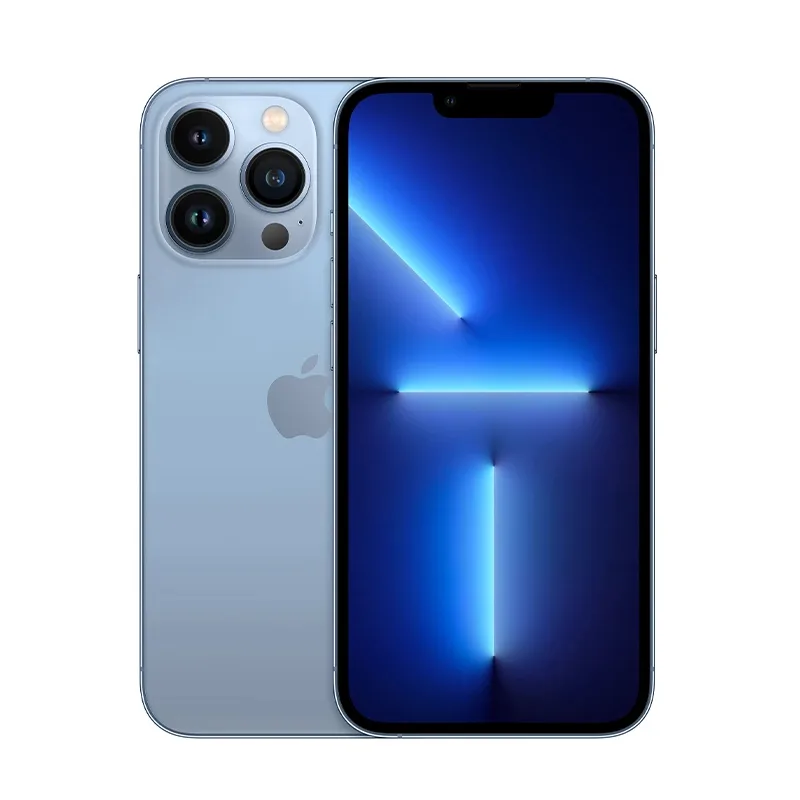
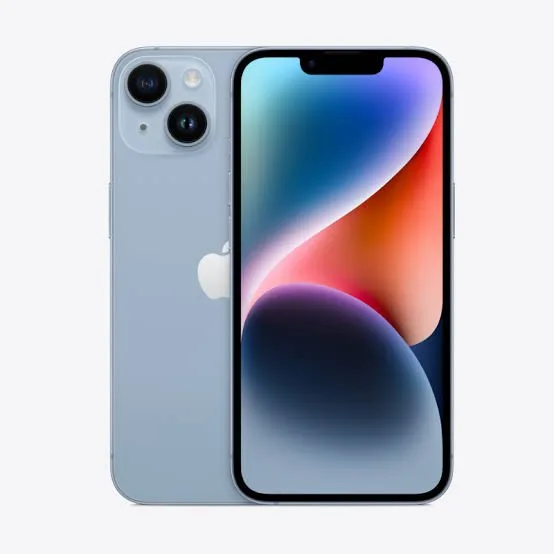

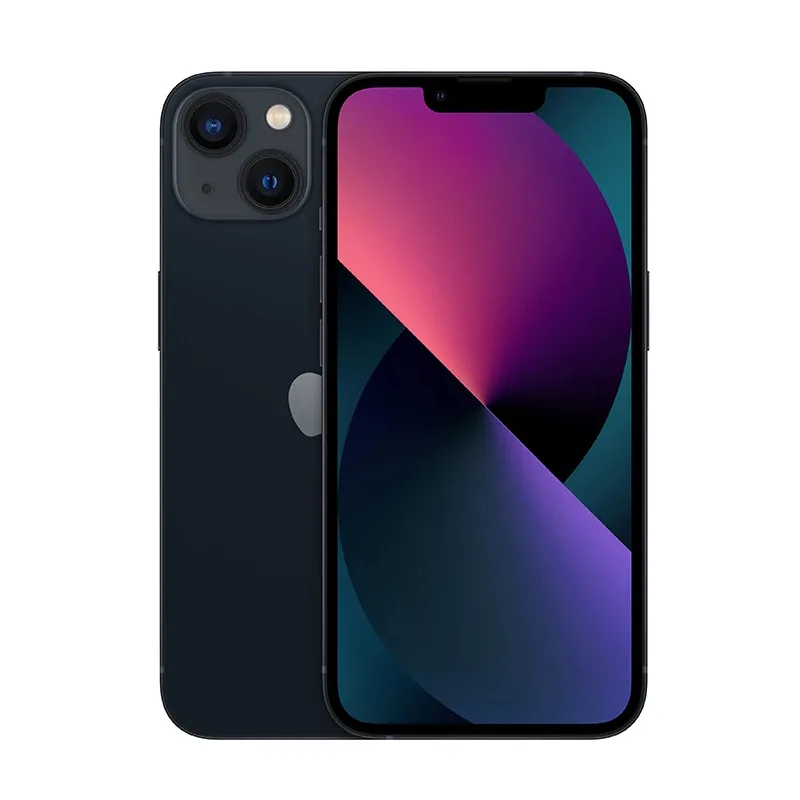
What you’ll need
- National ID (front & back) or passport
- 3 or 6-month M-Pesa statement (PDF)
- Your email address
- Next of kin: name, phone & relationship
How it works
- Pick your iPhone and tap Apply for Lipa Mdogo Mdogo.
- Choose 12 or 24 weeks and upload your documents.
- We review and call you within one working day.
- Pay your deposit by M-Pesa — we deliver within 1–3 hours in Nairobi, next day elsewhere.
- Pay your weekly amount until it’s fully paid.
Prefer to talk?
Call 0701 362 452 or visit us at Rehema House, 1st Floor, Shop No. 2A, Standard Street (behind Sarova Stanley Hotel), Nairobi (Mon–Sat, 9am–6pm) and we’ll help you apply.
Lipa Mdogo Mdogo questions
What is Lipa Mdogo Mdogo?
Lipa Mdogo Mdogo (also called Lipa Pole Pole) lets you take your phone home with a deposit of 40% or more and pay the rest weekly or monthly. It’s available on iPhones at FancyTech — look for the “Lipa Mdogo Mdogo available” tag.
How is my plan worked out?
You pay a deposit of at least 40%. The remaining balance is multiplied by 1.5 for 12 weeks or 1.8 for 24 weeks, then split into equal weekly payments. For example, on a KSh 100,000 phone: deposit KSh 40,000, then KSh 7,500 a week for 12 weeks (KSh 90,000) or KSh 4,500 a week for 24 weeks (KSh 108,000). Weekly amounts are rounded up to the nearest shilling.
Can I pay a bigger deposit?
Yes — choose any deposit from 40% up to 90% of the price. Only the balance is multiplied, so every extra shilling you pay up front lowers your payments and the total. On a KSh 100,000 phone, a KSh 60,000 deposit brings 12 weeks down to KSh 5,000 a week and the total to KSh 120,000. Pay 50% or more and you also get a free Apple 20-watt USB-C power adapter.
Can I pay monthly instead of weekly?
Yes. Choose 3 or 6 monthly payments (the balance is multiplied by the same 1.5 or 1.8 as 12 or 24 weeks), and pick the day of the month you pay — for example the day after your salary comes in.
What do I need to apply?
Your National ID card (front and back) or passport, a 3 or 6-month M-Pesa statement (PDF), your email address, and your next of kin’s name, phone number and relationship to you.
How do I get an M-Pesa statement?
On your phone go to M-Pesa → My Account → M-Pesa Statement, choose the period and enter your email. Safaricom emails a PDF and sends its password by SMS — include that password in your application.
How do I apply?
Open the iPhone you want and tap “Apply for Lipa Mdogo Mdogo”, choose your deposit and a weekly or monthly plan, and upload your documents. Nothing is paid at this stage. We review within one working day; once approved you pay the deposit by M-Pesa and we deliver your phone.
Is my information safe?
Your documents are stored privately, seen only by our team, used only to assess your application, and deleted once they’re no longer needed.