Keyboards and Mice for Work: A Logitech and UGREEN Guide
A comfortable keyboard and mouse can change how a workday feels. They also protect your hands and wrists during long stretches at a computer. Here is how to choose what is right for your desk and budget.
Wireless connections
Wireless mice connect in two main ways:
- 2.4GHz USB receiver: plug in a small dongle and it works without setup. It requires a USB-A port or an adapter.
- Bluetooth: no dongle needed and a good match for laptops with limited ports, tablets and phones.
Some models offer both. If your laptop only has USB-C, make sure to check you have a hub or adapter for USB receivers.
Basic mice
Logitech's B100 and M171, M185 and M190 are simple and affordable. They are fine for office work and home use. UGREEN's MU105 and MU001 add silent clicking at a modest cost. Silent buttons are useful in shared offices, libraries or at home after others have gone to sleep.
Comfort and precision
The Logitech M240 Silent and Pebble Mouse 2 M350s are slim and portable. For long working days, consider the MX Master 3s or the MX Master 4. These are larger, sculpted mice with precise scrolling and multi-device support. They are popular with designers, developers and heavy spreadsheet users.

Ergonomics
If your wrist hurts after using a standard mouse, the Logitech Lift Vertical or UGREEN MU006 ergonomic models can help by keeping your hand in a more natural position. Allow a few days to get used to them. The Wave Keys and Lift combination provides a matched keyboard and mouse.
Serious pain should be checked by a medical professional. Equipment can help, but it is not a cure.
Keyboards
- K120: wired and very affordable.
- K250 and Pebble Keys 2 K380s: compact Bluetooth keyboards that also suit tablets.
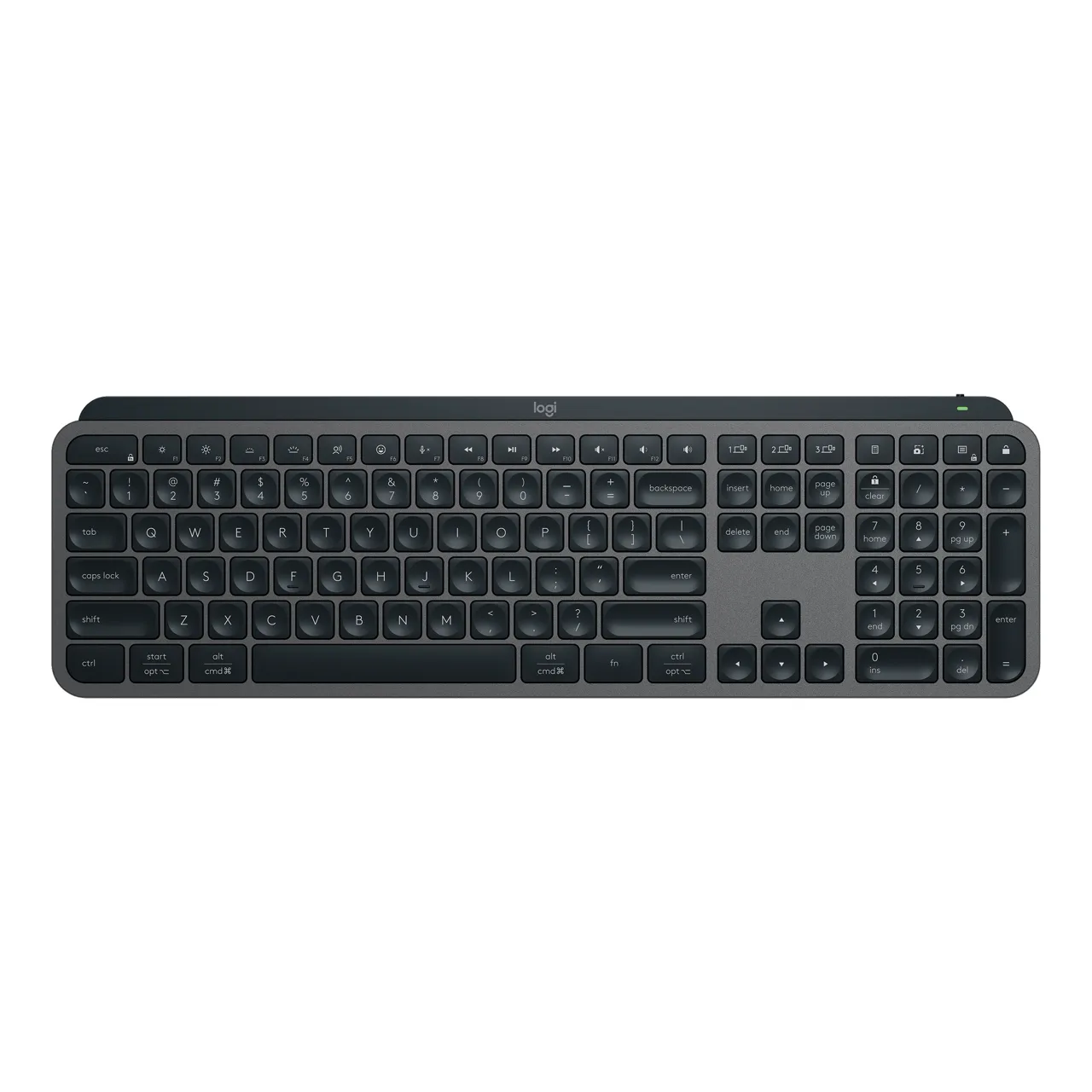
- MX Keys S and MX Keys Mini: premium typing with backlighting and multi-device switching.
Combos
Combos such as the MK120, MK220, MK235, MK270, MK345 and Pebble 2 Combo cost less than buying separately. Offices stocking many desks often buy these.
The MX Keys S Combo includes a keyboard, mouse and palm rest for those who want the complete premium setup.
Multi-device switching
Models such as the MX Keys can switch between multiple devices. This is ideal if you use a laptop and tablet or a work computer and a personal one.
Taking care of your equipment
Replace batteries as necessary and clean keyboards periodically to remove dust. Consider covering them when not in use in dusty offices.
Gamers should see our gaming gear guide. If you also need a webcam or headset for calls, read webcams and headsets for work.
In the shop now
Current prices and stock from our catalogue.
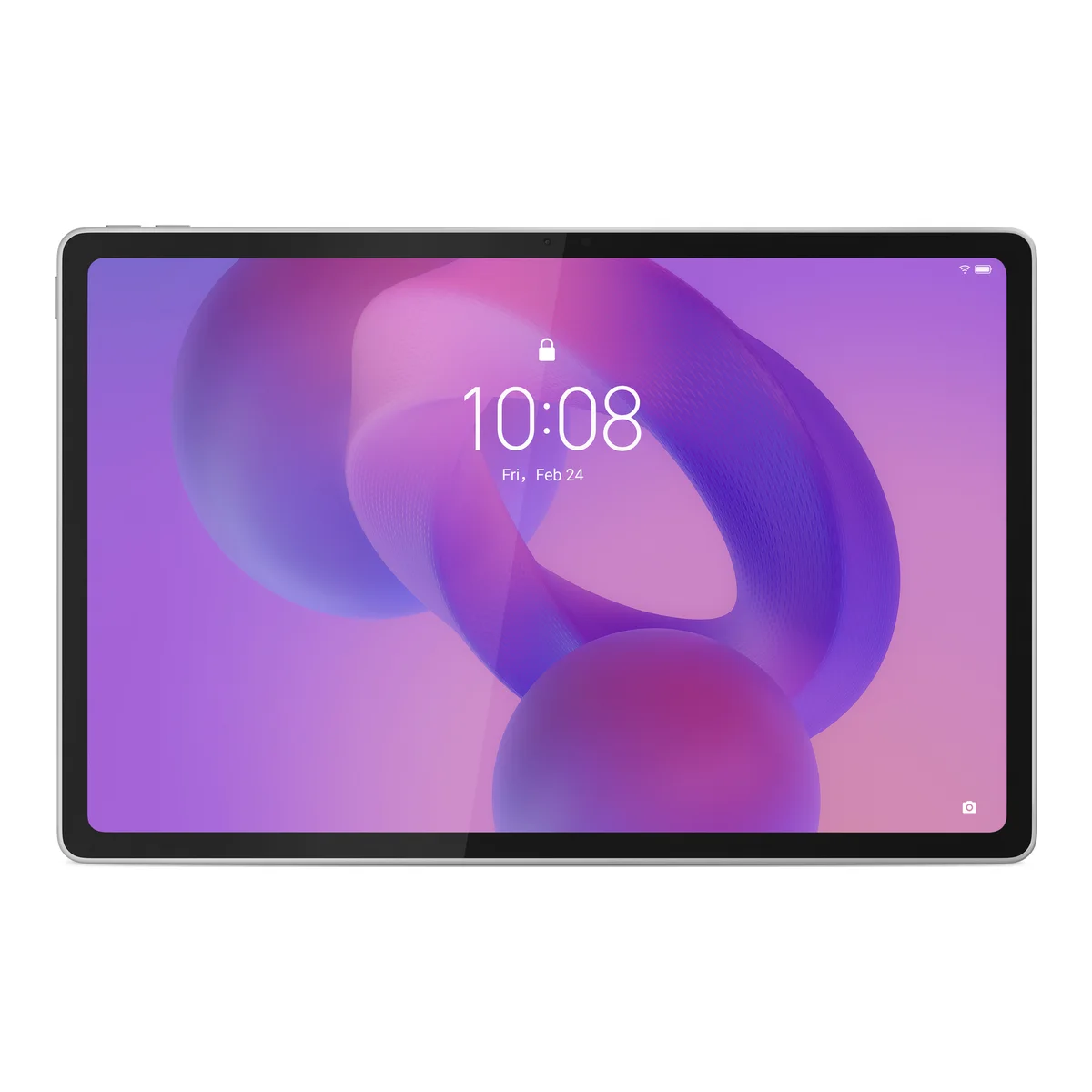
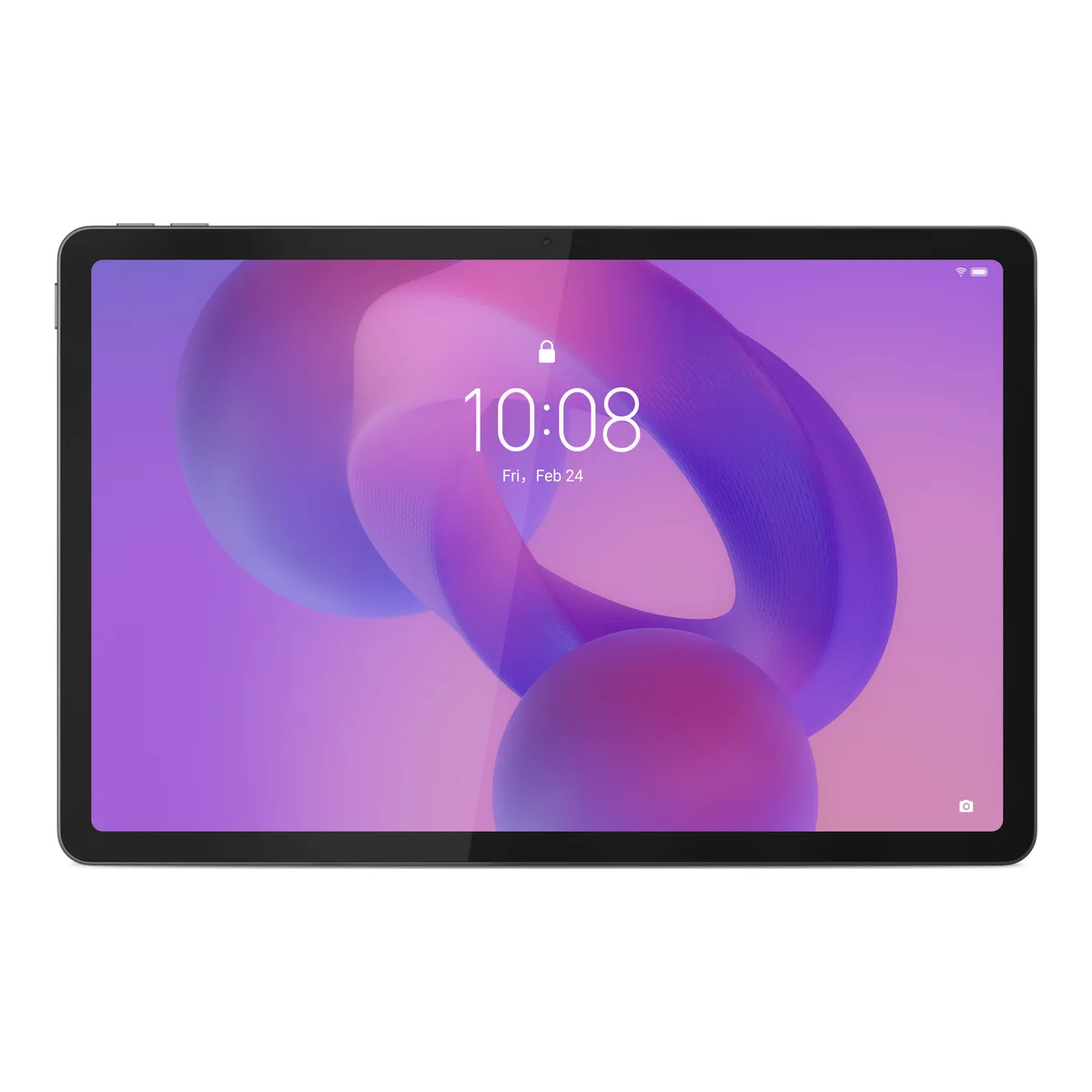
Lenovo Idea Tab Plus 12GB/256GB with Keyboard and Pen
KSh 71,999 + VATWas KSh 74,999
Lenovo Idea Tab 8GB/256GB with Keyboard and Pen
KSh 45,999 + VAT
Logitech MX Keys S Combo Keyboard, Mouse and Palm Rest
KSh 35,000 + VAT
Logitech MX Keys S Wireless Keyboard
KSh 21,000 + VAT
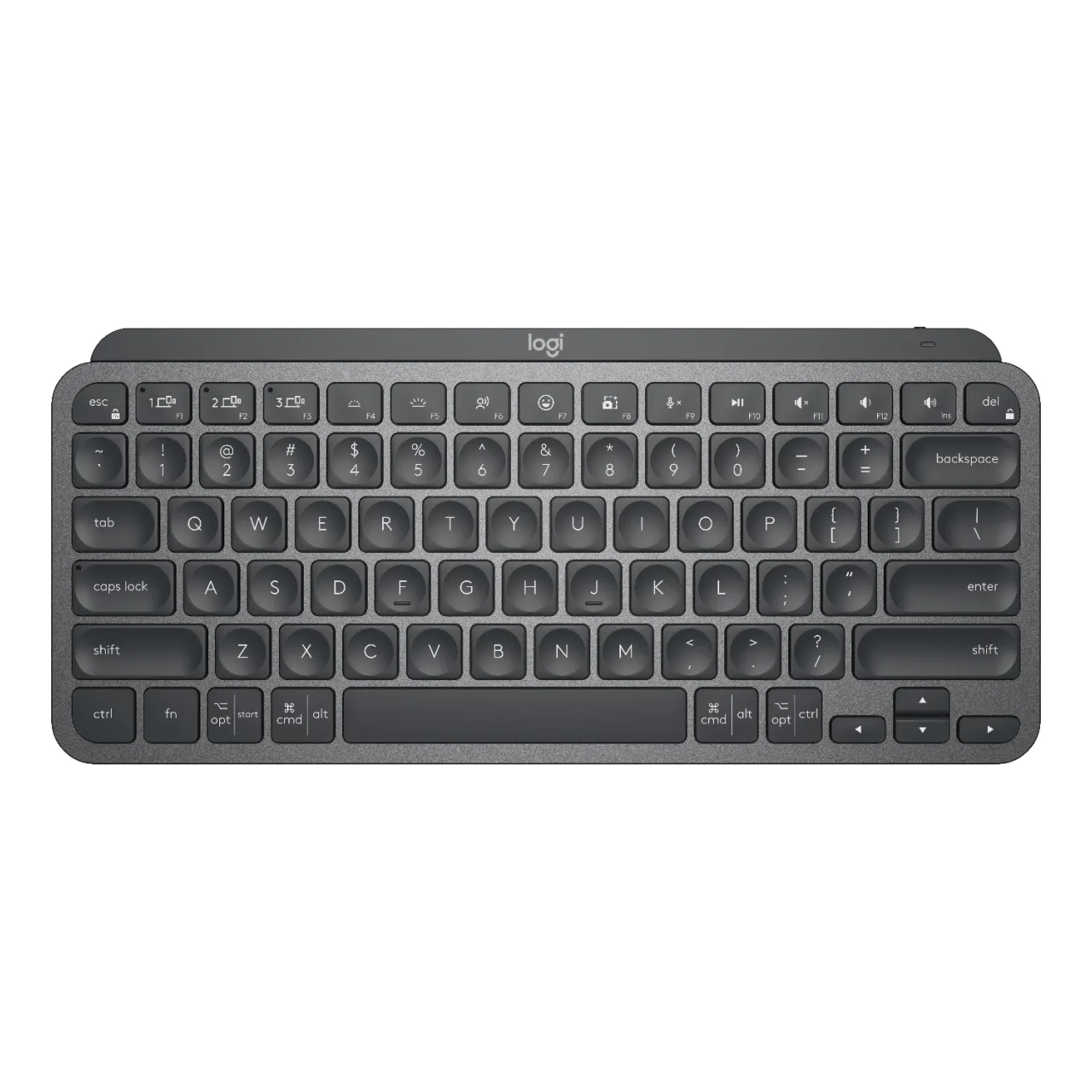
Logitech MX Keys Mini Wireless Keyboard
KSh 20,020 + VAT
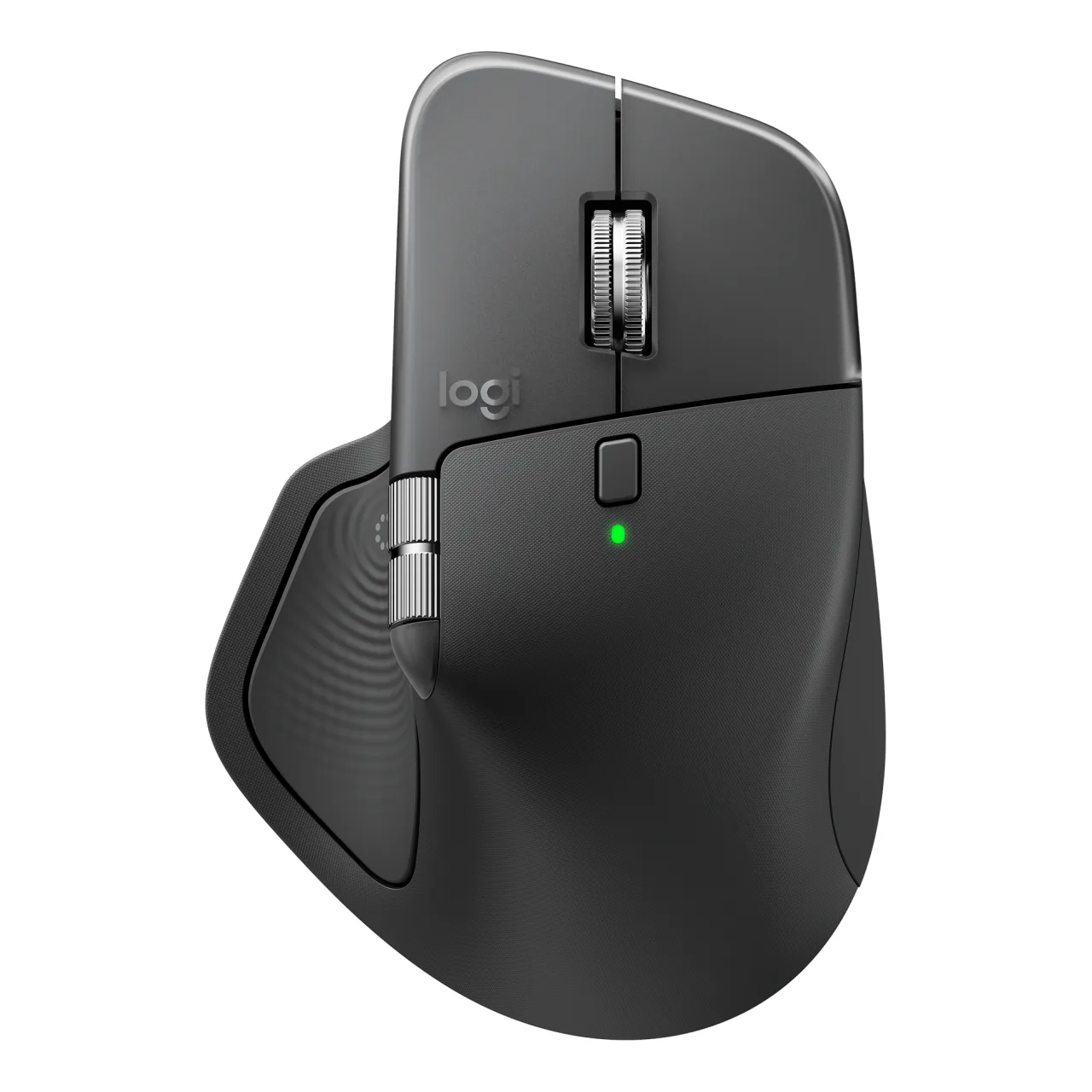
Logitech MX Master 4 Wireless Mouse
KSh 19,600 + VAT
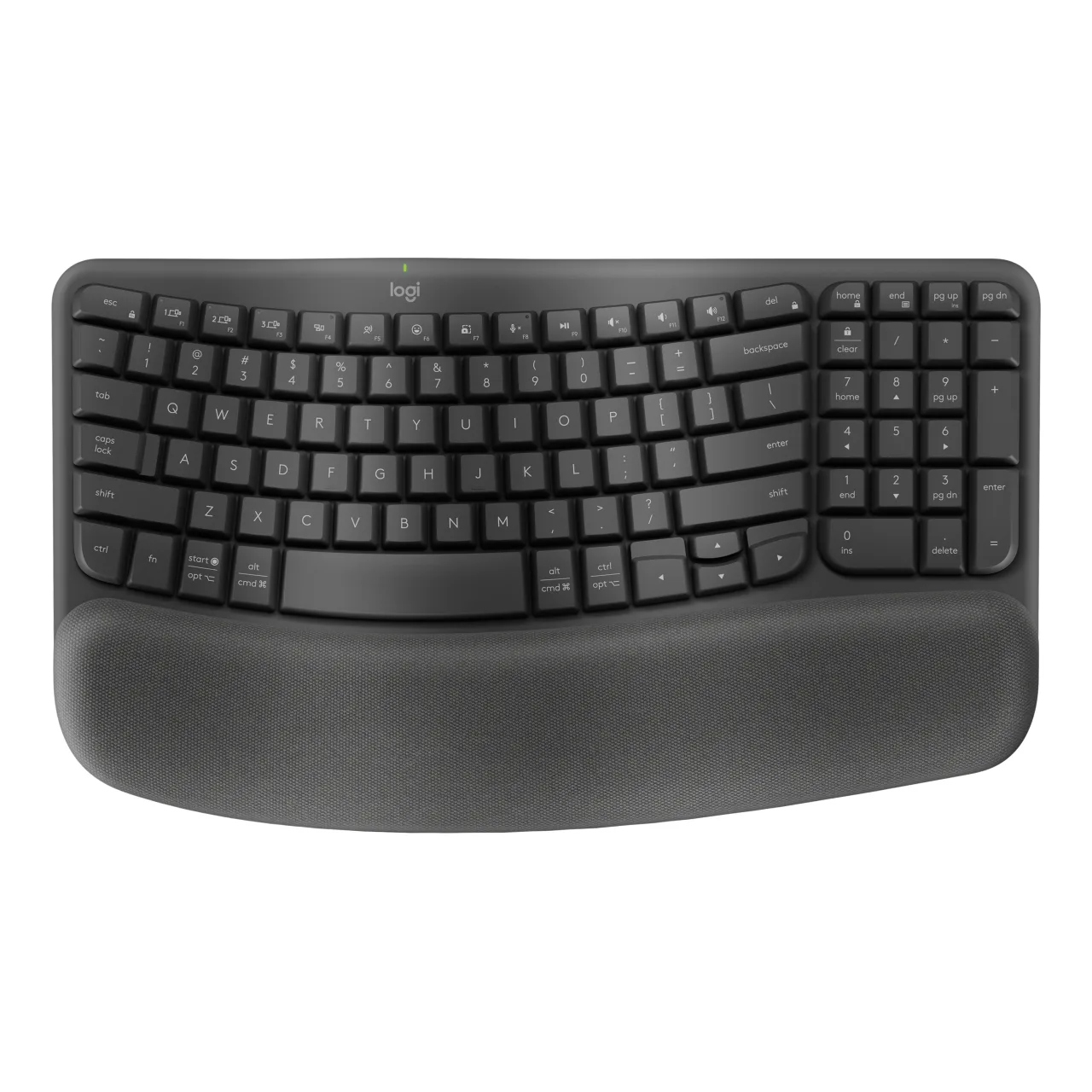
Logitech Wave Keys and Lift Ergonomic Combo
KSh 18,900 + VAT
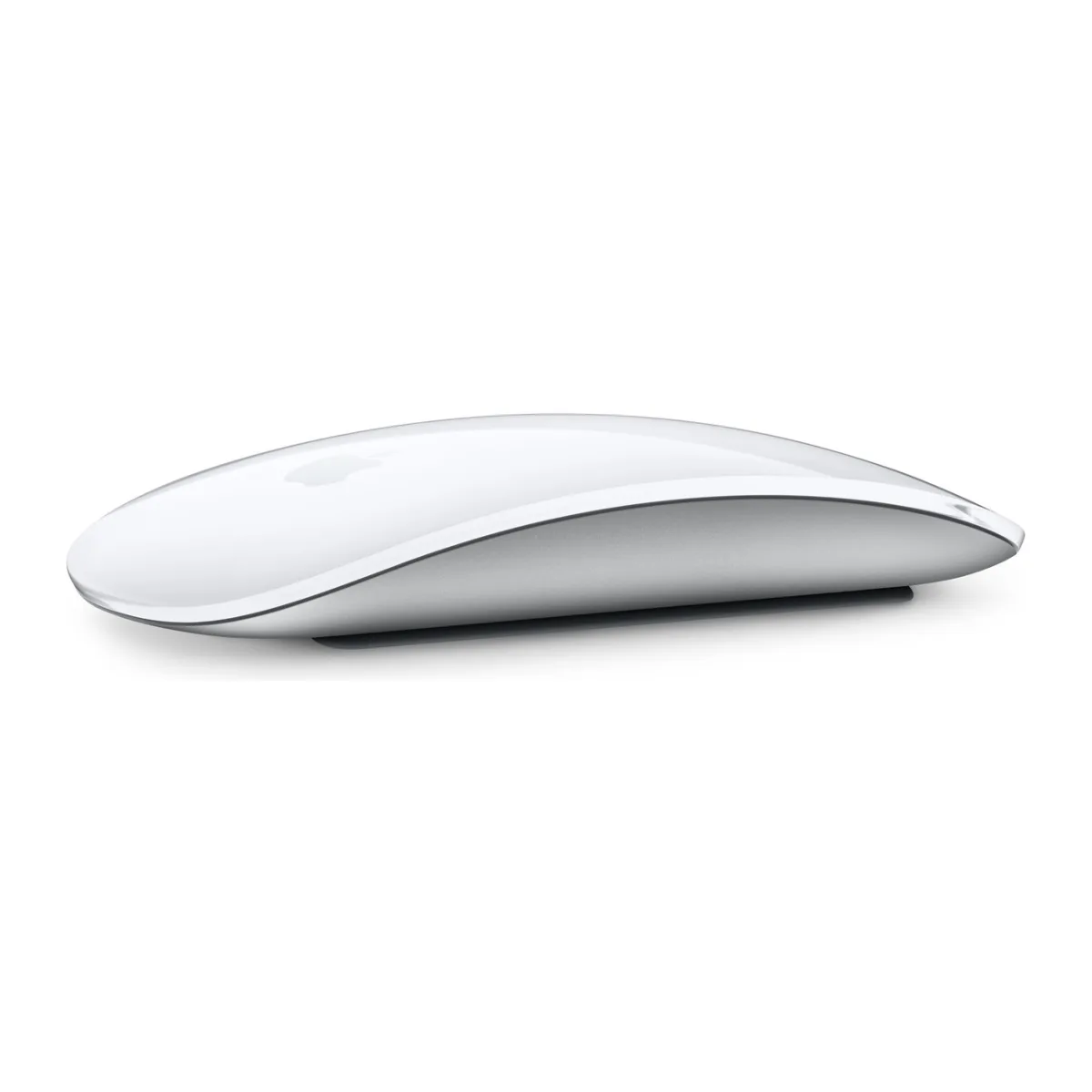
Magic Mouse 3
From KSh 13,500 + VAT
Buying from FancyTech
Visit us at Rehema House, Standard Street, Nairobi, or order online for delivery in 1–3 hours in Nairobi and next day countrywide. Delivery is KSh 300 in Nairobi and KSh 600 to other counties, and free on orders above KSh 150,000. Each listing states its condition and warranty. See our returns policy or contact us with any question.
Keep reading
Webcams and Headsets for Remote Work and Calls
How to choose a webcam and headset for Zoom, Teams and online classes, including Logitech Brio and Zone models.
Logitech G Gaming Gear: Mice, Keyboards and Headsets
How to choose Logitech G gaming mice, mechanical keyboards and headsets, including G102, G502, G915 and G PRO X.
Best Laptop Specs for Students in Kenya, by Course
How much laptop a Kenyan university or college student really needs, with minimum specs by course and tips on stretching a budget.
USB-C Hubs and Docks: Connect More to Your Laptop
How to choose a USB-C hub for HDMI, Ethernet and USB ports, including power delivery and MacBook compatibility.
HP EliteBook Buying Guide: G3 to G10 for Kenyan Buyers
How to read HP EliteBook model numbers and generations, and which Ex-UK EliteBook fits students, offices and travel.
Ex-UK Laptop Checklist: What to Test Before You Pay
A practical inspection guide for used Ex-UK laptops covering battery reports, screens, BIOS locks, keyboards and ports.