Webcams and Headsets for Remote Work and Calls
Clear video and audio make a big difference on online calls, whether for work, school, or interviews. Most laptop webcams are poor, and laptop microphones pick up room noise. A small investment can make you far easier to understand.
Which webcam?
Logitech offers a simple range:
- C270 HD (720p): an inexpensive upgrade for basic calls.
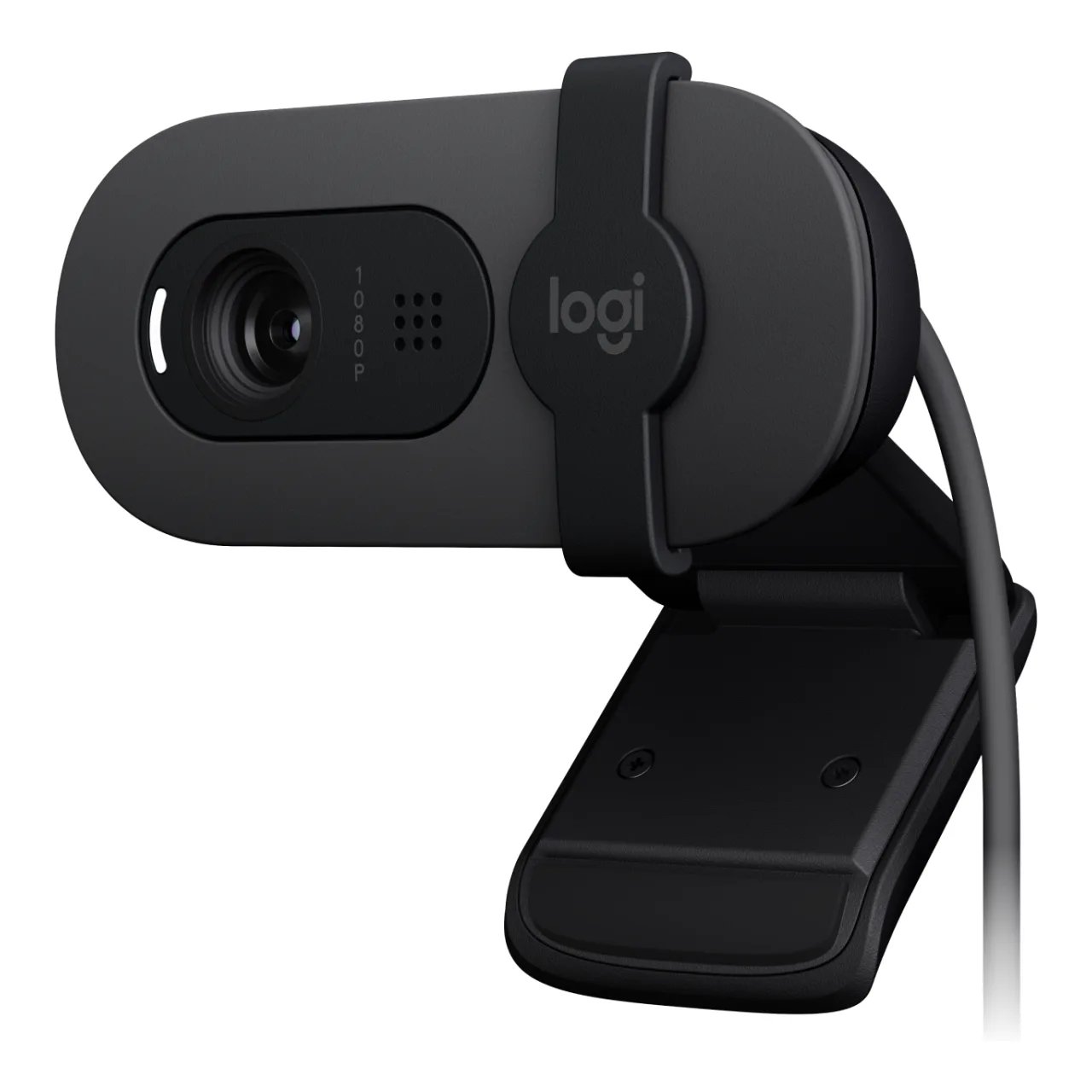
- Brio 100 (1080p): sharper images, good for most office and study use.
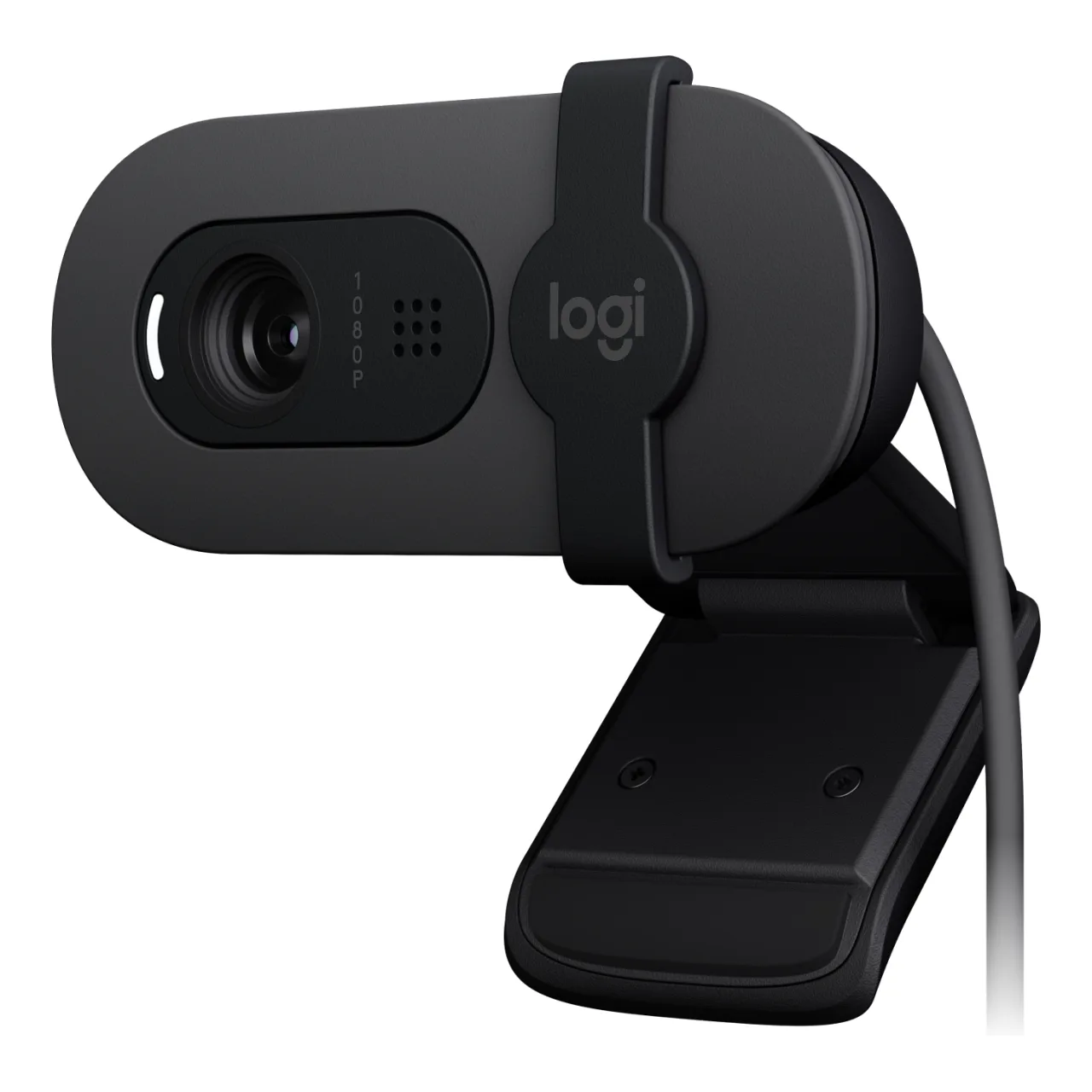
- Brio 105 (1080p): a Full HD option focusing on easy use and reliability.
For most people, 1080p is the sweet spot. Remember that a good webcam still needs good lighting. Sit facing a window or lamp rather than with light behind you. This makes a bigger difference than extra resolution.
Which headset?
Wired USB
The H340 USB and H390 USB-C headsets have noise-cancelling microphones that are good for call centres, offices and teaching. Choose the connector that suits your computer: USB-A for the H340 and USB-C for the H390.
3.5mm jack
The H111 uses a traditional headphone jack and is very affordable. Check whether your computer has a combined headset socket.
Wireless
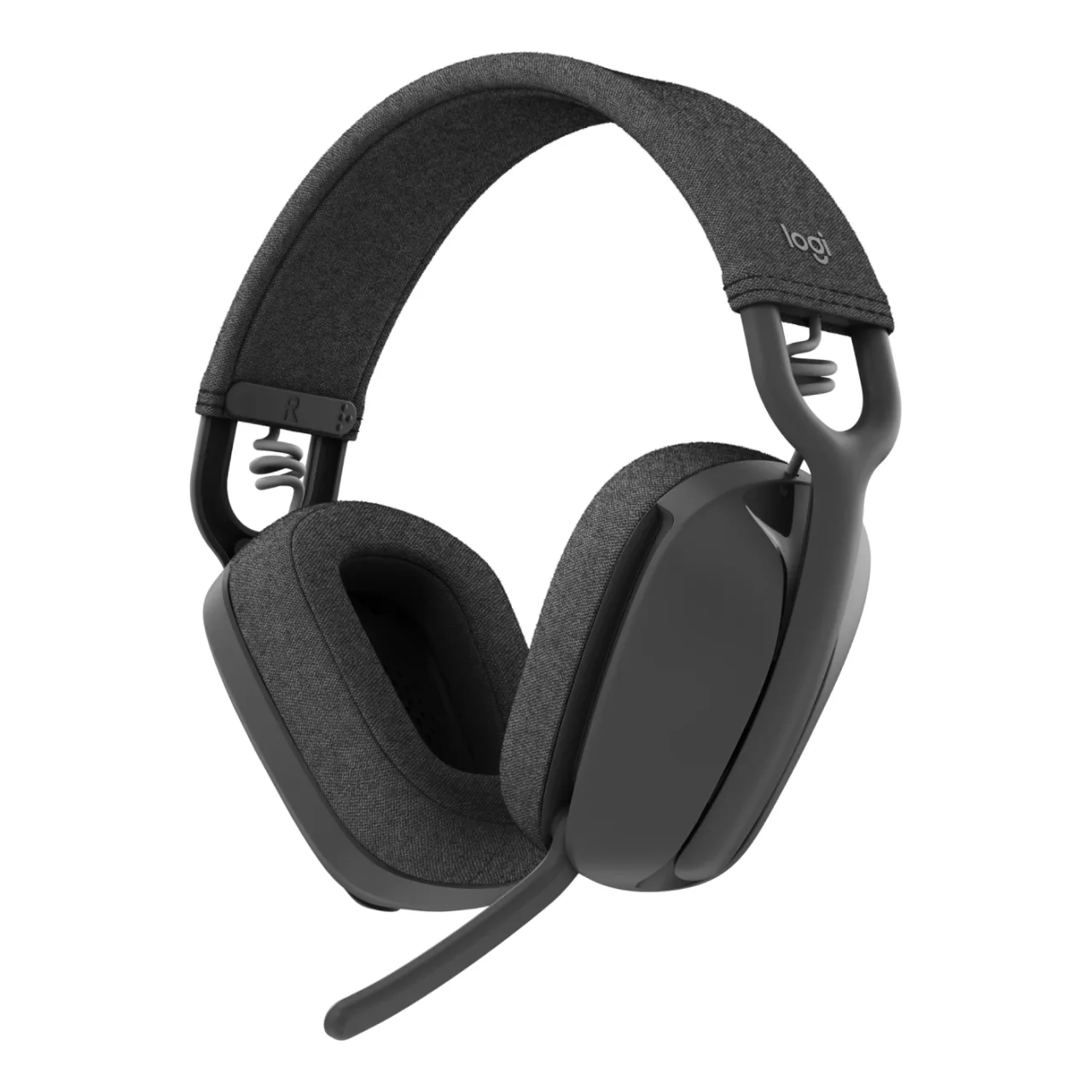
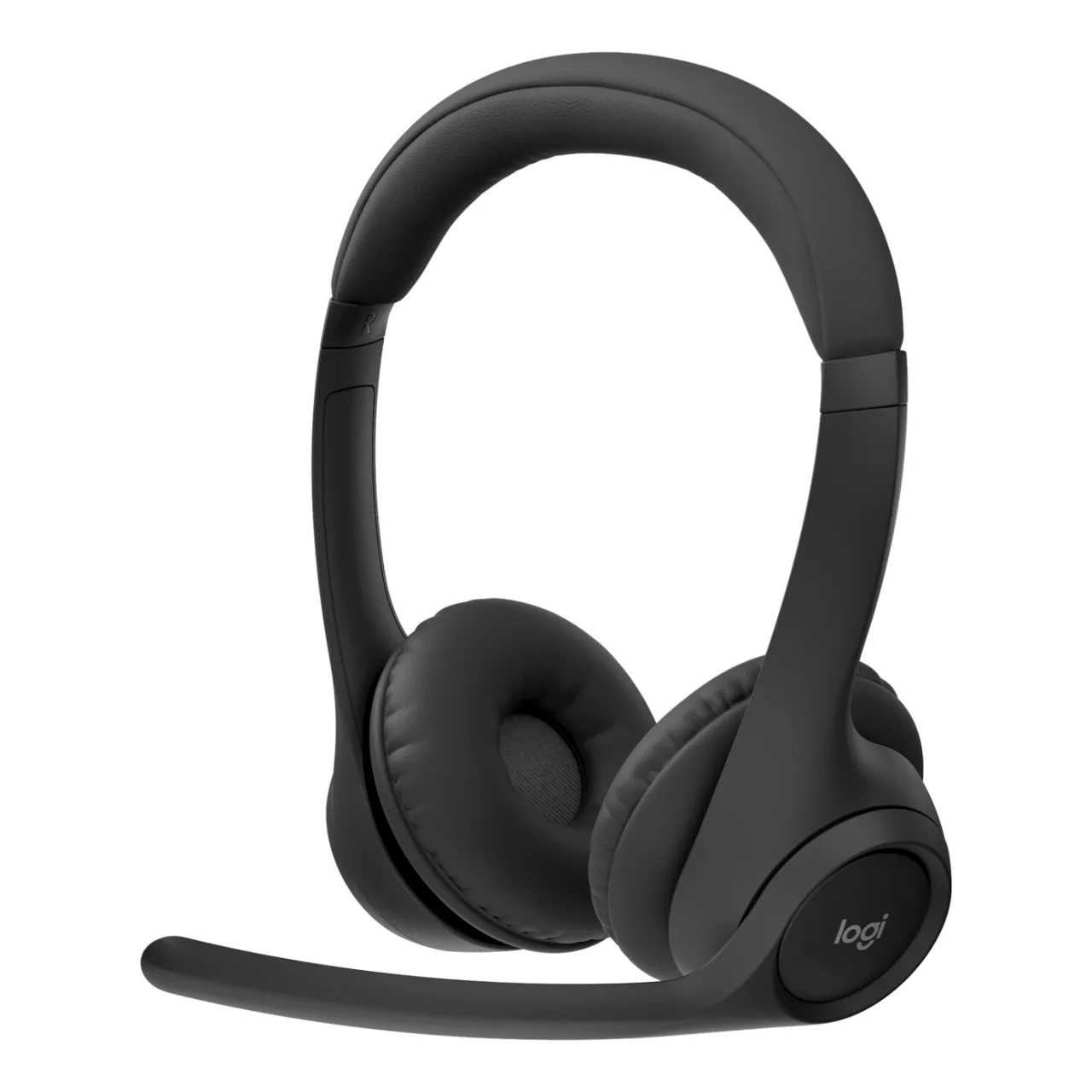
The Zone 300 and Zone Vibe 100 are wireless headsets designed for office calls and all-day comfort. Wireless headsets are great for moving around, but must be charged and need a reliable Bluetooth connection.
Why a headset beats laptop speakers
Headsets stop echo, keep your voice close to the microphone and make it easier to concentrate in a noisy place. In a shared house or open office, the difference is dramatic.
For content creators
If you create podcasts or videos, a dedicated microphone provides better results than a headset. See our wireless microphone guide.
Connecting everything
Laptops with few ports may need a USB-C hub. Make sure your webcam and headset use connections your computer supports.
Tips for better calls
- Position the webcam at eye level. A stack of books helps.
- Close bandwidth-hungry apps and pause cloud backup during calls.
- Use a wired connection if your router and laptop allow it.
- Test your microphone before important meetings.
- Mute when you are not speaking.
If you are setting up a whole desk, see our keyboard and mouse guide. Check our product listings for current prices and availability, as stock changes.
In the shop now
Current prices and stock from our catalogue.
Logitech Zone Vibe 100 Wireless Headphones
KSh 14,000 + VAT
Logitech Zone 300 Wireless Bluetooth Headset
KSh 12,880 + VAT
Logitech Brio 105 Full HD 1080p Webcam
KSh 6,580 + VAT
Logitech Brio 100 Full HD 1080p Webcam
KSh 5,740 + VAT
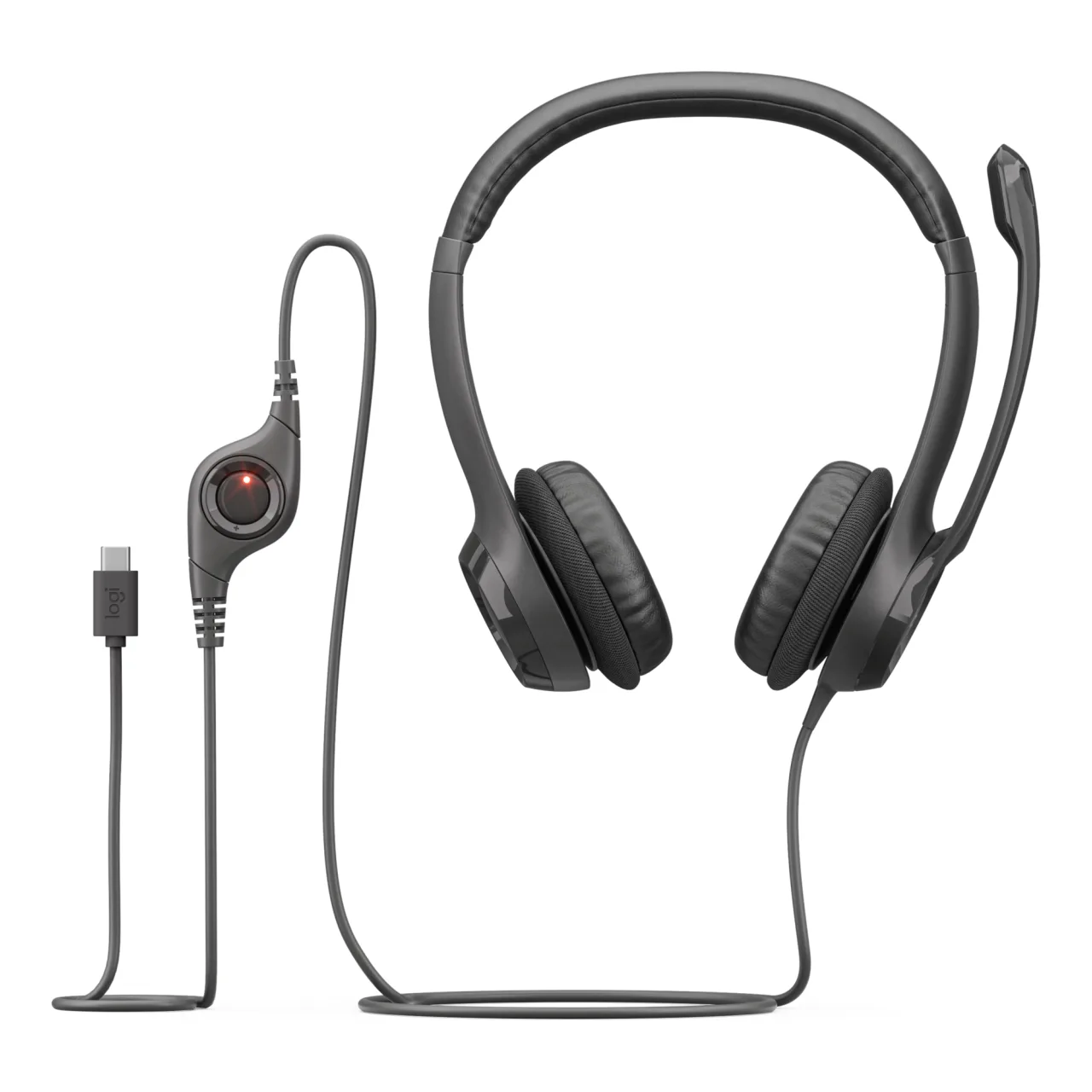
Logitech H390 USB-C Headset with Noise-Cancelling Mic
KSh 4,620 + VAT
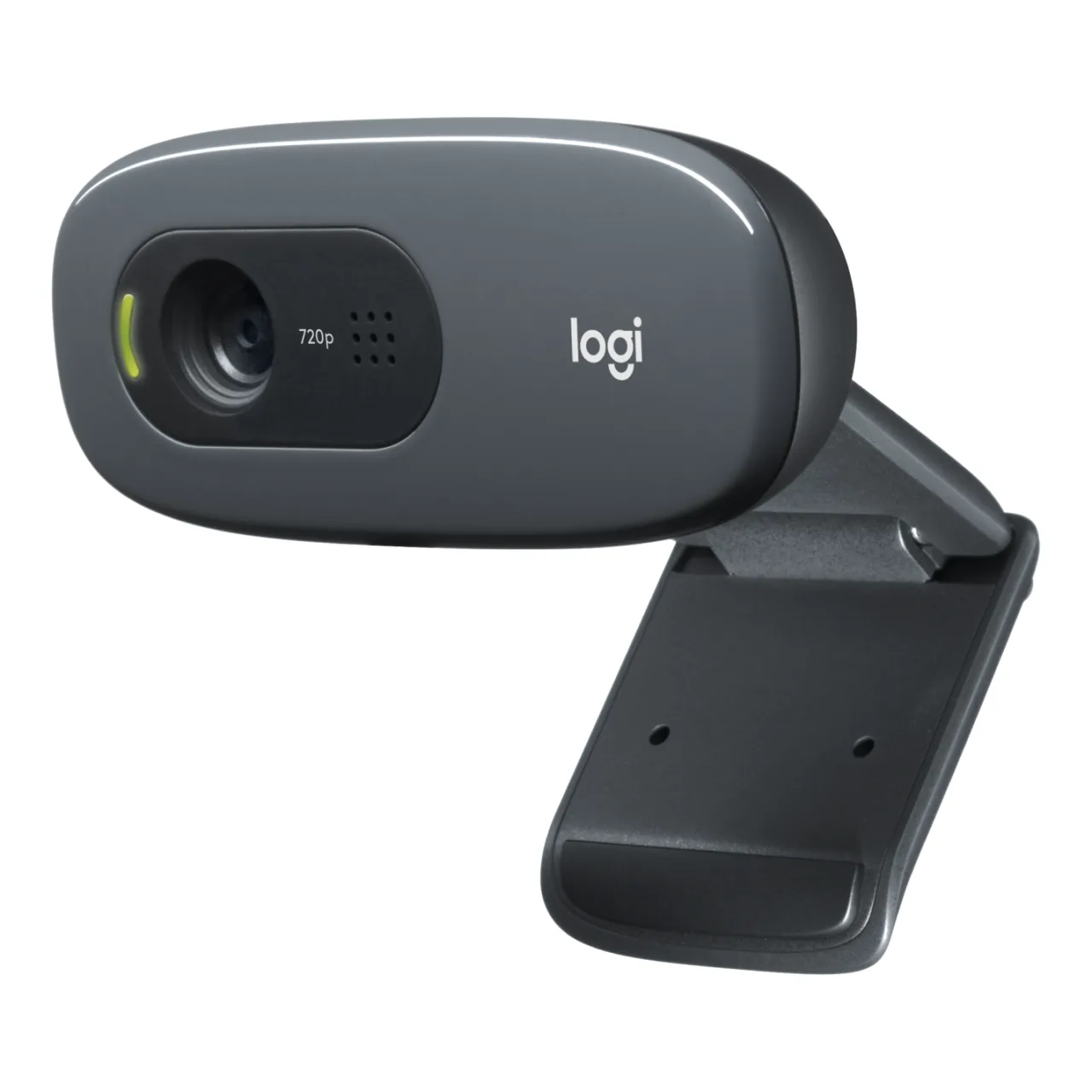
Logitech C270 HD Webcam 720p
KSh 3,920 + VAT
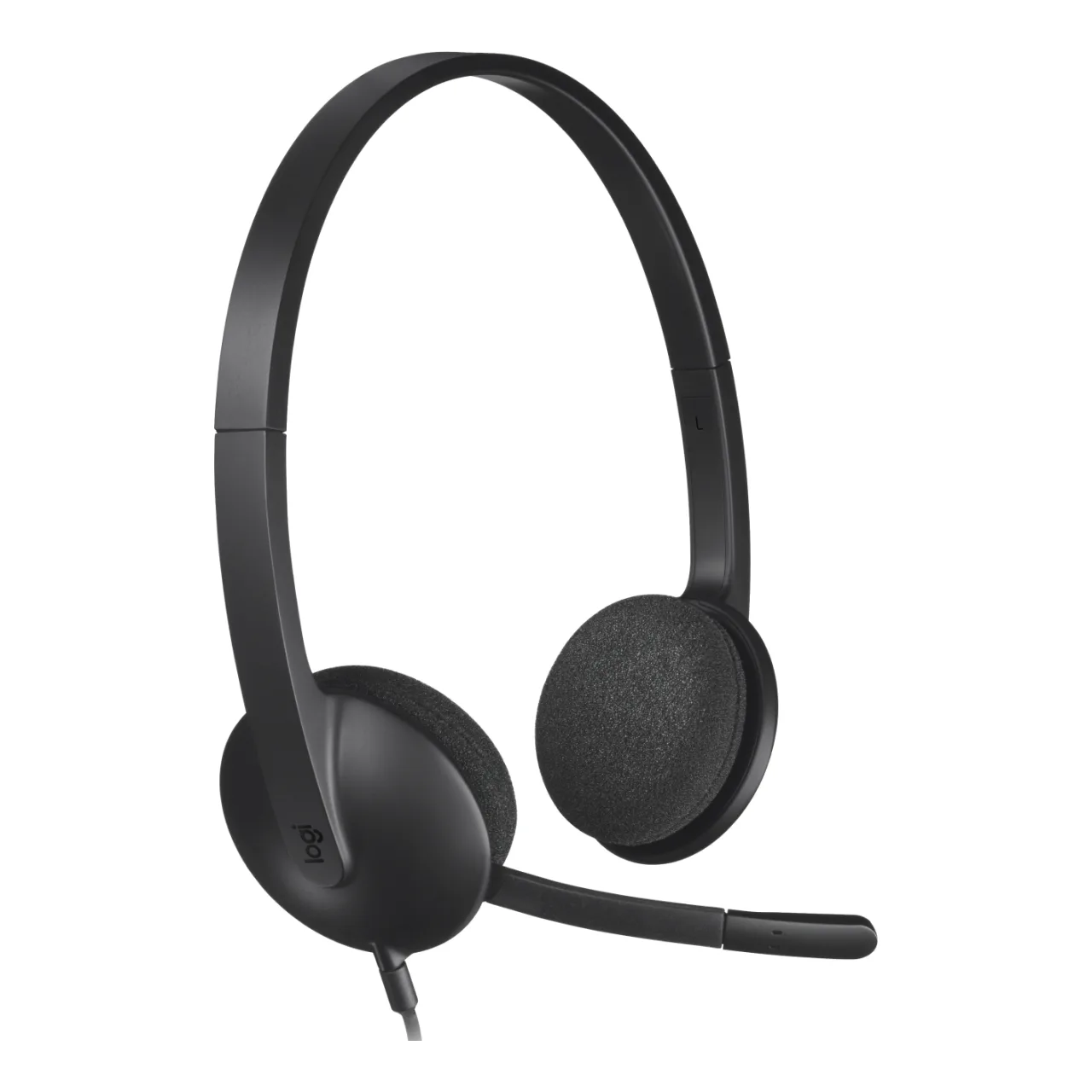
Logitech H340 USB Headset with Noise-Cancelling Mic
KSh 3,430 + VAT

Logitech H111 Stereo Headset with 3.5 mm Jack
KSh 1,610 + VAT
Buying from FancyTech
Visit us at Rehema House, Standard Street, Nairobi, or order online for delivery in 1–3 hours in Nairobi and next day countrywide. Delivery is KSh 300 in Nairobi and KSh 600 to other counties, and free on orders above KSh 150,000. Each listing states its condition and warranty. See our returns policy or contact us with any question.
Keep reading
Keyboards and Mice for Work: A Logitech and UGREEN Guide
How to pick a wireless mouse or keyboard for home and office, from basic combos to MX Master and ergonomic models.
Best Laptop Specs for Students in Kenya, by Course
How much laptop a Kenyan university or college student really needs, with minimum specs by course and tips on stretching a budget.
Wireless Microphones for Creators: DJI, Hollyland and BOYA
How to choose a wireless mic for phone or camera, comparing DJI Mic, Hollyland Lark and BOYA systems for creators in Kenya.
USB-C Hubs and Docks: Connect More to Your Laptop
How to choose a USB-C hub for HDMI, Ethernet and USB ports, including power delivery and MacBook compatibility.
HP EliteBook Buying Guide: G3 to G10 for Kenyan Buyers
How to read HP EliteBook model numbers and generations, and which Ex-UK EliteBook fits students, offices and travel.
Lenovo ThinkPad Guide: T480s, X1 Carbon, X13 and Yoga Models
Why ThinkPads are favoured by professionals, how the X1, T and L lines compare, and which Ex-UK model to pick.