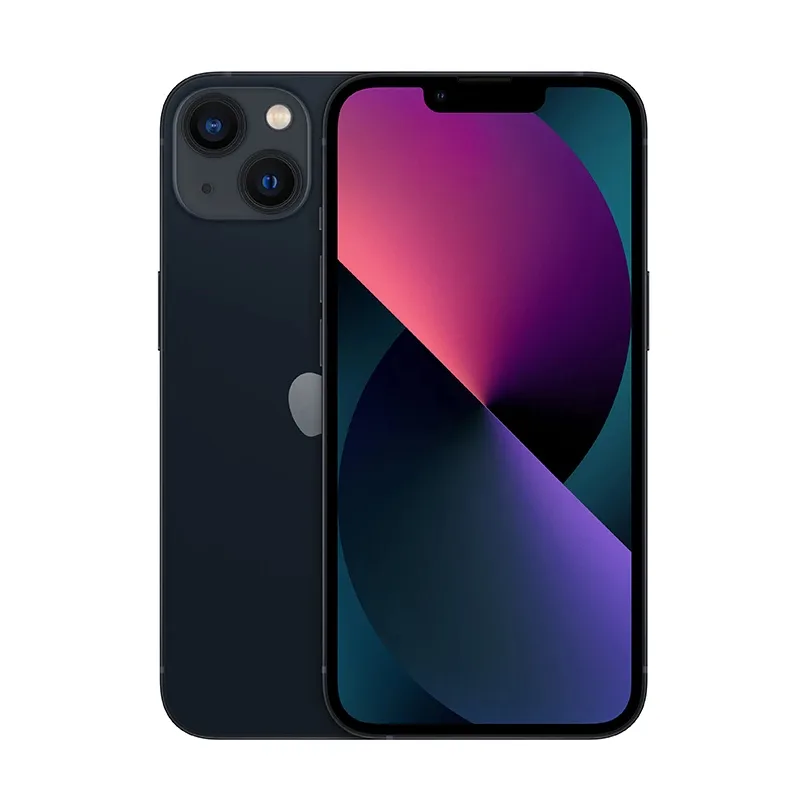
iPhone Accessories Worth Buying: Cases, MagSafe, AirTag and More
A few good accessories can protect your iPhone and make it more convenient. Others are simply a waste of money. Here is what is worth buying.
Cases
Our Silicone Case listings cover a wide range of iPhone models from the iPhone 11 through to recent releases. Choose the case for your exact model. An iPhone 15 Pro case will not fit an iPhone 15, because camera layouts and dimensions differ.
Silicone cases provide good grip and light protection. For heavy-duty use, choose a rugged case. Clean silicone cases regularly, as dust can get trapped and scratch the phone.
Screen protectors
A tempered glass screen protector is cheap compared with an OLED screen replacement. Make sure it fits and does not cover sensors. For more about what repairs involve, see our repair guide.
Chargers and cables
Apple's 20W USB-C adapter provides fast charging for most iPhones. A bigger third-party charger can be useful if you need to charge a laptop as well. Our charger guide covers your options.
Remember, iPhone 15 and later use USB-C, while earlier models use Lightning.
MagSafe
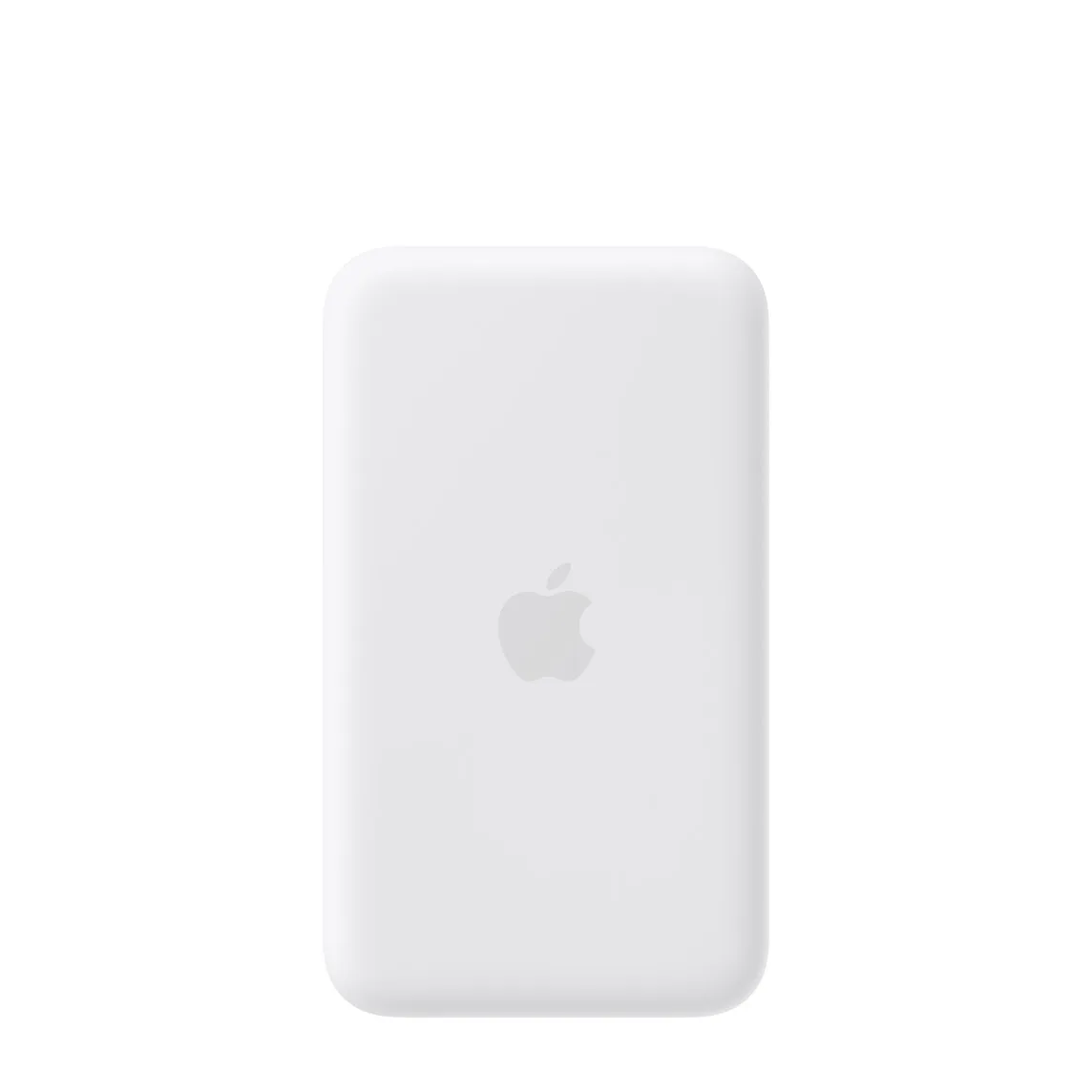
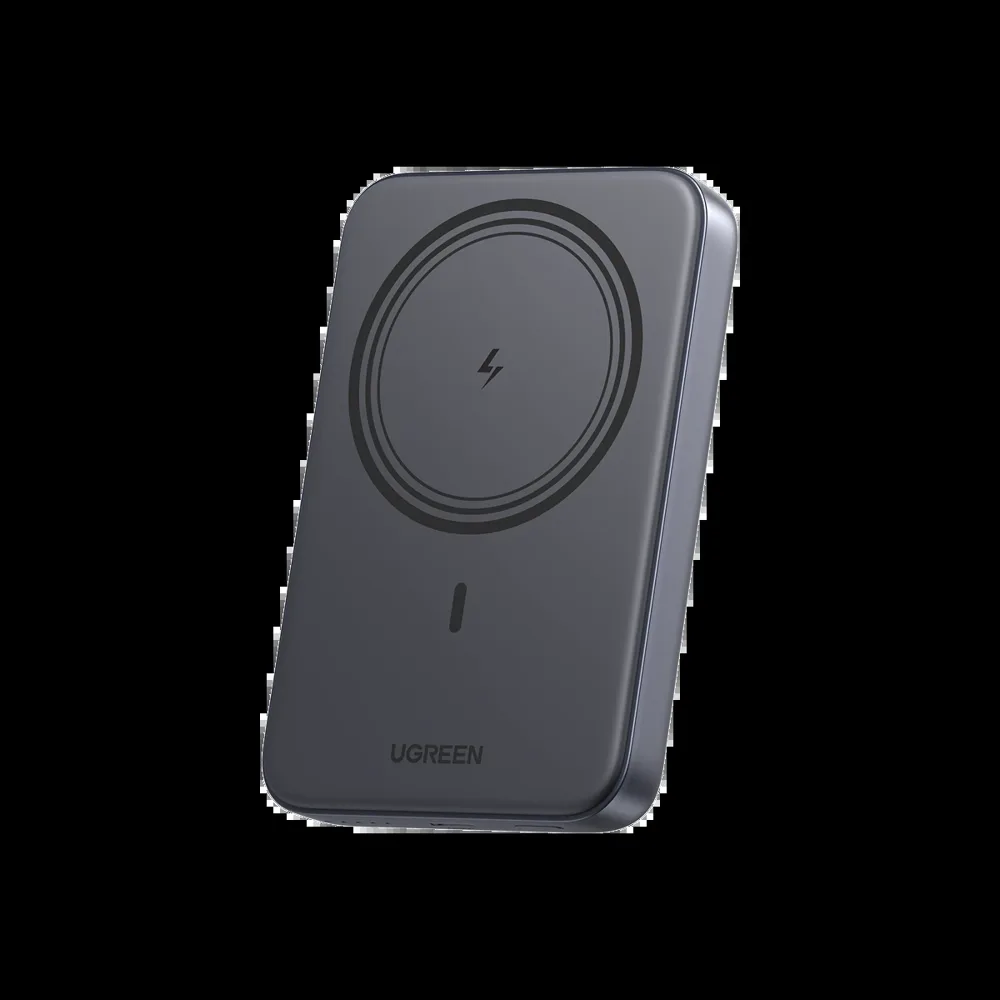
MagSafe magnets are in iPhone 12 and later, except the iPhone 16e, which does not include them. We list the Apple MagSafe Battery Pack and other magnetic options. A thin case with magnets keeps MagSafe working properly. Check our power bank guide for more options.
AirTag
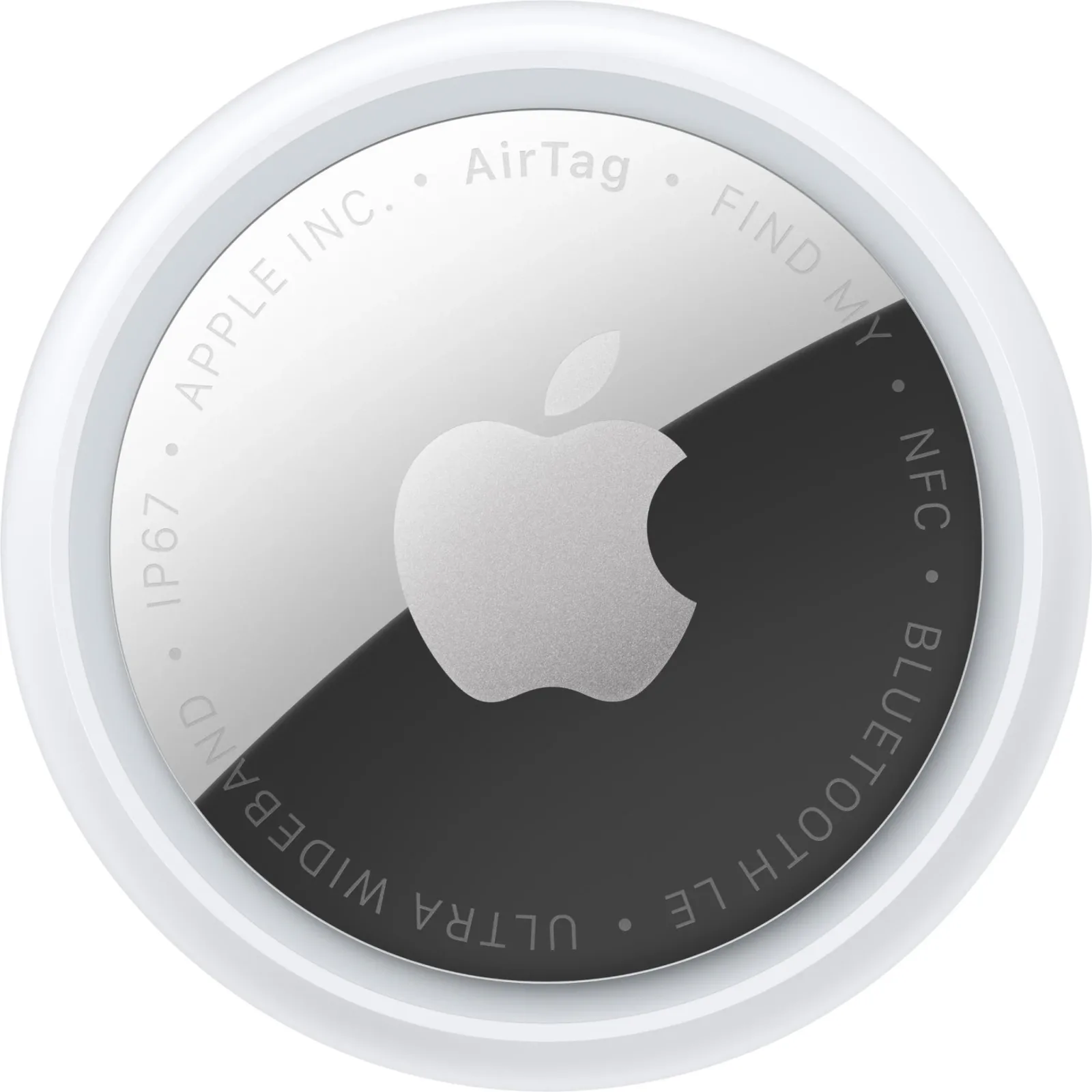
An AirTag helps you locate keys, bags and other items through Apple's Find My network. It relies on nearby Apple devices, so it works best in busy areas. It is designed for finding belongings, not for tracking people. Apple includes anti-stalking features, and using a tracker on someone without consent can be illegal.
Mac accessories
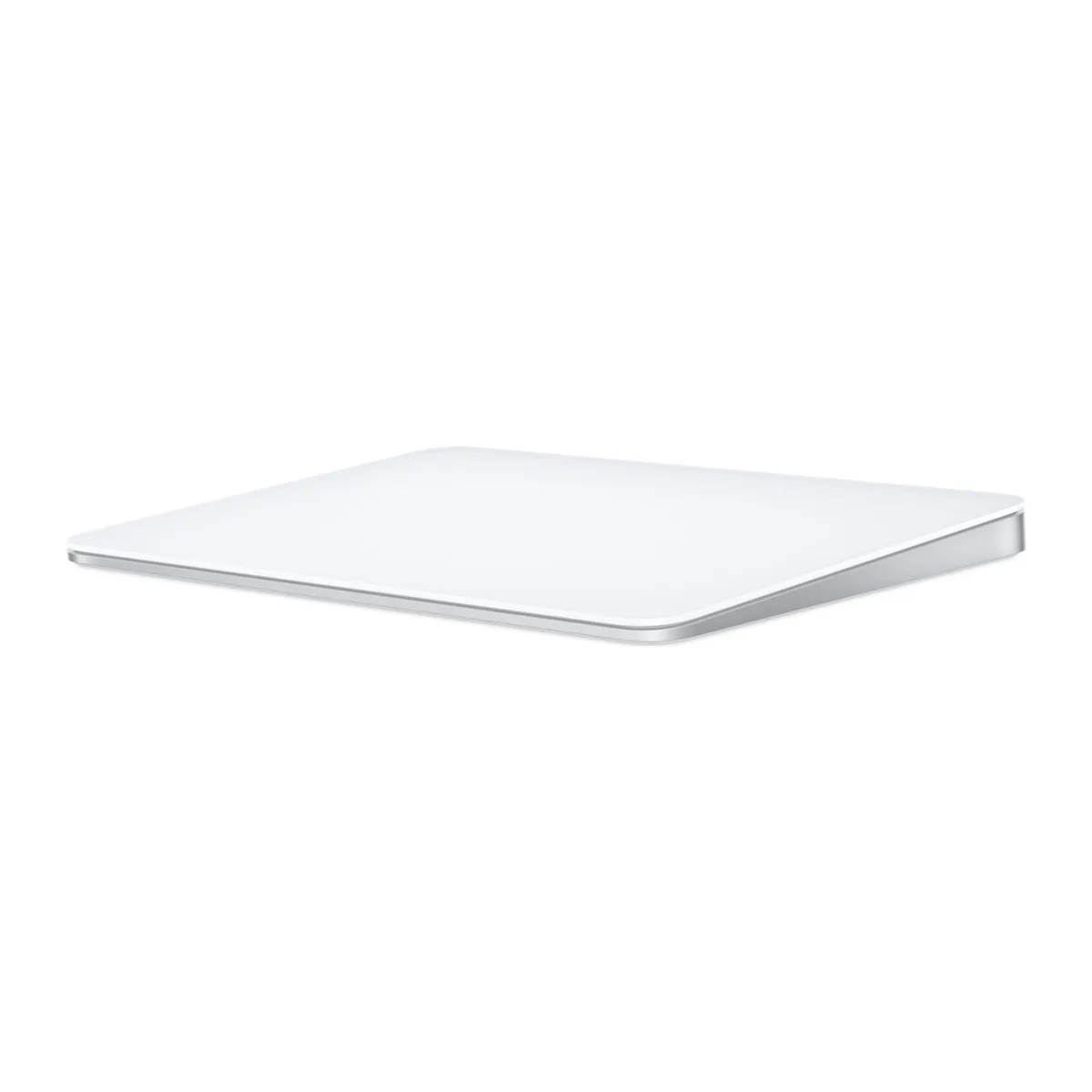
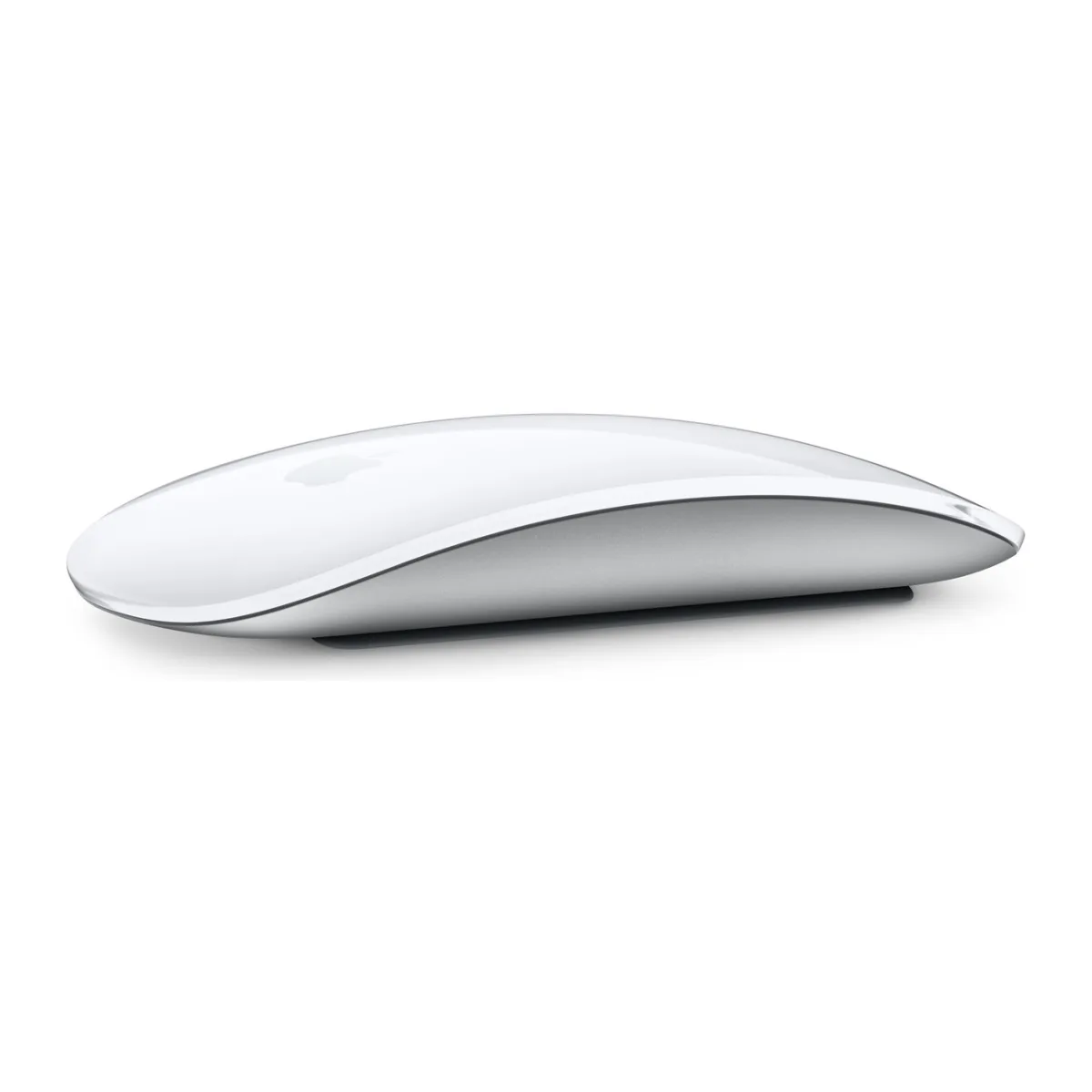
The Magic Mouse 3 and Magic Trackpad are for Mac users who want the Apple experience. For alternatives with better ergonomics, see keyboards and mice.
Apple Pencil
Apple Pencils differ by iPad model. Our iPad guide explains which is compatible.
Beware of counterfeits
Counterfeit Apple accessories are widespread. Poor chargers and cables can damage a device or overheat. Look for authentic packaging, buy from trusted sellers and use MFi-certified cables.
Accessories you can skip
Skip camera lens protectors that lower image quality, novelty charging gadgets, and any battery-saving apps. iOS manages its own battery. If you are buying a pre-owned iPhone, inspect it first using the Ex-UK checklist.
In the shop now
Current prices and stock from our catalogue.
Apple Magic TrackPad
KSh 23,499 + VAT
Apple MagSafe Battery Pack
KSh 15,999 + VAT
Magic Mouse 3
From KSh 13,500 + VAT
Apple Airtag 2nd Generation
From KSh 6,500 + VAT
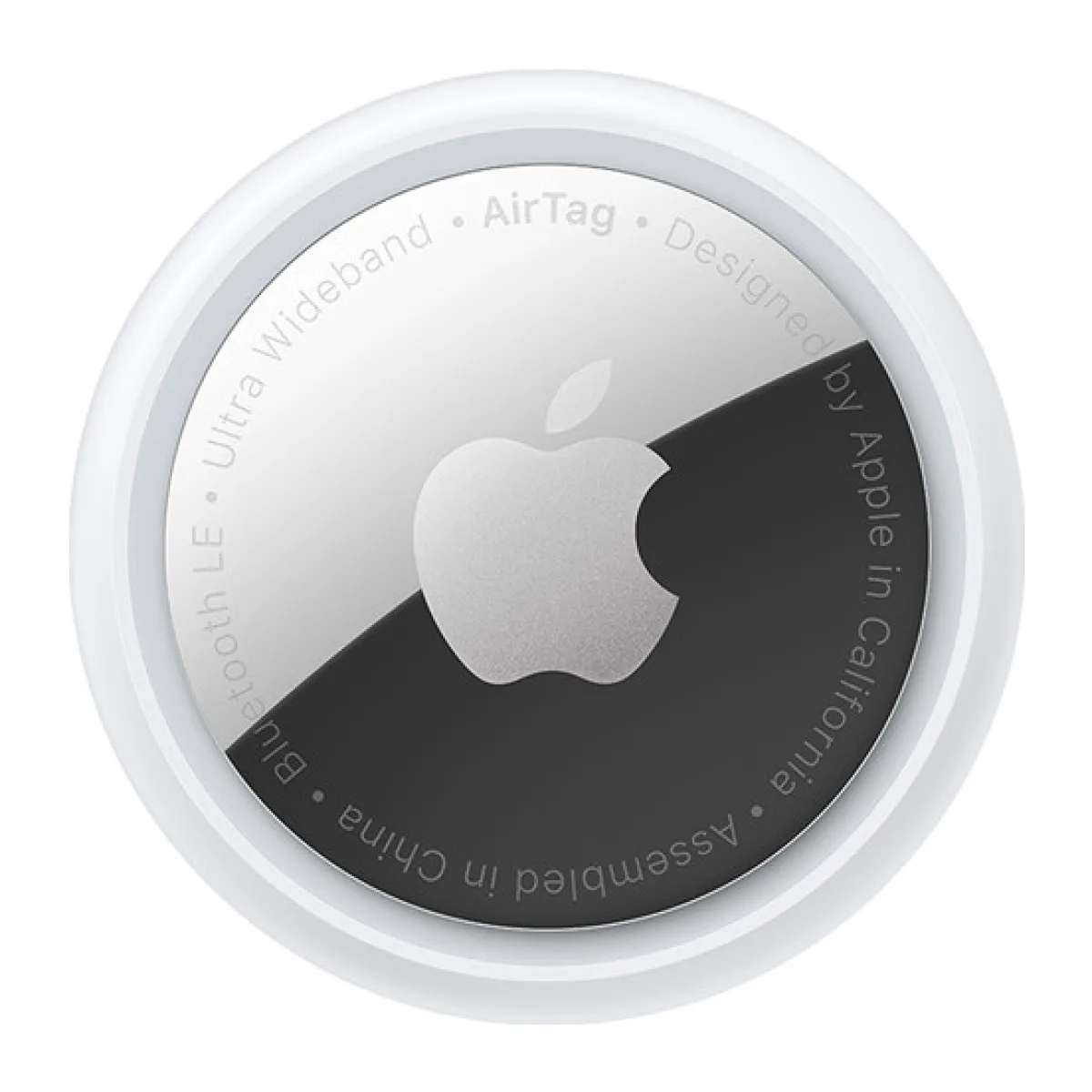
Apple airtag
From KSh 6,499 + VAT
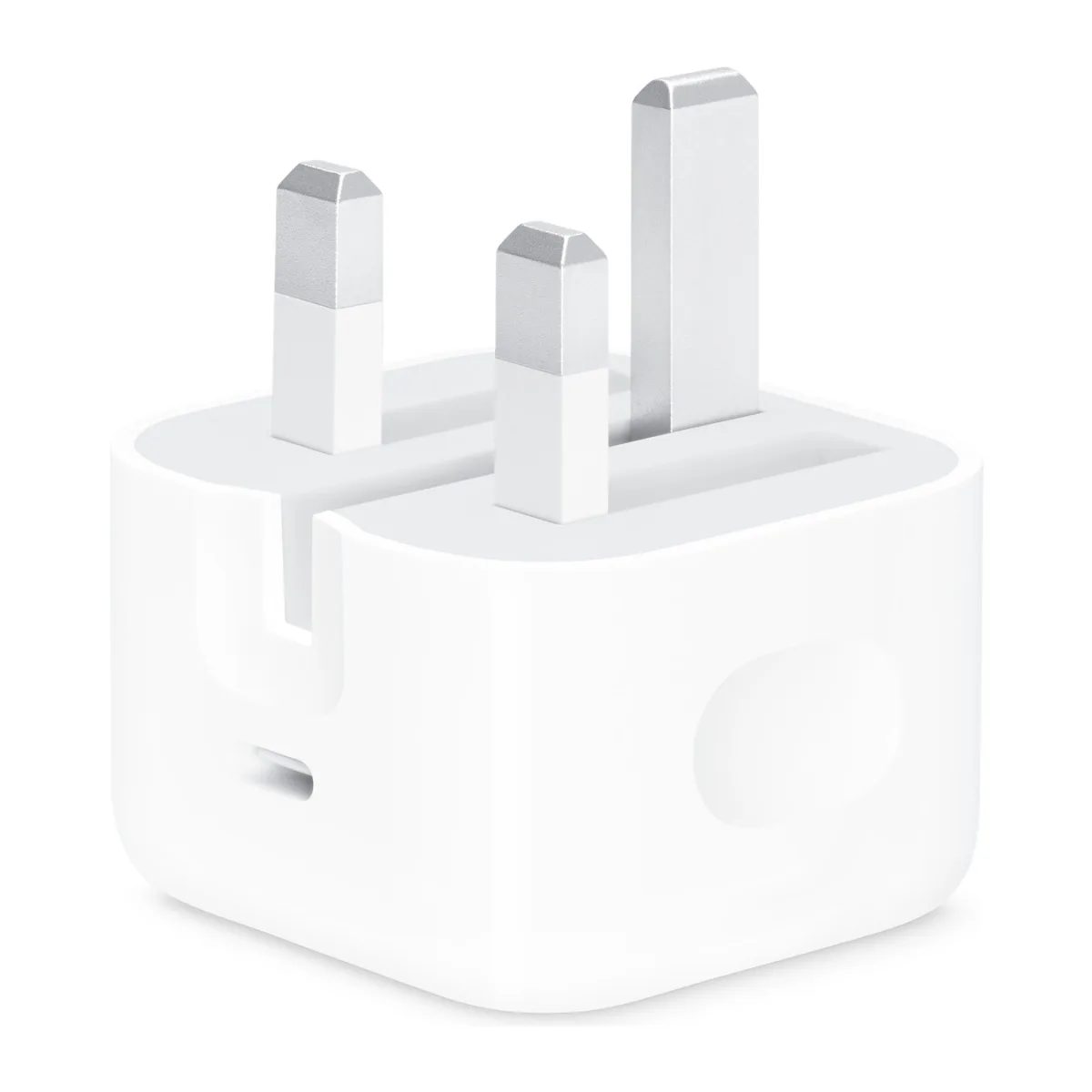
Apple 20-watt USB-C power adapter
KSh 3,500 + VATWas KSh 6,500
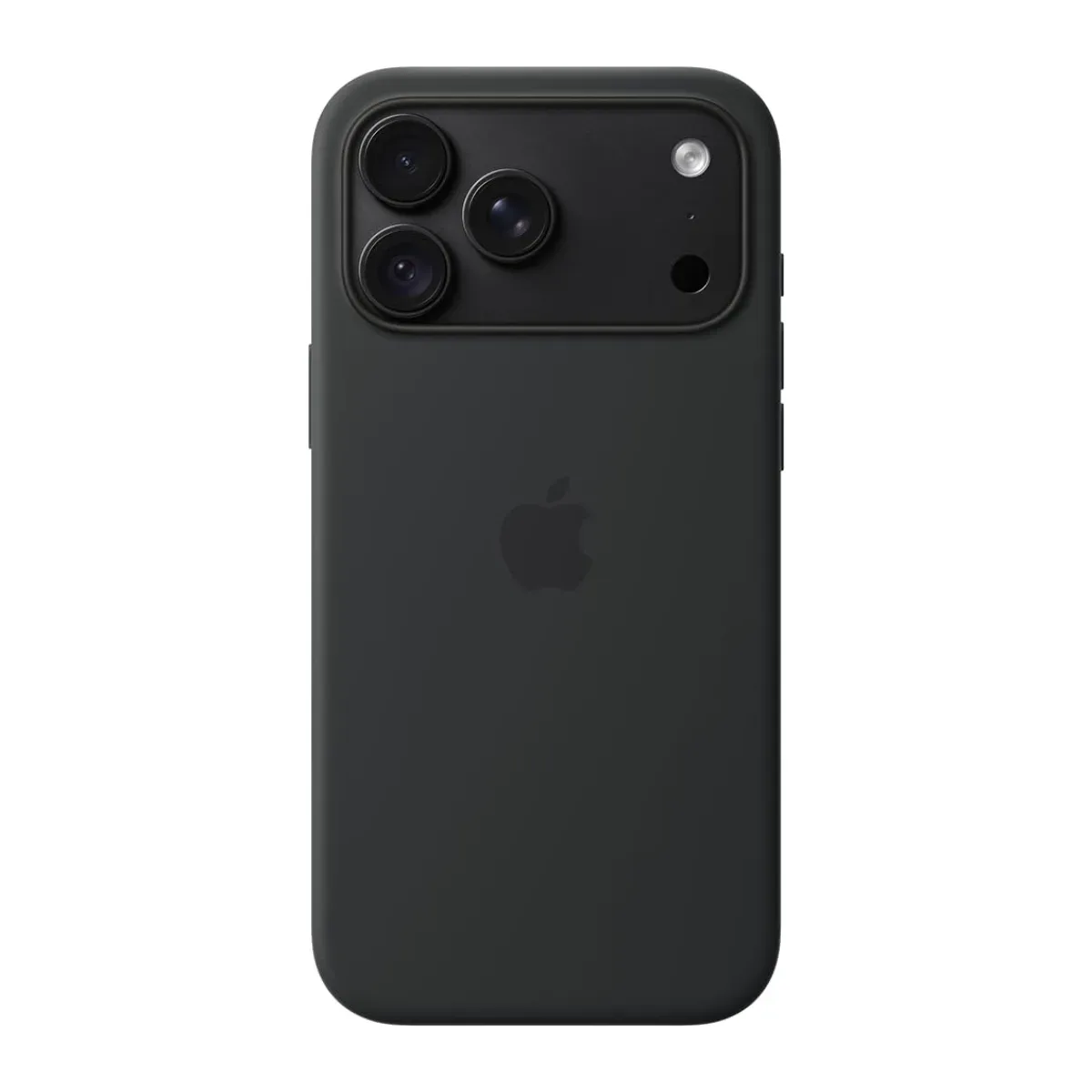
Silicone Case for iPhone 18 Pro Max
KSh 999 + VAT
Buying from FancyTech
Visit us at Rehema House, Standard Street, Nairobi, or order online for delivery in 1–3 hours in Nairobi and next day countrywide. Delivery is KSh 300 in Nairobi and KSh 600 to other counties, and free on orders above KSh 150,000. Each listing states its condition and warranty. See our returns policy or contact us with any question.
Keep reading
GaN Chargers and Fast Charging, Explained Without the Jargon
What GaN means, how USB-C PD and PPS work, how many watts you need, and how to choose Oraimo, UGREEN or Baseus chargers.
Power Banks Explained: Choosing the Right mAh and Wattage
How to choose an Oraimo, UGREEN or Baseus power bank, including real capacity, fast charging, laptop charging and flight rules.
Ex-UK iPhone Checklist: 12 Things to Check Before You Pay
A step-by-step inspection list for buying an Ex-UK iPhone in Kenya, covering iCloud, battery, screen, SIM and warranty.
Phone Repairs in Nairobi: What to Know Before You Book
Common phone repairs such as screens and batteries, how to prepare your phone, and how to decide if a repair is worth it.
Oraimo Clippers, Trimmers and Smart Lifestyle Accessories
How to choose Oraimo hair clippers and trimmers for home grooming, plus useful lifestyle accessories like tripods and scales.
Portable SSDs and Flash Drives: Keep Your Files Safe
How to choose SanDisk portable SSDs and USB drives for work and backup, and how to protect files from loss.