Ex-UK iPhone Checklist: 12 Things to Check Before You Pay
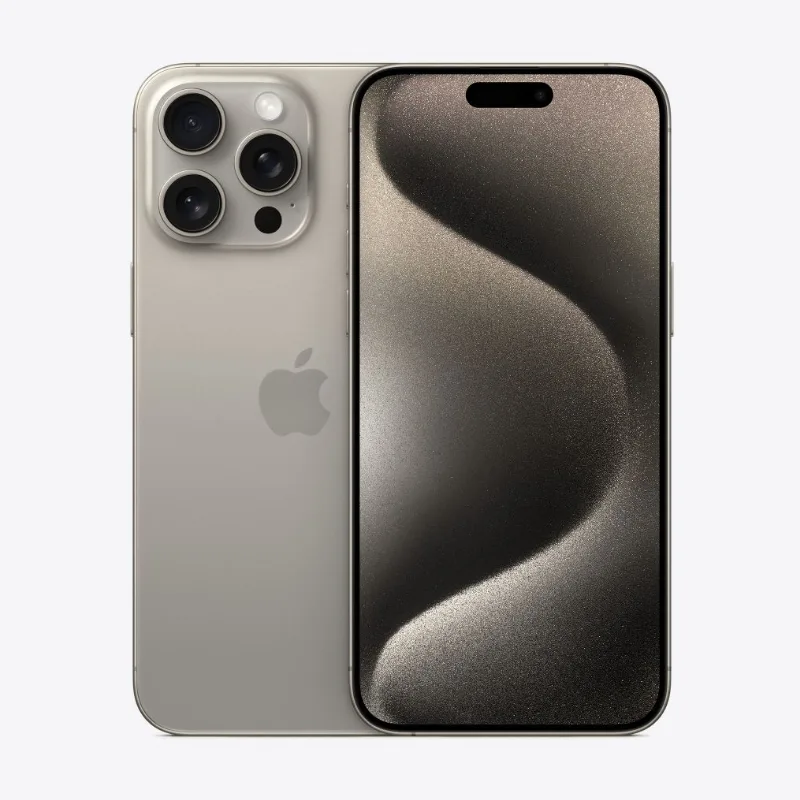
Ex-UK iPhones are previously used phones imported from the United Kingdom. They are popular in Kenya because they often cost far less than new units while still delivering the full iPhone experience. Quality varies between sellers, so a few minutes of checking can save you from a costly problem.
Whether you buy from us or elsewhere, go through this list.
Ownership and network checks
1. Confirm that Find My is off. Open Settings, tap the name at the top, then Find My. The phone must not be linked to another person's Apple Account. If you see a request for someone else's password after a reset, do not buy it.
2. Reset and set up. Ideally, the phone should be set up in front of you, so you can see that it activates normally.
3. Check the IMEI. Dial *#06# and make sure the number matches Settings and any label on the box.
4. Test your SIM. Insert your own SIM card and make a call. Check that the phone is not carrier-locked. Also check whether the model supports a physical SIM, since some iPhone models sold in the United States are eSIM only.
Hardware checks
5. Battery health. Go to Settings, Battery, Battery Health. Read our explanation of the percentage.
6. Screen. Open a white page and then a dark image. Look for discoloured areas, dead pixels, or lifting edges. Settings, General, About may display a message about unknown parts on supported models.
7. True Tone and brightness. Non-original screens can cause True Tone to disappear and brightness to be lower.
8. Face ID or Touch ID. Register your face or fingerprint. Failures here are common on phones that have been opened or dropped.
9. Cameras. Test each rear camera and the front camera. Switch between lenses, record short clips, and listen to the audio.
10. Speakers, microphones and charging. Play music, make a call on speaker, and record a voice note. Plug in a charger and check that charging begins immediately.
Paperwork
11. Get the condition and warranty in writing. A receipt or listing should state what is covered and for how long. Read how returns and warranty work.
12. Ask about the return window. Faults may appear after a few days of use, so you need to know what happens if they do.
What Ex-UK does not mean
It is not a guarantee of a particular grade or condition. Sellers use terms like "Grade A" differently. Ask for the actual state of the phone, and inspect it yourself if you can. Our guide to Ex-UK versus brand new phones explains when each makes sense.
Extended cover at FancyTech
On Ex-UK listings we offer an optional extended warranty that you can buy at checkout, with the details on the product page. It covers faults, not physical or liquid damage, so a case and screen protector are still worth having.
If you are comparing models, start with the iPhone 11, iPhone 12 or iPhone 13 guides.
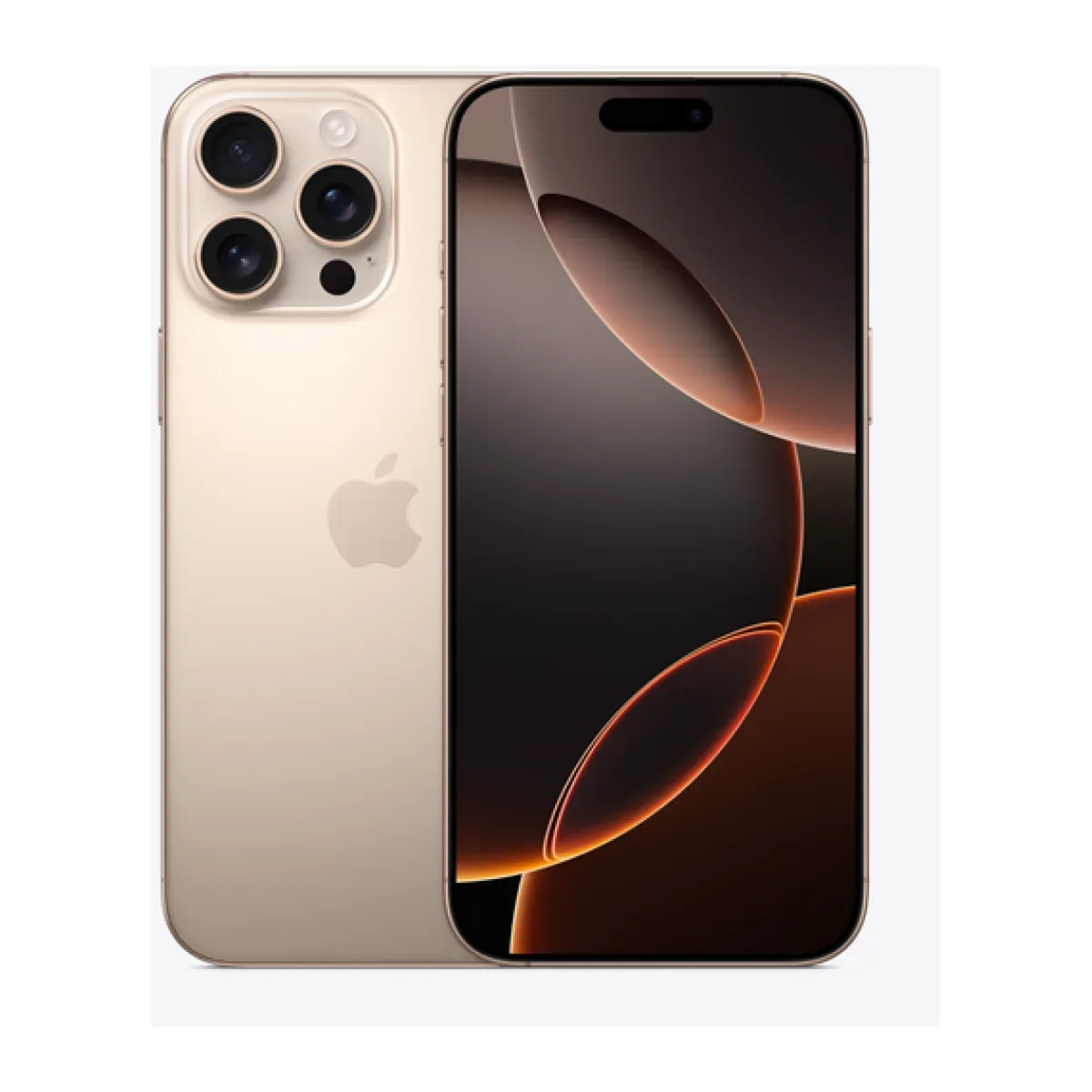
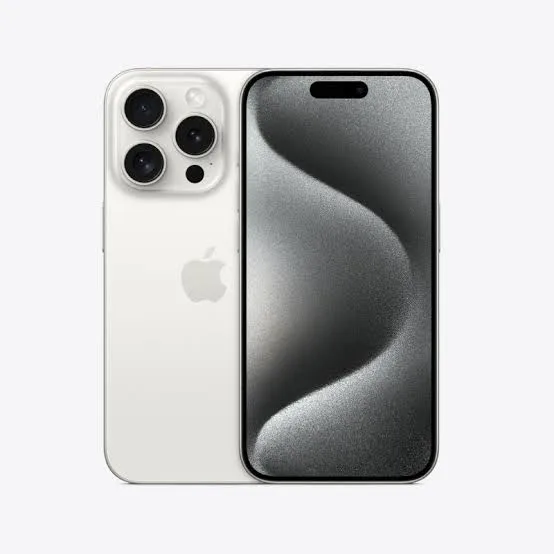
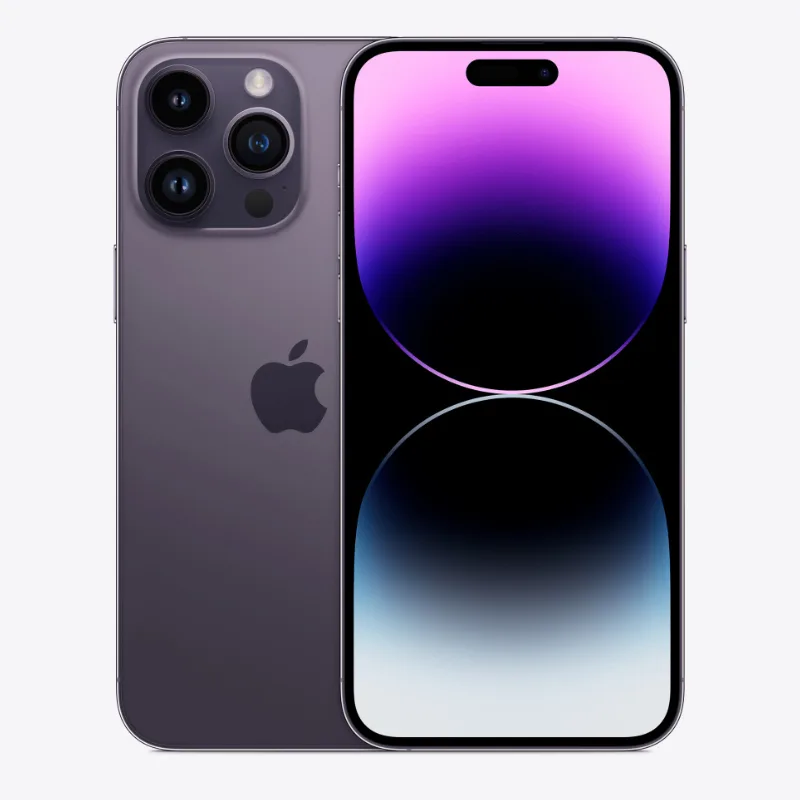
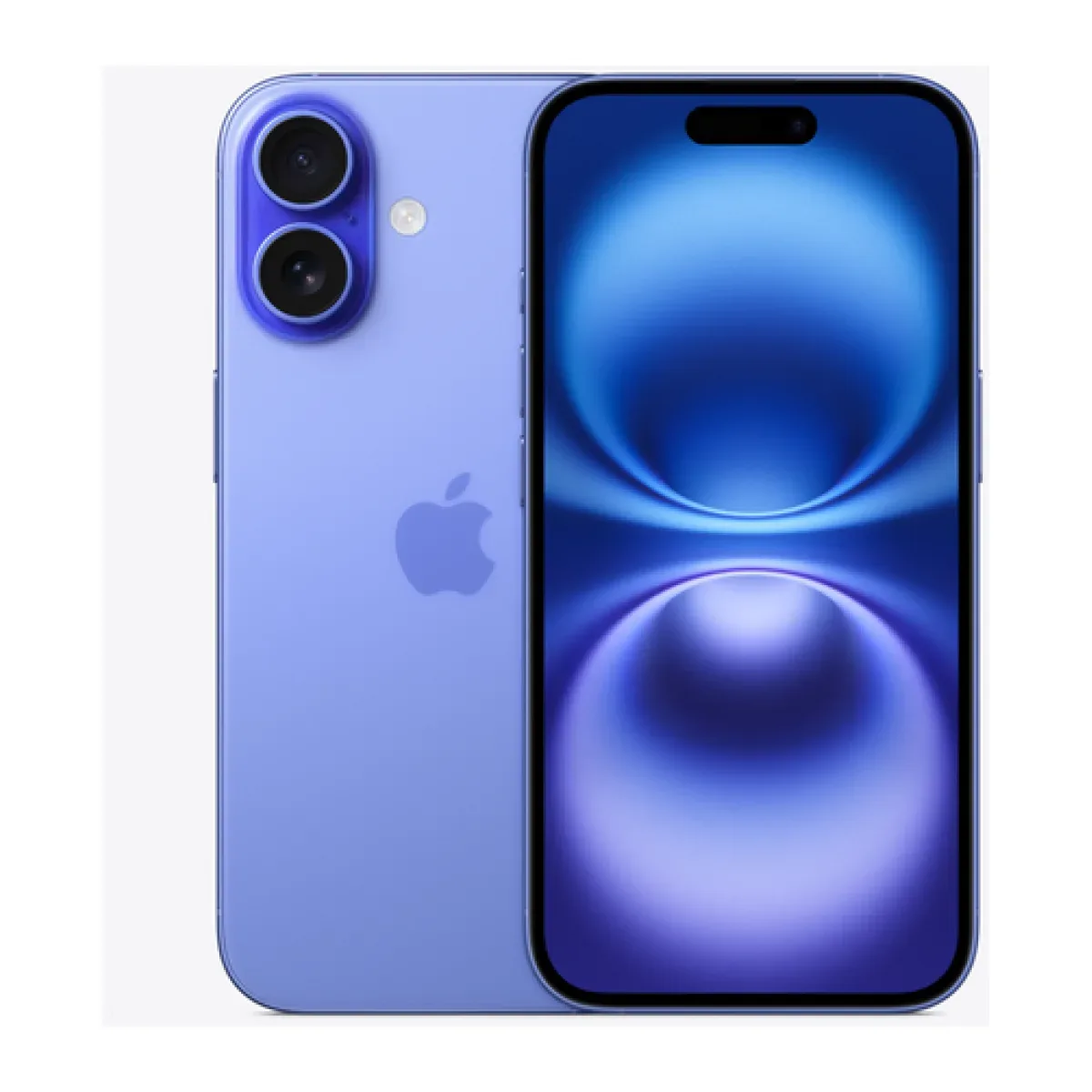
In the shop now
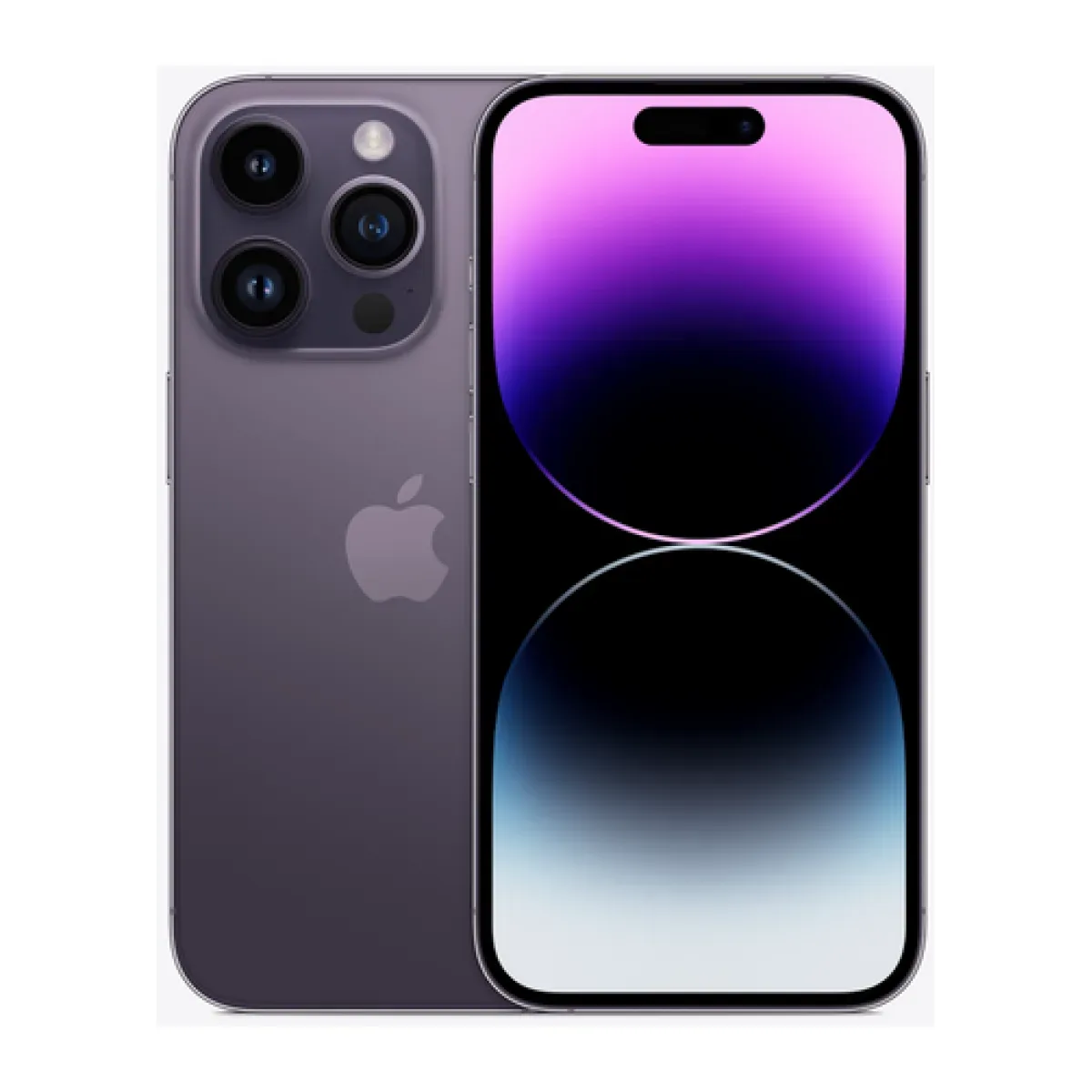
Current prices and stock from our catalogue.
Buying from FancyTech
Visit us at Rehema House, Standard Street, Nairobi, or order online for delivery in 1–3 hours in Nairobi and next day countrywide. Delivery is KSh 300 in Nairobi and KSh 600 to other counties, and free on orders above KSh 150,000. Each listing states its condition and warranty. See our returns policy or contact us with any question.
Keep reading
iPhone Battery Health Explained: What Percentage Is Good?
What the iPhone battery health number means, what counts as acceptable on a used phone, and how to make a battery last.
Ex-UK vs Brand New Phones: What Kenyan Buyers Should Know
The real differences between Ex-UK and brand-new phones in Kenya, covering condition, batteries, warranty and value.
Returns and Warranty Explained for Kenyan Electronics Buyers
The difference between change-of-mind returns, faulty goods, manufacturer and seller warranties, and what to do when something goes wrong.
Is the iPhone 11 Still Worth Buying in Kenya?
What the iPhone 11, 11 Pro and 11 Pro Max still do well, where they fall short, and who should buy one in Kenya today.
The Cheapest iPhones Worth Buying in Kenya
How to buy a low-cost iPhone without regret, which older models to consider, and which compromises are not worth making.
Pro or Standard iPhone: Is the Extra Money Worth It?
What Pro iPhones really add over standard models, from telephoto cameras to 120Hz screens, and who benefits from them.