iMac M3 Guide: Is an All-in-One Mac Right for You?
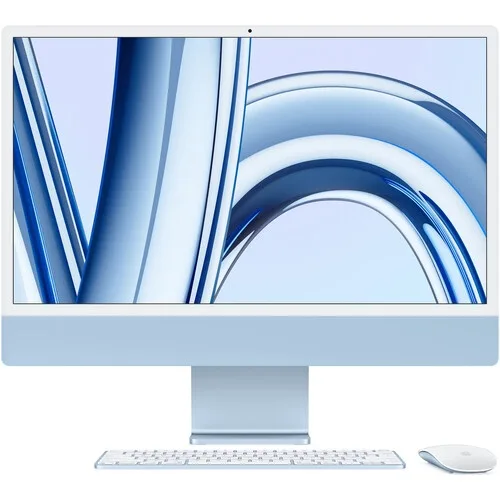
The 24-inch iMac combines the computer and screen into one slim device. It looks at home in a reception area, home office or creative studio, and removes much of the clutter of a traditional desktop.
What you get
The iMac with M3 chip has a 24-inch 4.5K Retina display that is sharp and colour-accurate, a 1080p camera, and a good set of speakers and microphones built in. The Apple M3 is fast enough for everyday work, photo editing and a good amount of video editing.
Who it suits
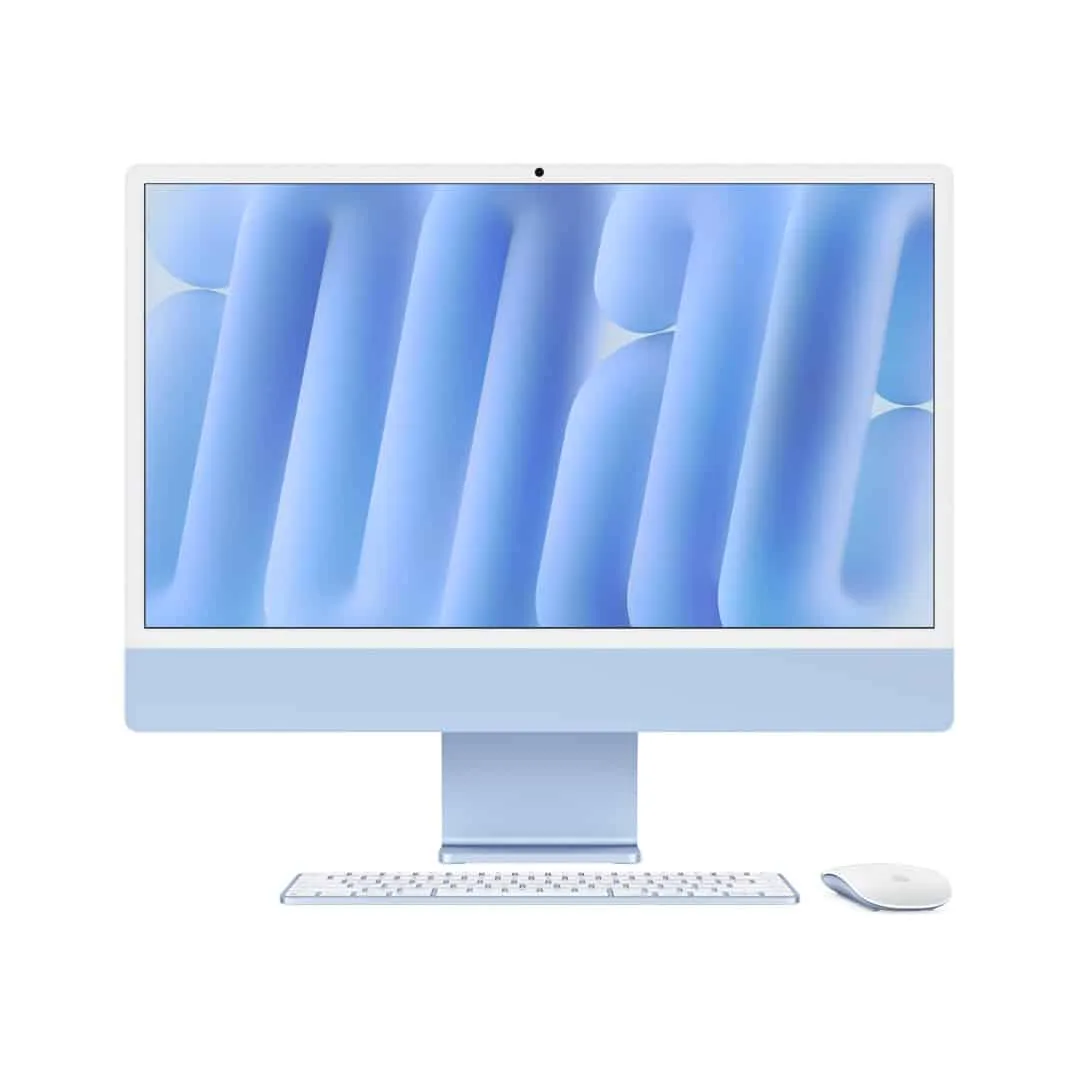
- Offices and reception desks: clean, quiet and simple.
- Designers and photographers: the display is excellent for visual work.
- Families: one computer that is easy to use and share.
- Home offices: video calls work well without extra hardware.
What to check before buying
Memory and storage cannot be upgraded later. Choose enough from the start. For multi-tasking and creative apps, 16GB of memory or more is preferable. If you need more storage, plan on an external SSD.
Ports differ by configuration. Some models have two Thunderbolt ports, while others also have extra USB ports and Ethernet in the power brick. Check the listing, and add a USB-C hub if you need more connections.
Accessories can differ. Colour-matched keyboard and mouse sets are usually included with new iMacs. Check the listing for the specific contents. For alternatives, see our guide to keyboards and mice.
Power in Kenya
Because the iMac has no battery, a power cut will shut it down immediately and any unsaved work could be lost. A surge protector is the minimum protection. A UPS or a portable power station can keep it running through brief outages and give you time to save your work.
Also avoid running the iMac in a dusty space or a very hot room without ventilation.
iMac or MacBook?
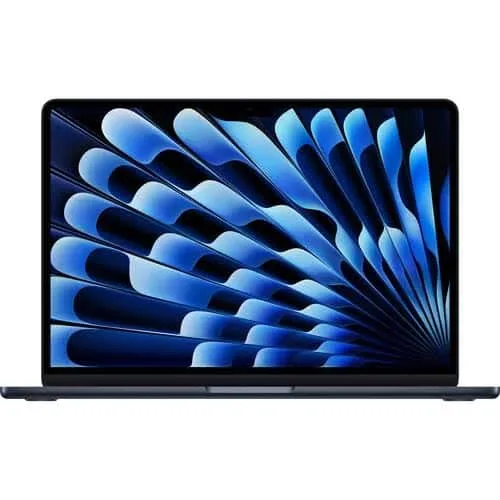
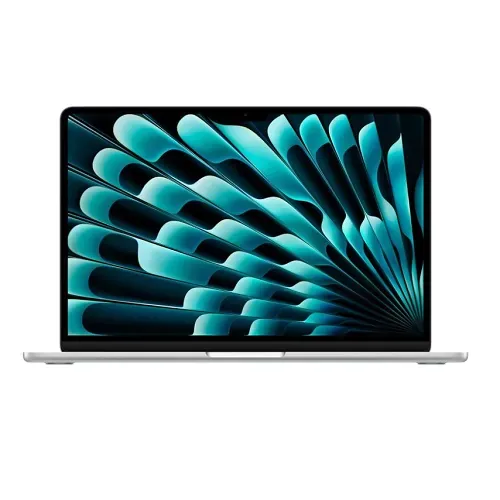
Choose an iMac if you work mainly at a single desk and want a large, excellent display. Choose a MacBook Air if you need portability, or to work during outages on battery.
Compatibility
Most mainstream applications run on Apple silicon, but check any Windows-only software you rely on. Remote desktop or virtual machines might provide a solution, though these bring their own complications.
Is it good value?
If you would use the display and the simplicity every day, the iMac offers a great all-in-one package. If you need raw power and upgradability, a traditional desktop may fit you better, but you would then also need a monitor, speakers, webcam and space.
We list the M3 model as both a standard and newer listing. Check the current options, chip configuration and included accessories below.
In the shop now
Current prices and stock from our catalogue.
Apple 24″ iMac M3
From KSh 295,000 + VAT
Apple 24″ iMac M4
From KSh 228,000 + VAT
Buying from FancyTech
Visit us at Rehema House, Standard Street, Nairobi, or order online for delivery in 1–3 hours in Nairobi and next day countrywide. Delivery is KSh 300 in Nairobi and KSh 600 to other counties, and free on orders above KSh 150,000. Each listing states its condition and warranty. See our returns policy or contact us with any question.
Keep reading
MacBook Air M1, M2 and M3: Which to Buy in Kenya
How Apple's M1, M2 and M3 MacBook Air laptops compare on screen, performance and battery, and which is best value.
Keyboards and Mice for Work: A Logitech and UGREEN Guide
How to pick a wireless mouse or keyboard for home and office, from basic combos to MX Master and ergonomic models.
USB-C Hubs and Docks: Connect More to Your Laptop
How to choose a USB-C hub for HDMI, Ethernet and USB ports, including power delivery and MacBook compatibility.
EcoFlow Power Stations: Backup Power for Kenyan Homes and Work
How to size an EcoFlow River or Delta power station for blackouts, what watts and watt-hours mean, and solar charging basics.
Lenovo IdeaPad, Yoga and ThinkBook: Consumer Laptop Guide
How Lenovo's consumer laptops differ from ThinkPads, and how to pick an IdeaPad, Flex, Yoga or ThinkBook in Kenya.
Older Intel MacBook Pro: Bargain or Bad Idea?
What to know before buying a used Intel MacBook Pro from 2013 to 2018, including macOS support, batteries and heat.