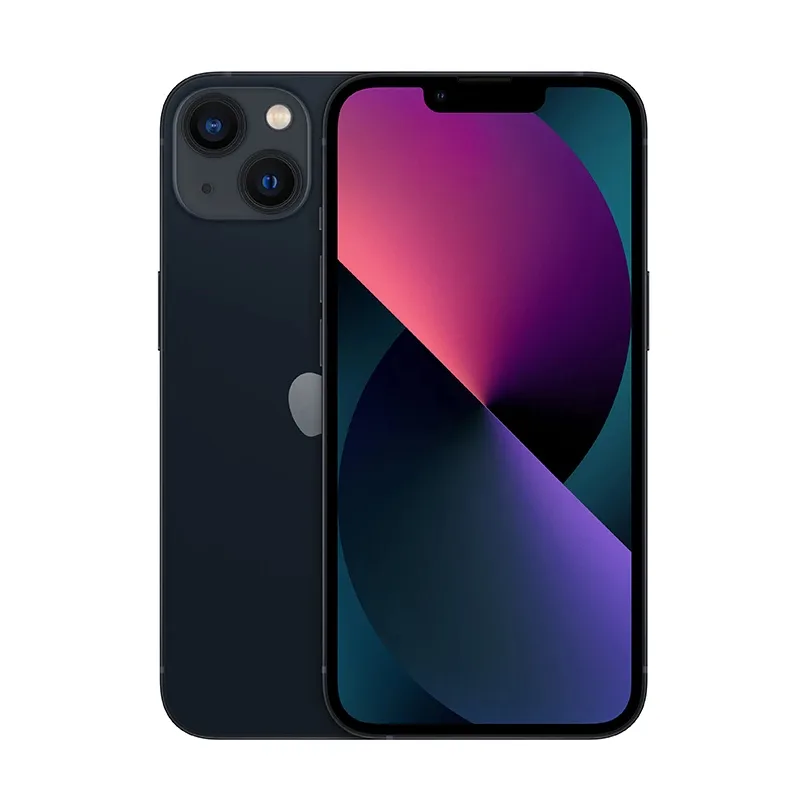
How to Print From Your Phone in Kenya: Epson Wi-Fi Printer Guide
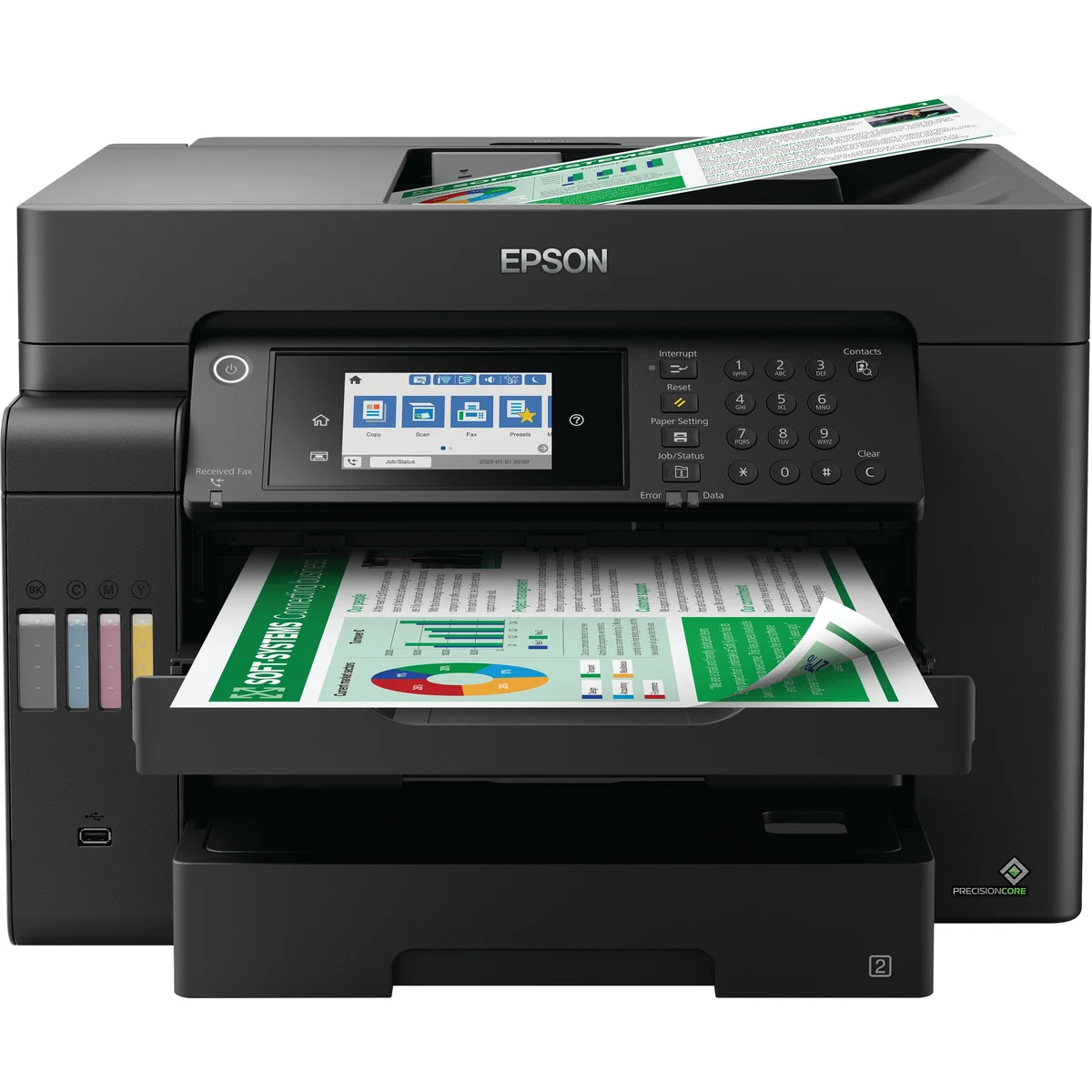
Most documents Kenyans print today live on a phone: an eCitizen receipt, a KRA certificate, a school fee statement sent on WhatsApp, a boarding pass in an email. With a Wi-Fi printer you can print them straight from the phone without a computer.
What you need
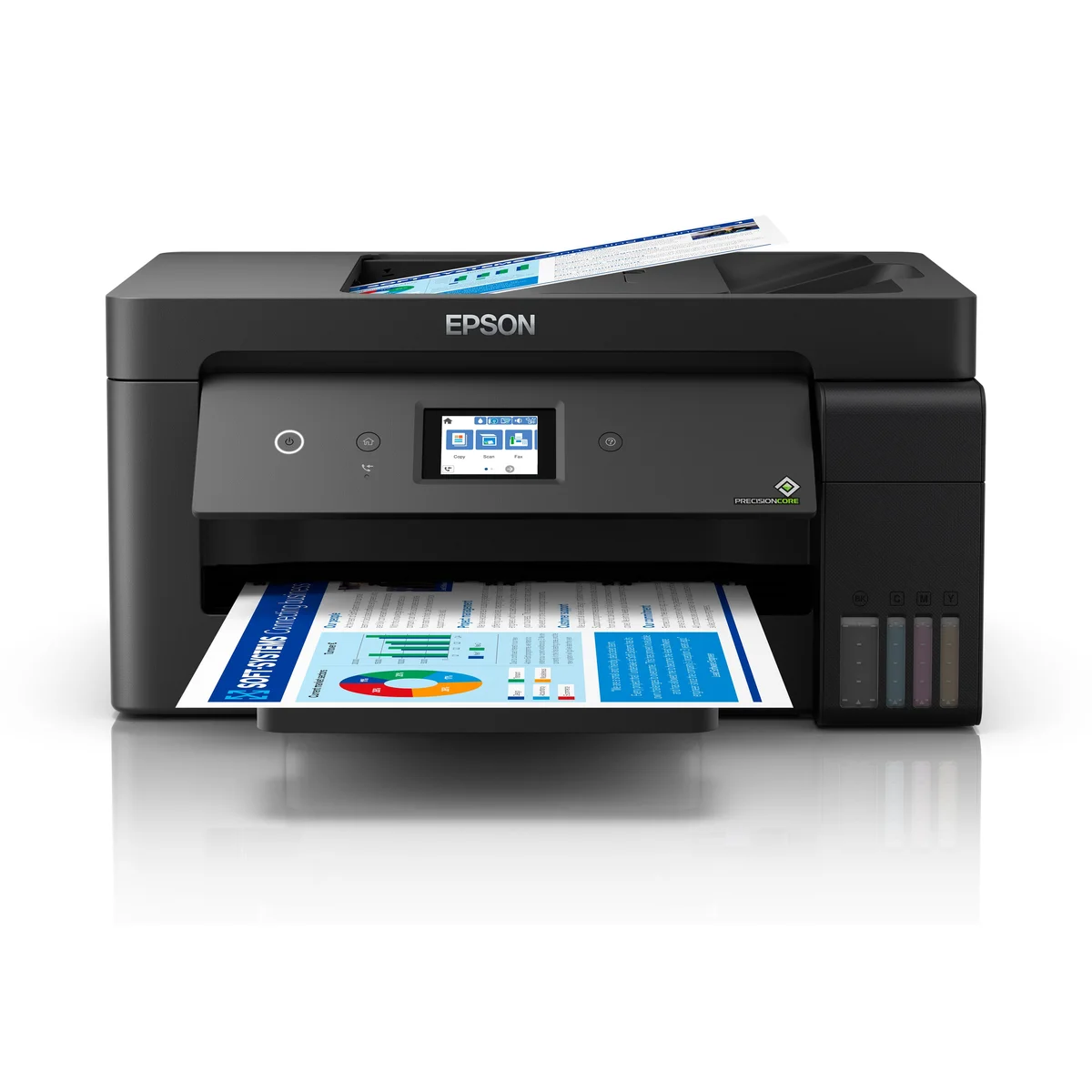
- An Epson printer with Wi-Fi, such as the EcoTank L3250, L3260, L4360, L6370 or L8050.
- A smartphone on the same Wi-Fi network, or connected directly to the printer with Wi-Fi Direct.
- Epson's free Smart Panel app (Android and iPhone), or your phone's built-in print option.
Step 1: Connect the printer to Wi-Fi
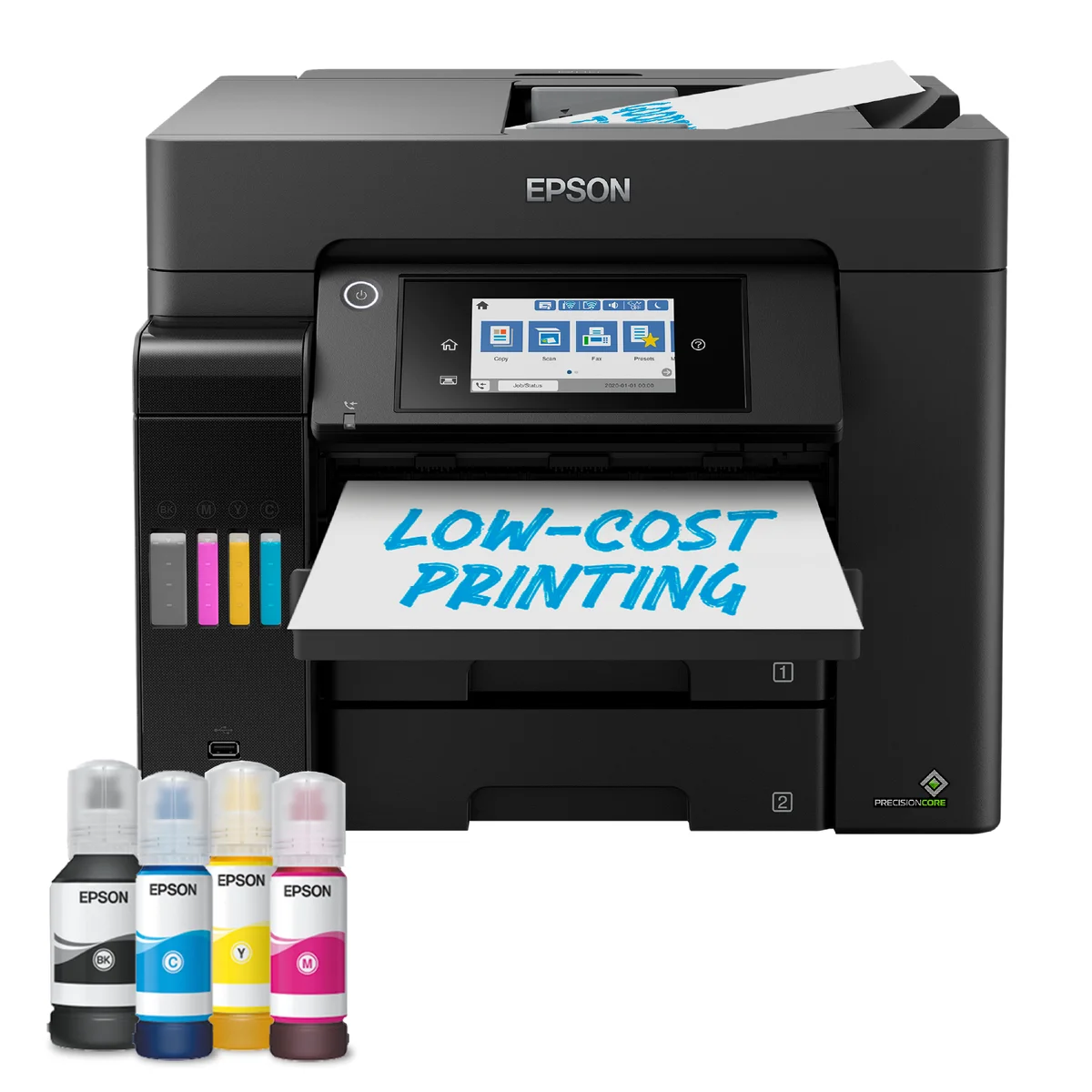
The easiest way is through the Epson Smart Panel app. Install it, tap to add a printer and follow the steps. The app finds the printer and connects it to your home or office Wi-Fi.
No router? Use Wi-Fi Direct. The printer creates its own small network and your phone joins it directly.
Step 2: Print a document
On Android
Open the document or photo, tap Share or the three-dot menu, then choose Print. Pick your Epson printer from the list. Or open Smart Panel and choose Print Documents.
On iPhone
Open the document, tap Share, then Print, and choose your printer. Epson's Wi-Fi printers support Apple AirPrint.
Printing from WhatsApp, email and eCitizen
- WhatsApp: open the PDF, tap the menu and choose Share, then Print, or open it in Smart Panel.
- Email: open the attachment and use the print option.
- eCitizen and KRA iTax: download the PDF first, then print it from your files.
Scanning to your phone
Smart Panel also scans. Place the document on the glass, choose Scan in the app and save the PDF to your phone, ready to email or upload.
Common problems
- Printer not found: make sure the phone and printer are on the same Wi-Fi network, not mobile data.
- Printer dropped off Wi-Fi after a power cut: wait for the router to restart fully, then switch the printer off and on.
- Router changed: reconnect the printer through Smart Panel.
Questions and answers
Can I print from my phone without a computer?
Yes. With an Epson Wi-Fi printer you can print from Android or iPhone using Epson Smart Panel or your phone's built-in print option.
Can I print without a Wi-Fi router?
Yes. Epson Wi-Fi printers support Wi-Fi Direct, which lets your phone connect directly to the printer.
Does the Epson L3310 print from phones?
No. The L3310 connects by USB only. Choose the L3250 or L3260 for phone printing.
Can I scan documents to my phone?
Yes. Use the Epson Smart Panel app to scan from the printer straight to your phone as a PDF or image.
In the shop now
Current prices and stock from our catalogue.
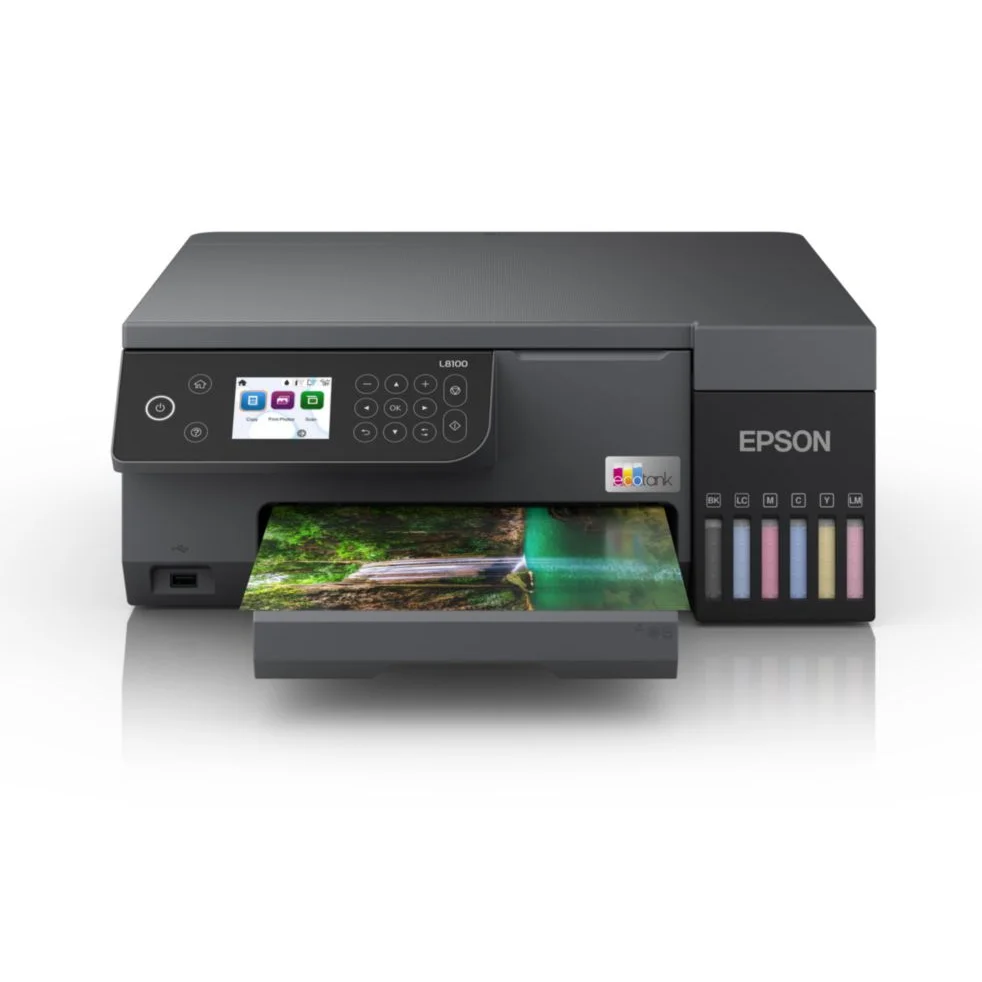
Epson EcoTank L15150 A3+ Wi-Fi 4-in-1 Printer with Fax
KSh 148,000 + VAT
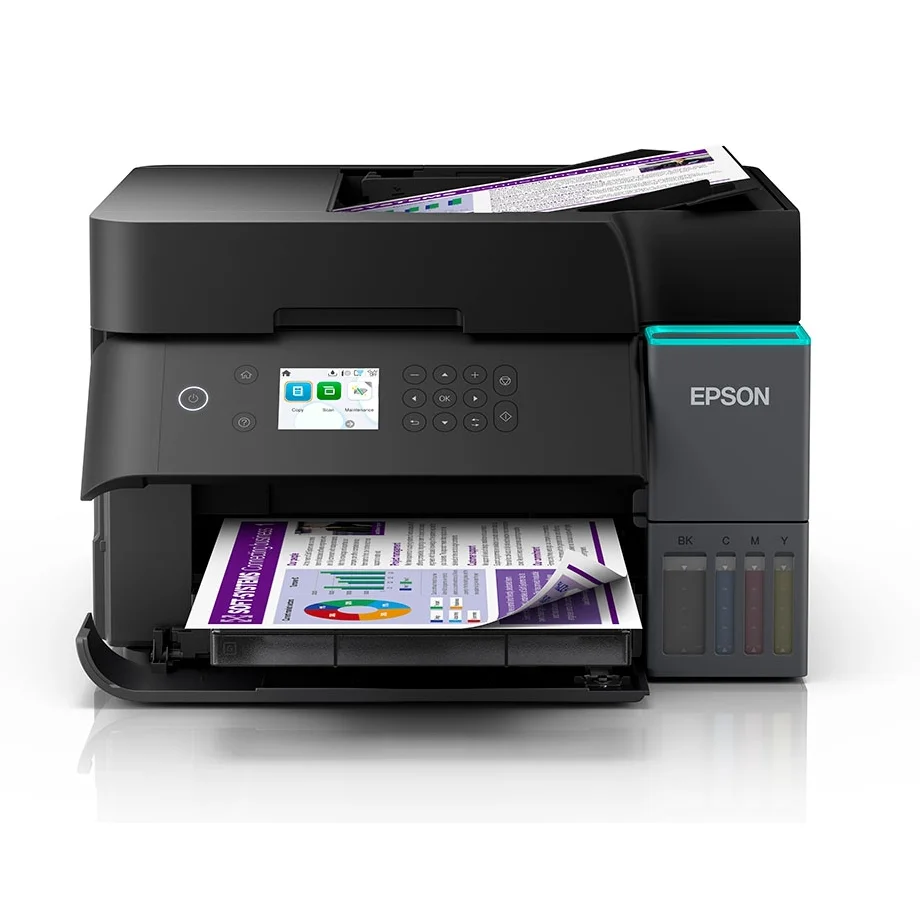
Epson EcoTank L6570 4-in-1 Business Printer with Fax and ADF
KSh 129,000 + VAT
Epson EcoTank L6550 4-in-1 Business Printer with Fax and ADF
KSh 116,000 + VAT
Epson EcoTank L14150 A3+ Wi-Fi 4-in-1 Printer with Fax
KSh 85,000 + VAT
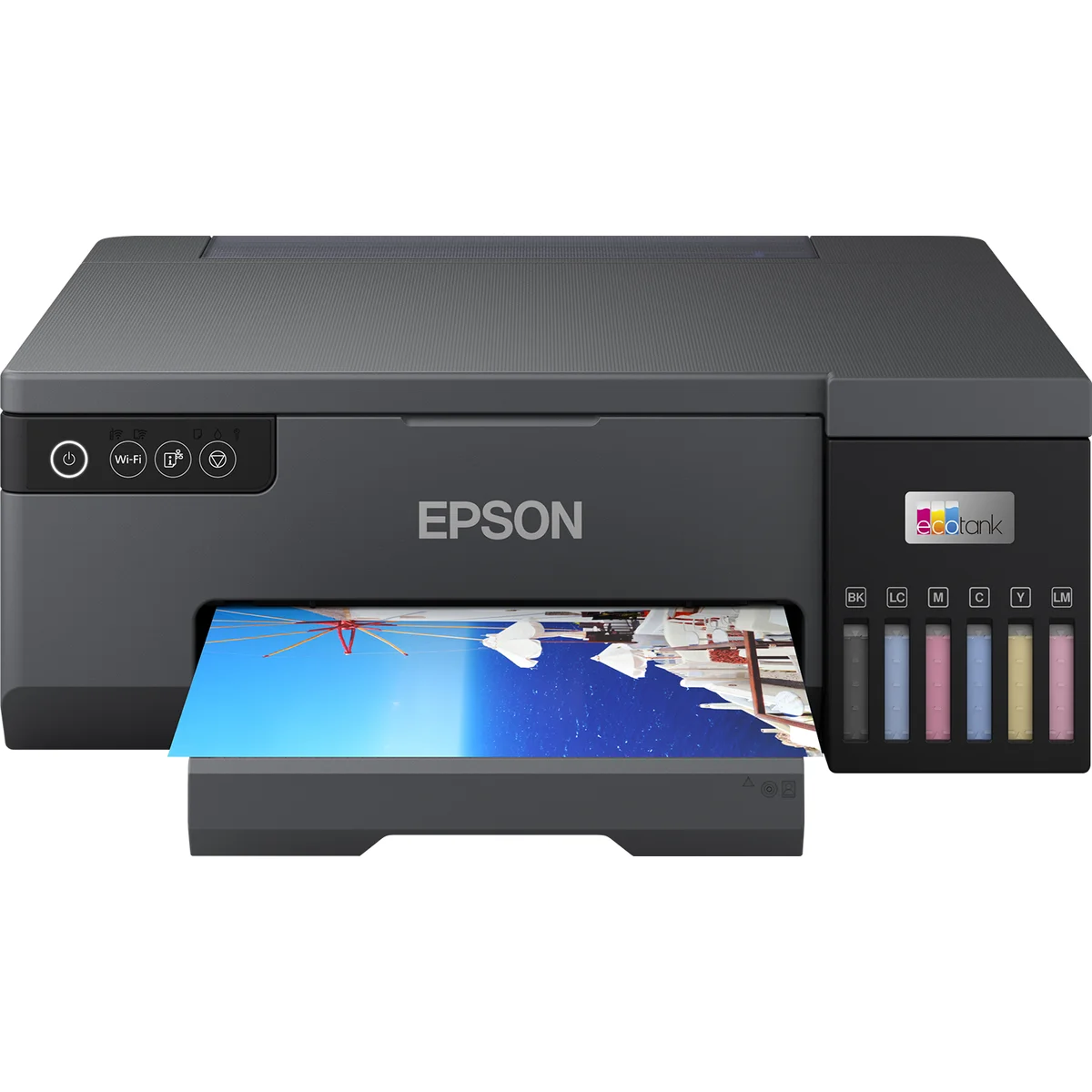
Epson EcoTank L8050 Wi-Fi 6-Colour Photo Printer
KSh 58,500 + VAT
Buying from FancyTech
Visit us at Rehema House, Standard Street, Nairobi, or order online for delivery in 1–3 hours in Nairobi and next day countrywide. Delivery is KSh 300 in Nairobi and KSh 600 to other counties, and free on orders above KSh 150,000. Each listing states its condition and warranty. See our returns policy or contact us with any question.
Keep reading
Epson L3250 vs L3260 vs L3310: Which EcoTank Should You Buy in Kenya?
Epson EcoTank L3250, L3260 and L3310 compared for Kenyan homes, students and small offices: Wi-Fi, screen, scanning and which one is best value.
Best Printers in Kenya 2026: Home, Office and Business Picks
Which printer to buy in Kenya in 2026: Epson EcoTank ink tank printers for home and office, A3 and photo models, and dot matrix printers for receipts and forms.
Best Office Printer in Kenya: Duplex, ADF and Fax Models Compared
The best office printers in Kenya for 2026: Epson EcoTank L4360, L6370, L6550 and L6570 compared on duplex printing, document feeders, fax and running costs.
Epson EcoTank Care: Ink, Refills and Fixing Faded Prints
How to refill an Epson EcoTank, why genuine ink matters, how to fix faded or streaky prints and keep your printer working in Kenyan heat and dust.
Best Printer for a Cyber Café or School in Kenya
Starting or upgrading a cyber café, school office or print shop in Kenya? The printers that make money: high volume, low cost per page, scanning and A3.
Dot Matrix Printers in Kenya: Epson LQ-350 vs LX-350 vs LQ-690II
Why Kenyan businesses still use dot matrix printers for invoices, delivery notes and carbon copies, and how the Epson LQ-350, LX-350 and LQ-690II compare.