Epson L3250 vs L3260 vs L3310: Which EcoTank Should You Buy in Kenya?
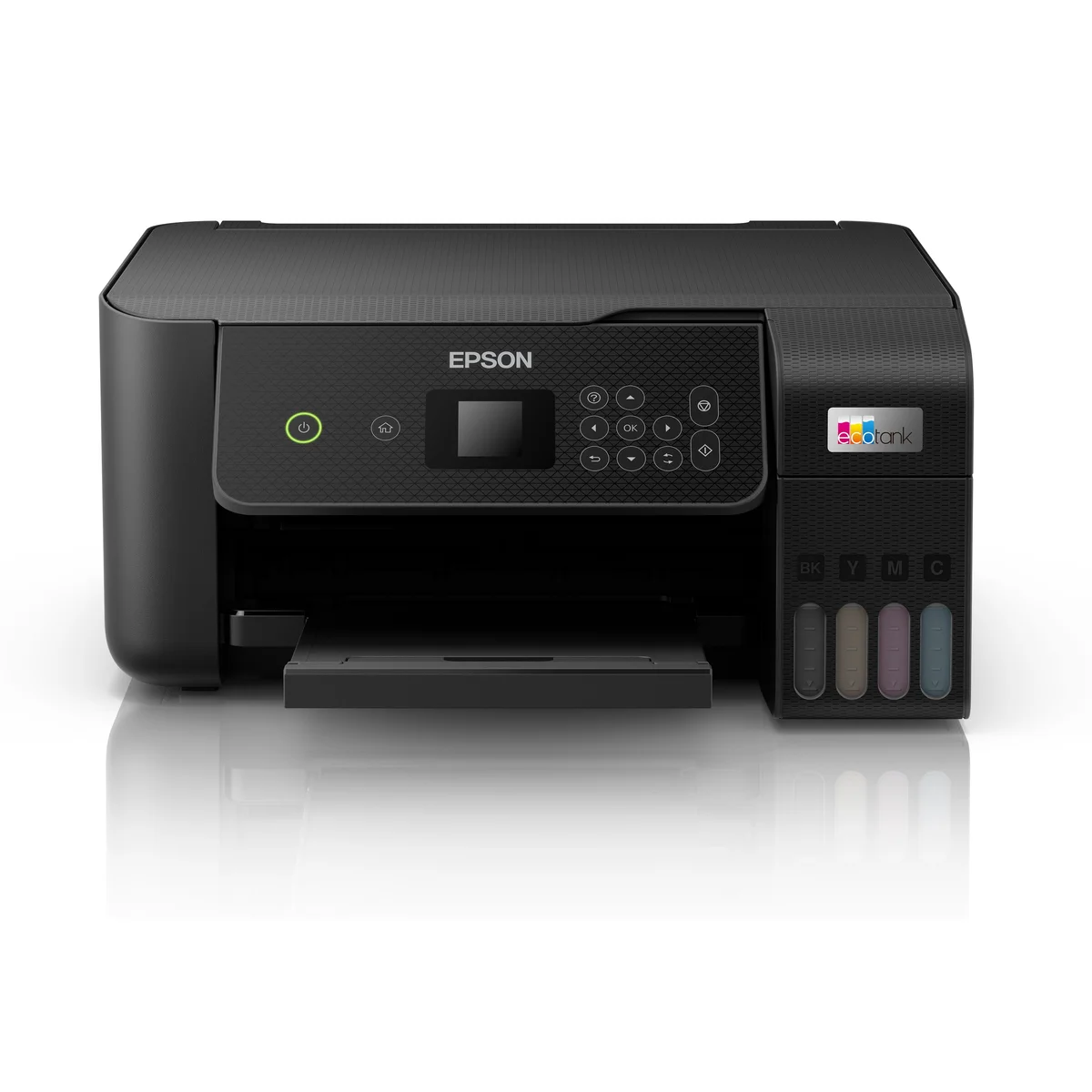
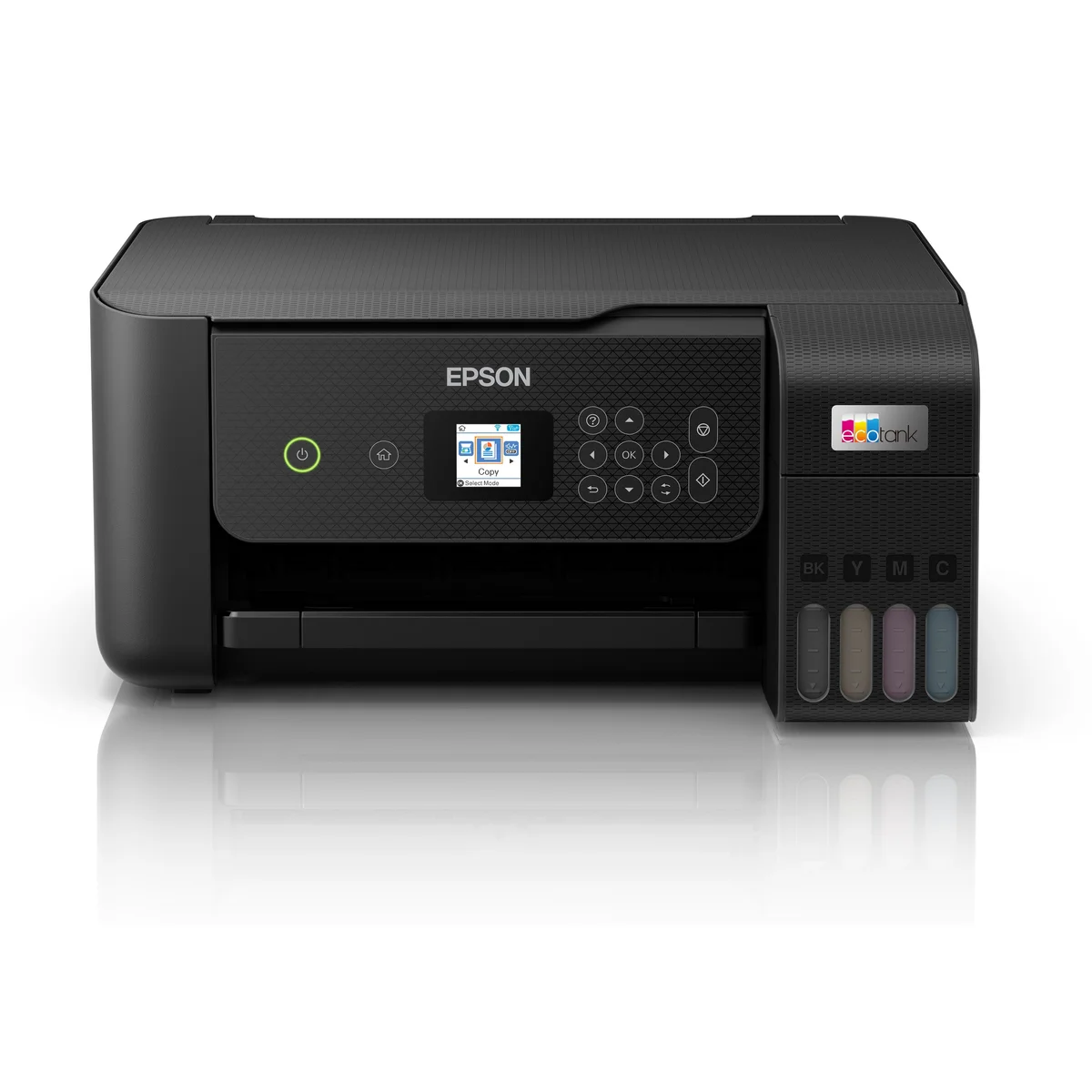
The Epson EcoTank L3250, L3260 and L3310 are the three most popular entry-level ink tank printers in Kenya. All three print, scan and copy, all three refill from ink bottles, and all three are compact enough for a bedroom desk or a reception counter. So which one should you buy? The differences are small but they matter.
What all three share
- Print, scan and copy in one machine, with a flatbed scanner under the lid.
- EcoTank refillable tanks at the front, so you can see how much ink is left.
- Four colours (black, cyan, magenta and yellow), fine for documents and everyday colour prints.
- A4 paper size, which covers school work, letters, invoices and CVs.
Because they use the same family of ink bottles, running costs are similar across the three. The choice comes down to how you connect and how you like to operate the printer.
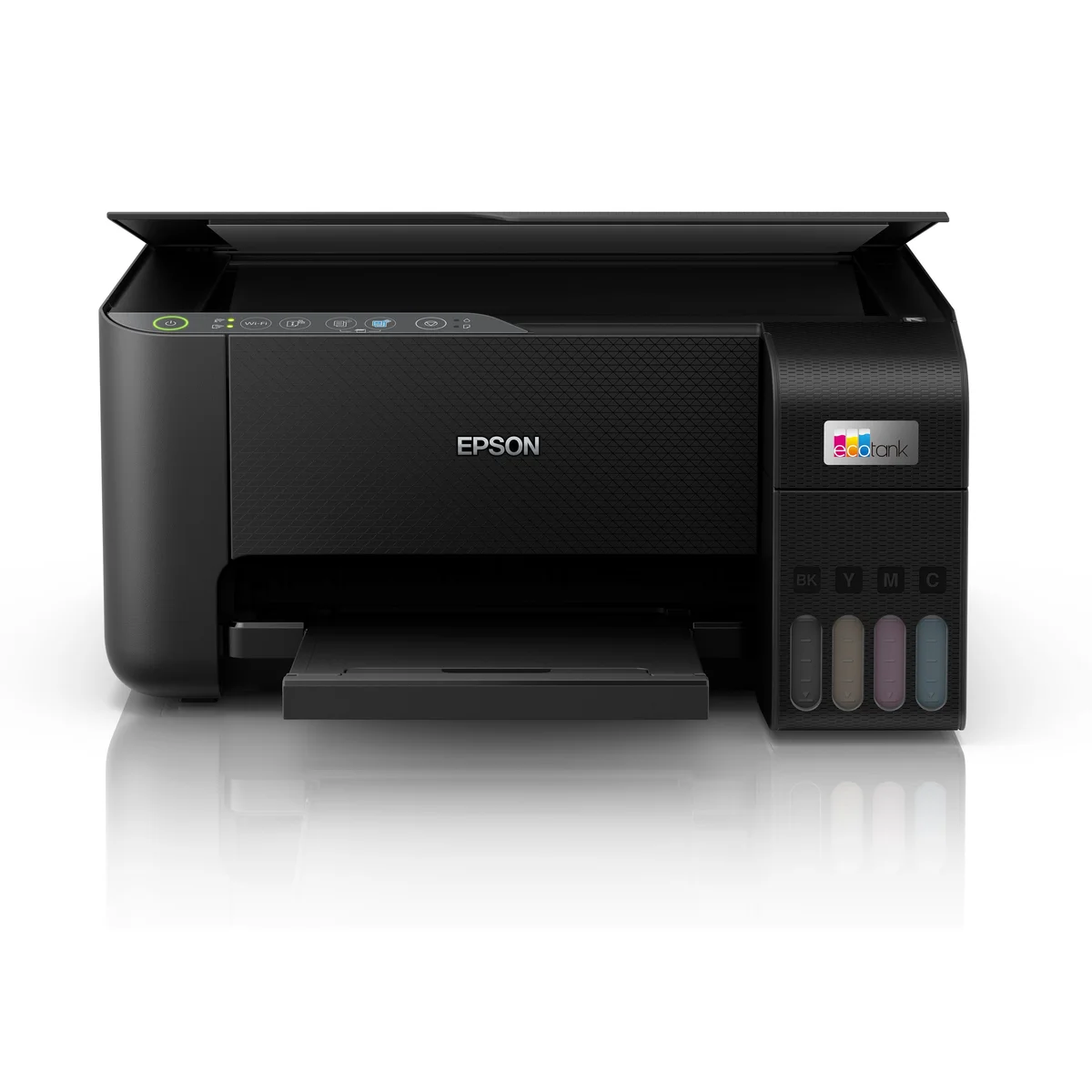
Epson L3310: USB only
The L3310 connects to one computer by USB cable. There is no Wi-Fi, so you cannot print directly from a phone. In return it is the lowest-priced of the three.
Choose the L3310 if the printer will sit beside a single desktop PC, for example at a shop counter, a school office or a cyber station. It is also a sensible pick if you simply do not want to deal with wireless setup.
Epson L3250: Wi-Fi
The L3250 adds Wi-Fi and Wi-Fi Direct. Anyone on your home or office network can print from a laptop, and phones can print through Epson's Smart Panel app. Wi-Fi Direct lets a phone connect straight to the printer even when there is no router.
For most families, students and small offices this is the sweet spot. Kids can print homework from a laptop in the sitting room, and you can print an M-Pesa statement or a KRA document straight from your phone.
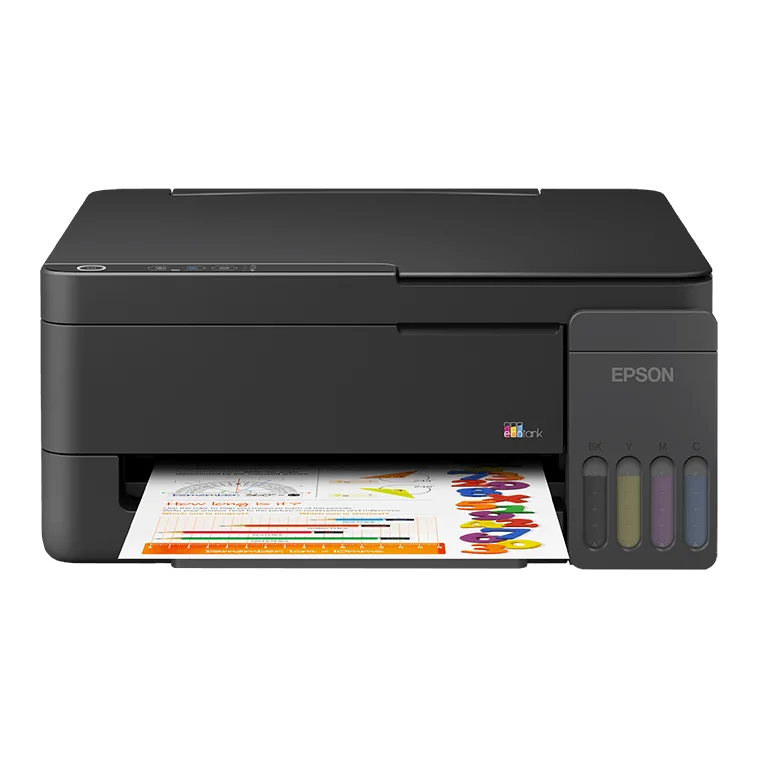
Epson L3260: Wi-Fi plus a screen
The L3260 keeps everything the L3250 has and adds a small LCD screen on the control panel. The screen makes it easier to set up Wi-Fi, check status messages and choose copy settings without a computer.
If several people will use the printer, or you copy documents often, the screen saves frustration.
Which one should you buy?
- Single PC, no phone printing: Epson L3310.
- Home, student or small office with laptops and phones: Epson L3250, our best-value pick.
- Shared office or frequent copying: Epson L3260 for the screen.
If you need two-sided printing or an automatic document feeder, step up to the models in our office printer guide. For the wider picture, see the best printers in Kenya.
Questions and answers
What is the difference between Epson L3250 and L3260?
Both print, scan and copy over Wi-Fi. The L3260 adds a small LCD screen on the control panel, which makes setup and copying easier. If you do not need the screen, the L3250 does the same job.
Does the Epson L3310 have Wi-Fi?
No. The L3310 connects by USB cable only. Choose the L3250 or L3260 if you want to print from phones or over a network.
Can the Epson L3250 print photos?
Yes. It prints colour photos on photo paper, which is fine for school projects and family snaps. For the best photo quality, look at the six-colour EcoTank photo printers.
Do these printers print on both sides automatically?
No. You can print two-sided manually by turning the paper over. For automatic duplex printing choose the Epson L4360 or L6370.
Which ink do the L3250, L3260 and L3310 use?
They use Epson's EcoTank ink bottles for this series. Using genuine Epson ink protects the print head and your warranty. See caring for your EcoTank.
In the shop now
Current prices and stock from our catalogue.
Epson EcoTank L3260 Wi-Fi Ink Tank Printer with LCD Screen
KSh 28,500 + VAT
Epson EcoTank L3250 Wi-Fi Ink Tank Printer (Print, Scan, Copy)
KSh 25,000 + VAT
Epson EcoTank L3310 Ink Tank Printer (Print, Scan, Copy)
KSh 23,500 + VAT
Buying from FancyTech
Visit us at Rehema House, Standard Street, Nairobi, or order online for delivery in 1–3 hours in Nairobi and next day countrywide. Delivery is KSh 300 in Nairobi and KSh 600 to other counties, and free on orders above KSh 150,000. Each listing states its condition and warranty. See our returns policy or contact us with any question.
Keep reading
Best Printers in Kenya 2026: Home, Office and Business Picks
Which printer to buy in Kenya in 2026: Epson EcoTank ink tank printers for home and office, A3 and photo models, and dot matrix printers for receipts and forms.
How to Print From Your Phone in Kenya: Epson Wi-Fi Printer Guide
Step-by-step guide to printing from an Android phone or iPhone to an Epson Wi-Fi printer, including printing PDFs from WhatsApp, email and eCitizen.
Epson EcoTank Care: Ink, Refills and Fixing Faded Prints
How to refill an Epson EcoTank, why genuine ink matters, how to fix faded or streaky prints and keep your printer working in Kenyan heat and dust.
Best Office Printer in Kenya: Duplex, ADF and Fax Models Compared
The best office printers in Kenya for 2026: Epson EcoTank L4360, L6370, L6550 and L6570 compared on duplex printing, document feeders, fax and running costs.
Ink Tank vs Laser Printer in Kenya: Which Is Cheaper to Run?
Ink tank or laser printer for your Kenyan home or business? Running costs, print quality, speed and which suits schools, offices and cyber cafés.
Best A3 Printers in Kenya: Epson EcoTank L14150 vs L15150
Need to print A3 in Kenya? Epson EcoTank L14150 and L15150 A3+ printers compared for architects, schools, printing shops and offices.