Epson EcoTank Care: Ink, Refills and Fixing Faded Prints
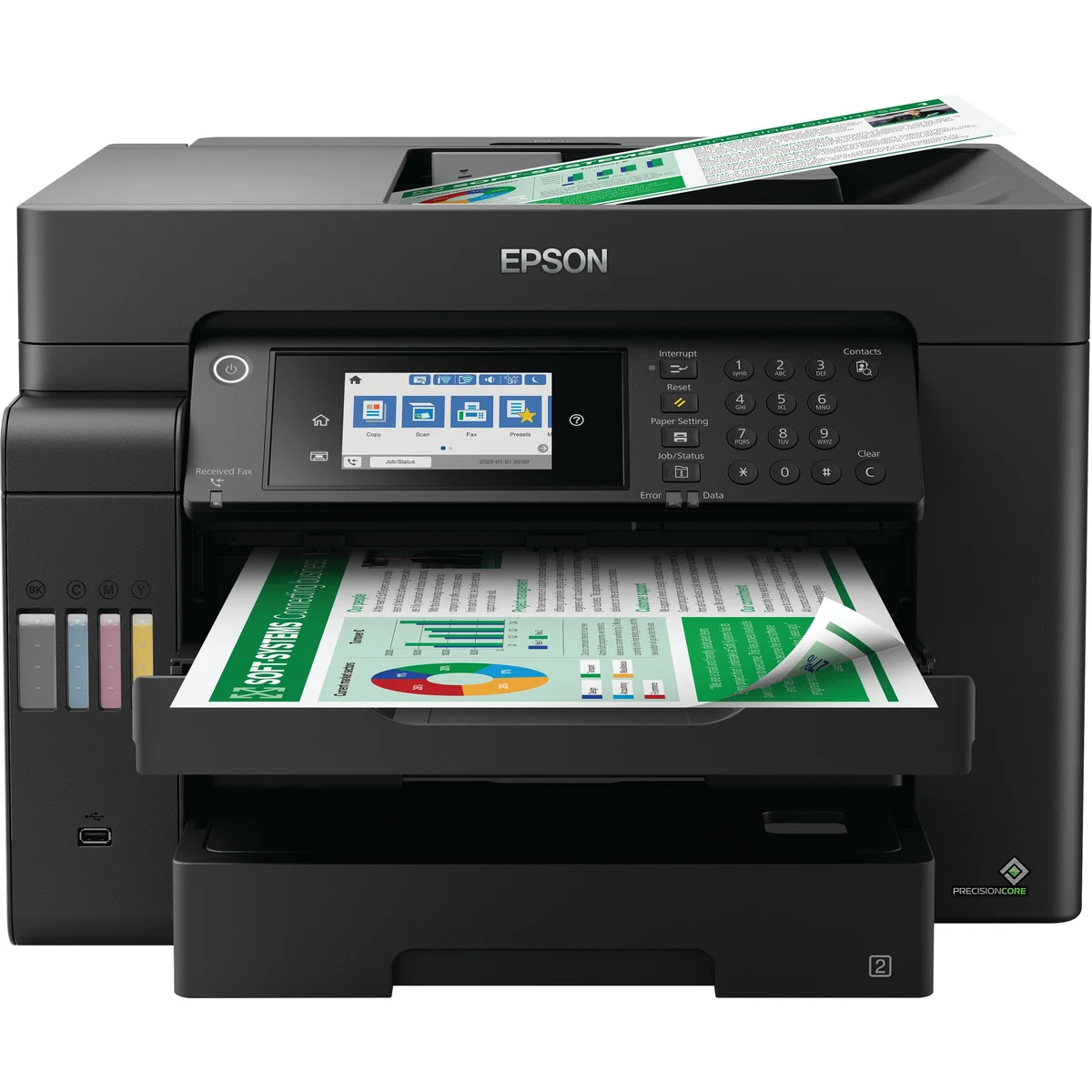
An Epson EcoTank can run for years with very little attention, but a few simple habits make the difference between crisp prints and a printer that streaks, fades or stops. This guide covers refilling, ink choice, cleaning and the problems Kenyan owners meet most often.
Refilling the tanks
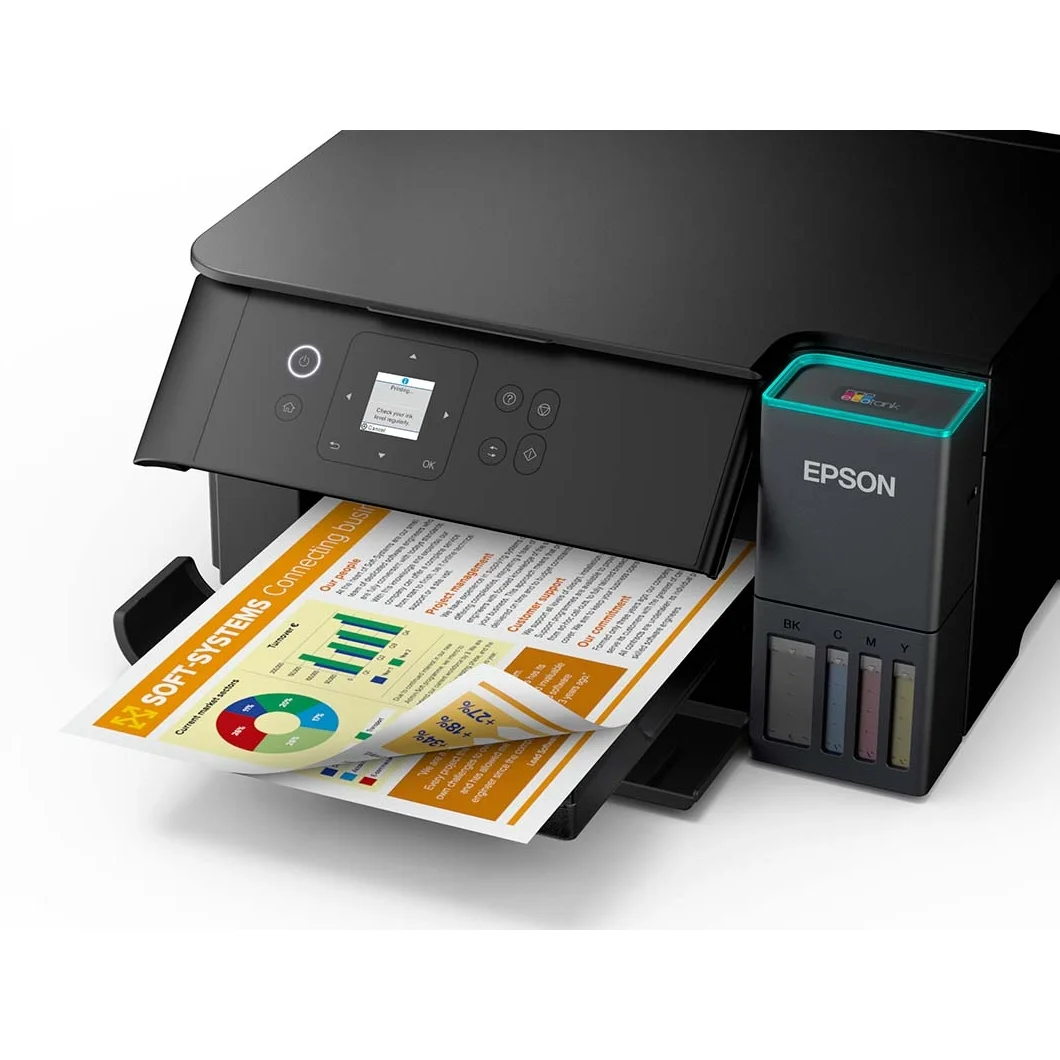
1. Open the tank cover and the cap for the colour you are filling.
2. Shake the bottle gently, remove its cap and seal.
3. Push the bottle onto the matching tank. The nozzles are keyed so each colour only fits its own tank.
4. The ink flows in and stops automatically when the tank is full.
5. Replace the caps and close the cover.
Fill before the ink drops below the lower line on the tank.
Why genuine ink matters
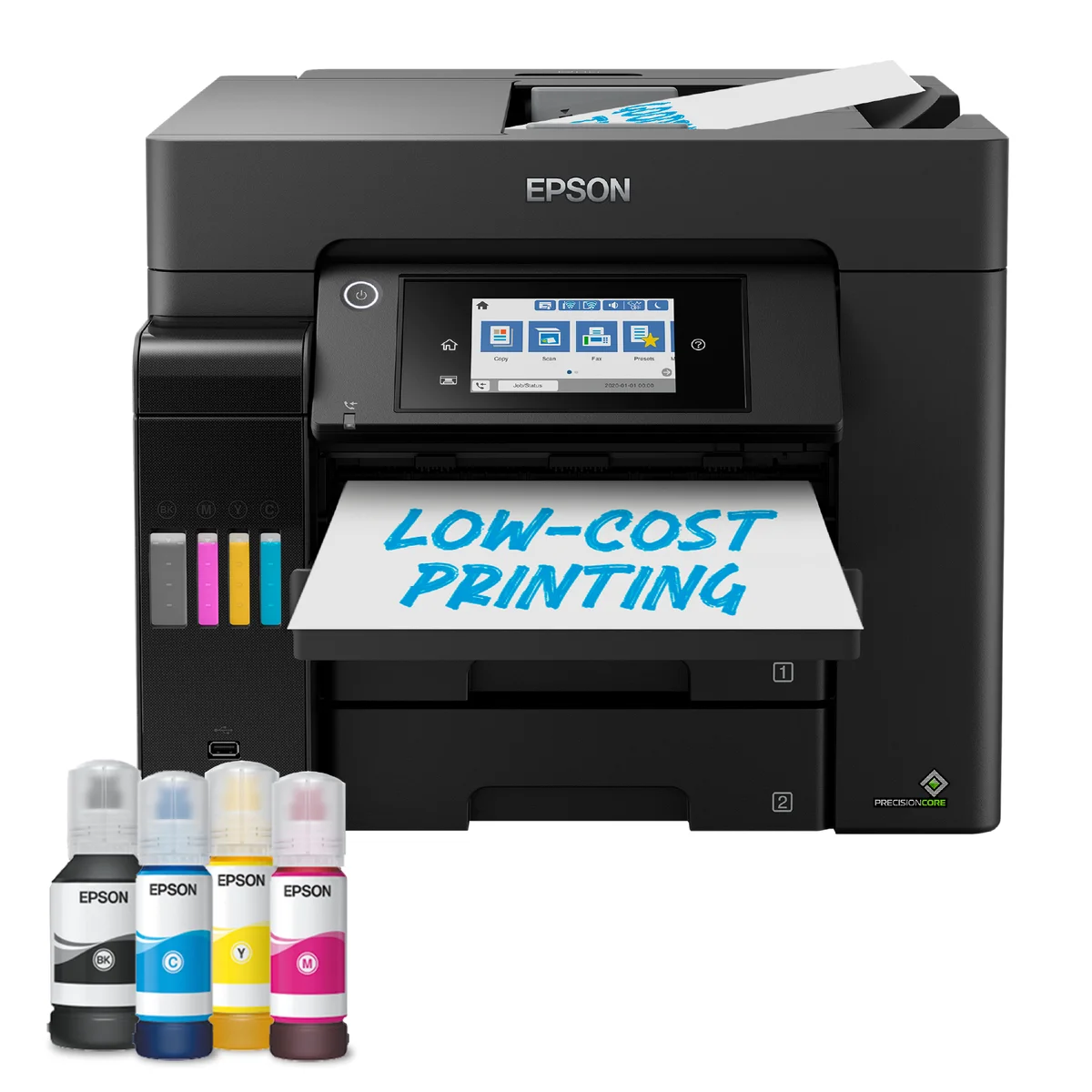
Cheap unbranded ink can look the same, but it may have a different thickness or chemistry from what the print head was designed for. That can cause blocked nozzles, poor colours and damage that is not covered by warranty. Genuine Epson ink keeps the print head healthy and protects your warranty.
Fixing faded or streaky prints
- Run a nozzle check from the printer menu or Epson software. It prints a test pattern showing any blocked nozzles.
- Run a head cleaning if lines are missing, then check again.
- Leave it for a few hours if cleaning does not help, then repeat. Repeated cleanings in a row use a lot of ink.
- Check the paper setting. Printing on photo paper with a plain-paper setting gives poor results.
Keeping it healthy in Kenya
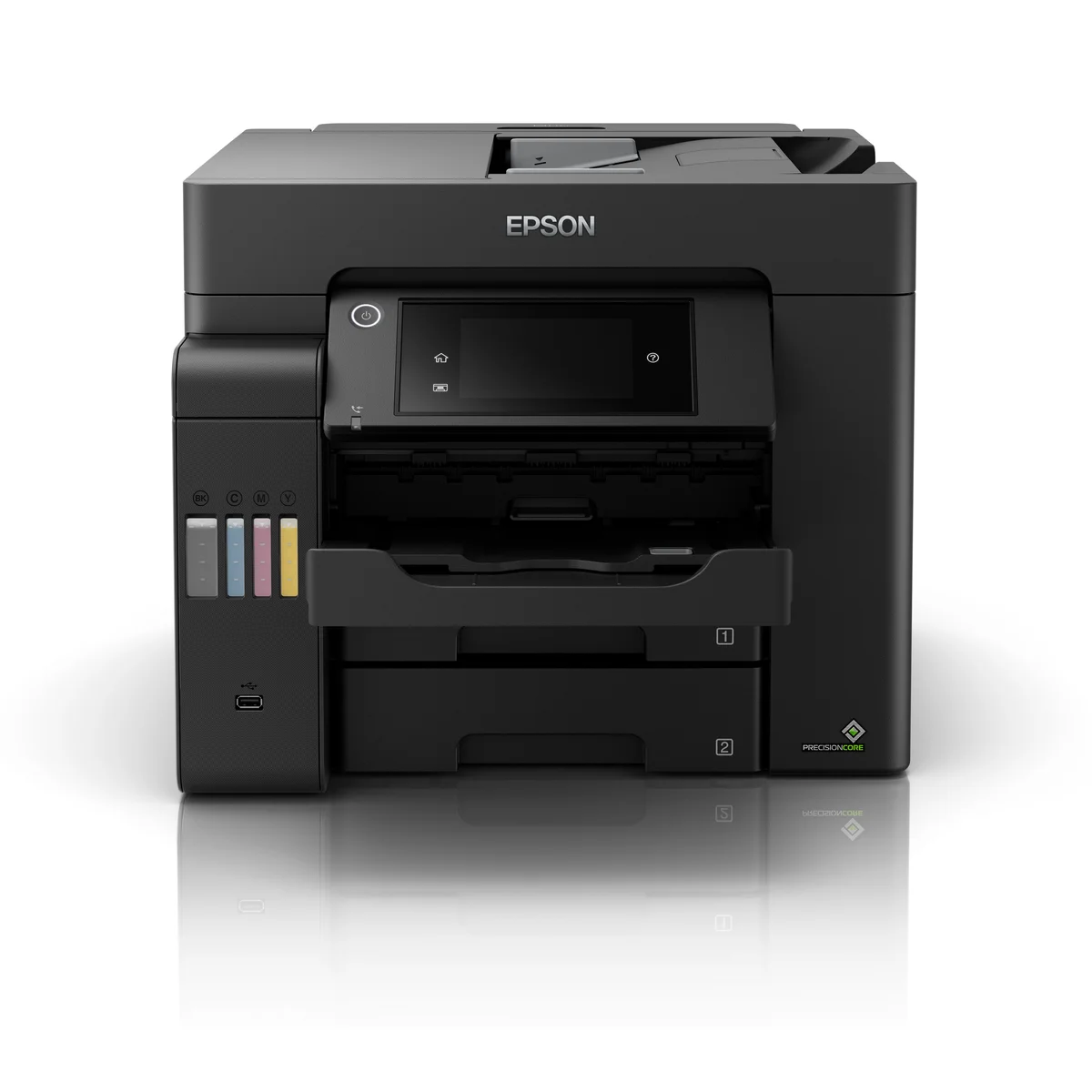
- Print at least once a week so ink does not dry in the head.
- Cover the printer when not in use to keep dust out.
- Keep it out of direct sun, which can heat the ink.
- Use a surge protector or UPS. Power surges after outages damage control boards.
- Do not tilt or transport a filled printer without following Epson's transport steps, or ink may leak.
Questions and answers
How often should I refill my Epson EcoTank?
Whenever the ink level approaches the lower line on the tank. How often that is depends on how much you print.
Why is my Epson printer printing faded or with lines?
Usually because some nozzles are blocked. Run a nozzle check and a head cleaning. Printing regularly prevents it.
Can I use non-original ink in an EcoTank?
We recommend genuine Epson ink. Non-original ink can block nozzles and damage the print head, and that damage is usually not covered by warranty.
My printer says the ink pad is full. What does that mean?
Ink pads absorb waste ink from cleaning. When they are full the printer stops for safety and needs a service. Contact Epson service or our shop for help.
In the shop now
Current prices and stock from our catalogue.
Epson EcoTank L15150 A3+ Wi-Fi 4-in-1 Printer with Fax
KSh 148,000 + VAT
Epson EcoTank L6570 4-in-1 Business Printer with Fax and ADF
KSh 129,000 + VAT
Epson EcoTank L6550 4-in-1 Business Printer with Fax and ADF
KSh 116,000 + VAT
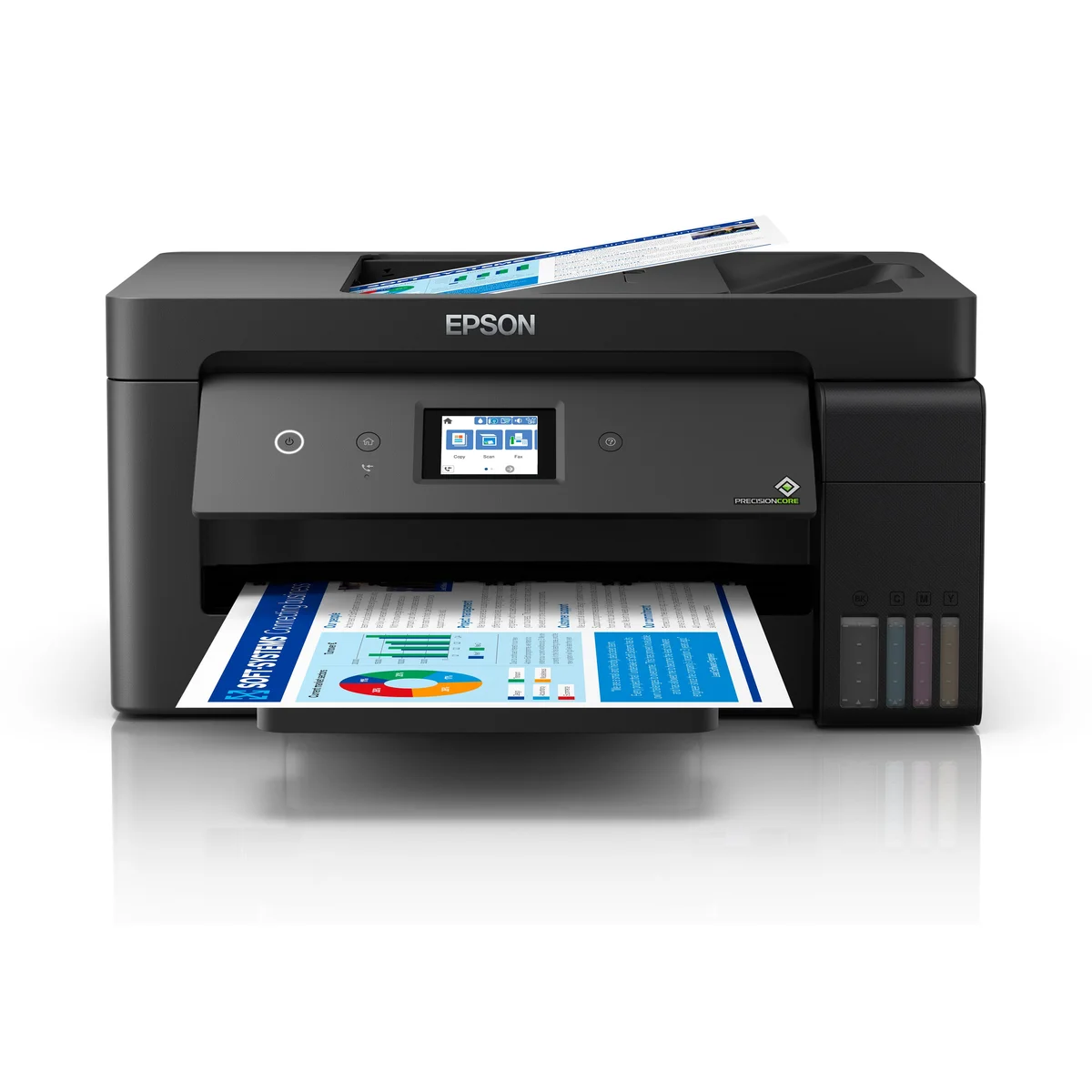
Epson EcoTank L14150 A3+ Wi-Fi 4-in-1 Printer with Fax
KSh 85,000 + VAT
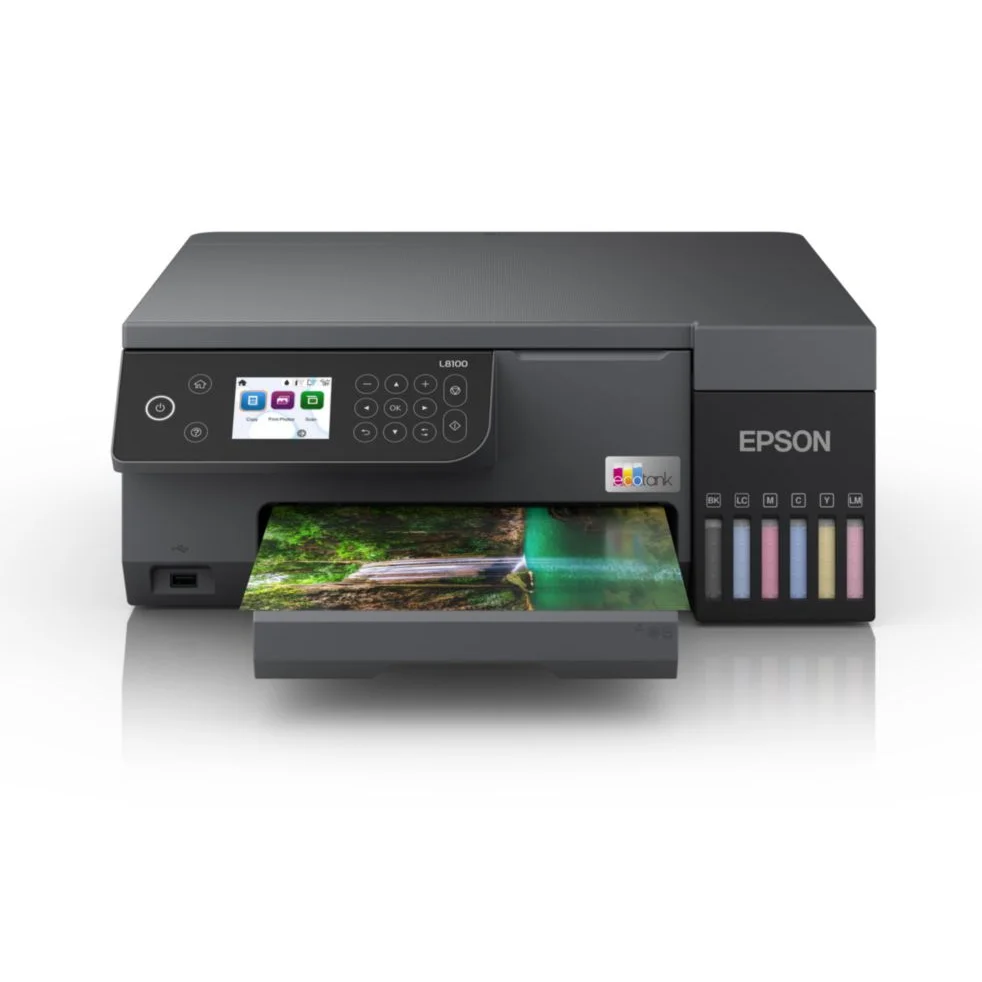
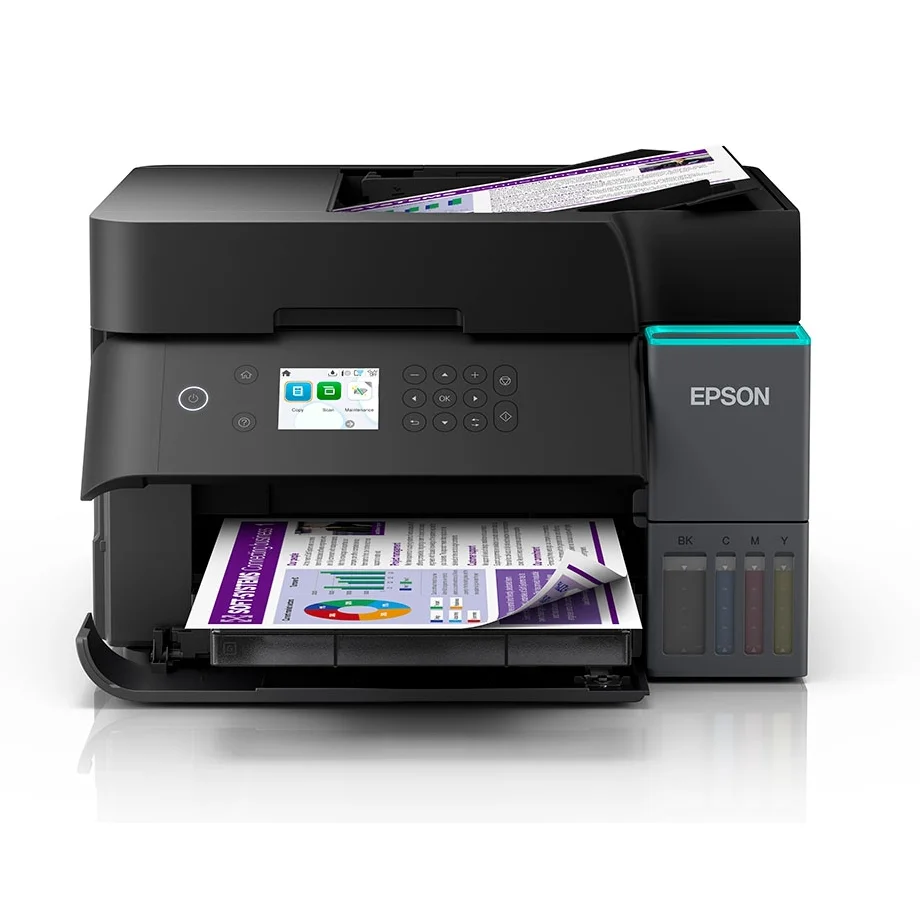
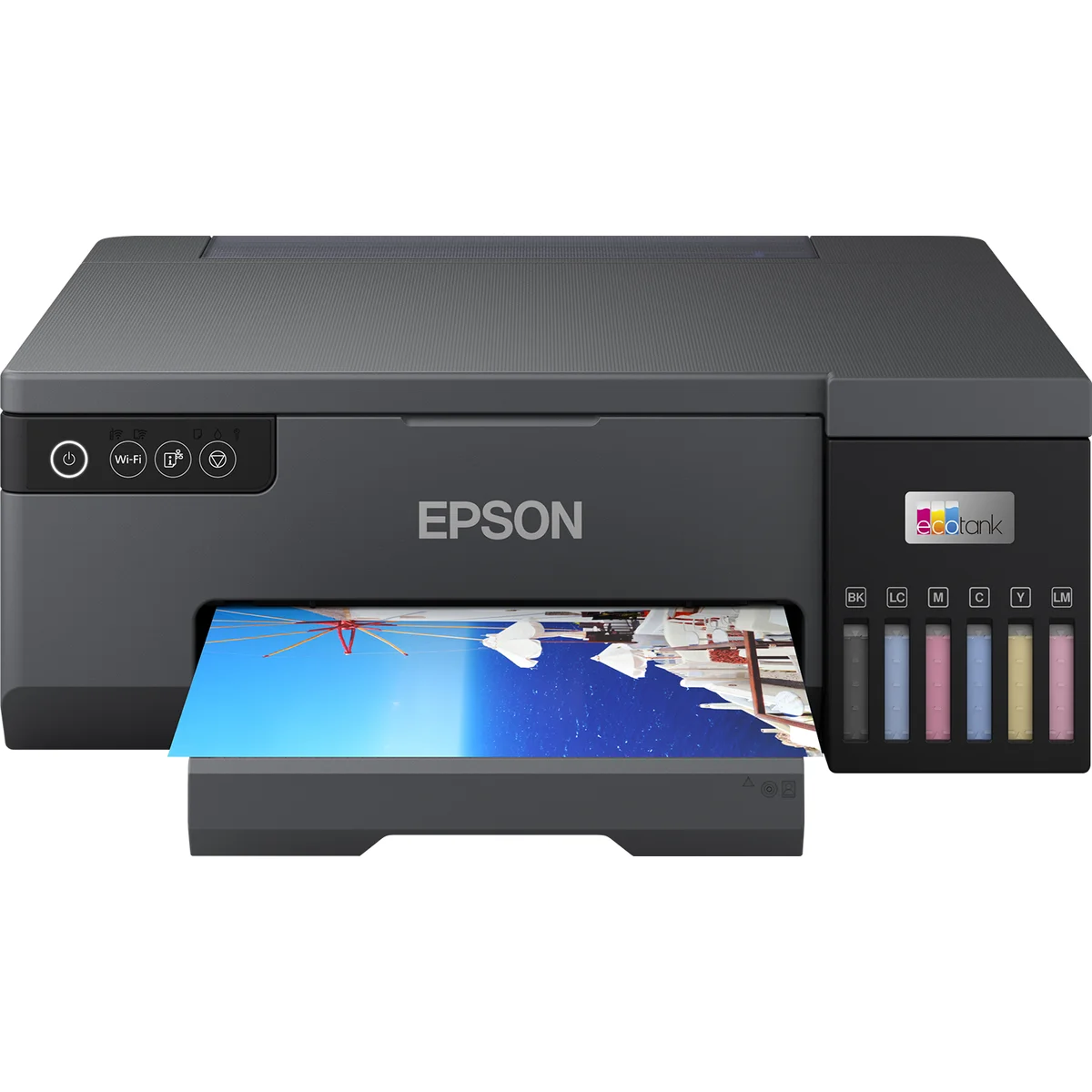
Epson EcoTank L8050 Wi-Fi 6-Colour Photo Printer
KSh 58,500 + VAT
Buying from FancyTech
Visit us at Rehema House, Standard Street, Nairobi, or order online for delivery in 1–3 hours in Nairobi and next day countrywide. Delivery is KSh 300 in Nairobi and KSh 600 to other counties, and free on orders above KSh 150,000. Each listing states its condition and warranty. See our returns policy or contact us with any question.
Keep reading
Best Printers in Kenya 2026: Home, Office and Business Picks
Which printer to buy in Kenya in 2026: Epson EcoTank ink tank printers for home and office, A3 and photo models, and dot matrix printers for receipts and forms.
Epson L3250 vs L3260 vs L3310: Which EcoTank Should You Buy in Kenya?
Epson EcoTank L3250, L3260 and L3310 compared for Kenyan homes, students and small offices: Wi-Fi, screen, scanning and which one is best value.
Ink Tank vs Laser Printer in Kenya: Which Is Cheaper to Run?
Ink tank or laser printer for your Kenyan home or business? Running costs, print quality, speed and which suits schools, offices and cyber cafés.
How to Print From Your Phone in Kenya: Epson Wi-Fi Printer Guide
Step-by-step guide to printing from an Android phone or iPhone to an Epson Wi-Fi printer, including printing PDFs from WhatsApp, email and eCitizen.
Best Printer for a Cyber Café or School in Kenya
Starting or upgrading a cyber café, school office or print shop in Kenya? The printers that make money: high volume, low cost per page, scanning and A3.
Dot Matrix Printers in Kenya: Epson LQ-350 vs LX-350 vs LQ-690II
Why Kenyan businesses still use dot matrix printers for invoices, delivery notes and carbon copies, and how the Epson LQ-350, LX-350 and LQ-690II compare.