Microsoft Surface Laptop 4 and 5: Are They Worth It?
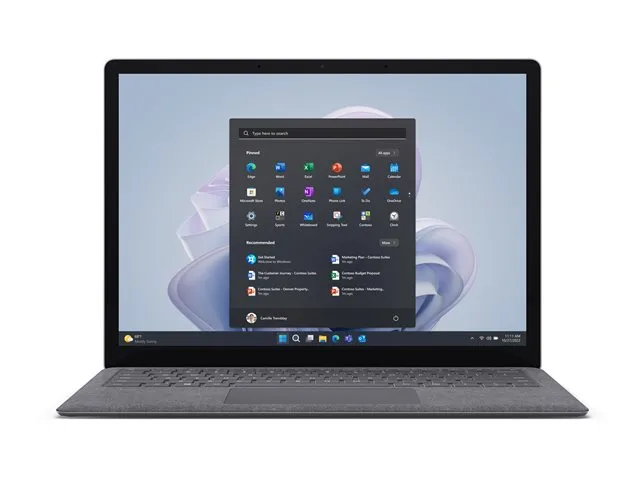
Microsoft's Surface Laptop has a clean design, a sharp tall screen and a pleasing keyboard. Unlike many business laptops, it feels like a premium consumer product.
Why the display stands out
Surface Laptops use a 3:2 aspect ratio. That gives you more vertical room than the typical 16:9 screen, so you can see more lines of a document or spreadsheet. It is also a touch screen, which you can use for scrolling and tapping. However, this is not a convertible: the hinge does not fold all the way back.
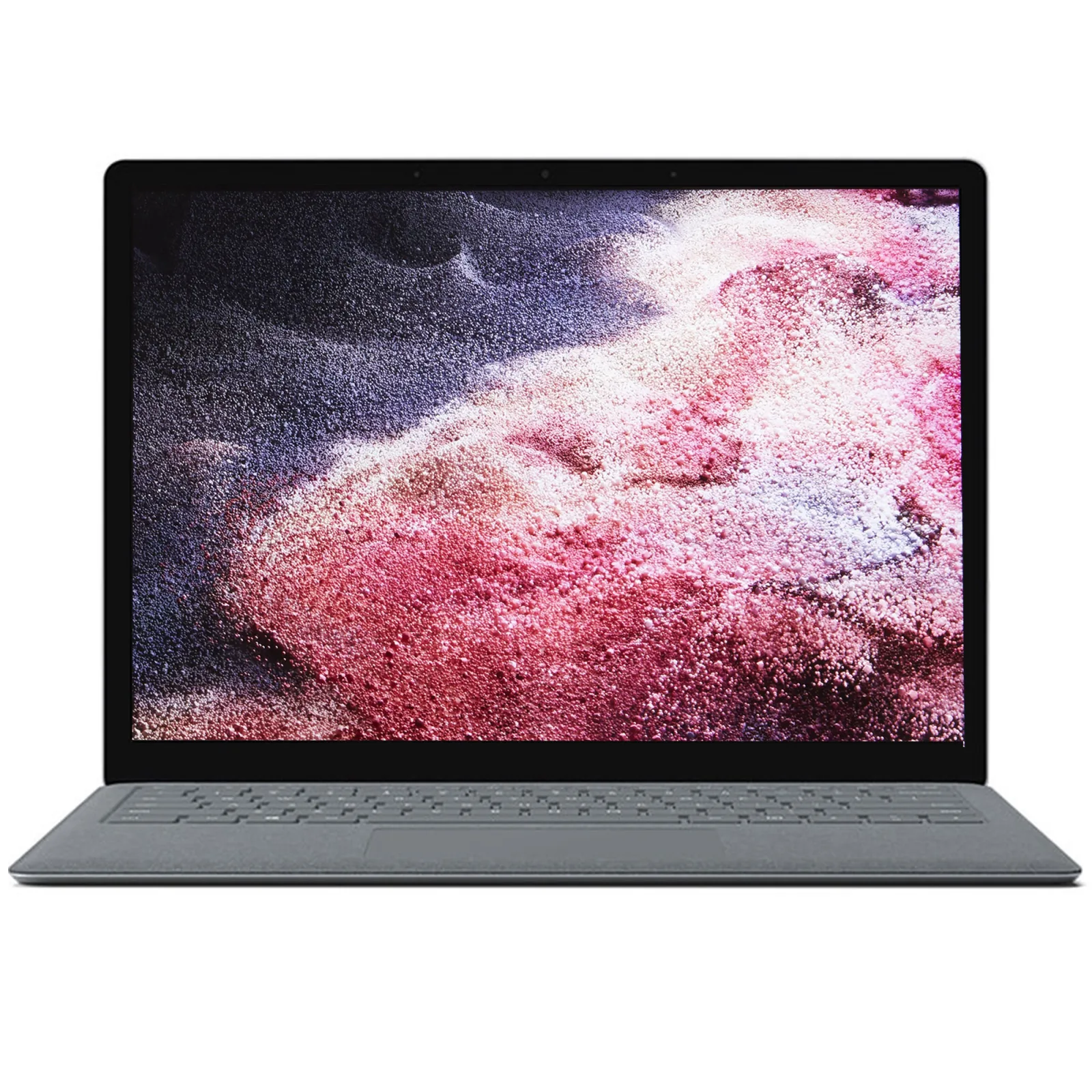
Surface Laptop 4 with AMD
Our Ex-UK listing has an AMD Ryzen 7 Surface Edition chip with 16GB of RAM and a 512GB SSD. The AMD version was often well received for its strong all-round performance.
Surface Laptop 5
The Surface Laptop 5 uses 12th Gen Intel processors and introduced Thunderbolt 4 on the USB-C port. Our Ex-UK configuration has a Core i5, 8GB of RAM, and a 256GB SSD at 13.5 inches. An 8GB configuration is good for general office work, but you should think twice if you run heavy applications, since RAM is soldered and cannot be upgraded.
What to watch
Repairability: Surface devices have historically been harder to service than business-class laptops, though newer models have improved. Locally available parts may be limited.
Ports: few, usually one USB-C, one USB-A, a headphone jack and the Surface Connect charging port. You may need a USB-C hub.
Charger: make sure the original Surface Connect charger is included. Charging via USB-C is possible on supported models, but check wattage.
Fabric keyboard surfaces: some Surface models use Alcantara fabric, which can stain or wear over time. Inspect it closely on a used device.
Compared with the competition
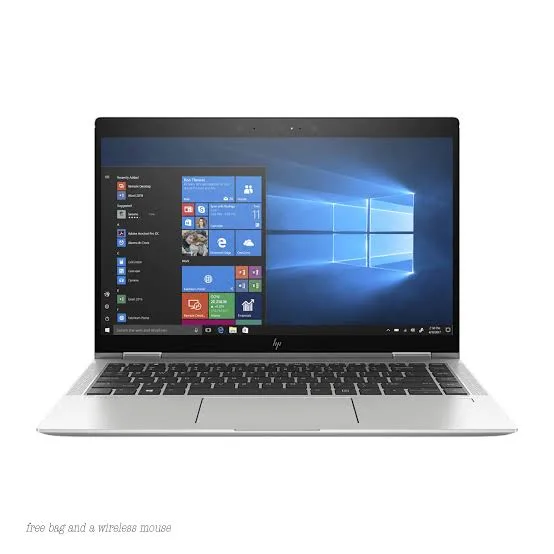
An HP EliteBook or a ThinkPad offers more ports and easier servicing. The Surface offers a nicer screen shape and a sleek design. A MacBook Air offers longer battery life, but no Windows and no touch.
If you do want a folding or detachable design, see our 2-in-1 guide.
Check before paying
Test the touchscreen, keyboard and trackpad, and check battery wear. Confirm the device is not enrolled in a company's management system. Our Ex-UK laptop checklist covers this process.
In the shop now
Current prices and stock from our catalogue.
Buying from FancyTech
Visit us at Rehema House, Standard Street, Nairobi, or order online for delivery in 1–3 hours in Nairobi and next day countrywide. Delivery is KSh 300 in Nairobi and KSh 600 to other counties, and free on orders above KSh 150,000. Each listing states its condition and warranty. See our returns policy or contact us with any question.
Keep reading
2-in-1 Laptops: Convertible vs Detachable, Explained
The difference between convertible and detachable laptops, which models suit note-taking and work, and what to check.
HP EliteBook Buying Guide: G3 to G10 for Kenyan Buyers
How to read HP EliteBook model numbers and generations, and which Ex-UK EliteBook fits students, offices and travel.
MacBook Air M1, M2 and M3: Which to Buy in Kenya
How Apple's M1, M2 and M3 MacBook Air laptops compare on screen, performance and battery, and which is best value.
Ex-UK Laptop Checklist: What to Test Before You Pay
A practical inspection guide for used Ex-UK laptops covering battery reports, screens, BIOS locks, keyboards and ports.
HP ProBook, Envy, Pavilion and Dragonfly: How to Choose
The differences between HP's ProBook, Envy, Pavilion and Elite Dragonfly laptops and how to spot real value.
Gaming Laptops in Kenya: What Specs Actually Matter
How to choose a gaming laptop in Kenya, comparing GPUs, screens, cooling and models like Legion, Omen and IdeaPad Gaming.