Dell Precision Workstations: Are They Right for You?
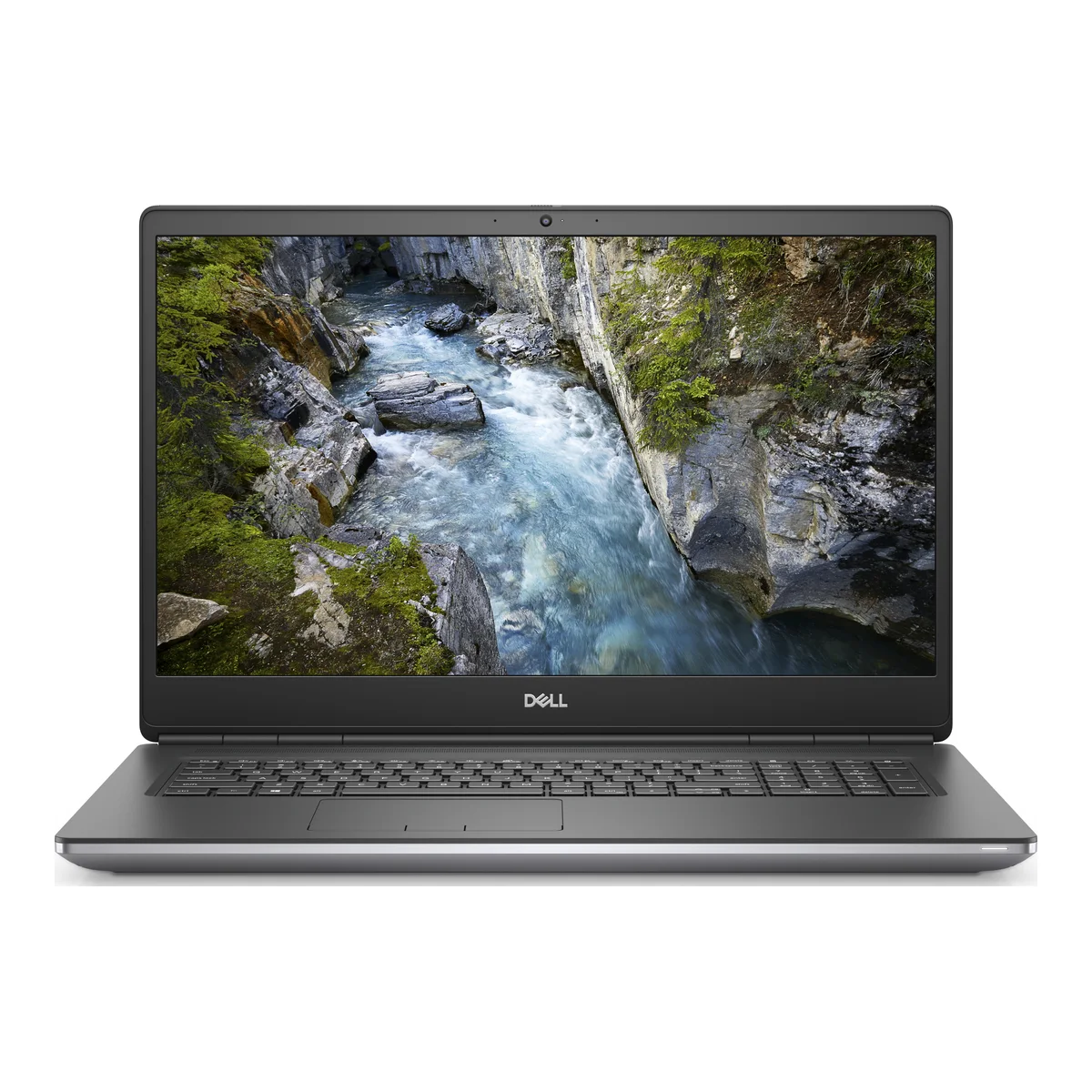
A mobile workstation is a laptop built for sustained professional work: engineering models, video timelines, data analysis and 3D rendering. Dell Precision laptops are among the best-known machines in this category.
What makes a workstation different
Workstations use professional graphics chips, such as NVIDIA Quadro and RTX A-series GPUs, along with larger cooling systems and more expansion options. Their graphics drivers are certified for software like AutoCAD, SolidWorks and other engineering packages.
A gaming laptop may have similar raw power, but professional applications often value certified drivers, stability and reliability over peak frame rates.
The models
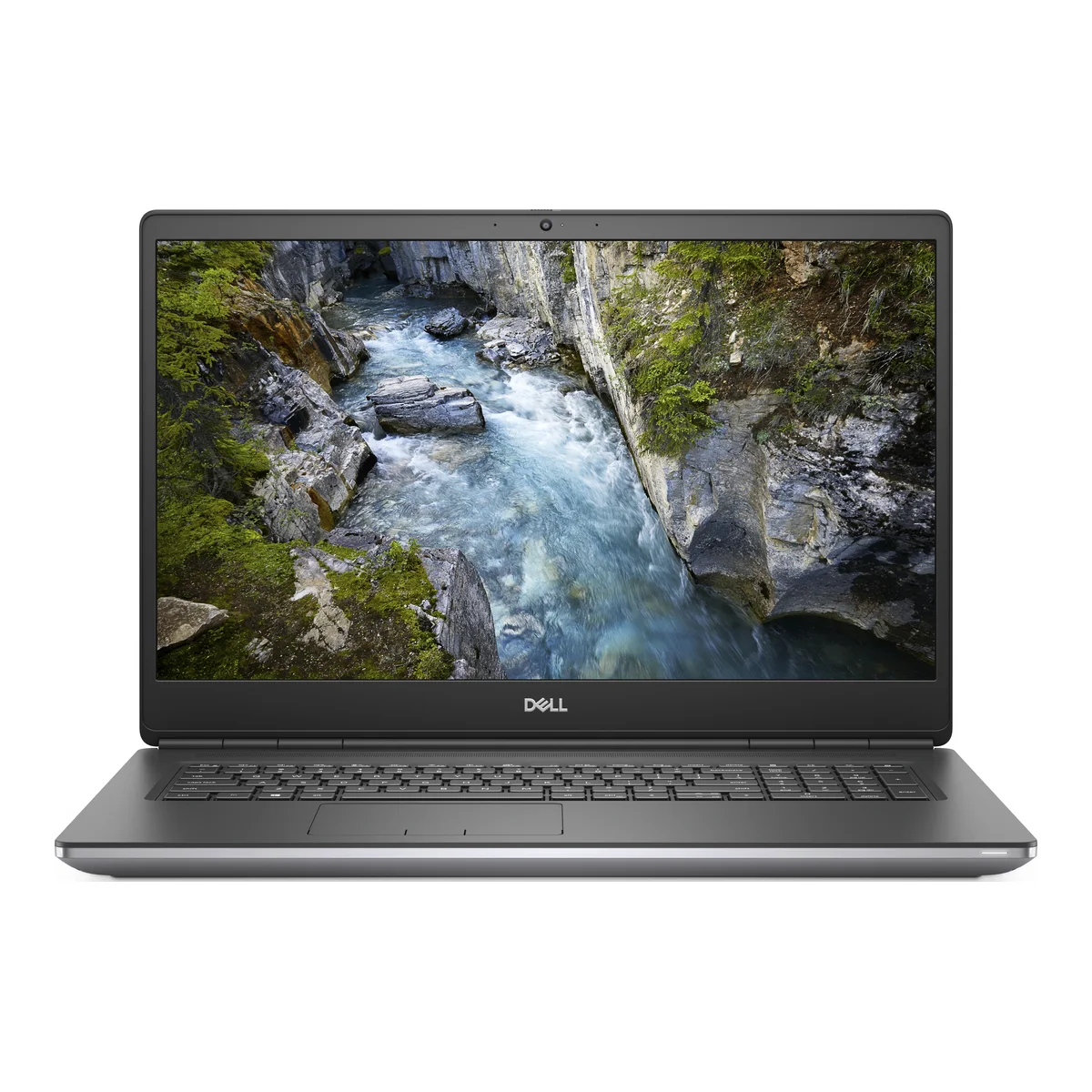
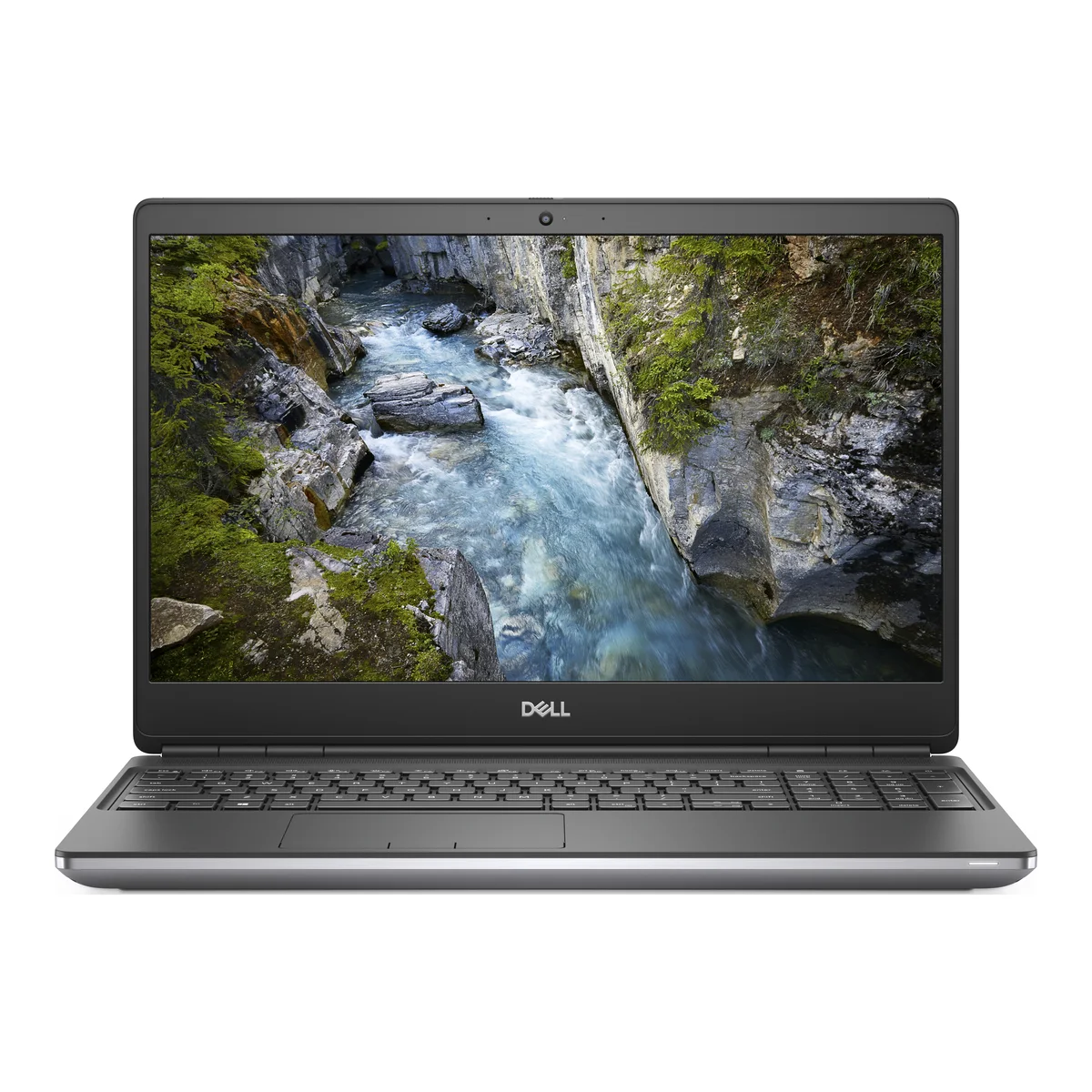
- Precision 7550: 15.6-inch, 10th Gen Core i7, with NVIDIA Quadro T2000 graphics in this listing.
- Precision 7750: 17.3-inch, 10th Gen Core i9, with an NVIDIA RTX GPU.
- Precision 7760: 17.3-inch, 11th Gen Core i7, with a 4K screen and NVIDIA RTX A4000 graphics.
The 7760 has the strongest graphics and display of the three listed. Pick based on what your software actually uses.
Who should buy one
- Architects and engineers working with CAD and BIM.
- Video editors and motion designers who need GPU acceleration.
- Data analysts and developers running local machine-learning tools.
- Anyone who needs certified software support at a lower cost than a new workstation.
Who should not
These machines are large, heavy and run hot. Power bricks are big, and battery life under load is short. If you mostly use Word, Excel and web apps, a business laptop will be lighter and cheaper to own.
For gaming alone, a gaming laptop may be better value.
Power in Kenya
These machines draw much more power than ultrabooks. Use a surge protector, and if outages are common consider a portable power station that can handle the laptop's demands. Be sure that any power bank you buy has the right power delivery profile, because many of these laptops use proprietary barrel chargers.
What to check on a used Precision
Stress test the GPU for a few minutes to check for artifacts and overheating. Clean fans matter: machines that were used heavily may need servicing. Check SSD health and battery wear, and ensure the original power adapter is included. Our Ex-UK laptop checklist covers general checks.
Memory is often upgradable on these models, which is a major advantage. 16GB is a starting point for professional work, with 32GB or more being better for heavy projects. Add extra space with a fast external SSD.
In the shop now
Current prices and stock from our catalogue.
Buying from FancyTech
Visit us at Rehema House, Standard Street, Nairobi, or order online for delivery in 1–3 hours in Nairobi and next day countrywide. Delivery is KSh 300 in Nairobi and KSh 600 to other counties, and free on orders above KSh 150,000. Each listing states its condition and warranty. See our returns policy or contact us with any question.
Keep reading
Gaming Laptops in Kenya: What Specs Actually Matter
How to choose a gaming laptop in Kenya, comparing GPUs, screens, cooling and models like Legion, Omen and IdeaPad Gaming.
Dell Latitude and XPS Guide for Ex-UK Laptop Buyers
How Dell Latitude and XPS laptops differ, how to read model numbers, and what to look for on a used Dell in Kenya.
Ex-UK Laptop Checklist: What to Test Before You Pay
A practical inspection guide for used Ex-UK laptops covering battery reports, screens, BIOS locks, keyboards and ports.
Portable SSDs and Flash Drives: Keep Your Files Safe
How to choose SanDisk portable SSDs and USB drives for work and backup, and how to protect files from loss.
HP OmniBook Guide: Core Ultra Laptops and 2-in-1s
What HP's new OmniBook 3 and OmniBook X Flip laptops offer, how to read Core Ultra chip names, and which to choose.
MacBook Air M1, M2 and M3: Which to Buy in Kenya
How Apple's M1, M2 and M3 MacBook Air laptops compare on screen, performance and battery, and which is best value.