Dell Latitude and XPS Guide for Ex-UK Laptop Buyers
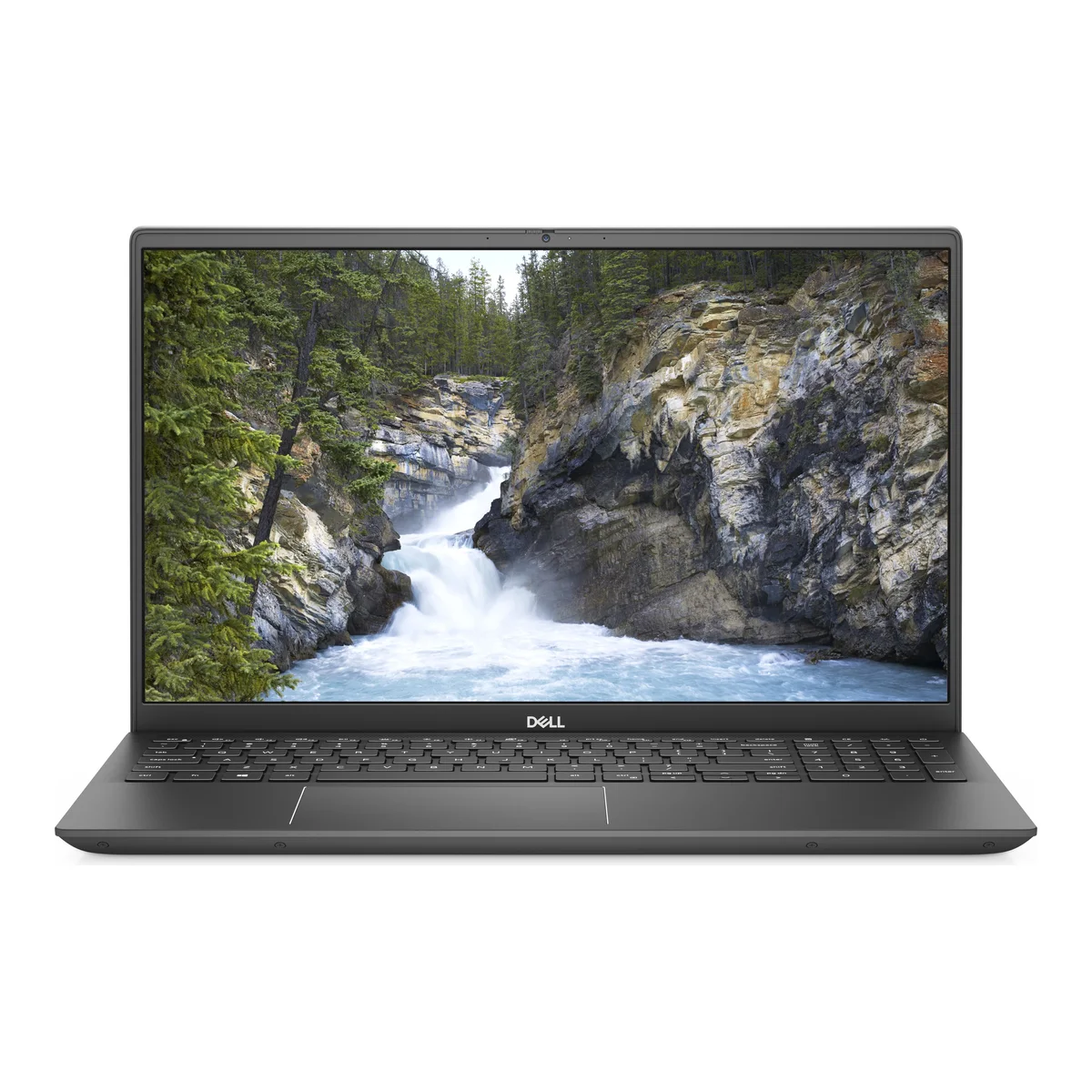
Dell's Latitude line is built for the corporate world and is widely available through the Ex-UK market. Compared with consumer laptops at the same price, Latitudes tend to be more robust and easier to repair.
How Latitude numbers work
Model numbers such as Latitude 5420 reveal useful information. The first digit is the series. The 7000 series is the most premium, followed by 5000, with the 3000 being more affordable. The next digit often indicates screen size: a 4 implies a 14-inch laptop, and a 3 means 13.3 inches. The last digit is the generation, so a 5420 is newer than a 5400.
The models you will find
- Latitude 5400: an 8th Gen 14-inch business laptop. A solid budget option.
- Latitude 5420: 11th Gen, with noticeably better graphics and day-to-day responsiveness.
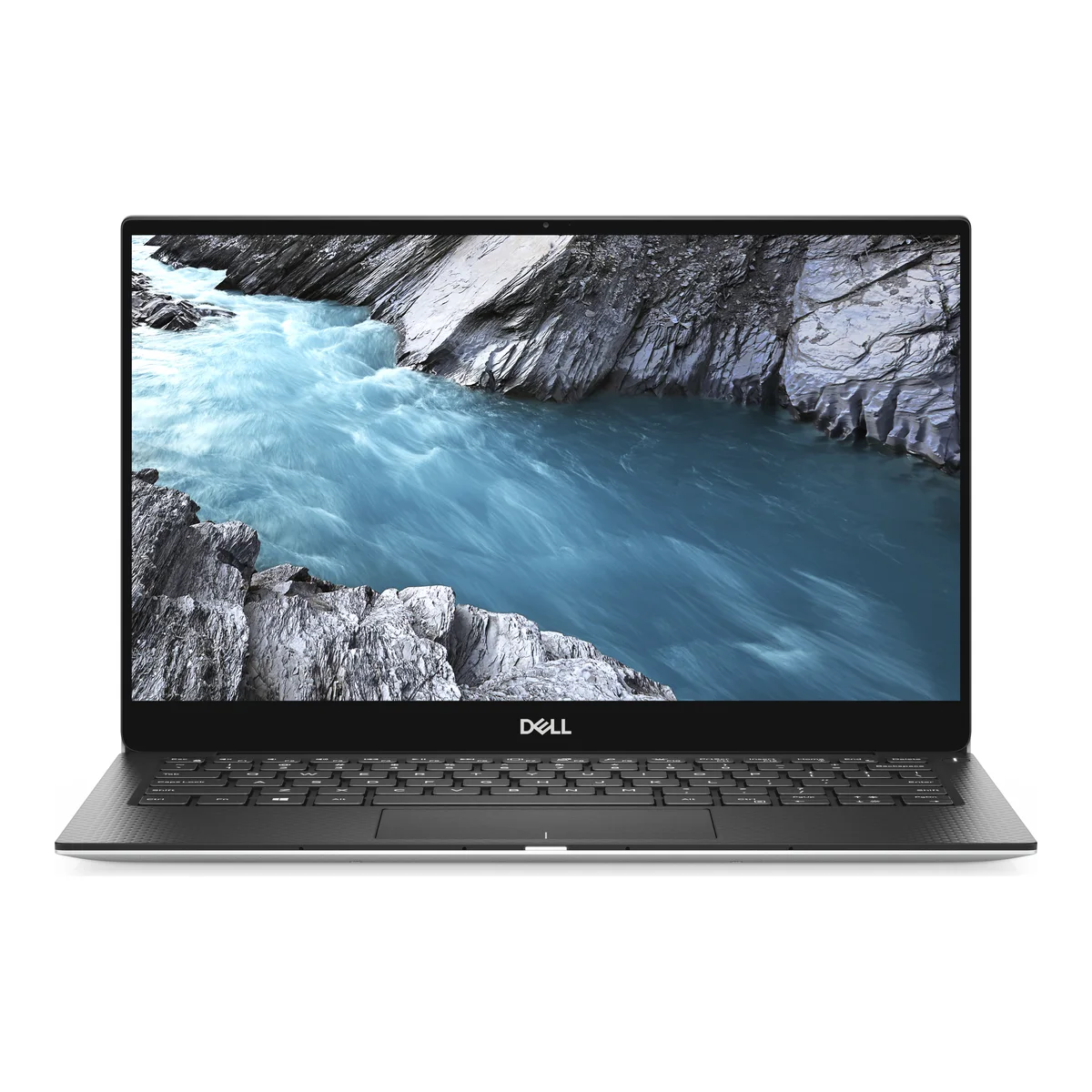
- Latitude 5320: 13.3-inch, 11th Gen, touch. Good for portability.
- Latitude 7400: a premium 14-inch machine with an 8th Gen chip.
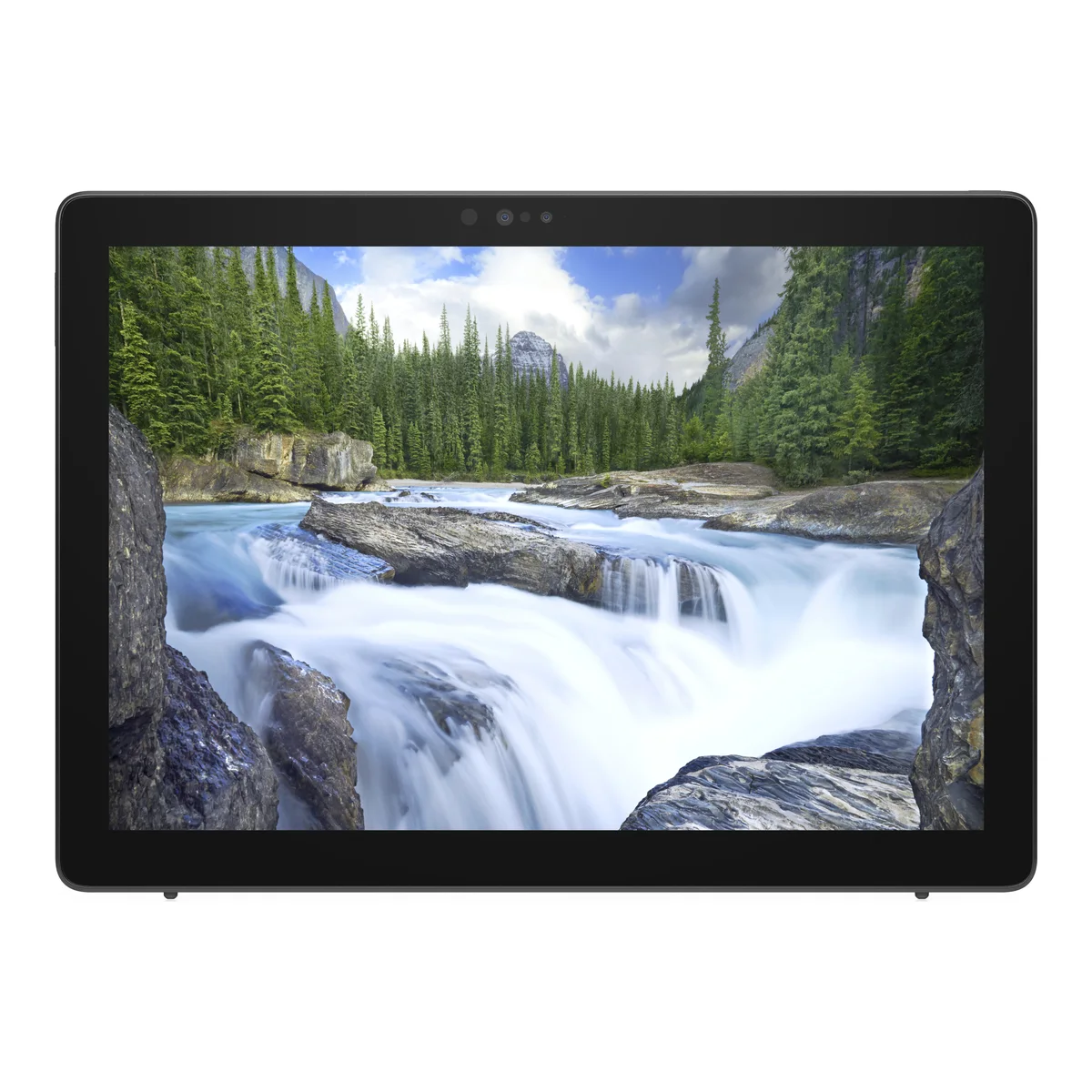
- Latitude 7210 2-in-1: a detachable tablet-style laptop.
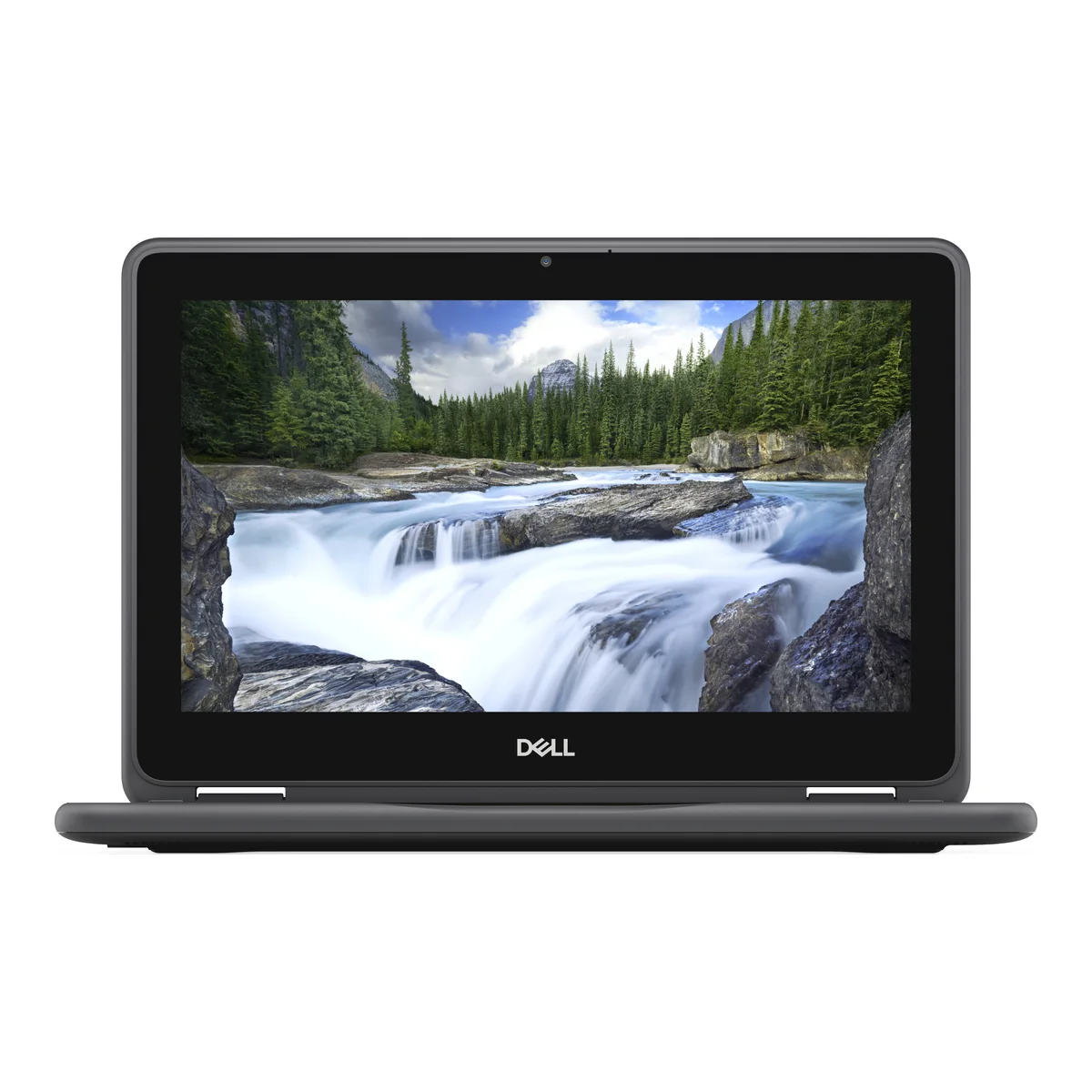
- Latitude 3190 2-in-1: a small Pentium model for very light work only.
Pentium chips are far slower than Core i5 chips. They are only suitable for basic web browsing and document editing, so do not be drawn in by the low price if you need more.
XPS 13
The XPS 13 9380 is a compact consumer laptop with a premium body and a 4K touch screen in this configuration. A 4K panel looks excellent but uses more battery than a Full HD screen. It is a nice choice for people who want a stylish laptop.
Vostro 7500
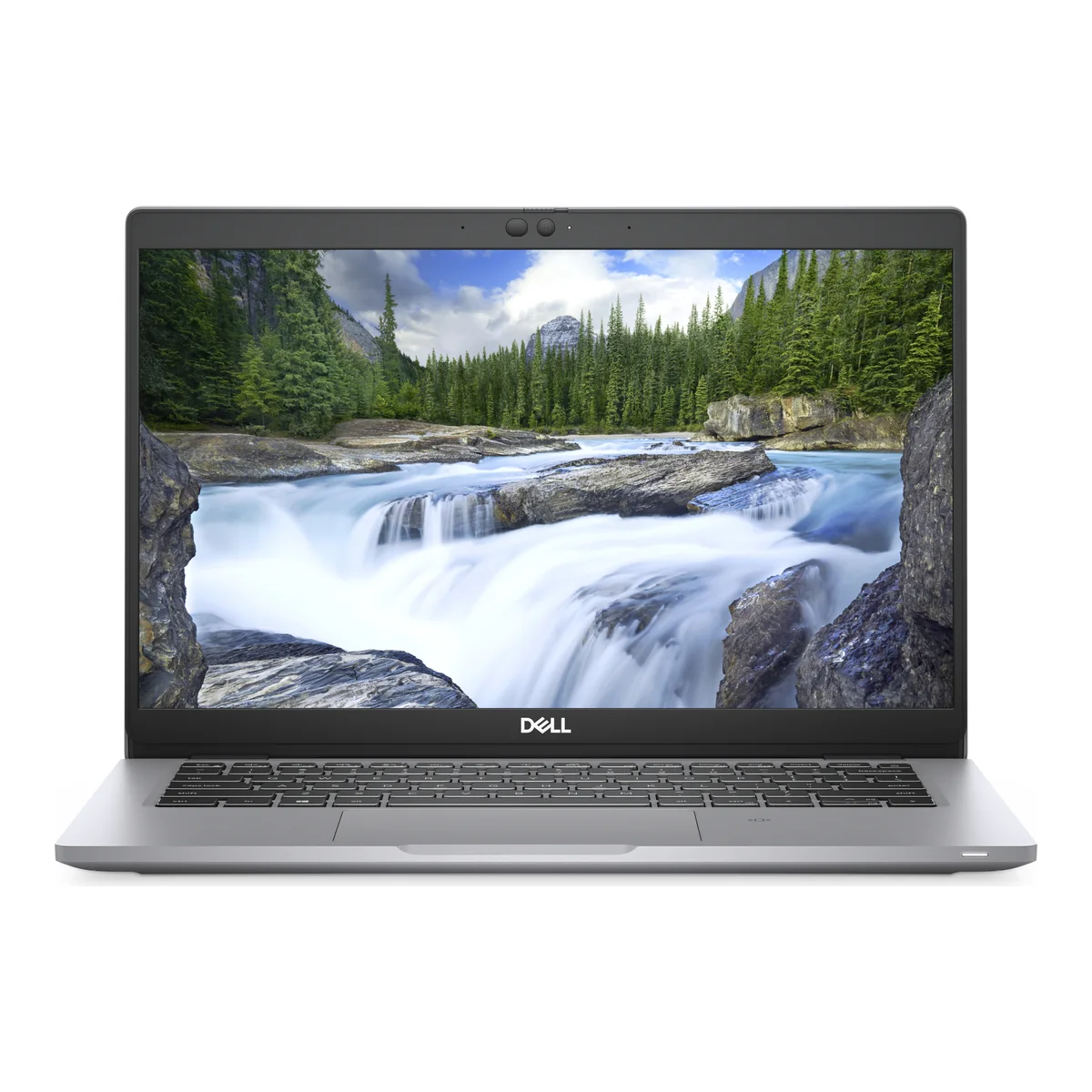
The Vostro 7500 is a more performance-oriented model, with a 10th Gen Core i7 and an NVIDIA GPU. It is an option for light creative work.
Things to check on a used Dell
- Battery: run a battery report on Windows or check the BIOS.
- Charger: Dell chargers vary by model and connector, so confirm one is included.
- Hinges: open and close the screen and look for flexing.
- Keyboard and touchscreen: test every key and touch area.
- BIOS password: make sure no former company password is set.
Our full checklist walks through these.
Which to choose
For the best balance, look at 11th Gen models such as the Latitude 5420. On a tighter budget, an 8th Gen 5400 still handles office work well. Those who need serious graphics or CAD should see our Precision workstation guide.
Compare Dell's offerings with the HP EliteBook and ThinkPad ranges. Often the deciding factor is simply which specific unit has the best generation and condition for the price.
In the shop now
Current prices and stock from our catalogue.
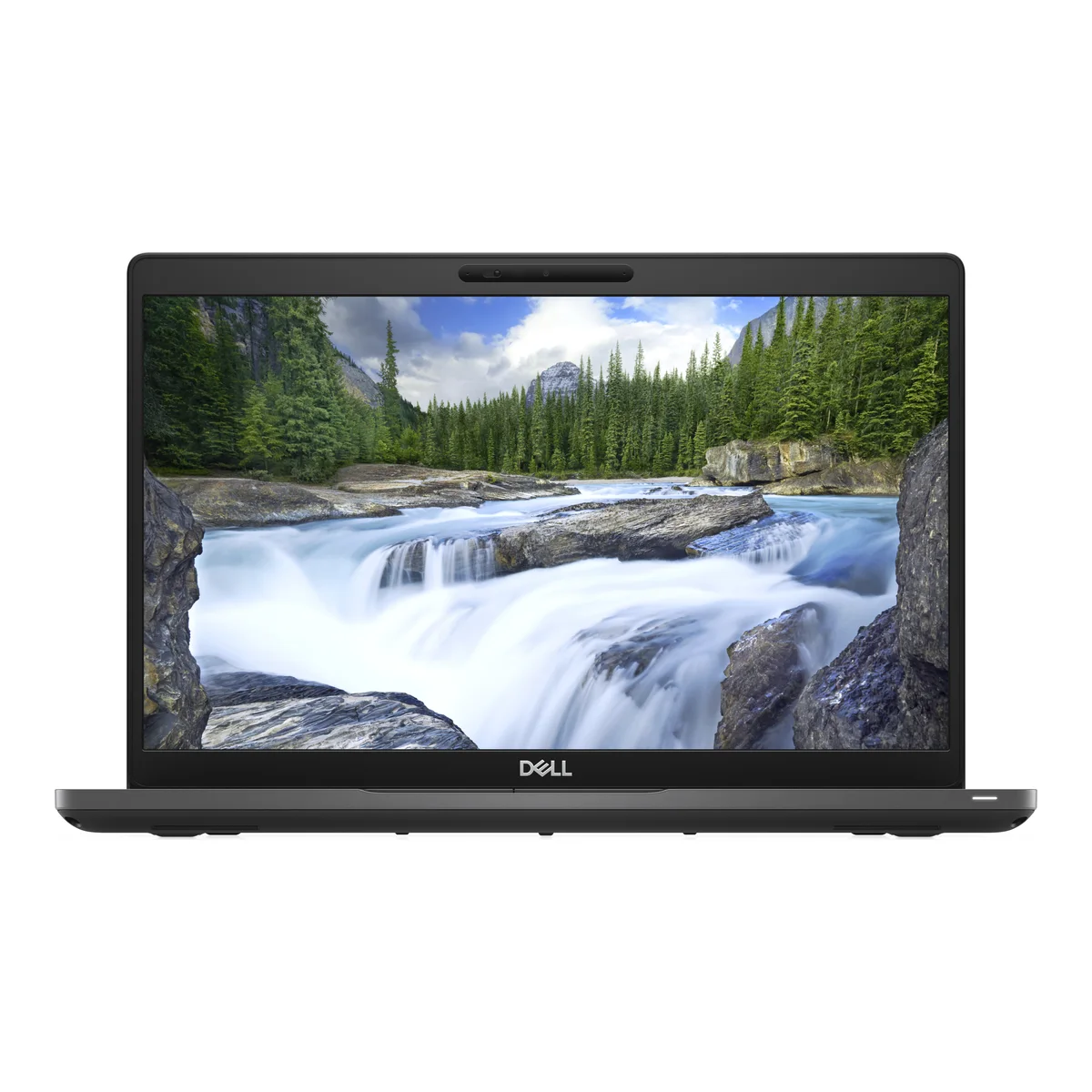
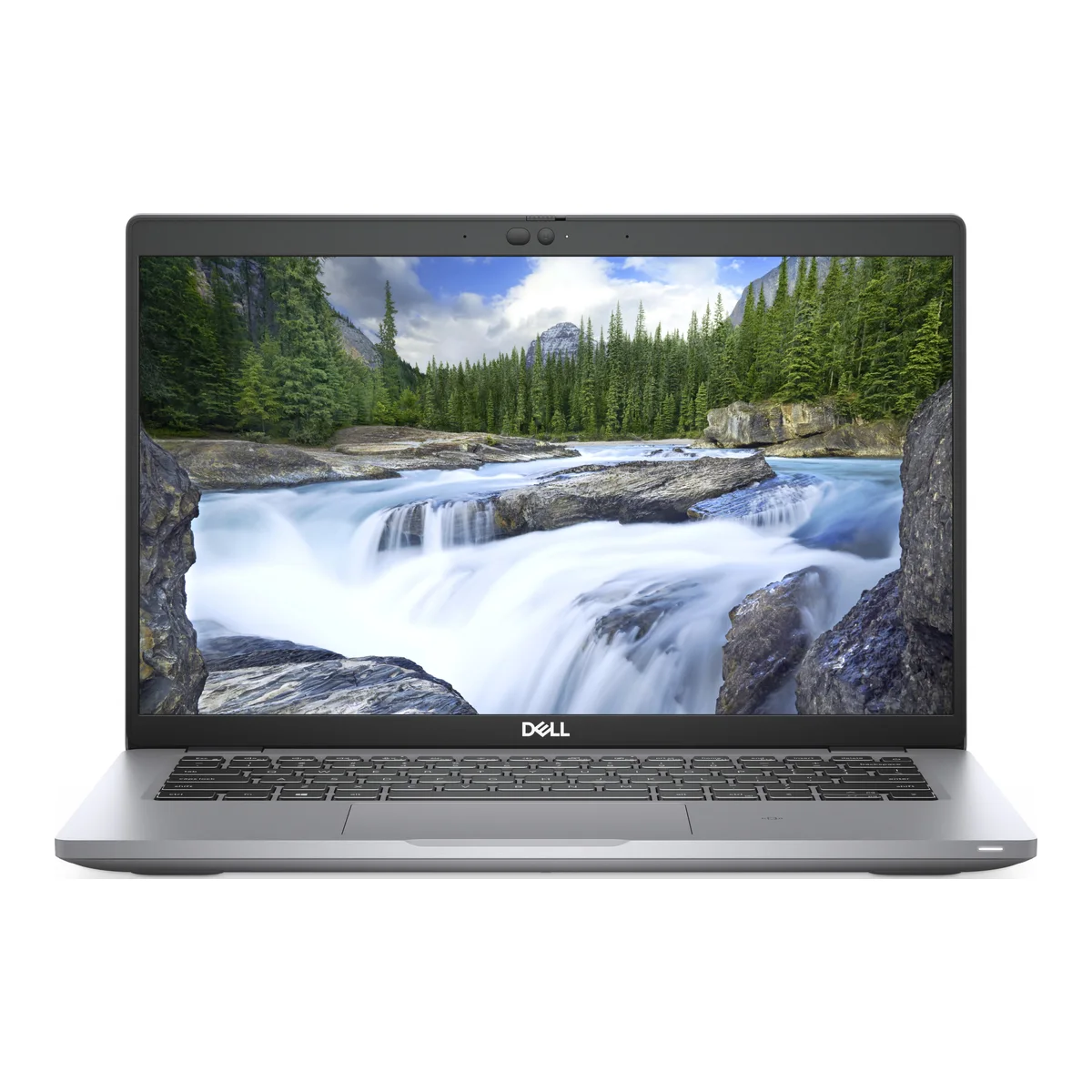
Dell Latitude 5420 Core i5 11th Gen 8GB 256GB SSD 14" (Ex-UK)
KSh 28,500 + VAT
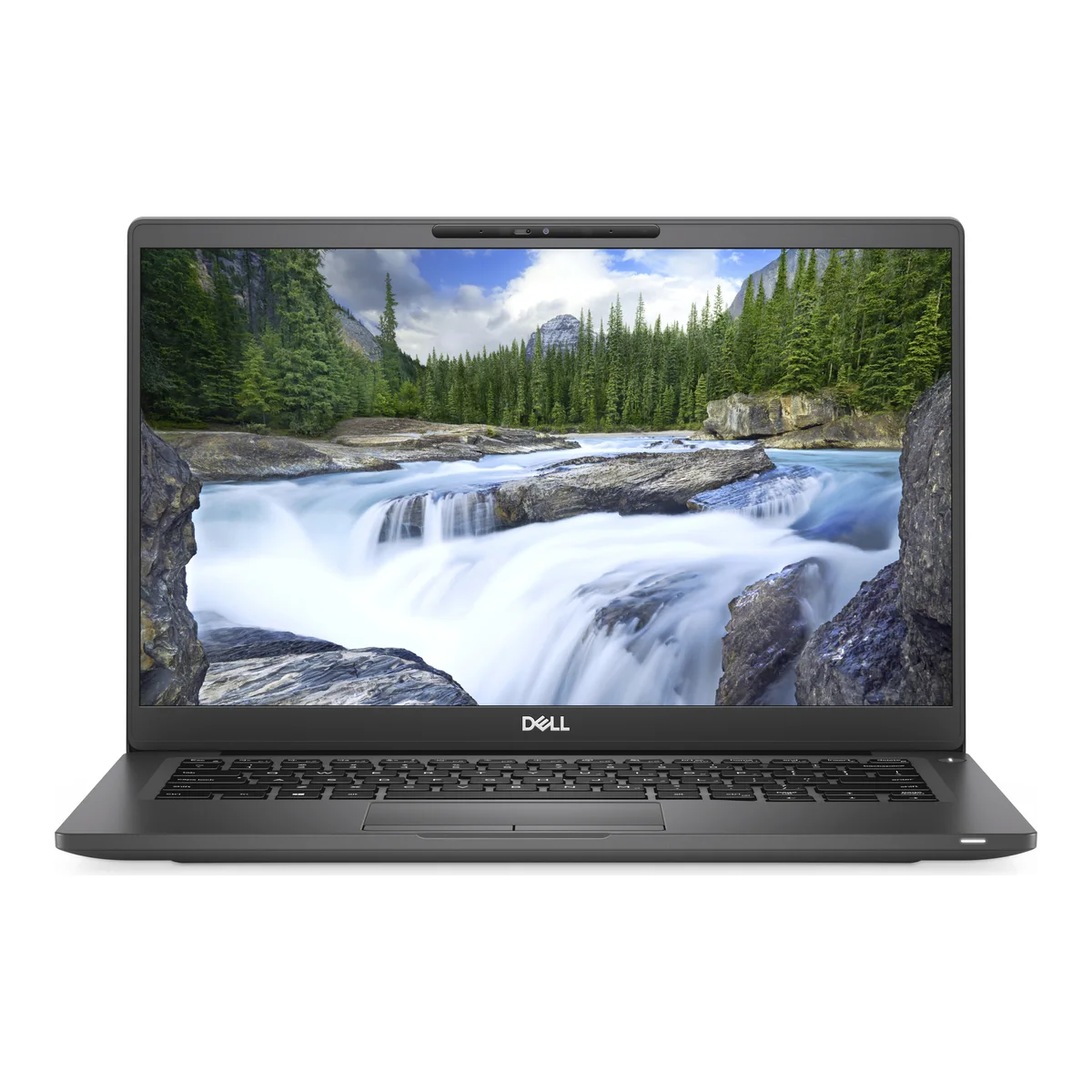
Dell Latitude 7400 Core i5 8th Gen 8GB 256GB SSD 14" (Ex-UK)
KSh 27,500 + VAT
Buying from FancyTech
Visit us at Rehema House, Standard Street, Nairobi, or order online for delivery in 1–3 hours in Nairobi and next day countrywide. Delivery is KSh 300 in Nairobi and KSh 600 to other counties, and free on orders above KSh 150,000. Each listing states its condition and warranty. See our returns policy or contact us with any question.
Keep reading
HP EliteBook Buying Guide: G3 to G10 for Kenyan Buyers
How to read HP EliteBook model numbers and generations, and which Ex-UK EliteBook fits students, offices and travel.
Lenovo ThinkPad Guide: T480s, X1 Carbon, X13 and Yoga Models
Why ThinkPads are favoured by professionals, how the X1, T and L lines compare, and which Ex-UK model to pick.
Dell Precision Workstations: Are They Right for You?
Who needs a mobile workstation, what Dell Precision 7550, 7750 and 7760 laptops offer, and their trade-offs.
Ex-UK Laptop Checklist: What to Test Before You Pay
A practical inspection guide for used Ex-UK laptops covering battery reports, screens, BIOS locks, keyboards and ports.
HP OmniBook Guide: Core Ultra Laptops and 2-in-1s
What HP's new OmniBook 3 and OmniBook X Flip laptops offer, how to read Core Ultra chip names, and which to choose.
MacBook Air M1, M2 and M3: Which to Buy in Kenya
How Apple's M1, M2 and M3 MacBook Air laptops compare on screen, performance and battery, and which is best value.