Chromecast and Xiaomi TV Stick: Make Any TV Smart
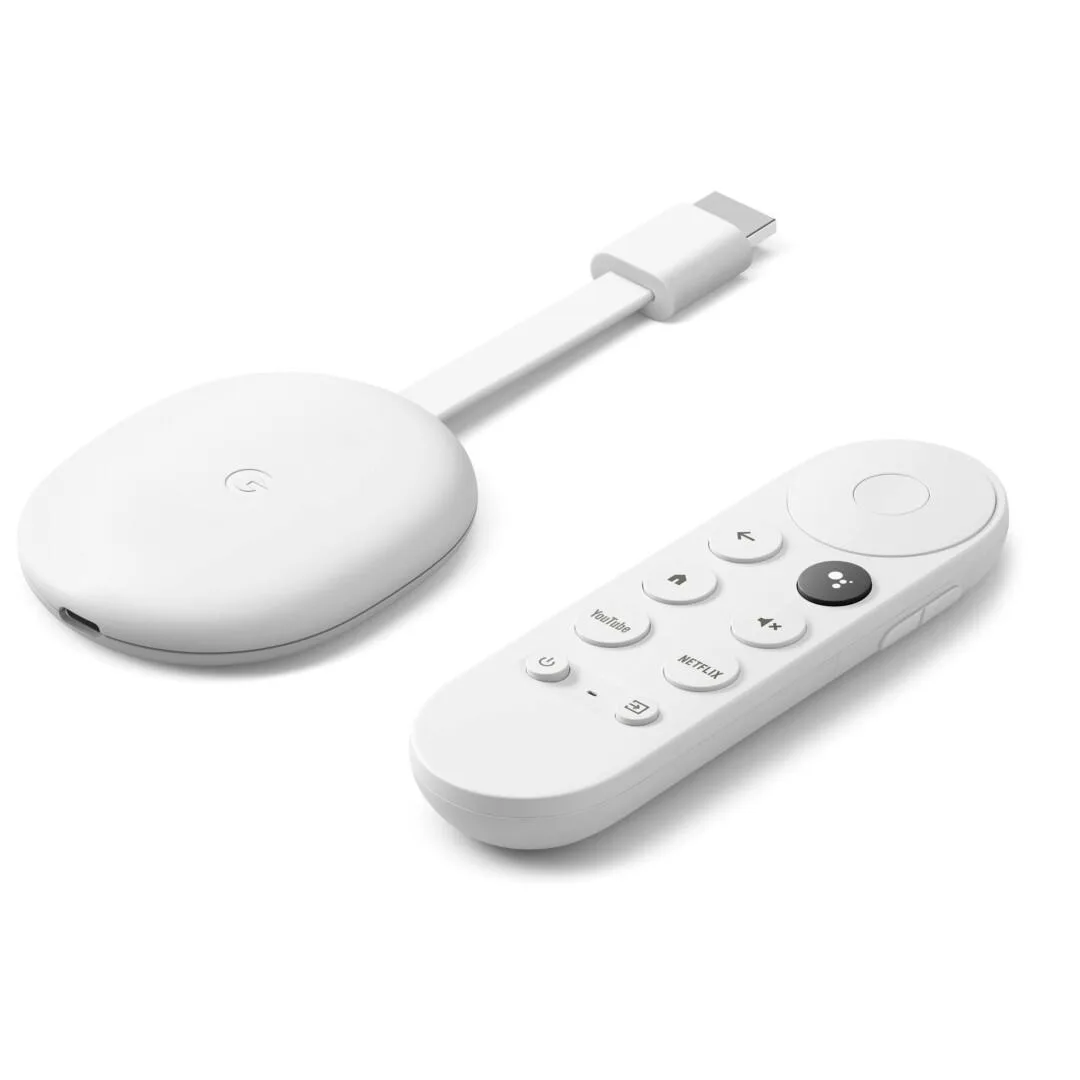
If your TV has no apps, runs slowly or has lost support for your favourite service, you do not necessarily need a new set. A small streaming device can give it a new lease of life.
How they work
A streaming stick plugs into an HDMI port on your TV and connects to your Wi-Fi. It adds a smart interface and apps such as YouTube and Netflix, depending on regional availability.
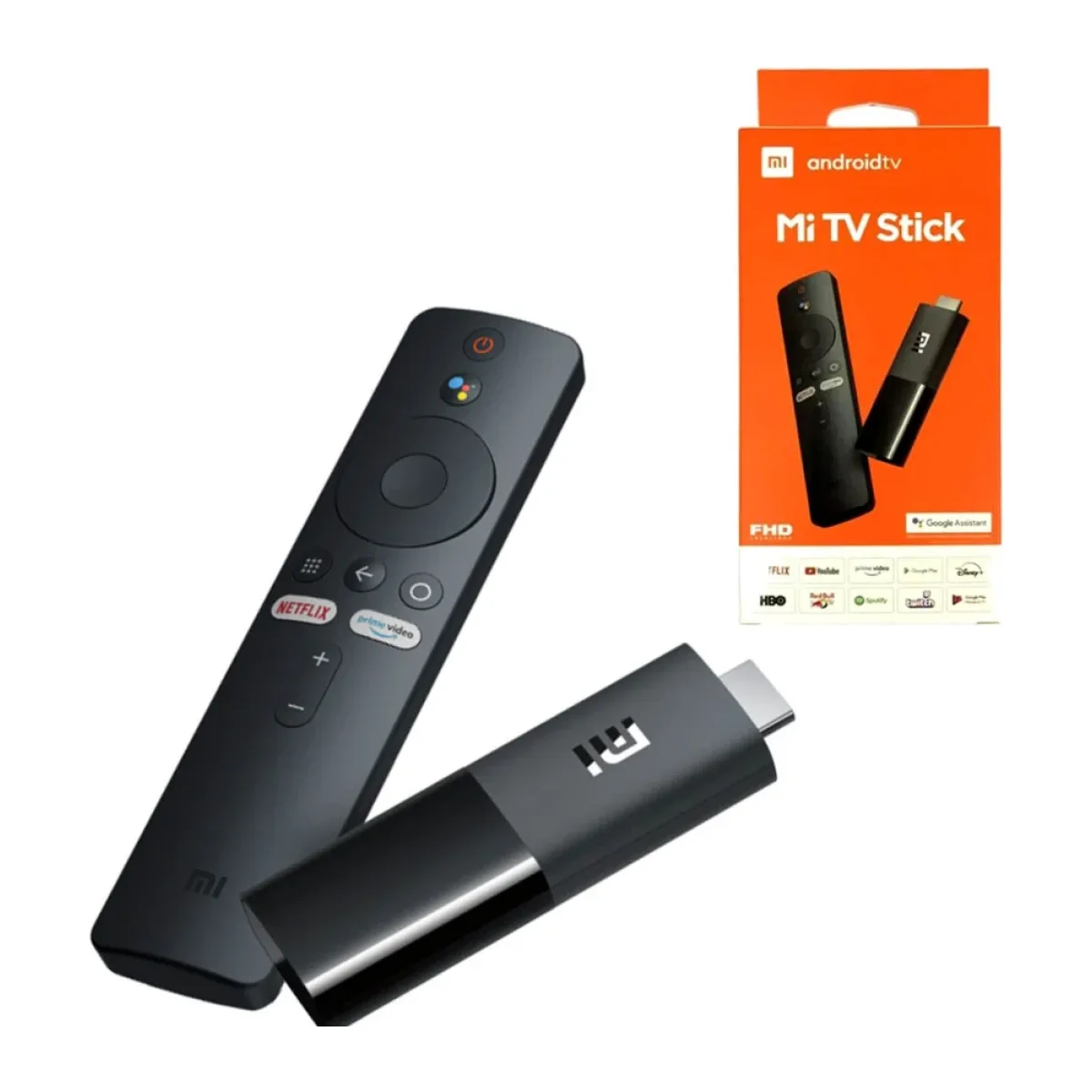
Chromecast with Google TV 4K
This device has the Google TV interface, a remote with voice search, and support for 4K content. It handles many apps and provides recommendations across services. It also supports casting from your phone.
Google has been replacing the Chromecast line with Google TV Streamer in some markets, but the Chromecast with Google TV remains useful.
Xiaomi TV Stick 4K
This device is compact, runs Android TV, and is usually a cost-effective way to add apps and casting to an older TV.
What you need
- An HDMI port on your TV.
- Power. Some sticks need a USB power adapter. Using the TV's USB port may not provide enough power.
- Reliable Wi-Fi. A weak signal causes buffering.
- A Google account for setup.
Wi-Fi and Ethernet
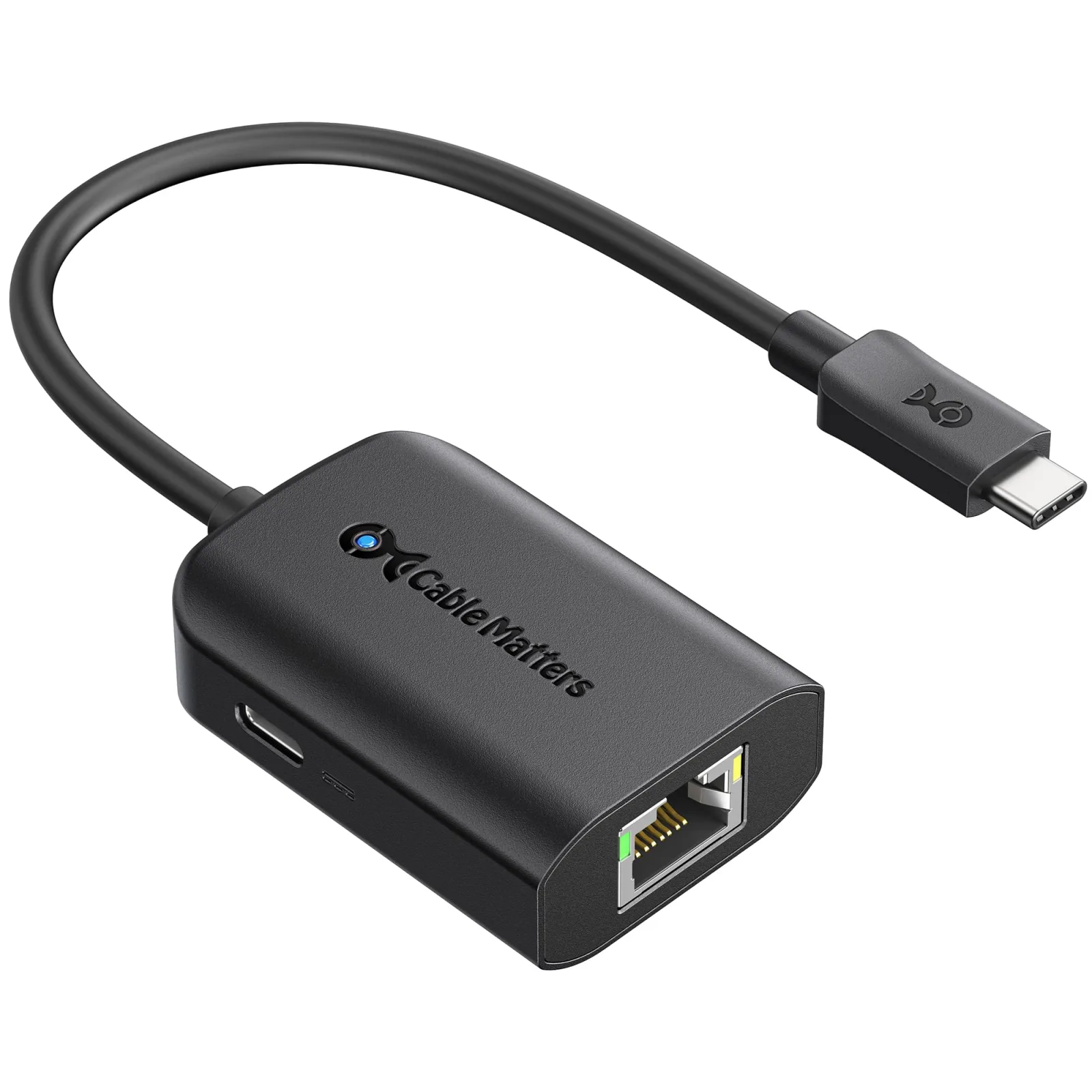
Streaming devices work better with a stable connection. If your router is far from the TV, consider a Wi-Fi extender. We carry the Mi WiFi Extender Pro, and if your router is close you might use a wired connection. Cable Matters offers a USB-C to Gigabit Ethernet adapter designed for the Chromecast with Google TV.

Check the data
4K video uses a lot of data, which can quickly drain a limited bundle. Lower the streaming quality in the app if your internet is capped.
Local content
Before relying on an app, check that the service is available in Kenya and on your device. Some apps may not appear in the app store for every device.
Is a stick better than a built-in smart TV?
Often, yes, if your TV is slow. Sticks are regularly updated and generally cost much less than a new TV. If you want a much better picture, however, a new TV with a better panel is what you need. See our budget TV guide.
Tips
Install only the apps you use. Restart the stick occasionally to keep it running smoothly. Keep the stick away from heat where possible, and use an HDMI extender cable if it is too tight behind your TV.
In the shop now
Current prices and stock from our catalogue.
Buying from FancyTech
Visit us at Rehema House, Standard Street, Nairobi, or order online for delivery in 1–3 hours in Nairobi and next day countrywide. Delivery is KSh 300 in Nairobi and KSh 600 to other counties, and free on orders above KSh 150,000. Each listing states its condition and warranty. See our returns policy or contact us with any question.
Keep reading
Best Value Smart TVs: TCL, Hisense, Skyworth, Vision Plus and More
What to look for in an affordable smart TV in Kenya, comparing TCL, Hisense, Skyworth, Vitron, Cube and Vision Plus.
What Size TV Should You Buy? A Kenyan Living Room Guide
How to choose the right TV size for your room, with viewing distances, wall mounting advice and resolution tips.
USB-C Hubs and Docks: Connect More to Your Laptop
How to choose a USB-C hub for HDMI, Ethernet and USB ports, including power delivery and MacBook compatibility.
QLED vs Mini LED vs OLED: TV Technologies Explained
The differences between LED, QLED, Mini LED and OLED TVs from Samsung, LG, TCL and Hisense, explained in plain English.
Fridges and Freezers: How to Choose for a Kenyan Home
How to choose a fridge or chest freezer by household size, including capacity, power use, inverter models and voltage protection.
Washing Machines: Front Load, Washer Dryer and Capacity Guide
How to choose a washing machine in Kenya, including capacity, front-load design, washer-dryers, water pressure and power.