Samsung S Pen Guide: Which Pen Fits Which Galaxy?
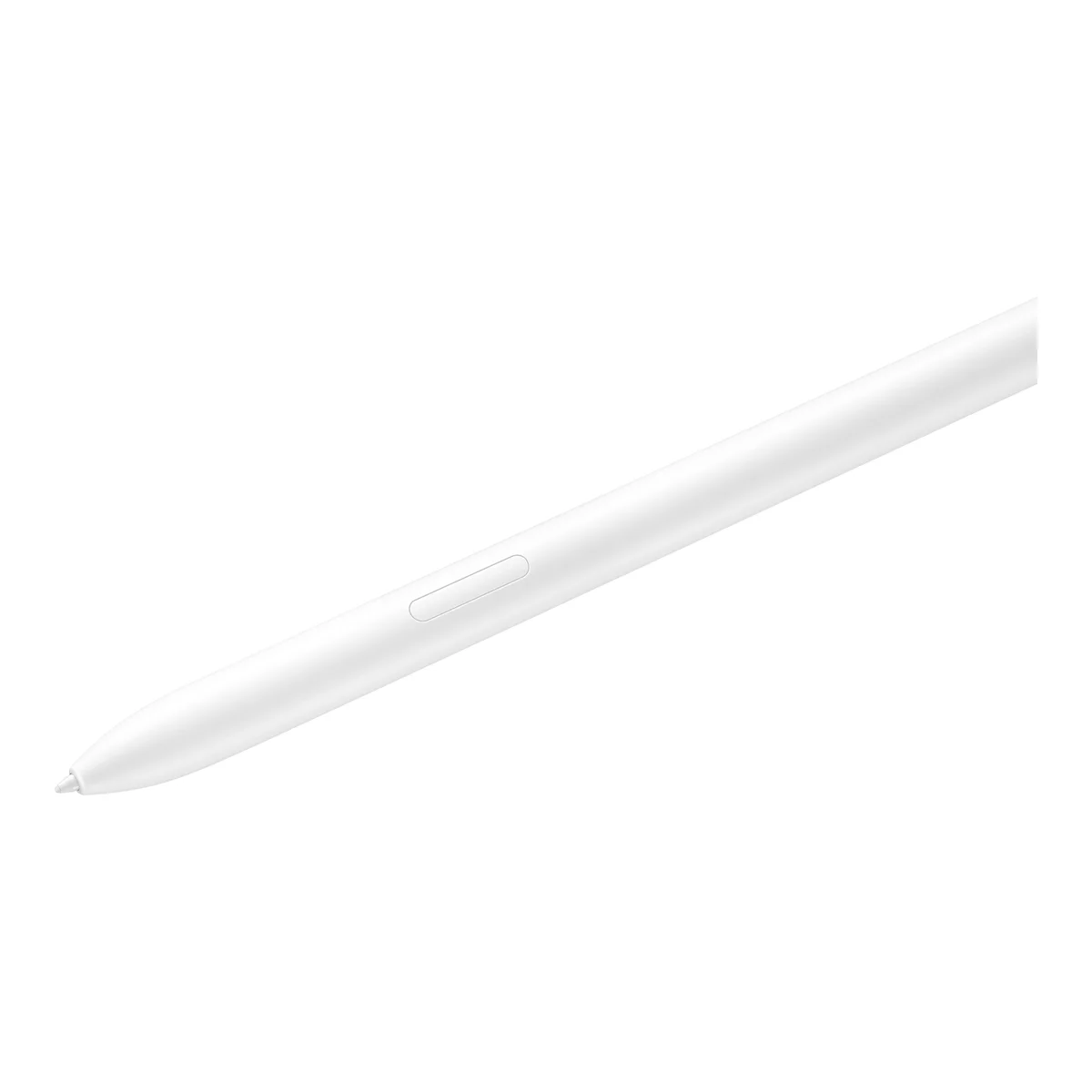
An S Pen sounds like a simple accessory, but compatibility catches a lot of people out. A pen made for one Galaxy will not necessarily work correctly with another, and a replacement bought in a hurry can turn out to be the wrong size.
Why S Pens differ
S Pens built into Ultra phones are shaped to slide into a specific slot, so a pen from one generation may not fit another phone. Tablet S Pens are larger and more comfortable for long writing sessions, but they are not designed to fit inside a phone.
Bluetooth is another difference. Some S Pens support remote features such as using the pen as a camera shutter, while others only write on the screen. Do not assume every replacement can do everything the original did.
Match the pen to the device
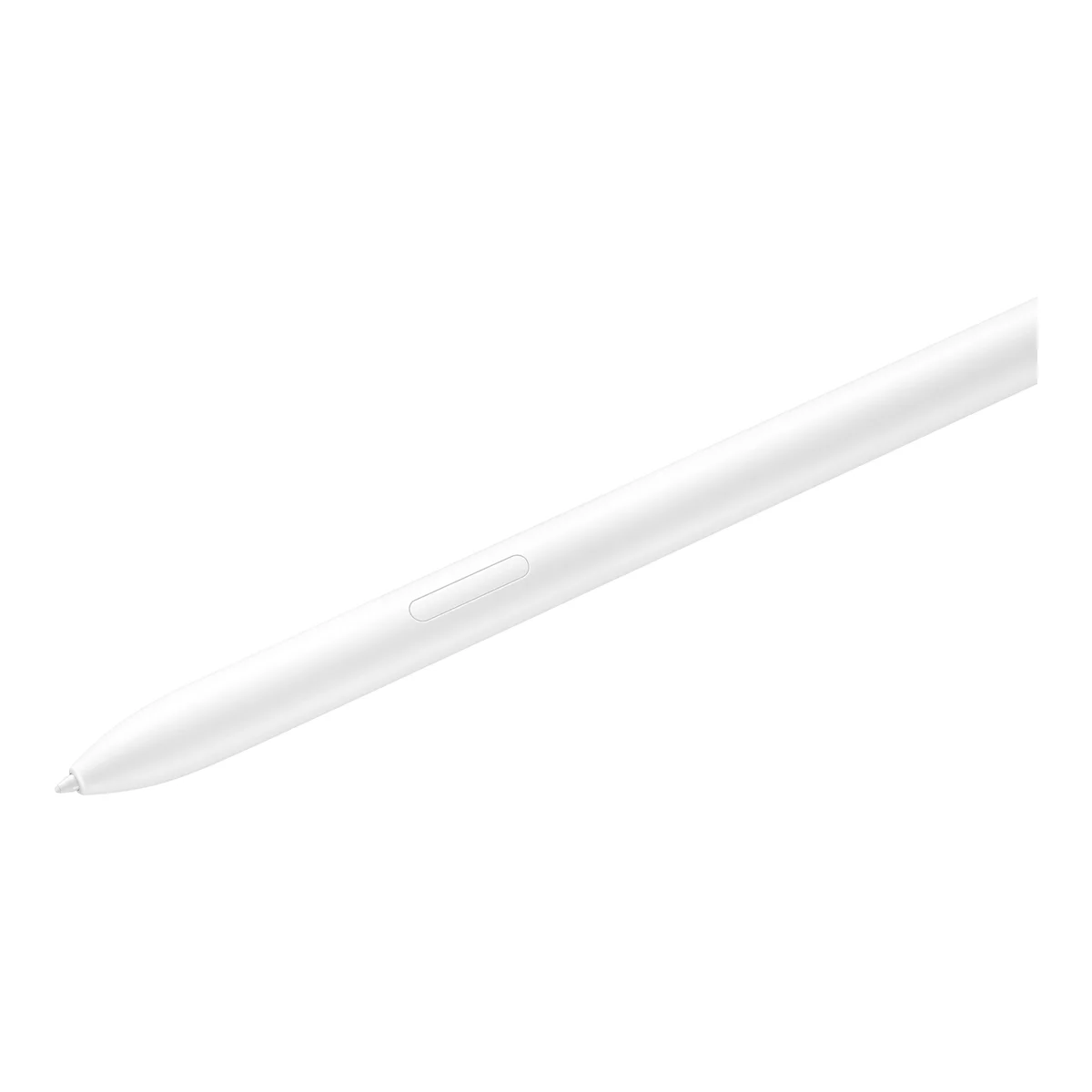
We stock pens made for particular devices. Look for the exact model name in the product title:
- Galaxy S21 Ultra: supports S Pen writing, but has no built-in slot, so you will need to carry the pen separately or use a case that holds it.
- Galaxy S22 Ultra, S23 Ultra, S24 Ultra, S25 Ultra and S26 Ultra: built-in slot. Choose the pen named for your phone.
- Galaxy Tab S7 FE, Tab S9 FE, Tab S9, Tab S9+ and Tab S9 Ultra: tablet pens. Check that the one you choose is named for your tablet.
If your phone is not in the list above, it probably does not support an S Pen at all. Standard Galaxy S and A-series phones do not. See our Ultra guide for more detail.
What you can do with an S Pen
- Handwritten notes: Samsung Notes can convert handwriting to text.
- Screen capture and annotation: great for marking up a screenshot or PDF.
- Quick signing: useful for delivery notes, contracts and school forms.
- Precise editing: selecting text and making small photo adjustments.
- Drawing: pressure sensitivity makes it a real sketching tool on tablets.
Students may find a tablet with a pen particularly helpful. Compare your options in the Galaxy Tab guide.
Looking after your pen
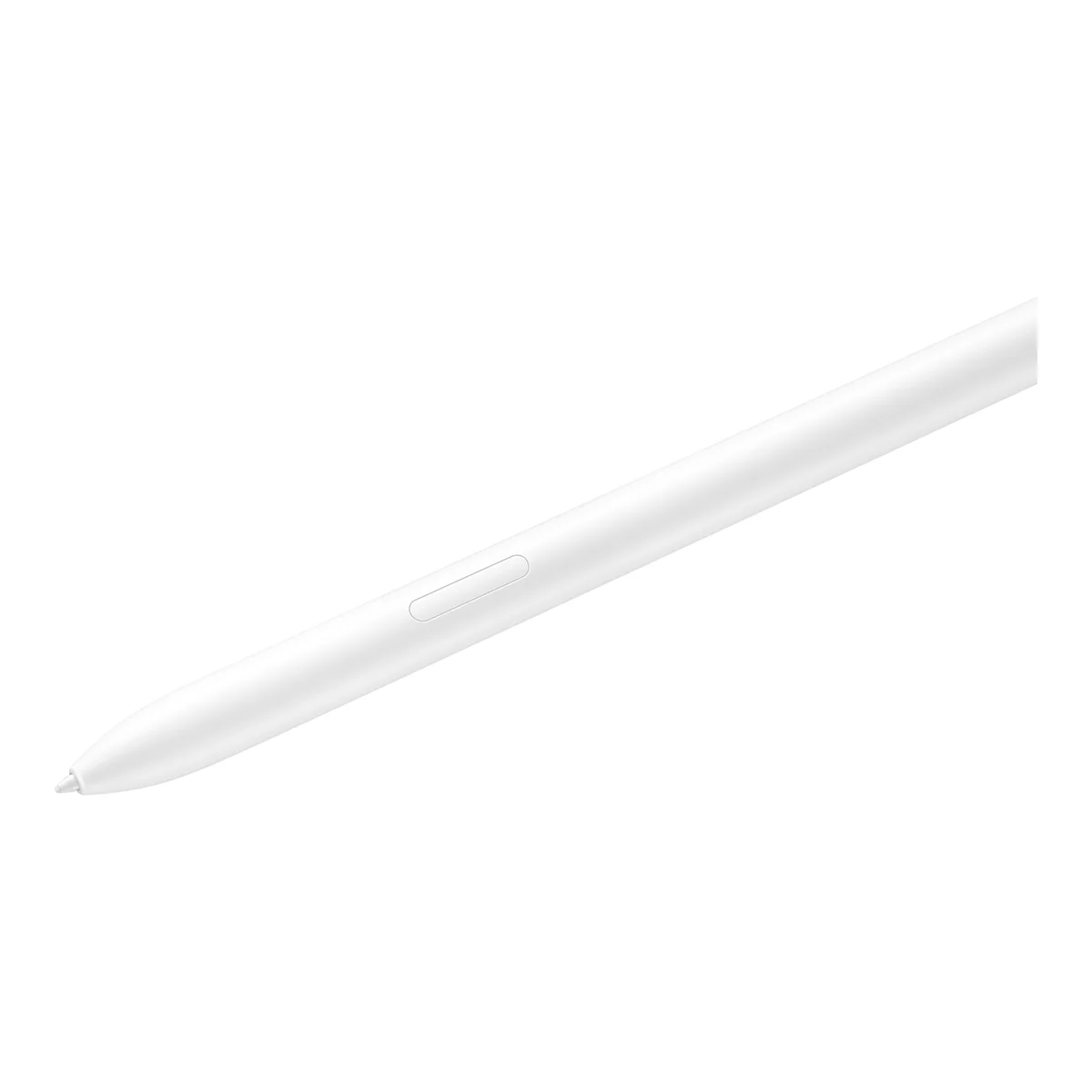
Replace worn tips before they scratch or drag on the screen. Do not force a pen into a slot it does not fit. Pens that rely on battery-powered features need occasional charging by being stored in the phone.
Lost your pen?
A lost pen is the most common reason for a replacement purchase. Confirm the phone model printed on your phone's settings page before you order. Go to Settings, About phone, and match the name with the pen listing.
If you have an older pen device, see our Note 20 guide. And if you are comparing with Apple's approach, the iPad guide covers which Apple Pencil fits which iPad.
In the shop now
Current prices and stock from our catalogue.
Samsung Galaxy Tab S9 S Pen
KSh 7,500 + VAT
Samsung Galaxy Tab S9 Ultra S Pen
KSh 7,000 + VAT
Samsung Galaxy Tab S9+ S Pen
KSh 7,000 + VAT
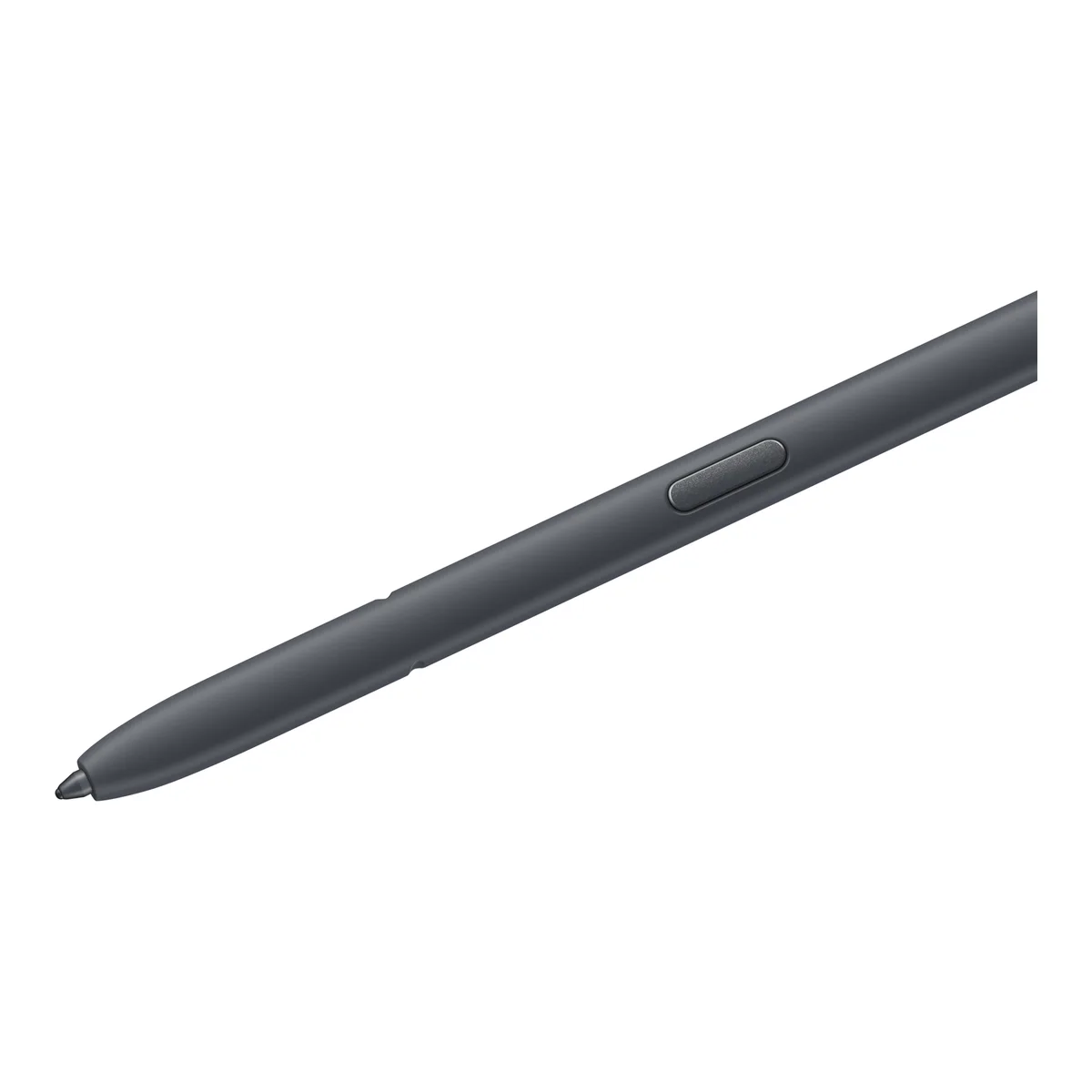
Samsung Galaxy S26 Ultra S Pen
KSh 7,000 + VAT
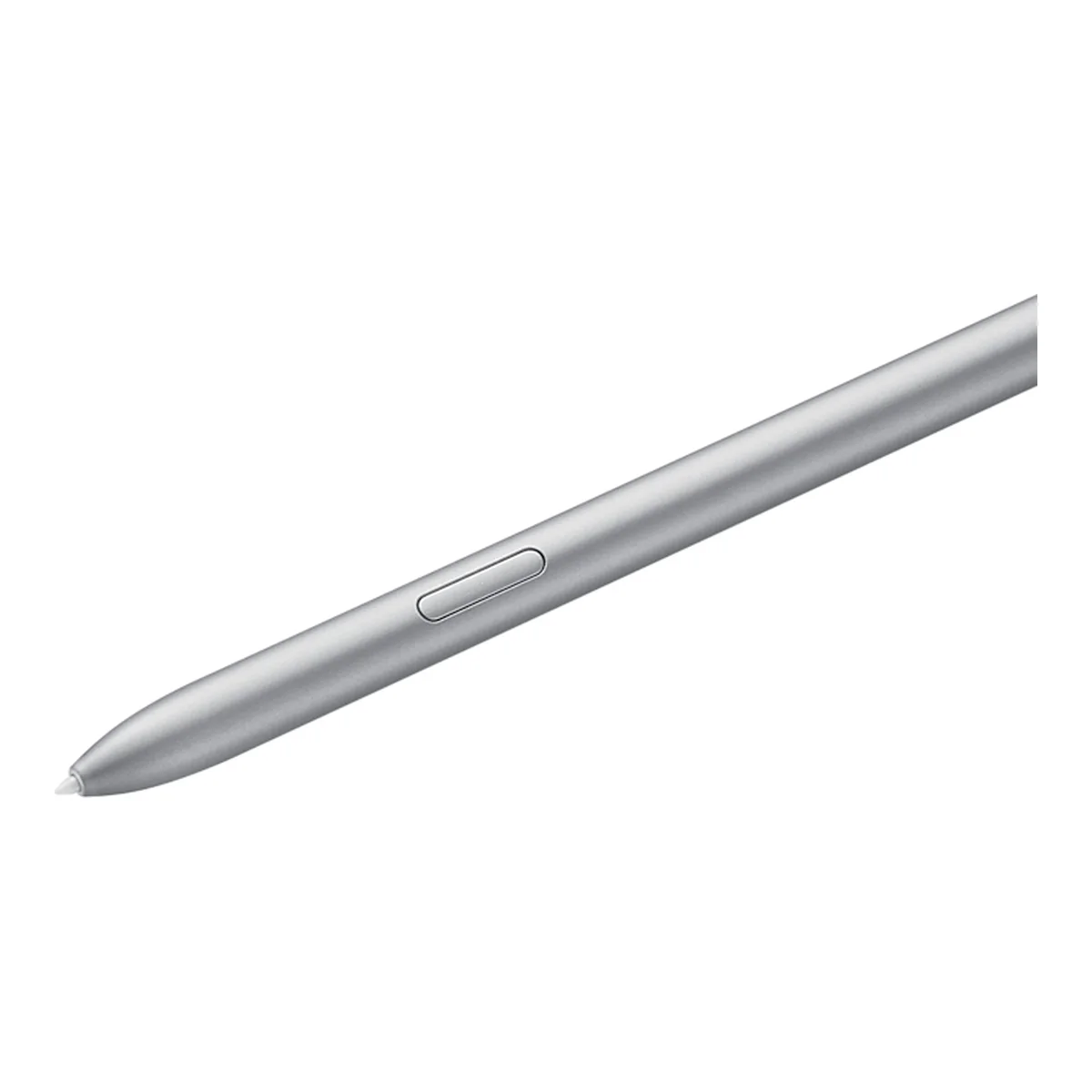
Samsung Galaxy Tab S7 FE S Pen
KSh 6,500 + VAT
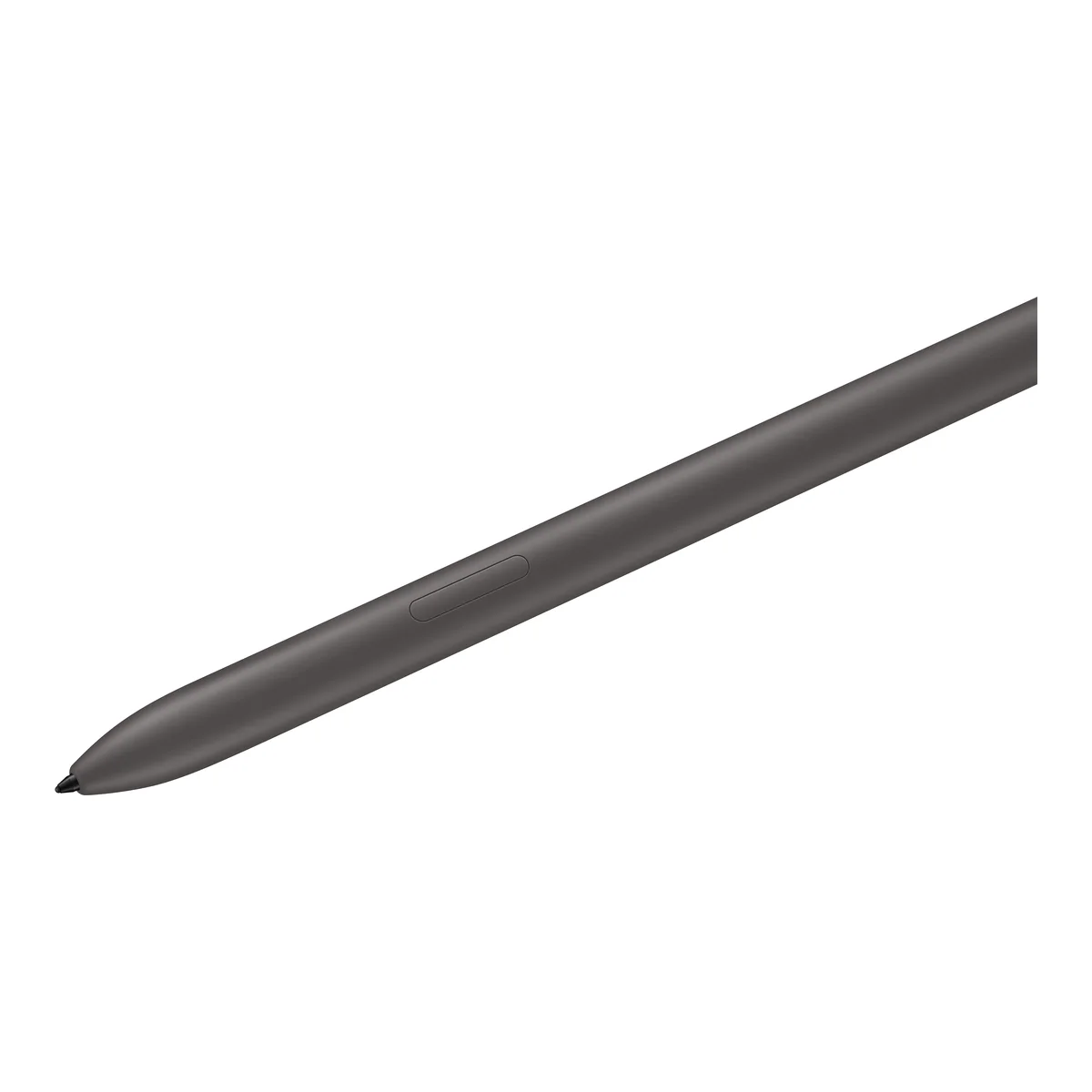
Samsung Galaxy Tab S9 FE S Pen
KSh 6,500 + VAT
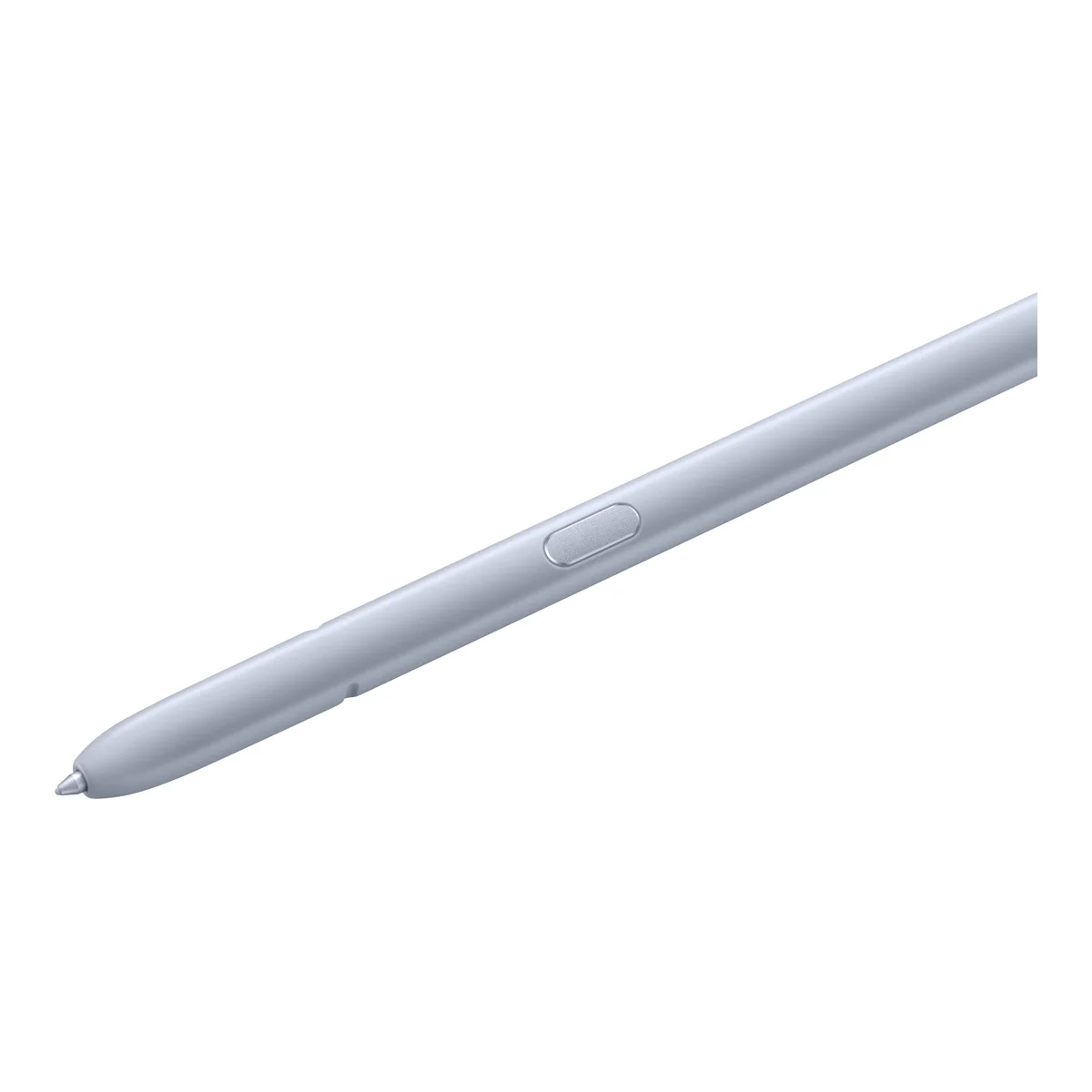
Samsung Galaxy S25 Ultra S Pen
KSh 5,000 + VAT
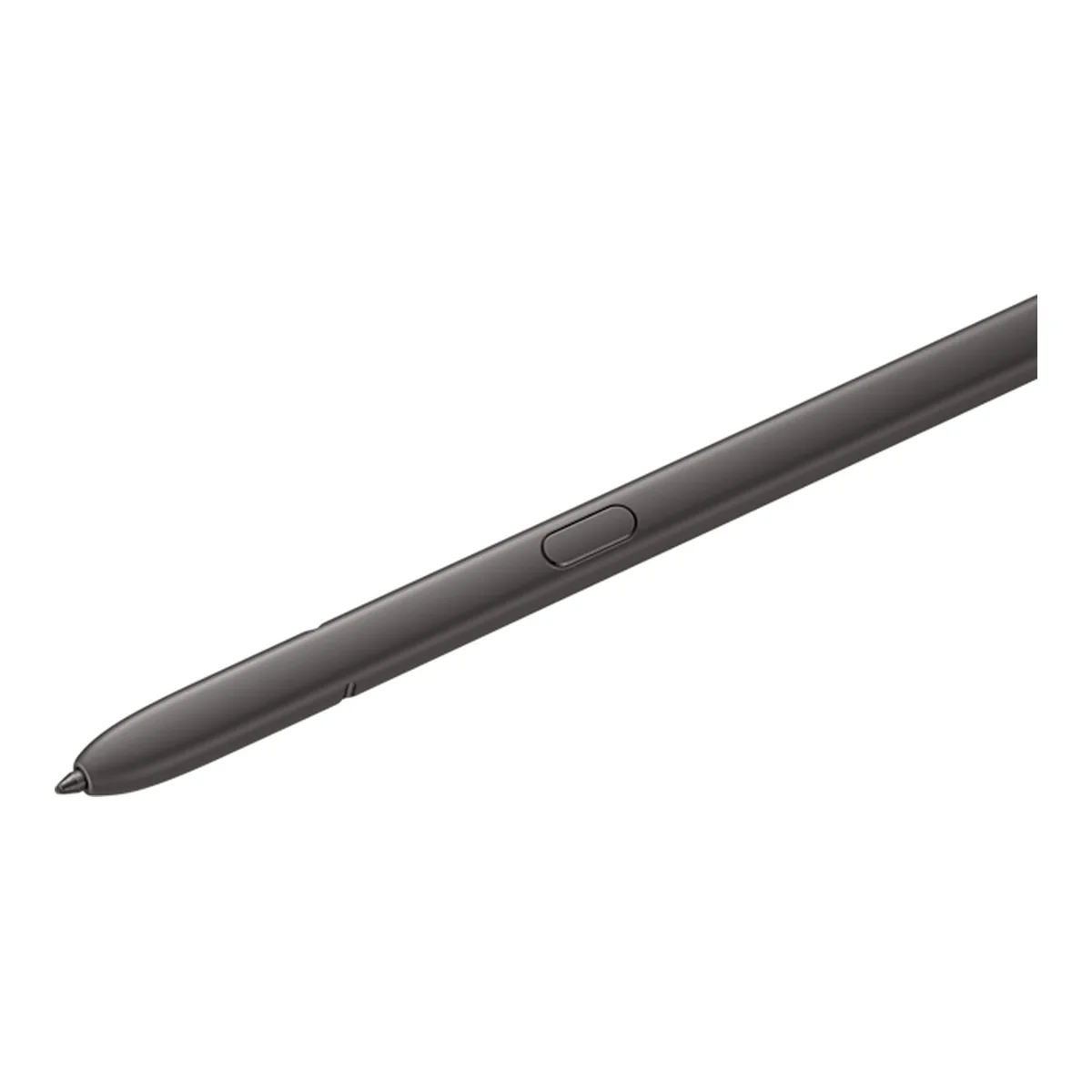
Samsung Galaxy S24 Ultra S Pen
KSh 4,500 + VAT
Buying from FancyTech
Visit us at Rehema House, Standard Street, Nairobi, or order online for delivery in 1–3 hours in Nairobi and next day countrywide. Delivery is KSh 300 in Nairobi and KSh 600 to other counties, and free on orders above KSh 150,000. Each listing states its condition and warranty. See our returns policy or contact us with any question.
Keep reading
Samsung Galaxy S Ultra Guide: S21 Ultra to S24 Ultra
How Samsung's Ultra flagships differ across generations, what the S Pen adds, and which Ex-UK Ultra makes sense in Kenya.
Is the Samsung Galaxy Note 20 Still Worth Buying?
What the Galaxy Note 20 and Note 20 Ultra offer today, their S Pen advantage, and the risks of an older flagship.
Samsung Galaxy Tab Guide: A Series, S FE and S Ultra Compared
How to choose between Samsung's Galaxy Tab A, S FE and S Ultra tablets, including S Pen support and screen size.
iPhone Accessories Worth Buying: Cases, MagSafe, AirTag and More
Which iPhone accessories are worth the money, from silicone cases and MagSafe to AirTag, adapters and Mac peripherals.
Samsung's Newest Galaxy Phones: How to Decide Whether to Upgrade
A practical way to decide whether Samsung's latest S26 and Fold or Flip launches are worth the money over older Galaxy phones.
Galaxy Z Fold and Flip: Are Foldable Phones Worth It in Kenya?
What living with a Samsung foldable involves, how Fold and Flip differ, and what to inspect on a used foldable.