How to Choose a Phone in Kenya: A Simple Buying Guide
With hundreds of phones on sale, it is easy to get lost in numbers. The trick is to ignore most of them and focus on the few things that shape your daily experience. Work through these steps in order.
Step 1: Set a realistic total budget
Your budget should include the phone and the extras that you will need straight away: a case, a screen protector and perhaps a charger. Many phones no longer include a charger. Leaving room for accessories prevents you from spending everything on a phone you cannot protect.
Step 2: Decide how you will really use it
Be honest. If you mainly use WhatsApp, Facebook and M-Pesa, you do not need a flagship processor. If you edit video, run a business from your phone or play demanding games, cheap hardware will frustrate you.
- Messaging, social media, mobile money: an affordable phone with enough storage will do.
- Lots of photos and videos: prioritise the camera, storage and battery.
- Gaming: look at the chip, screen refresh rate, RAM and cooling.
- Business use: look at battery life, software support and dual SIM.
Step 3: Decide on memory and storage
This is more important than most specifications. Read how much storage and RAM you need. In general, 128GB is a sensible minimum for a main phone, unless you only use it lightly.
Step 4: Look at the screen
AMOLED screens offer deeper contrast and are better for video. A 90Hz or 120Hz refresh rate makes scrolling smoother. Brightness matters when you are using your phone outdoors in strong Kenyan sunlight.
Step 5: Think about battery and charging
A capacity of 5,000mAh is common on Android phones and usually lasts a day. Fast charging helps if you are often in a rush. If you experience frequent power outages, a larger battery matters, and you might also want a power bank.

Step 6: Do not be fooled by megapixels
A 108MP sensor is not automatically better than a 12MP one. Optical stabilisation, sensor size and software processing affect results more. Look at photos taken indoors at night, which is where cheap cameras struggle.
Step 7: Check software and updates
Security updates help protect you, and they matter on a phone used for mobile banking. Samsung and Google have made strong long-term promises on recent phones, whereas cheaper phones from many brands get far fewer updates.
Step 8: Decide on new or Ex-UK
An Ex-UK phone can get you far more hardware for your money, but condition and battery wear vary. See Ex-UK versus brand new.
Step 9: Check the after-sales terms
Find out how long the warranty is, what it covers, and how returns work. This is often where a good deal and a bad one differ. Read returns and warranty explained.
Where to start by brand
In the shop now
Current prices and stock from our catalogue.
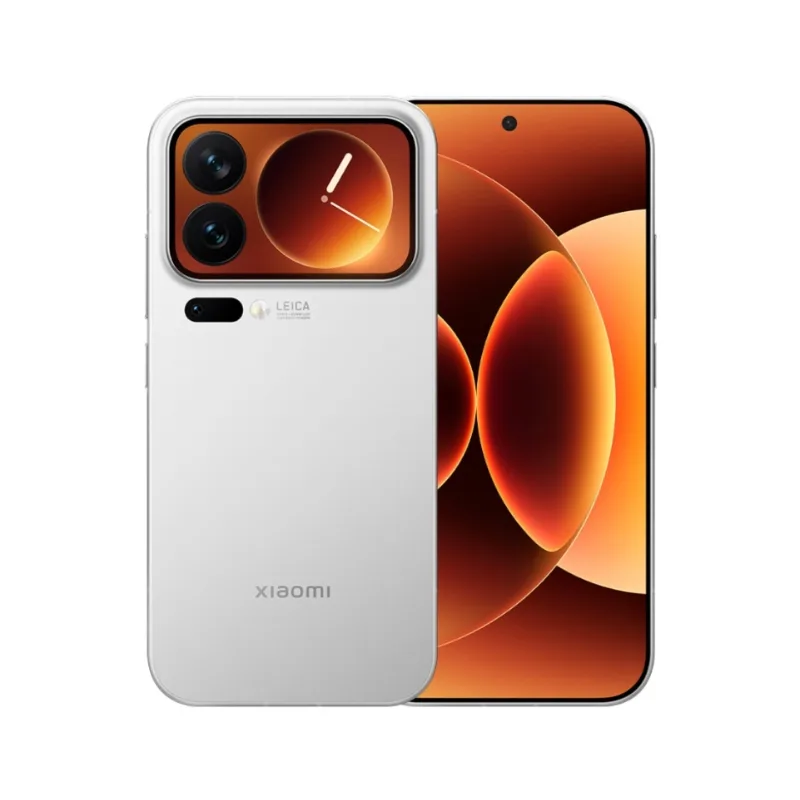
Xiaomi 17 Pro Max (China version)
From KSh 129,999 + VAT
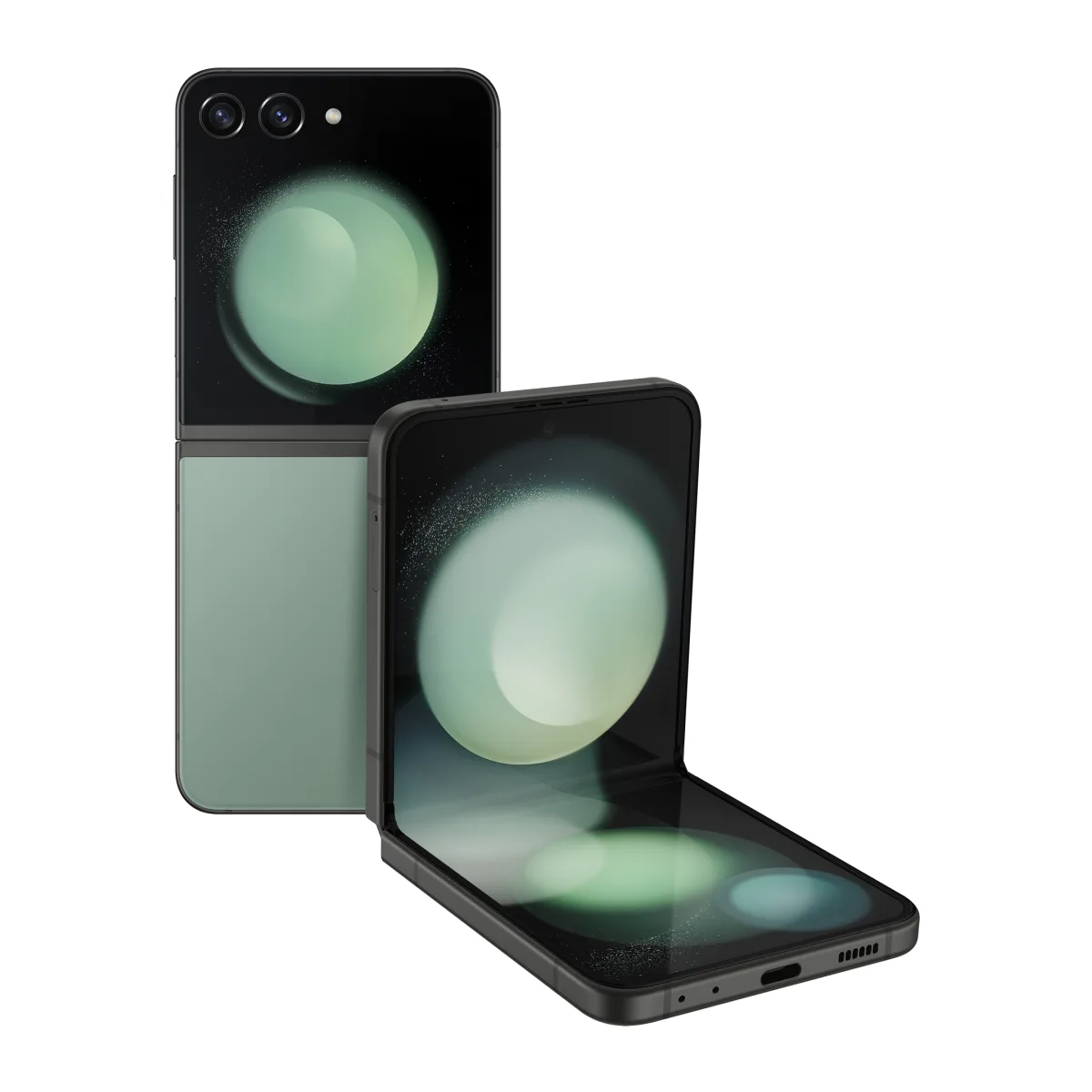
Samsung Galaxy Flip 5
KSh 71,000 + VAT
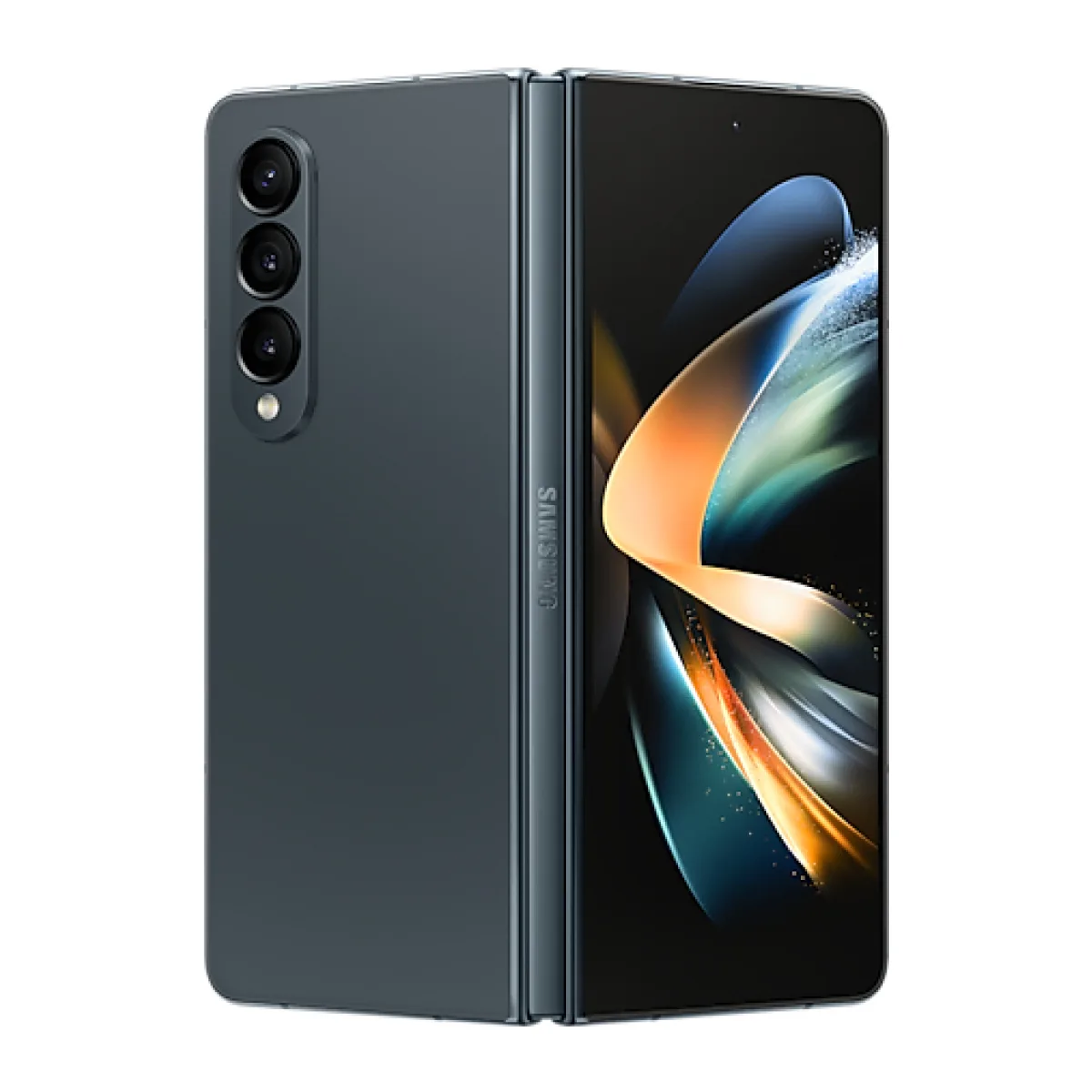
Samsung Galaxy Z Fold 4
KSh 68,000 + VAT
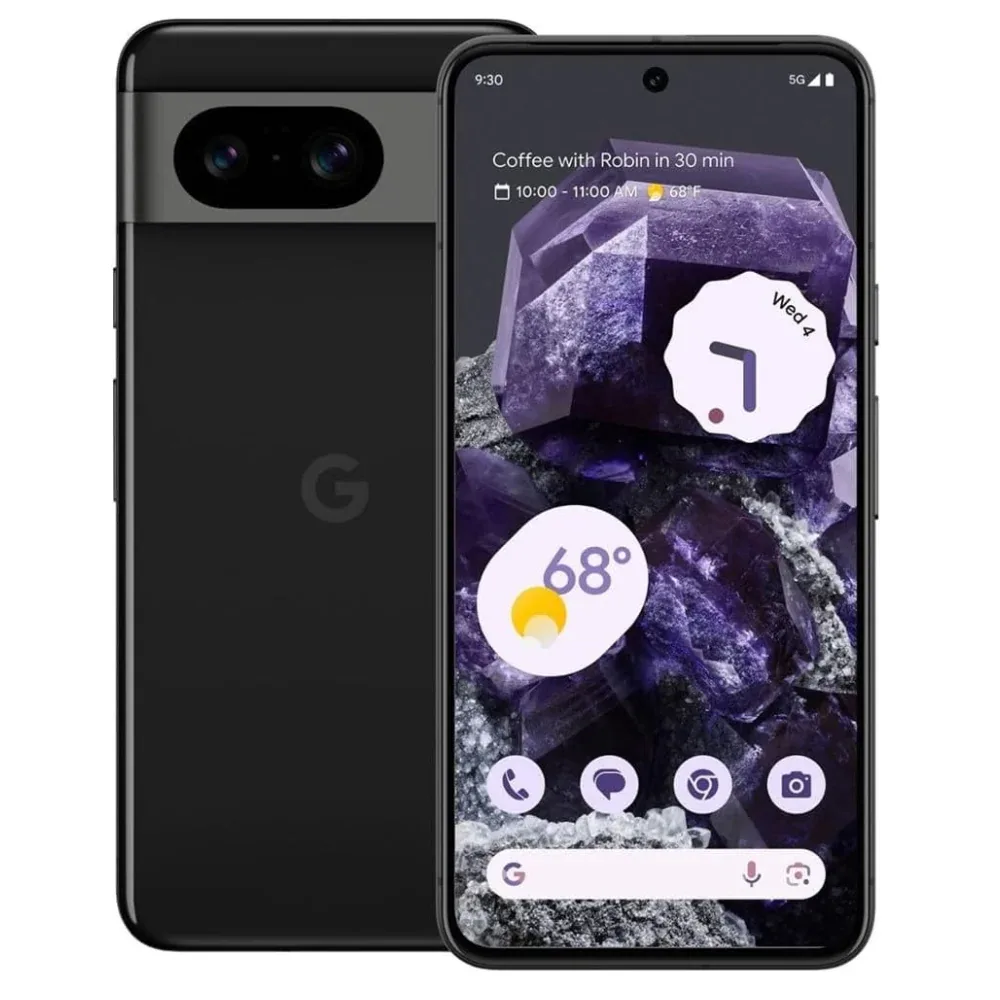
Google Pixel 8
KSh 62,500 + VAT
Buying from FancyTech
Visit us at Rehema House, Standard Street, Nairobi, or order online for delivery in 1–3 hours in Nairobi and next day countrywide. Delivery is KSh 300 in Nairobi and KSh 600 to other counties, and free on orders above KSh 150,000. Each listing states its condition and warranty. See our returns policy or contact us with any question.
Keep reading
How Much Storage and RAM Does Your Phone Really Need?
Plain-English advice on phone storage, RAM, memory cards and "extended RAM", with recommendations for different kinds of user.
5G Phones in Kenya: Do You Actually Need One?
What 5G offers in Kenya, how coverage and bands affect you, and when a 4G phone is still the smarter purchase.
Ex-UK vs Brand New Phones: What Kenyan Buyers Should Know
The real differences between Ex-UK and brand-new phones in Kenya, covering condition, batteries, warranty and value.
Returns and Warranty Explained for Kenyan Electronics Buyers
The difference between change-of-mind returns, faulty goods, manufacturer and seller warranties, and what to do when something goes wrong.
Phone Repairs in Nairobi: What to Know Before You Book
Common phone repairs such as screens and batteries, how to prepare your phone, and how to decide if a repair is worth it.
Lipa Mdogo Mdogo: How to Buy an iPhone and Pay in Instalments
How FancyTech's Lipa Mdogo Mdogo plan works, what it costs compared with cash, and how to decide if it is right for you.