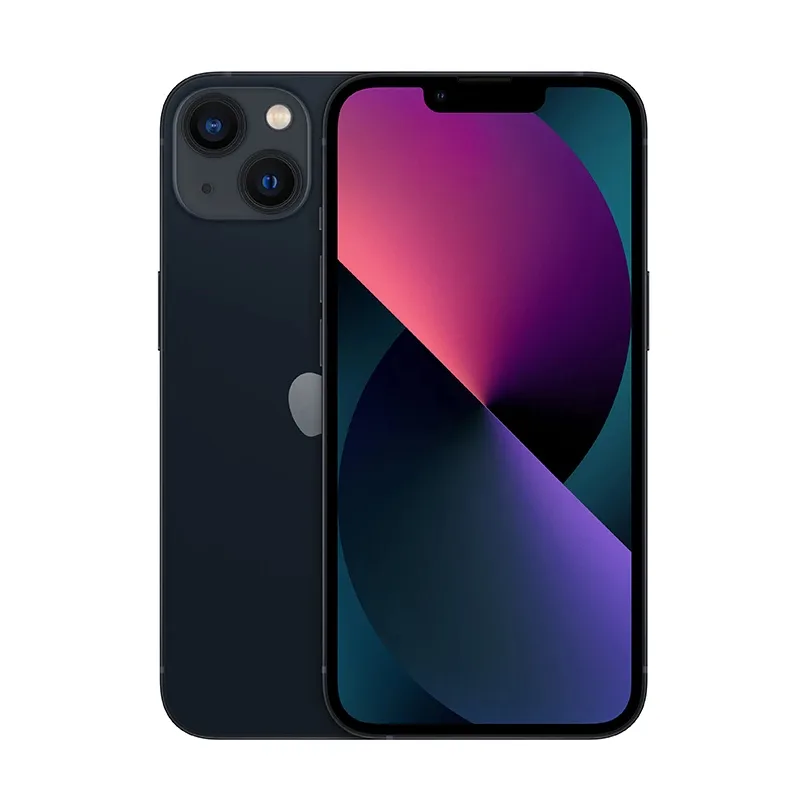
How to Set Up Ray-Ban Meta Glasses: Step-by-Step Guide
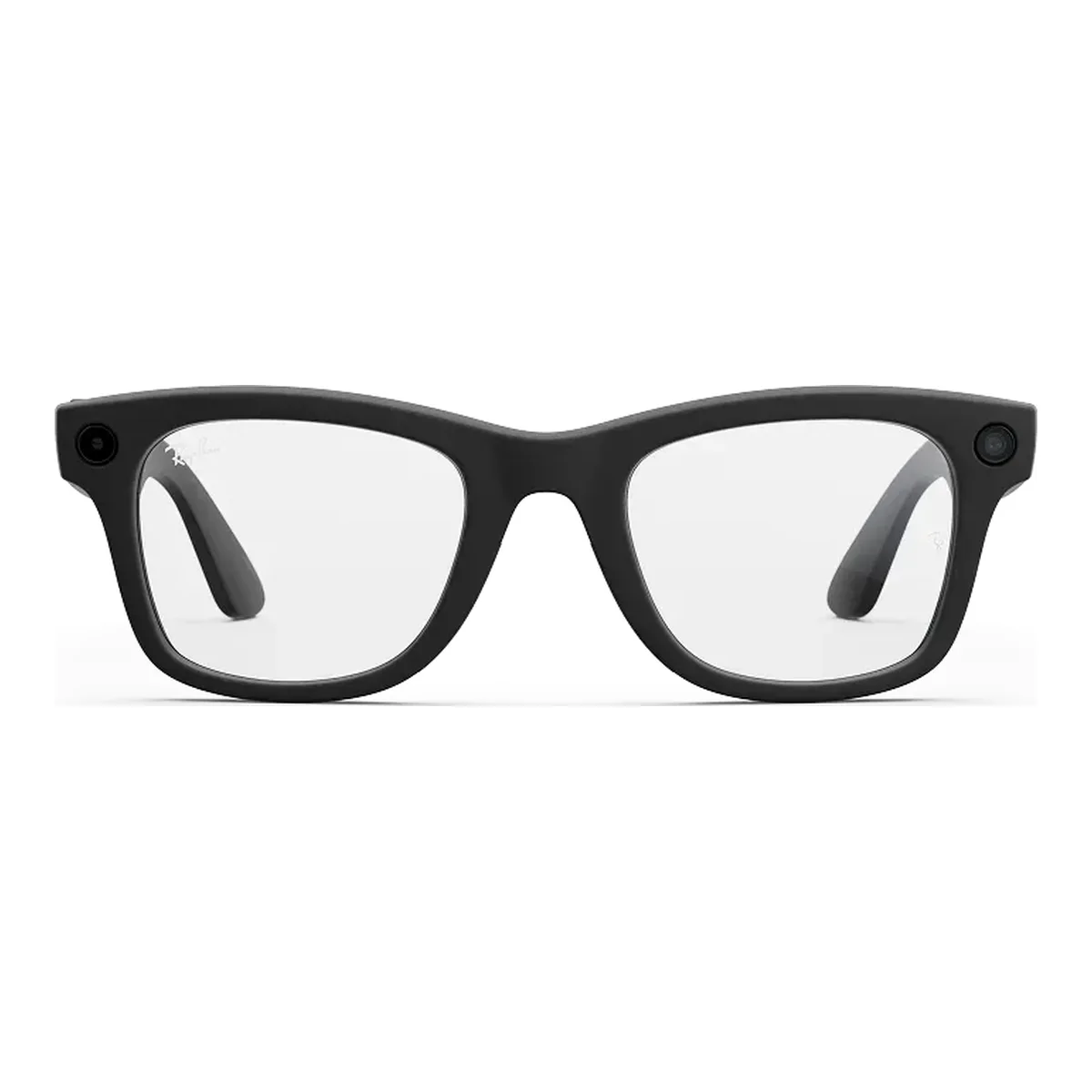
Setting up Ray-Ban Meta glasses takes about ten minutes. You need your phone, a Wi-Fi or data connection and the free Meta AI app.
Before you start
- Charge the glasses in their case for at least 30 minutes.
- Install the Meta AI app from the App Store or Google Play.
- Have your Meta account ready. You can sign in with Facebook or Instagram, or create a Meta account.
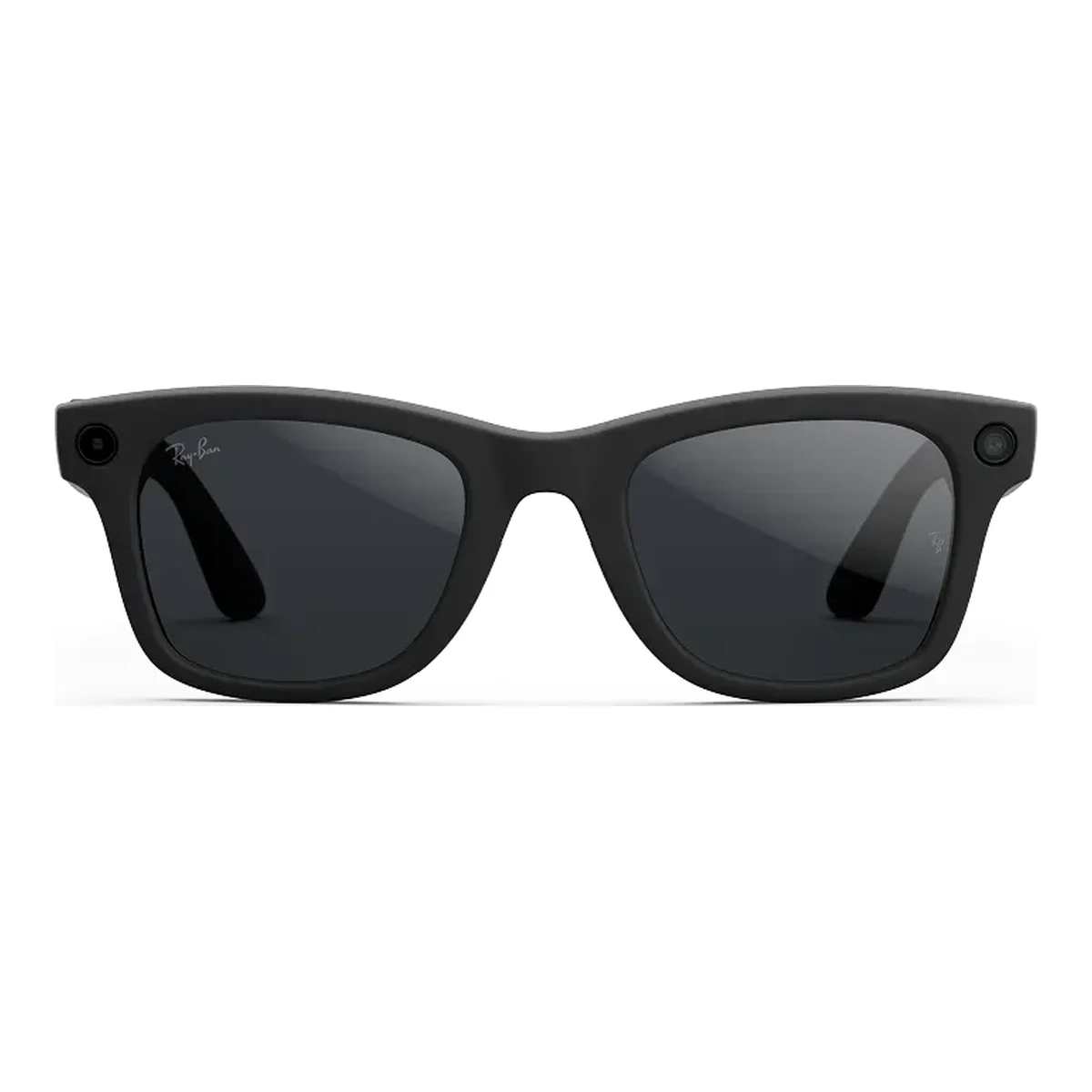
Step by step
1. Open the Meta AI app and sign in.
2. Open the case with the glasses inside. The light on the case shows they're ready to pair.
3. Follow the pairing prompts in the app. Allow Bluetooth, location and notifications when asked.
4. Update the software. The app will update the glasses. Keep them in the case and near your phone until it finishes.
5. Turn on Meta AI and choose whether to use "Hey Meta" hands-free.
6. Connect apps such as WhatsApp, Messenger, Instagram, Spotify or Audible.
Learn the controls
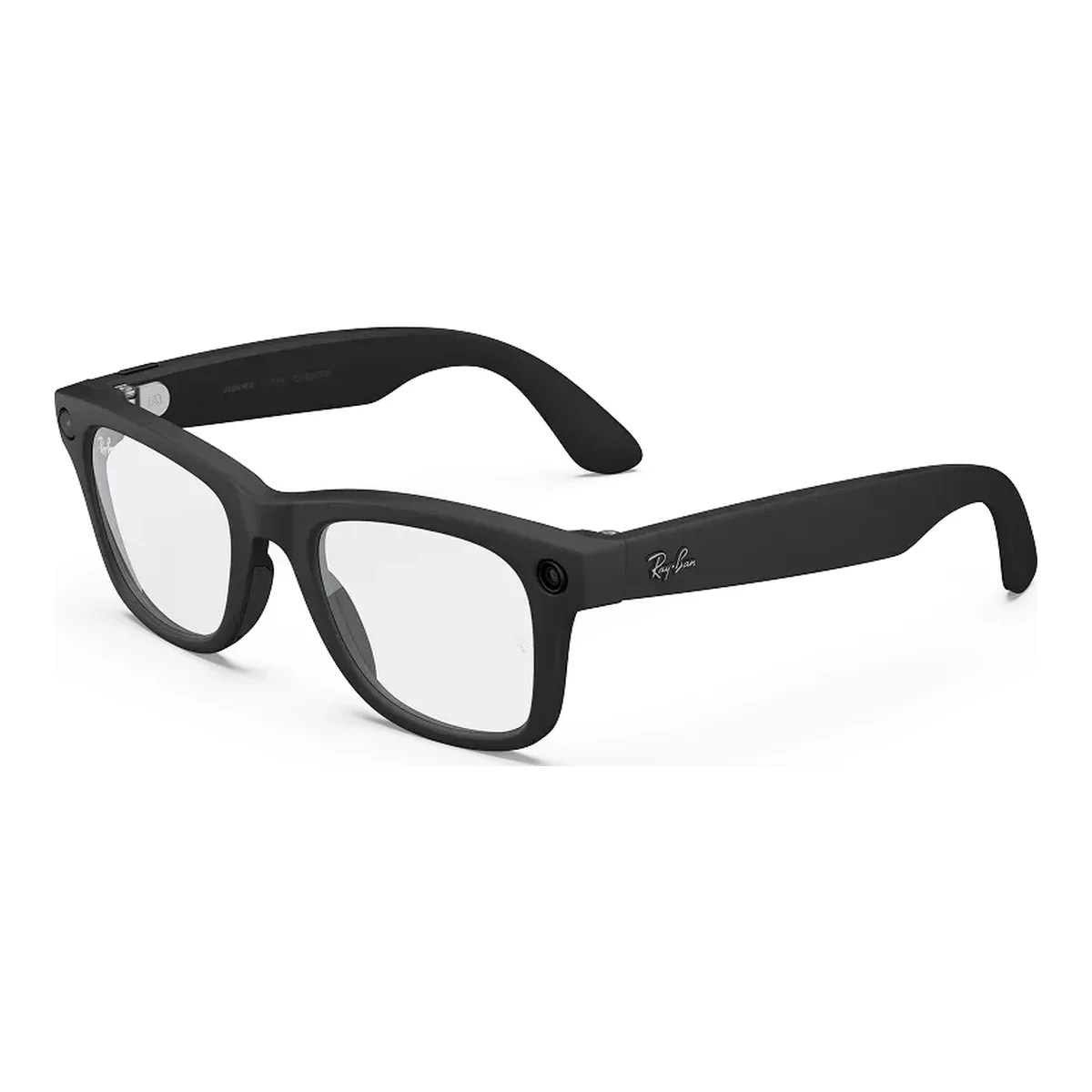
- Capture button (top of the right arm): press once for a photo, press and hold for video.
- Touchpad (side of the right arm): tap to play or pause, swipe forward or back to change volume.
- Voice: "Hey Meta, take a photo", "Hey Meta, record a video", "Hey Meta, send a message to…".
Getting your photos and videos
Photos and videos save on the glasses, then import into the Meta AI app, which can save them to your phone's gallery automatically. Turn on auto-import in the app's settings.
Privacy settings to check
In the app you can choose what is shared with Meta, turn off voice recordings storage and control which apps can use your glasses. Read our privacy and etiquette guide.
Questions and answers
Which app do Ray-Ban Meta glasses use?
The Meta AI app, which replaced the older Meta View app.
Do I need a Facebook account?
No. A Meta account is enough. You can link Facebook or Instagram if you want to share to them.
Can I use the glasses without the phone nearby?
You can take photos and videos, which save on the glasses. Meta AI, calls, music and messages need your phone connected.
In the shop now
Current prices and stock from our catalogue.
Ray-Ban Meta Wayfarer Gen 2 Smart Glasses
From KSh 57,999 + VAT
Buying from FancyTech
Visit us at Rehema House, Standard Street, Nairobi, or order online for delivery in 1–3 hours in Nairobi and next day countrywide. Delivery is KSh 300 in Nairobi and KSh 600 to other counties, and free on orders above KSh 150,000. Each listing states its condition and warranty. See our returns policy or contact us with any question.
Keep reading
Ray-Ban Meta Gen 2 Smart Glasses: Full Guide for Kenya
Everything the Ray-Ban Meta Wayfarer Gen 2 can do: 3K video, 12MP photos, Meta AI, open-ear audio, battery life, lens options and who should buy them in Kenya.
Ray-Ban Meta Battery Life, Charging and Care Tips
How long Ray-Ban Meta Gen 2 batteries last, how to charge the glasses and case, and how to clean, store and protect your AI glasses so they last for years.
AI Glasses for Content Creators: Ray-Ban Meta vs Action Cameras
How Kenyan creators use Ray-Ban Meta glasses for TikTok, Reels and vlogs, how they compare with GoPro, DJI and Insta360 cameras, and tips for better point-of-view video.
AI Glasses Privacy and Etiquette: How to Use Smart Glasses Respectfully
How the Ray-Ban Meta recording light works, your privacy settings, where not to wear camera glasses, and how to use AI glasses respectfully in Kenya.
Ray-Ban Meta Glasses with Prescription Lenses in Kenya
How to wear Ray-Ban Meta AI glasses with your prescription in Kenya: which frames work, how an optician fits lenses, and what to ask before you buy.
Ray-Ban Meta Clear vs Transitions Lenses: Which Should You Choose?
Clear and Transitions lenses on the Ray-Ban Meta Wayfarer Gen 2 compared for life in Kenya: indoors, outdoors, driving, sunshine and prescription use.