Lipa Mdogo Mdogo Requirements: Documents You Need and How to Get Your M-Pesa Statement
Applying for Lipa Mdogo Mdogo takes a few minutes if you have your documents ready. Here is exactly what you need and how to get each one.
The four requirements
1. National ID card (front and back) or passport.
2. A 3 or 6-month M-Pesa statement in PDF.
3. Your email address.
4. Next of kin: name, phone number and relationship to you.
How to get your M-Pesa statement
On your Safaricom line:
1. Open M-Pesa on your phone (SIM toolkit or the M-PESA app).
2. Go to My Account → M-Pesa Statement.
3. Choose the period (3 or 6 months) and enter your email address.
4. Safaricom emails a PDF statement and sends its password by SMS.
5. Upload the PDF in your application and include the password.
Taking good photos of your ID
- Place the ID on a dark, flat surface in good light.
- Make sure all four corners are visible and the text is sharp.
- No flash glare over the photo or numbers.
- Photograph both front and back.
Next of kin
Choose someone who knows you and can be reached by phone: a parent, spouse, sibling, relative or friend. Let them know you have listed them.
After you apply
We review your application and call you within one working day. Once approved, you pay the deposit by M-Pesa and we deliver your iPhone. See tips for a smooth application.
Questions and answers
What documents do I need for Lipa Mdogo Mdogo?
Your National ID (front and back) or passport, a 3 or 6-month M-Pesa statement in PDF, your email address and your next of kin's name, phone and relationship.
Can I use a passport instead of a National ID?
Yes. A passport is accepted.
Why do you need my M-Pesa statement?
It helps us assess your application. Your documents are stored privately, seen only by our team and deleted once no longer needed.
I did not receive the statement password. What now?
Safaricom sends the password by SMS to the line that requested the statement. Check your messages, or request the statement again.
In the shop now
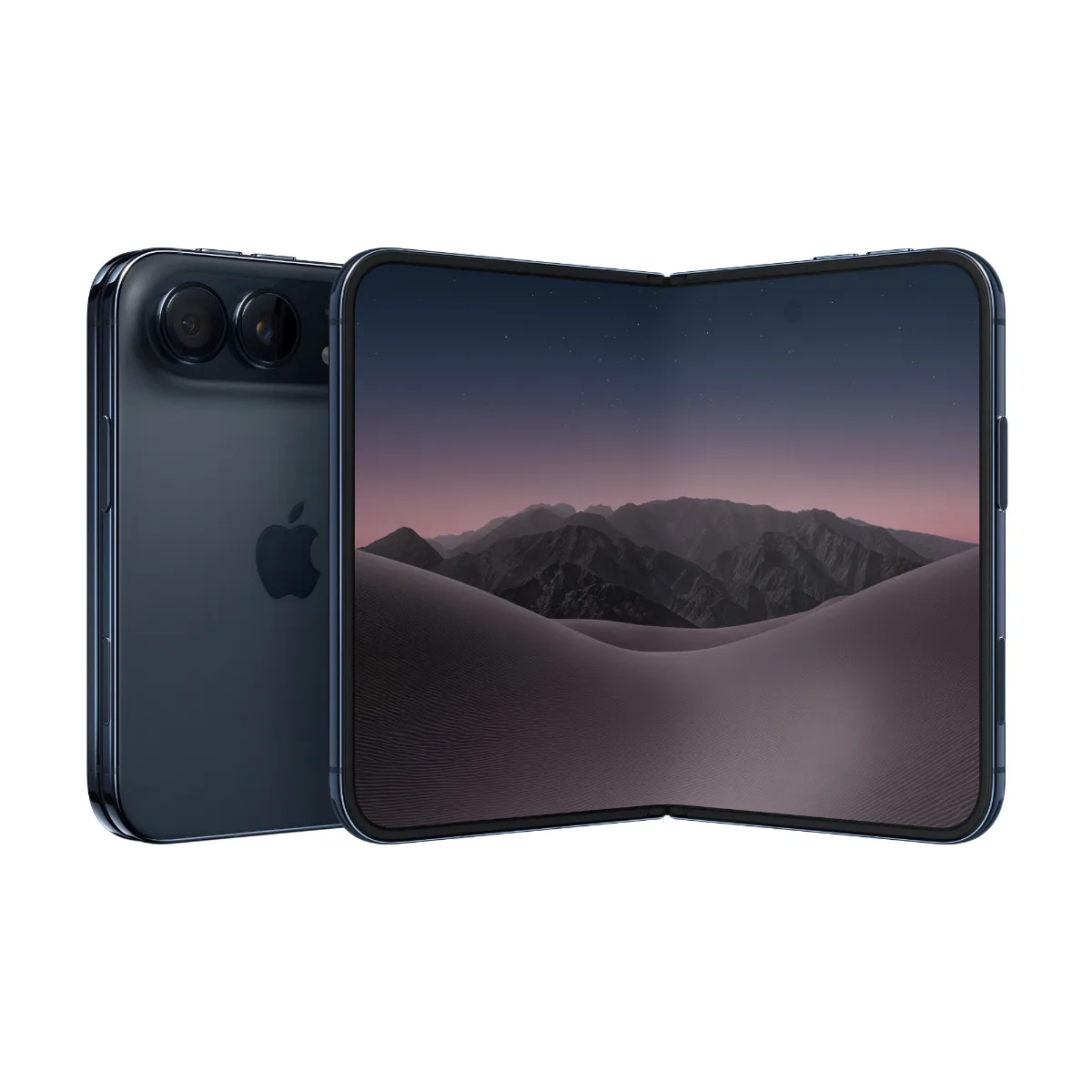
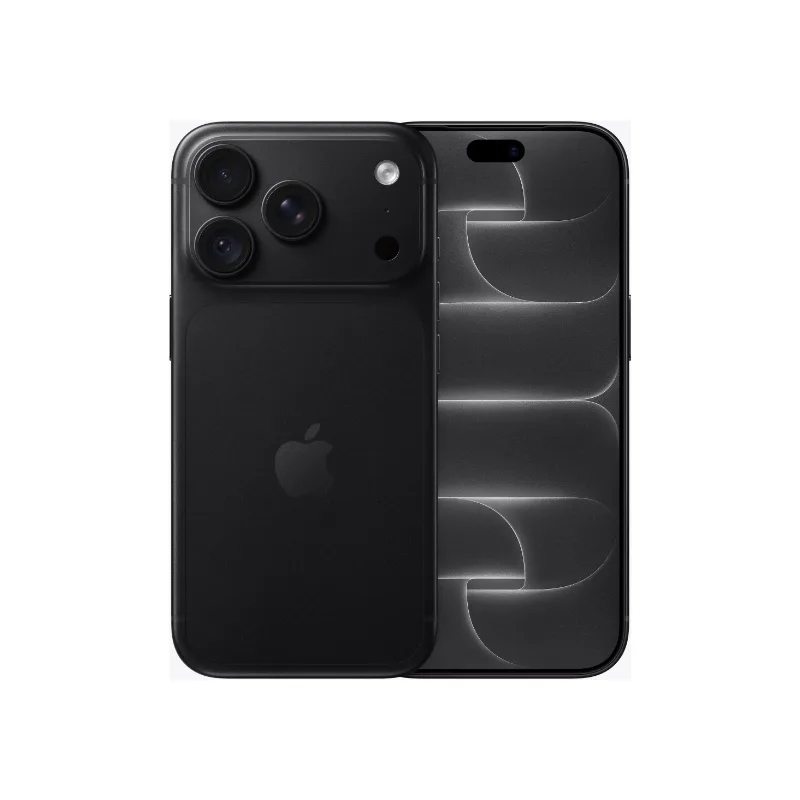
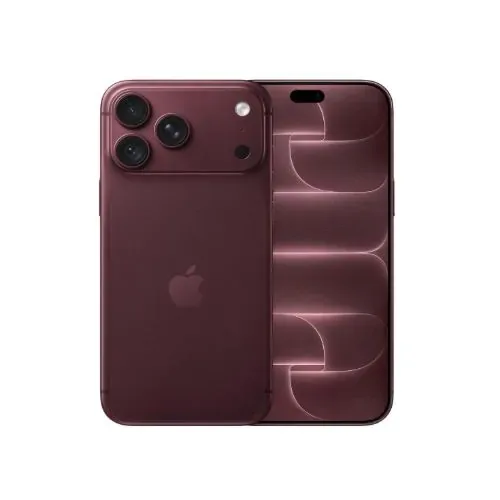
Current prices and stock from our catalogue.
Buying from FancyTech
Visit us at Rehema House, Standard Street, Nairobi, or order online for delivery in 1–3 hours in Nairobi and next day countrywide. Delivery is KSh 300 in Nairobi and KSh 600 to other counties, and free on orders above KSh 150,000. Each listing states its condition and warranty. See our returns policy or contact us with any question.
Keep reading
Lipa Mdogo Mdogo iPhones in Kenya 2026: The Complete Guide
Everything about buying an iPhone on Lipa Mdogo Mdogo (Lipa Pole Pole) in Kenya: deposit from 40%, weekly or monthly plans, requirements, costs and how to apply.
Lipa Mdogo Mdogo Application Tips: Get Approved Faster
Practical tips for a smooth Lipa Mdogo Mdogo application at FancyTech: clear documents, the right M-Pesa statement, choosing your plan and what happens next.
Lipa Mdogo Mdogo Deposit Explained: 40% vs 50% vs 60% and Beyond
How your deposit changes your Lipa Mdogo Mdogo instalments and total cost, with worked percentage examples and the free Apple 20W adapter at 50%.
Lipa Mdogo Mdogo Weekly vs Monthly Payments: Which Plan Suits You?
Should you pay your Lipa Mdogo Mdogo iPhone weekly over 12 or 24 weeks, or monthly over 3 or 6 months? How each plan works and who it suits.
Lipa Pole Pole Phones in Nairobi: Where to Buy an iPhone in Instalments
Looking for Lipa Pole Pole phones in Nairobi CBD? How FancyTech's iPhone instalment plan works, where our shop is on Standard Street, and how to visit or apply online.
iPhone 13 on Lipa Mdogo Mdogo: Is It the Best Value Instalment iPhone?
Why the iPhone 13 is the most popular Lipa Mdogo Mdogo phone in Kenya, how it compares with the iPhone 12 and 14, and how weekly and monthly plans work.